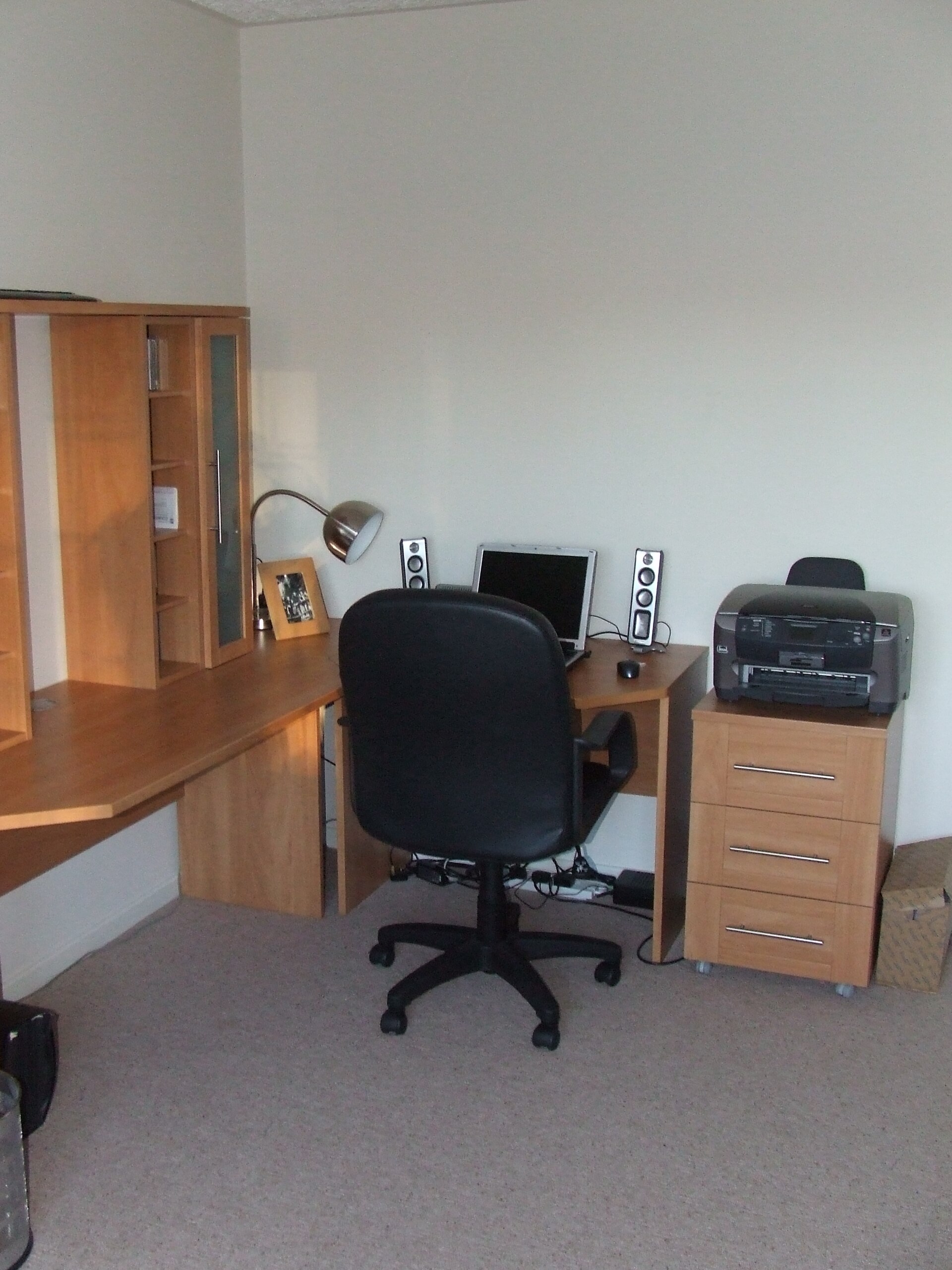
Ergonomic pointing comes down to how you want your arm to work. A trackball keeps the arm still: thumb or fingers roll a ball while your elbow stays parked. A vertical mouse keeps the movement but rotates your hand toward a handshake. For most people we recommend the Logitech MX Ergo S (thumb ball) or the Kensington SlimBlade Pro (finger ball) if the arm should stop moving, and the Logitech MX Vertical if it should not.
Quick Answer
A trackball keeps your arm stationary while thumb or fingers roll a ball, whereas a vertical mouse rotates your hand toward a handshake but still requires arm movement. For stationary setups, the Logitech MX Ergo S (thumb ball) or Kensington SlimBlade Pro (finger ball) are recommended; for handshake-style movement, the Logitech MX Vertical is the top pick.
As an Amazon Associate we earn from qualifying purchases. Product links on this page go to Amazon; picks are chosen from published manufacturer specifications, not paid placement.
Quick Picks
- Best Overall: Logitech MX Ergo S Wireless Trackball Mouse — Most desk workers who want their arm to stay still; listed for medium to large hands
- Best Finger-Operated: Kensington SlimBlade Pro Trackball — Ambidextrous finger-ball users who want Bluetooth, wired and twist scrolling
- Best Vertical Mouse: Logitech MX Vertical Ergonomic Mouse — Buyers who want handshake arm movement instead of a stationary ball
- Best Compact Thumb Trackball: ELECOM EX-G Wireless Trackball Mouse (Thumb Control) — Small desks and travel; 34 mm thumb ball in a 124.4 mm deep body
- Best Scroll Ring: Kensington Expert Mouse Wireless Trackball — Finger-ball users who want a scroll ring and a detachable wrist rest
- Best Large-Ball Palm Rest: ELECOM HUGE Wireless Trackball Mouse — Multi-monitor setups where a 52 mm ball and switchable DPI help tracking
How We Chose These Trackballs and Vertical Mice
We chose these six pointers from published manufacturer specifications — Logitech, Kensington and ELECOM — checked on 2026-10-06, with the Kensington Expert Mouse figures taken from its retail product listing. The criteria that decide fit are mechanical rather than aesthetic: how the pointer moves (thumb ball, finger ball, or a mouse you slide), the angle the shell holds your hand at, ball diameter, button count, connection type, warranty length and the footprint left on the desk. Nobody on staff bought or used these devices; the picks rest on those published numbers plus general ergonomics rules from our home office ergonomics checklist. Where a listing publishes no spec, we say so instead of guessing.
Trackball and Vertical Mouse Spec Comparison
| Product | Design | Tilt or Vertical Angle | Trackball Diameter | Buttons | Connectivity |
|---|---|---|---|---|---|
| Logitech MX Ergo S Wireless Trackball Mouse | Thumb-operated trackball | 20° adjustable | Not listed | 6 | Not listed |
| Kensington SlimBlade Pro Trackball | Finger-operated, ambidextrous | Not listed | 55 mm | Not listed | Bluetooth, 2.4 GHz, wired |
| Logitech MX Vertical Ergonomic Mouse | Vertical mouse | 57° | Not applicable | Not listed | Not listed |
| ELECOM EX-G Wireless Trackball Mouse (Thumb Control) | Thumb-operated trackball | Not listed | 34 mm | 6 | 2.4 GHz |
| Kensington Expert Mouse Wireless Trackball | Finger-operated, ambidextrous | Not listed | 55 mm | Not listed | 2.4 GHz, Bluetooth LE |
| ELECOM HUGE Wireless Trackball Mouse | Finger-operated | Not listed | 52 mm | 8 | 2.4 GHz |
The Six Picks in Detail
Logitech MX Ergo S Wireless Trackball Mouse
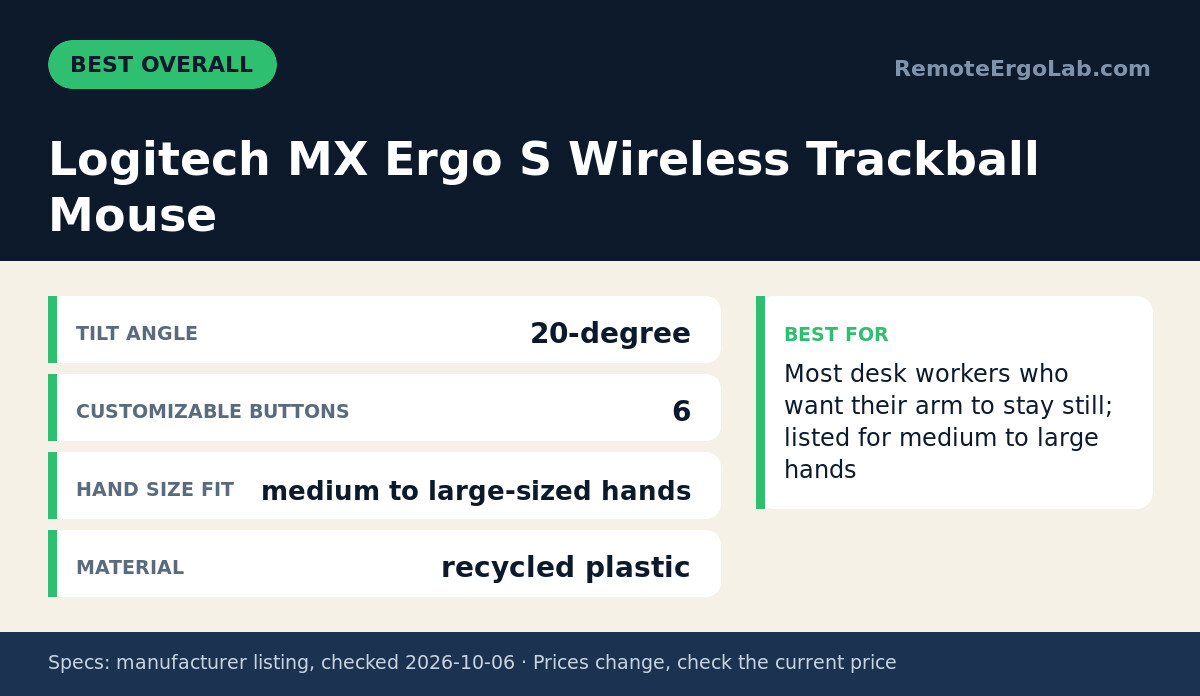
The MX Ergo S is our overall pick because it removes arm travel entirely: your thumb rolls the ball while forearm, elbow and shoulder stay where you put them. Logitech lists a 20-degree tilt, which raises the thumb side of the shell, and six customizable buttons, so middle-click or a shortcut can sit under a finger you do not point with. Fit is listed for medium to large hands, and the shell uses recycled plastic. The listing does not publish a ball diameter or connection details, so check the product page if those matter. The honest limitation: all pointing funnels through one thumb, and a long day of dragging windows can leave that joint tired, whereas a finger ball spreads the same work across three fingers. Skip it if your hands run small, since Logitech points this shape at medium and larger hands.
Kensington SlimBlade Pro Trackball
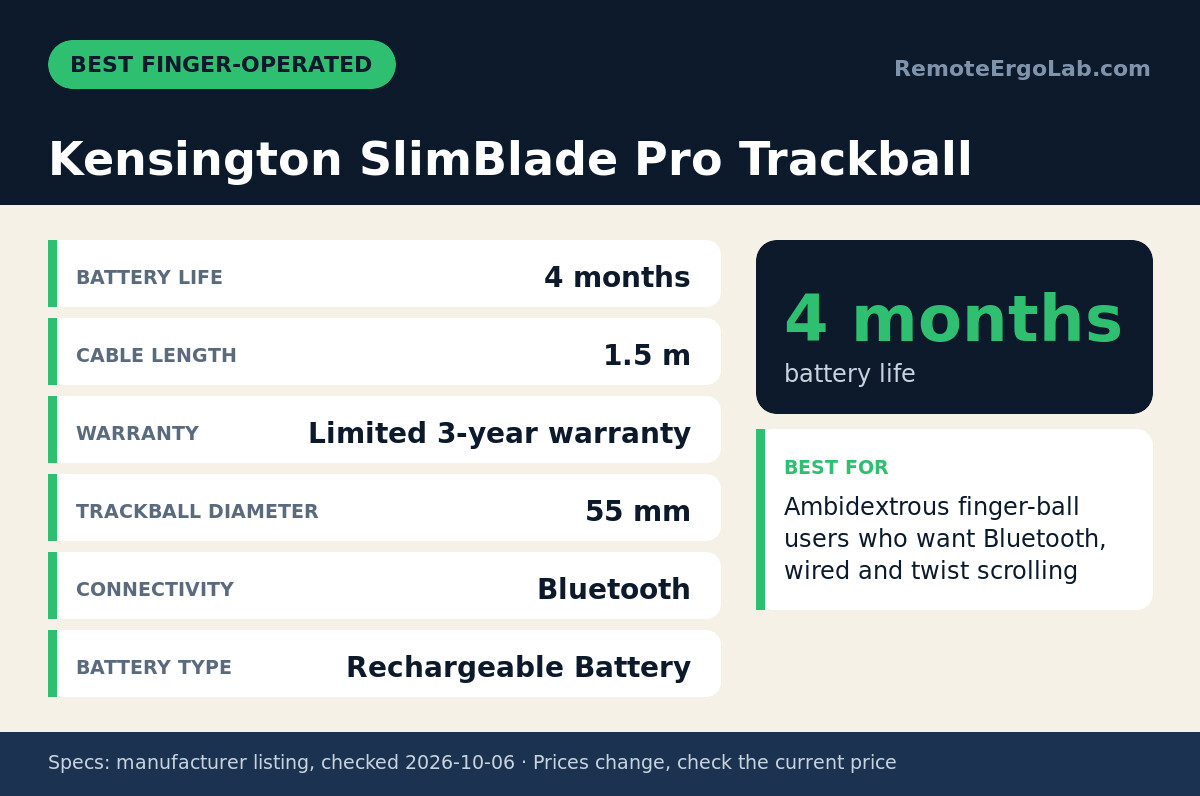
The SlimBlade Pro is the finger-operated answer: a 55 mm ball sits in a low, ambidextrous body, and you scroll by twisting the ball rather than reaching for a wheel. Kensington lists three connection modes — Bluetooth, a 2.4 GHz receiver and wired over the supplied 1.5 m cable — plus a rechargeable battery rated at 4 months per charge and a limited 3-year warranty. That combination suits hybrid setups where one device serves a laptop and a desktop. The trade-off is posture. No tilt angle is listed, and a flat, low deck keeps your hand flatter than a vertical mouse does, so what you gain is a stationary arm, not a changed forearm rotation. Skip it if the goal is rotating your wrist toward a handshake position; that is a vertical mouse’s job.
Logitech MX Vertical Ergonomic Mouse
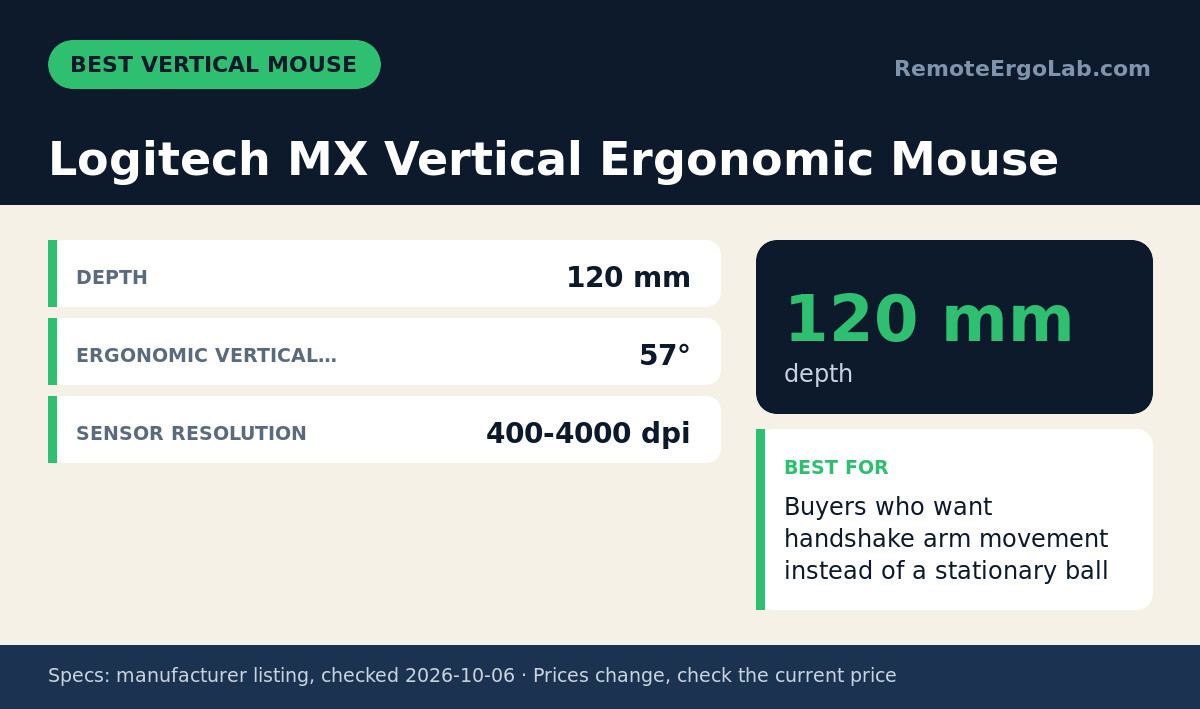
The MX Vertical covers the other half of the question. Logitech lists a 57-degree vertical angle that holds the hand in a handshake position and states it reduces muscle strain by 10 percent against a standard mouse. Sensor resolution runs from 400 to 4000 dpi, so you can slow the cursor for detail work or speed it up across two displays. Unlike a trackball, this mouse still travels; your arm and shoulder do the moving, which keeps the small muscles of the hand out of the job but leaves shoulder demand and a moving footprint in place. The body is 120 mm deep, so keep a clear strip of desk in front of you. Logitech does not publish a hand-size recommendation for this model in the listing we checked, and there is no tilt adjustment. Skip it if you want zero arm movement.
ELECOM EX-G Wireless Trackball Mouse (Thumb Control)
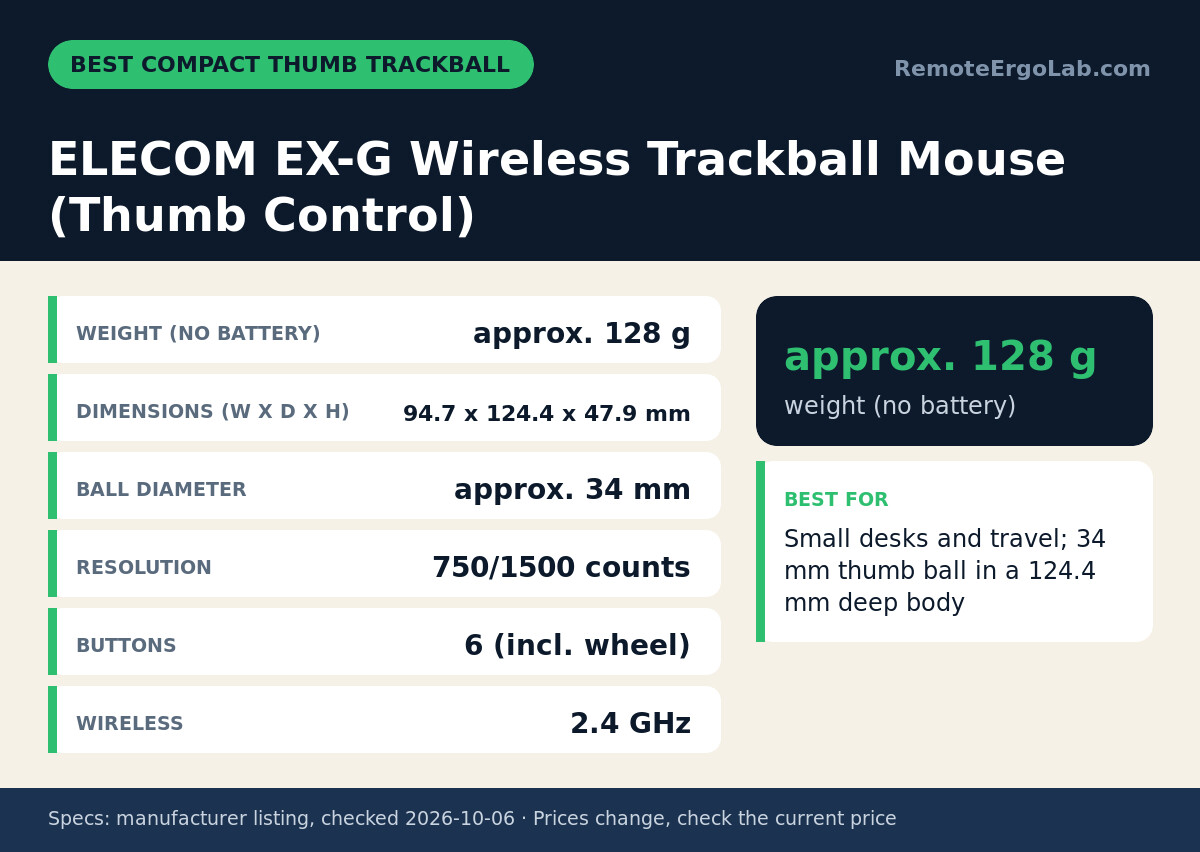
The EX-G is the compact thumb trackball of the group. ELECOM lists it at 94.7 mm wide, 124.4 mm deep and 47.9 mm high, weighing about 128 g without the single AA battery, with a 34 mm ball, switchable 750/1500 count resolution, six buttons including the wheel button, 2.4 GHz wireless and a six-month warranty. The narrow width suits a keyboard-adjacent position or a small desk, and thumb control keeps the forearm from rotating as you reach for a mouse. Two limits matter. The 34 mm ball is the smallest here, so crossing a wide monitor takes more thumb rolling than a 52–55 mm ball. There is also no Bluetooth, which means one USB-A port stays occupied. Skip it if you switch regularly between a laptop and a desktop, or want the longest warranty in this comparison.
Kensington Expert Mouse Wireless Trackball
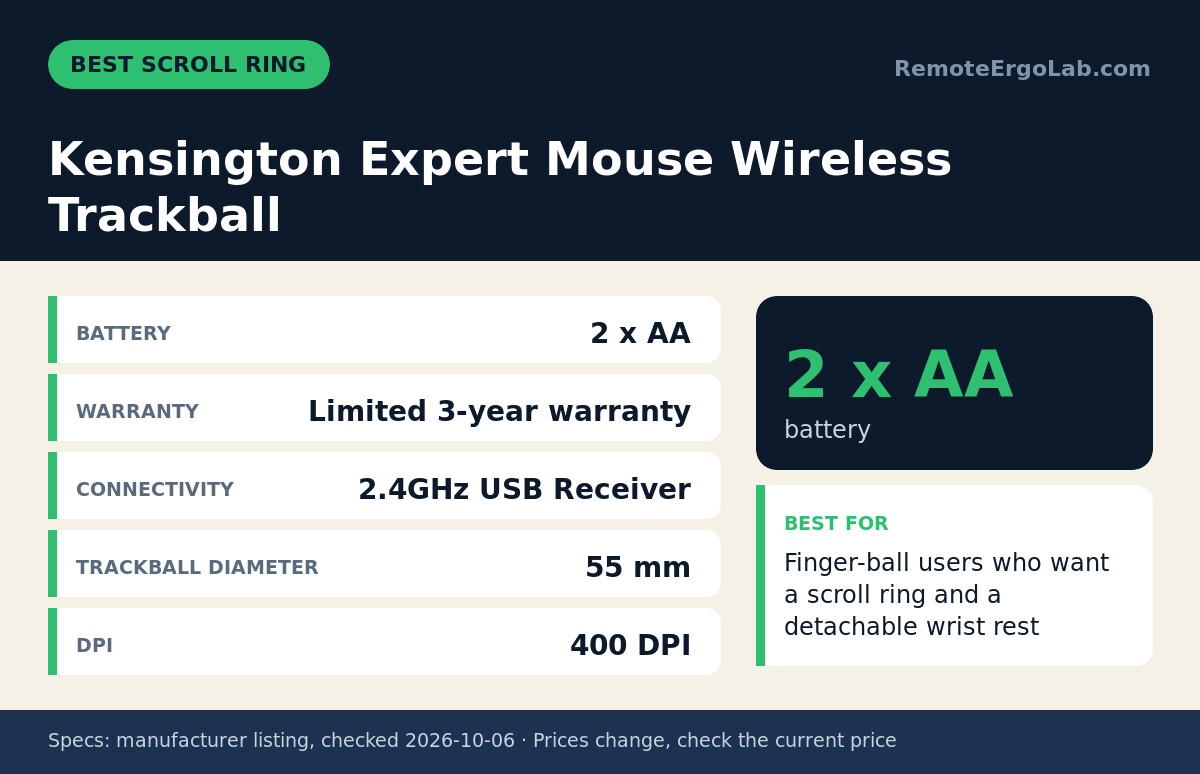
The Expert Mouse pairs a 55 mm finger ball with a scroll ring around it and a detachable wrist rest, so scrolling and clicking happen without moving the arm. Per its product listing, it connects over a 2.4 GHz USB receiver or Bluetooth LE, runs on two AA batteries, is rated at a fixed 400 dpi and carries a limited 3-year warranty. The ring is the differentiator for anyone scrolling constantly through long documents or code, because twisting a ball or dragging a wheel is not the same motion. Two caveats: resolution is fixed at 400 dpi with no adjustment, so on a very large multi-monitor desktop you roll the ball further to cross the screen, and the listing states no button count or tilt angle. Skip it if you need adjustable DPI.
ELECOM HUGE Wireless Trackball Mouse
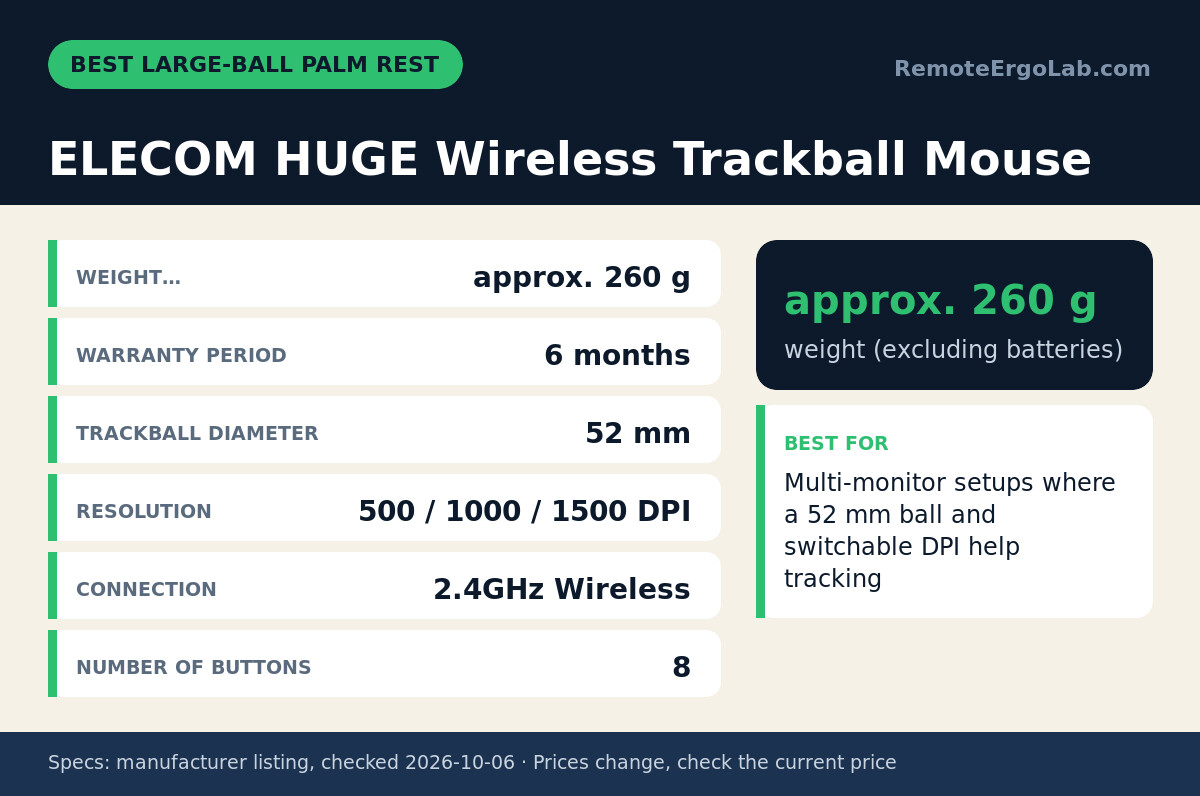
The HUGE is the largest device here and the one to choose when ball size is the priority. ELECOM lists a 52 mm finger ball, overall dimensions of 114.7 mm wide by 181.9 mm deep by 57.2 mm high, a weight of roughly 260 g without batteries, switchable 500/1000/1500 DPI, eight buttons, 2.4 GHz wireless and a six-month warranty, with the palm rest built into the shell. That integrated rest supports the heel of your hand, and finger control keeps the wrist from pronating as you reach sideways. Size is also the limitation: at 181.9 mm deep it needs genuine desk space in front of the keyboard, and at around 260 g it is not a travel device. Connection is 2.4 GHz only, with no Bluetooth. Skip it if your desk is shallow or you work from more than one room.
Who Should Skip All Six Picks
Skip this whole category if the ache starts above your wrist. Shoulder, neck and upper-back discomfort usually traces back to monitor height and chair setup, and no mouse shape fixes that — start with our monitor height guide. If your hands run small, these six shapes trend medium to large: Logitech lists the MX Ergo S for medium to large hands, the ELECOM HUGE is 114.7 mm wide and the Kensington balls measure 55 mm across, so read our picks for small hands instead. If you switch one laptop between rooms without a receiver, note that the EX-G and HUGE are 2.4 GHz only. And if you want vertical shapes in more sizes than one option, our vertical mice roundup covers five alternatives to the MX Vertical.
How to Measure Before You Buy
Take a tape measure to four numbers. First, the free strip of desk in front of your keyboard: the ELECOM HUGE is 181.9 mm deep, the EX-G 124.4 mm and the Logitech MX Vertical 120 mm, while Kensington publishes no depth for the SlimBlade Pro or Expert Mouse — check those listings before ordering. A trackball keeps a fixed footprint, so that strip only has to fit the body; a sliding mouse needs travel room, which is the hidden cost of the vertical design. Second, screen width against DPI: the Expert Mouse is fixed at 400 dpi, the HUGE switches 500/1000/1500 and the MX Vertical reaches 4000. Third, ball diameter, 34 mm on the EX-G against 52–55 mm on the finger balls. Fourth, warranty, 3 years on the two Kensington models against 6 months on both ELECOM devices. Set your chair so elbows rest near 90 degrees and forearms run roughly parallel to the floor before blaming the mouse.
FAQ
Is a trackball better than a vertical mouse for wrist pain?
They change different things. A trackball removes arm and forearm travel while keeping your hand in its usual palm-down orientation; a vertical mouse keeps the arm moving but rotates the hand toward a handshake at 57 degrees on the MX Vertical. Match the device to the movement that bothers you most. Persistent pain is a medical question, not a shopping one.
Do thumb-operated trackballs strain your thumb?
Mechanically they concentrate the work. The MX Ergo S and the EX-G put every click, drag and cursor movement under one thumb, and the EX-G’s 34 mm ball asks for more rolling per centimetre of cursor travel than a 55 mm ball. Finger-operated models such as the SlimBlade Pro, Expert Mouse and HUGE spread that work across three fingers instead.
How much desk space does a trackball need?
A trackball never slides, so the free strip only has to fit the body. ELECOM lists 124.4 mm depth for the EX-G and 181.9 mm for the HUGE; Kensington does not publish depth for the SlimBlade Pro or Expert Mouse, so measure the space you have and compare it with the listing before ordering. Leave clearance for your wrist to rest on the desk edge.
Do any of these connect over Bluetooth?
The Kensington SlimBlade Pro does, over Bluetooth, 2.4 GHz or a 1.5 m cable. The Expert Mouse connects on 2.4 GHz or Bluetooth LE. Both ELECOM models are 2.4 GHz only, so they occupy a USB-A receiver, and the manufacturer listings state no connectivity field for the MX Ergo S or MX Vertical — confirm those on their product pages.
What DPI do these trackballs and mice use?
The Expert Mouse is fixed at 400 dpi, the ELECOM HUGE switches 500/1000/1500, the EX-G switches 750/1500, and the MX Vertical spans 400 to 4000. Higher resolution moves the cursor further for the same ball or mouse movement, which matters more on a 32-inch display than on a laptop screen. Only the Expert Mouse offers no adjustment at all.
Can I pair a trackball with a vertical mouse on one desk?
Yes, and some remote workers do exactly that: a thumb or finger ball for spreadsheet and document work, then a vertical mouse when they want to slide and drag across a large canvas. Buy the shape that matches your longest daily task first. If you are unsure, start with the MX Ergo S, since its 20-degree tilt can be set flat while you adapt.
Shop These Picks on Amazon
Ready to compare prices? These links open the Amazon listings for the specific products covered in this guide, so you can check current models and prices yourself. If you buy through them, we may earn a small commission at no extra cost to you — it helps keep RemoteErgoLab free.
- Logitech MX Ergo S Wireless Trackball Mouse on Amazon
- Kensington SlimBlade Pro Trackball on Amazon
- Logitech MX Vertical Ergonomic Mouse on Amazon
- ELECOM EX-G Wireless Trackball Mouse (Thumb Control) on Amazon
- Kensington Expert Mouse Wireless Trackball on Amazon
- ELECOM HUGE Wireless Trackball Mouse on Amazon
Related Guides
- Best Keyboard and Mouse for Laptop Ergonomics (2026): 4 Picks
- How High Should Your Standing Desk Be? (2026)
- How High Should a Footrest Be? (2026 Height Chart and Measuring Guide)
Sources and Spec Checks
- Logitech MX Ergo S Wireless Trackball Mouse — source: logitech.com, checked on 2026-10-06.
- Kensington SlimBlade Pro Trackball — source: kensington.com, checked on 2026-10-06.
- Logitech MX Vertical Ergonomic Mouse — source: logitech.com, checked on 2026-10-06.
- ELECOM EX-G Wireless Trackball Mouse (Thumb Control) — source: elecom.co.jp, checked on 2026-10-06.
- Kensington Expert Mouse Wireless Trackball — source: amazon.com, checked on 2026-10-06.
- ELECOM HUGE Wireless Trackball Mouse — source: elecom.co.jp, checked on 2026-10-06.
Disclosure
As an Amazon Associate we earn from qualifying purchases. RemoteErgoLab picks products from published specifications and fit criteria; we have not physically tested the products in this guide. Prices and availability change, so check the current listing before you buy.
Featured image: Photo: Stubacca (CC BY-SA 3.0, via Wikimedia Commons).