
To stop monitor arm wobble on a thin desk, put a steel reinforcement plate between the clamp and the desktop so the load spreads over roughly 500 cm² instead of the 20–25 cm² a C-clamp foot presses on. On an 18 mm particleboard top that difference is what stops the core crushing and the arm tilting. The HUANUO plate (11 × 7 in, 1.32 kg alloy steel) is our top pick for C-clamp arms on particleboard or honeycomb tops, and the WALI kit (10.6 × 6 in, grommet or clamp) covers glass and thin wood. Every number below comes from the manufacturer listing cited in the section it appears in.
As an Amazon Associate we earn from qualifying purchases. Product links on this page go to Amazon; picks are chosen from published manufacturer specifications, not paid placement.
Quick Picks
- Best for C-Clamps: HUANUO Steel Monitor Mount Reinforcement Plate — C-clamp arms on particleboard or honeycomb desks that dent or flex at the clamp
- Best for Grommet or Clamp: WALI Monitor Mount Reinforcement Plate — Glass and thin wood desks using either a grommet or a C-clamp mount
- Best Heavy-Duty: VIVO Steel Reinforcement Bracket Mount Plate — Thin desks needing a listed 2.5 mm steel plate plus a support bracket
- Best Built-In Solution: BenQ Ergo Arm Single Monitor Arm — Buyers replacing their arm who want reinforcement plates included
How We Chose These Reinforcement Plates
We chose these picks from published manufacturer specs and retailer listings, checked on 2026-10-22. Nobody on our team installed them, so every number below comes from those listings. The criteria were measurable: steel construction, plate footprint in inches, listed plate thickness, which mounting types the plate supports (C-clamp, grommet or both), and whether the maker names thin, glass or fragile desks as a use case. We favored listings that state plate dimensions, because footprint is what decides how far the clamp load spreads. Where a listing leaves out a spec such as thickness or load rating, we say so instead of estimating. We also included one monitor arm that ships with its own reinforcement plates, for readers who are replacing the arm anyway.
Reinforcement Plate Comparison Table
| Product | Material | Plate Dimensions | Mounting Type | Thickness |
|---|---|---|---|---|
| HUANUO Steel Reinforcement Plate | Alloy steel | 7″ × 11″ (item dimensions 2 × 7 × 11 in) | C-clamp | Not listed |
| WALI Reinforcement Plate | All-steel | 10.6″ × 6″ | Grommet or C-clamp | Not listed |
| VIVO Steel Bracket Plate | Steel | 7.9″ × 6.1″ main, 6″ × 2″ support | C-clamp | 0.1″ (2.5 mm) |
| BenQ Ergo Arm | Steel plates included | Not listed | C-clamp | Not listed |
Steel Plate Picks for Thin Desks
HUANUO Steel Monitor Mount Reinforcement Plate
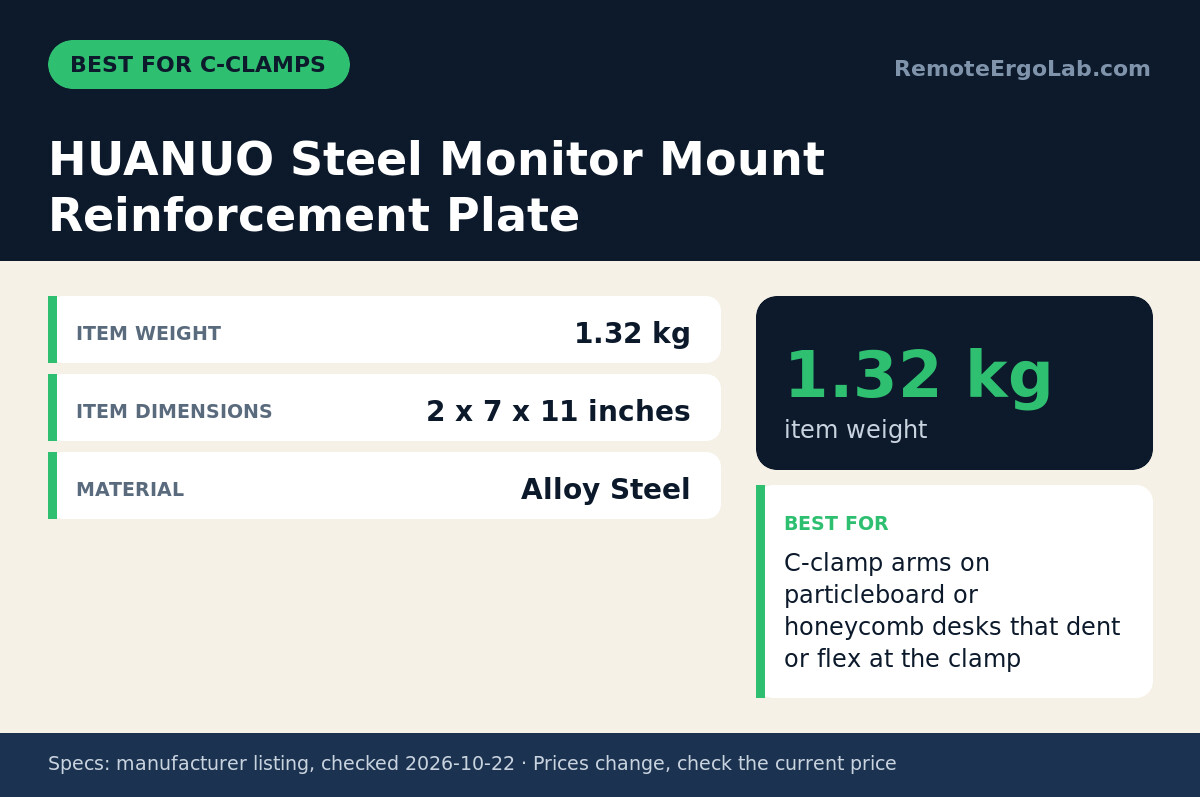
The HUANUO plate fits readers with a C-clamp arm on a particleboard or honeycomb desk that is starting to dent, crack or bow at the clamp. The listing gives item dimensions of 2 × 7 × 11 inches and a weight of 1.32 kg, and the material is alloy steel. A 7 × 11 inch footprint is far larger than the pad on a typical C-clamp, which is the point: the clamp squeezes the plate, and the plate presses on the desk over a much wider area. The listing describes it as a C-clamp reinforcement plate and does not mention grommet use. The honest limitation is missing data. The listing does not state plate thickness or a load rating, so you cannot confirm under-desk clearance or capacity from the spec sheet alone. Check the listing’s photos and Q&A for thickness, and measure the gap above any drawer or tray before ordering. At 1.32 kg it also adds noticeable weight under the desk edge.
Skip it if your arm uses a grommet mount through a drilled hole.
WALI Monitor Mount Reinforcement Plate
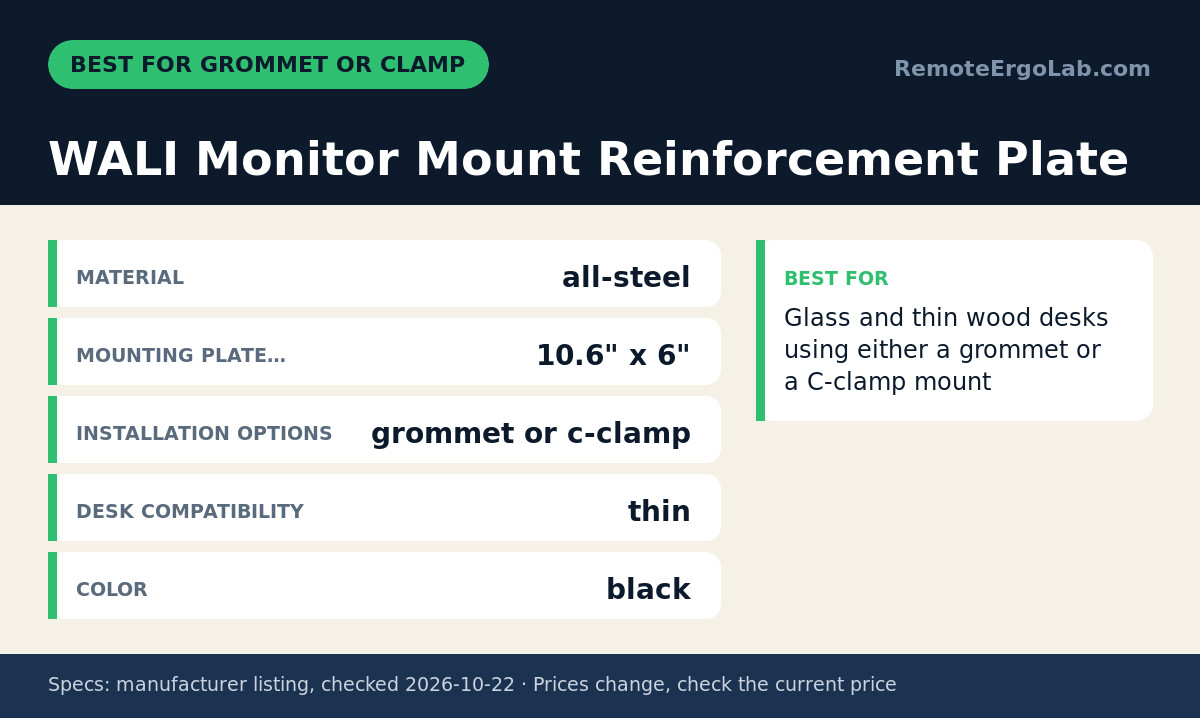
The WALI kit fits glass and thin wood desks, and it is the only plate here listed for both grommet and C-clamp installs. The manufacturer lists all-steel top and bottom plates, so the desktop is sandwiched rather than pressed from one side. Each mounting plate measures 10.6″ × 6″, the widest footprint in this group, and the maker names thin, wood, glass and other fragile desks as compatible. That top-and-bottom coverage matters most with grommet mounts, where a bare hole in a thin top concentrates the whole arm load around a small ring of material. The finish is black. The listing does not state plate thickness or a maximum desk thickness, so if your top is unusually thick or your arm has a short grommet bolt, check the listing for hardware length before buying. The 10.6 inch length also needs a clear stretch of underside, free of frame rails and drawer boxes.
Skip it if your desk’s underside has a frame rail or drawer within about 27 cm (10.6″) of the mounting spot.
VIVO Steel Reinforcement Bracket Mount Plate
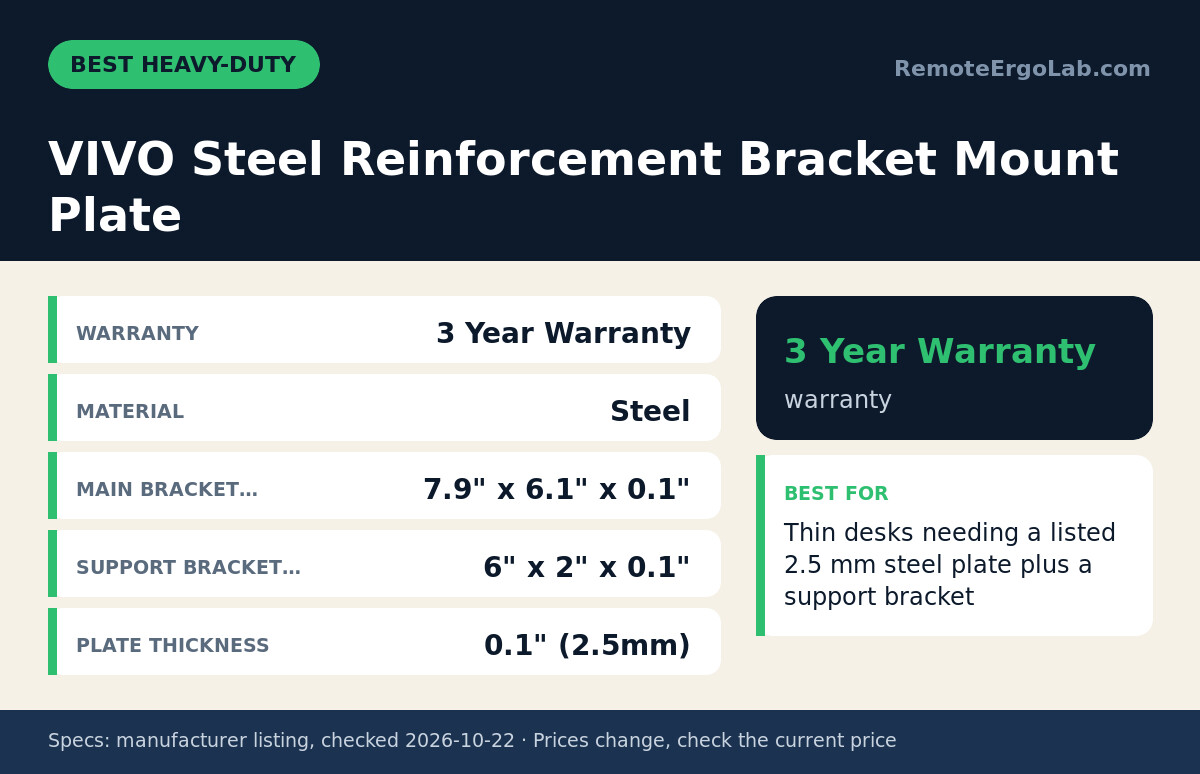
The VIVO bracket fits readers who want a listed thickness before they buy. The manufacturer gives a main bracket of 7.9″ × 6.1″ × 0.1″ and a support bracket of 6″ × 2″ × 0.1″, with plate thickness stated as 0.1″ (2.5 mm). That is the only explicit thickness among these picks, which makes clearance planning straightforward: you lose about 2.5 mm under the desk. The two-piece design spreads the clamp load across the main plate while the support bracket adds a second contact strip. VIVO backs it with a 3-year warranty. The limitation is that the listing does not state a load rating, so the plate does not raise your arm’s capacity; the arm’s own rating still sets the limit. The main plate is also smaller than the WALI’s 10.6″ length, so it spreads load over less area on very soft tops.
Skip it if you mount through a grommet hole or need the widest possible footprint.
BenQ Ergo Arm Single Monitor Arm
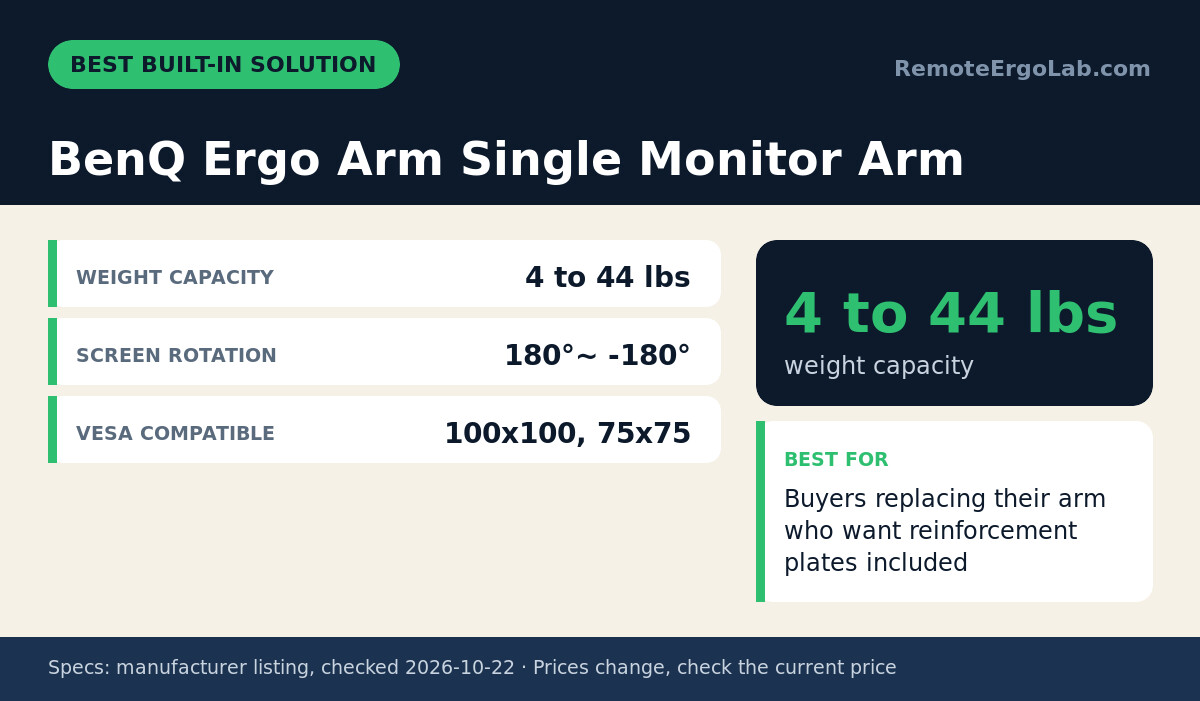
The BenQ Ergo Arm fits readers whose current arm is worn out or underrated and who want reinforcement in the box. The listing notes steel reinforcement plates and pads intended for mounting on glass or thin desktops. Rated capacity is 4 to 44 lbs (about 1.8 to 20 kg), VESA support is 75×75 and 100×100, and screen rotation is listed as 180° to -180°. Check your monitor’s weight with stand removed and confirm its VESA pattern before ordering. The limitation is that the listing does not give the included plate dimensions or thickness, so you cannot compare its footprint against the standalone plates above. If your desk is very soft particleboard or honeycomb, that missing footprint number matters. This is also a full arm purchase, not an add-on.
Skip it if your existing arm holds position well and only the desk is flexing; a standalone plate solves that for less.
Who Should Skip These Plates
Skip a reinforcement plate when the wobble is not coming from the desk. A plate fixes desktop flex and clamp damage, nothing else.
- Your arm drifts or sags when you let go: the tension or gas spring needs adjusting or the arm needs replacing.
- The whole desk rocks when you type: tighten leg bolts or shim uneven feet first.
- Your top is very thin or hollow (roughly under 1.5 cm) or annealed rather than tempered glass: avoid clamping and look at clamp-free monitor arms that sit on the surface.
- Your glass desk needs the gentlest possible contact: compare monitor arms built for glass desks first.
- You only use a laptop: a stand may be simpler, as covered in monitor arm vs laptop stand.
How to Fit and Install a Plate on a Thin Desk
Fit a plate in five checks: measure the top (18–25 mm covers most budget desks), pick a plate at least 5 cm wider than the clamp pad on each side (HUANUO 11 × 7 in, WALI 10.6 × 6 in), confirm 2.5 mm of spare clamp grip, re-clamp and look for a 0–1 mm gap, then hang the monitor. A tape measure and about ten minutes is the whole job. If you have not settled on a mount style, our guide to clamp vs grommet monitor mounts covers the trade-offs.
Desktop Thickness and Core Type
Desktop thickness and core type decide whether a plate is enough. Measure from the top surface to the underside at the edge where the clamp will go. As general guidance, particleboard and MDF tops often run 1.5 to 2.5 cm, and honeycomb tops have a thin skin over a hollow core, so they crush easily under a small clamp pad. Tap the edge: a hollow sound suggests honeycomb, which benefits most from the widest plate you can fit.
How much underside clearance does a reinforcement plate need?
Plan for up to 28 × 18 cm of flat underside plus 2.5 mm of added thickness. The plates here run 7.9″ to 11″ long (20–28 cm), and the VIVO STAND-AC01R is 0.1 in (2.5 mm) steel. Clear that whole area under the clamp spot of frame rails, drawer slides, cable trays and keyboard trays — anything within 28 cm of the clamp centre can foul the plate. If your drawer gap is under 5 cm, confirm the plate thickness on the listing before ordering.
Plate Footprint Versus Clamp Footprint
A plate should beat the clamp pad by about 20–25× in area. The 11 × 7 in HUANUO gives roughly 500 cm² against the 20–25 cm² a C-clamp foot presses on; the 10.6 × 6 in WALI gives about 410 cm².
- Measure the pad: most C-clamp feet are only 5–6 cm across.
- Aim for 2.5 cm of overhang of plate past the pad on every side.
- Two screens, bigger footprint: a two-arm post needs the larger plate.
Installation Steps
- Check the clamp range first. A plate adds about 2.5 mm of steel per side (the VIVO STAND-AC01R plate measures 0.1 in / 2.5 mm), so the clamp needs 2.5–5 mm of spare grip on an 18–25 mm top.
- Take the monitor off before loosening anything, so the clamp is not holding a 4–9 kg screen while you work.
- Clean both faces. Grit trapped between plate and glass is what scratches it.
- Centre the plate on the clamp foot and leave at least 2.5 cm of plate past the pad on every side — the HUANUO gives 11 × 7 in of footprint, the WALI 10.6 × 6 in. For grommet kits, align both plates with the hole.
- Tighten until firm, then stop. One extra quarter turn is enough; over-tightening is what cracks glass.
- Reload and re-check after a day, because particleboard keeps compressing under clamp pressure for the first day or two.
FAQ
Do reinforcement plates work on glass desks?
Reinforcement plates can work on glass desks when the glass is tempered and the plate has protective pads on the contact faces. The WALI kit — 10.6 × 6 in top and bottom plates — lists glass as a compatible surface and covers both grommet and clamp installs. Bare steel on glass can scratch or create pressure points, so add felt or rubber if pads are not included. Most desk glass is 6–10 mm tempered; anything thinner, or annealed glass, is better served by a clamp-free mount.
Can I use a reinforcement plate with a dual monitor arm?
A reinforcement plate works with a dual monitor arm as long as the clamp sits within the plate’s footprint. Two screens on one post put more leverage on the desk edge, so choose a larger plate such as the WALI (10.6″ × 6″). None of the plate listings here state a load rating, so the arm’s own capacity remains the limit. Thin honeycomb tops may still flex with two heavy screens.
Will a reinforcement plate stop my desk from wobbling?
Yes, if the wobble starts at the desktop rather than at the arm joint. A plate spreads the clamp load over about 25× the contact area of the clamp foot — roughly 500 cm² on the 11 × 7 in HUANUO against 20–25 cm² under a bare clamp — which is what stops an 18 mm particleboard top from dimpling and letting the arm lean. Look for a 1–3 mm dip or a crushed ring under the clamp: that is the pattern a plate fixes. If the arm joint itself drifts, adjust the gas-spring tension first; a plate will not help there.
How thick should a monitor arm reinforcement plate be?
Plate thickness matters less than footprint and steel construction for most single-monitor setups. The VIVO bracket is the only pick with a listed thickness, 0.1″ (2.5 mm). The HUANUO and WALI listings do not state thickness, so check those listings if your under-desk clearance is tight. A wider plate spreads load more than a slightly thicker one of the same size.
Do I need a reinforcement plate if my desk has a metal frame?
A metal frame does not protect the desktop at the clamp, so you may still need a plate. The clamp presses on the top surface, and a thin particleboard, honeycomb or glass top can dent or crack there regardless of the frame. As general guidance, solid wood tops around 3 cm thick or more usually handle a standard clamp without a plate.
Can I move a reinforcement plate to a different desk?
Steel reinforcement plates are reusable on another desk when the underside has clearance for the plate footprint (about 500 cm² for the HUANUO, 410 cm² for the WALI) and your mount type matches. The WALI kit supports both grommet and C-clamp installs, so it adapts to more desks. Check the new top is 18–30 mm thick and the clamp still has 2.5 mm of spare grip, then inspect the plate for bends or rust, clean both faces and replace worn pads.
Shop These Picks on Amazon
Ready to compare prices? These links open the Amazon listings for the specific products covered in this guide, so you can check current models and prices yourself. If you buy through them, we may earn a small commission at no extra cost to you — it helps keep RemoteErgoLab free.
- HUANUO Steel Monitor Mount Reinforcement Plate on Amazon
- WALI Monitor Mount Reinforcement Plate on Amazon
- VIVO Steel Reinforcement Bracket Mount Plate on Amazon
- BenQ Ergo Arm Single Monitor Arm on Amazon
Related Guides
- Monitor Arm or Monitor Stand? Which Saves Desk Space
- 7 Monitor Arms for 27-Inch Screens That Hold (2026)
- Laptop Stand vs External Monitor: Which Fixes Neck Pain?
Sources and Spec Checks
- HUANUO Steel Monitor Mount Reinforcement Plate — source: amazon.com, checked on 2026-10-22.
- WALI Monitor Mount Reinforcement Plate — source: walielectric.com, checked on 2026-10-22.
- VIVO Steel Reinforcement Bracket Mount Plate — source: vivo-us.com, checked on 2026-10-22.
- BenQ Ergo Arm Single Monitor Arm — source: amazon.com, checked on 2026-10-22.
Disclosure
As an Amazon Associate we earn from qualifying purchases. RemoteErgoLab picks products from published specifications and fit criteria; we have not physically tested the products in this guide. Prices and availability change, so check the current listing before you buy.
Featured image: Photo: Design by Matt (CC cc0 1.0, via Openverse).