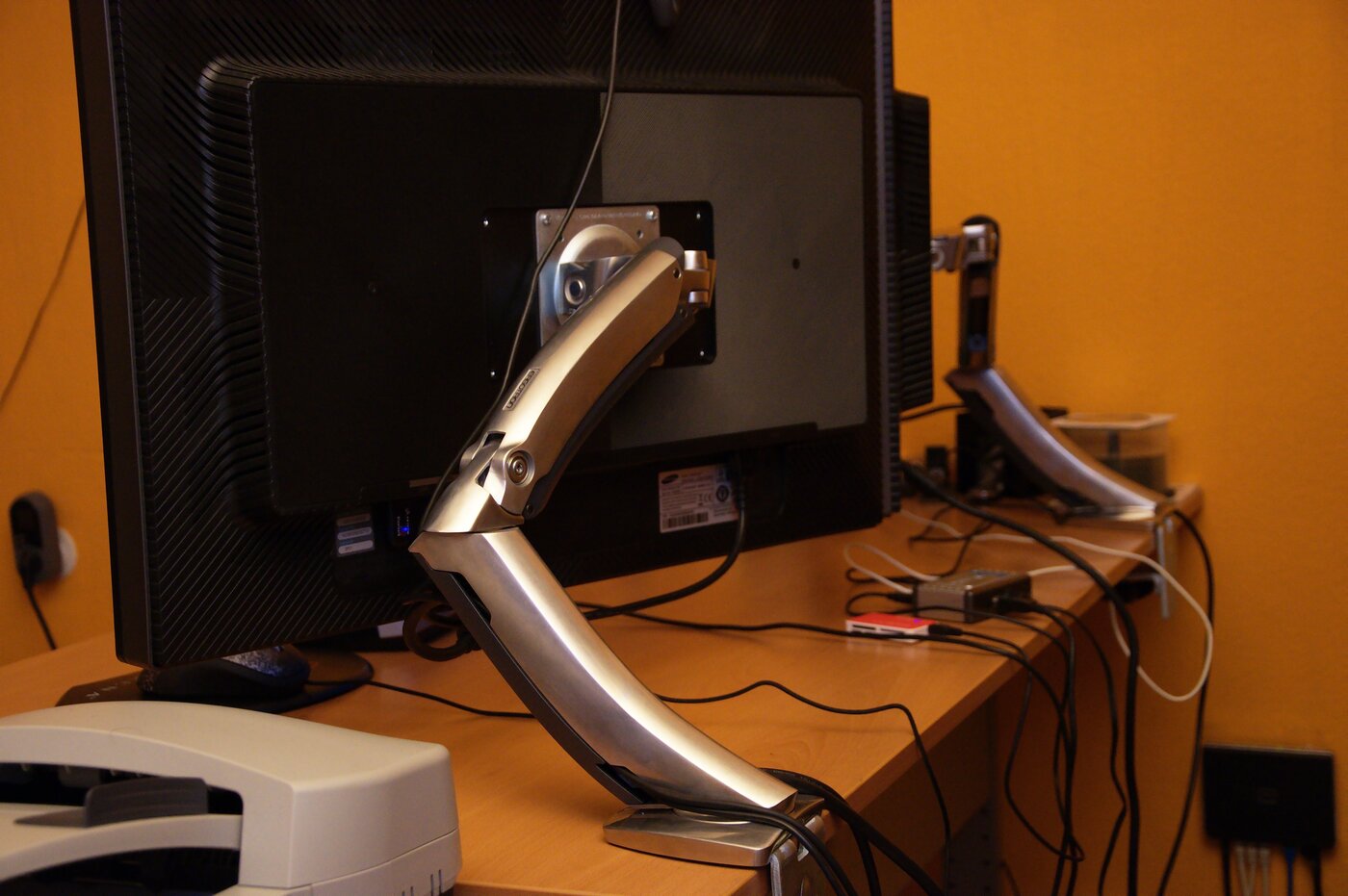
VESA laptop trays attach to monitor arms using the same 75×75 mm or 100×100 mm hole patterns found on most displays, lifting your laptop screen to eye level and clearing your desk entirely. We chose the HumanCentric VESA Mount Tray as the best overall for its adjustable side clamps that fit 10- to 15.6-inch laptops and compatibility with both VESA patterns.
As an Amazon Associate we earn from qualifying purchases. Product links on this page go to Amazon; picks are chosen from published manufacturer specifications, not paid placement.
Quick Picks
- Best Overall: HumanCentric Laptop VESA Mount Tray for Monitor Arms — Most monitor arms with 75×75 or 100×100 VESA, laptops 10–15.6 inches
- Best Heavy-Duty: Ergotron LX Notebook Arm Mount Tray — Demanding setups needing 5-year warranty and laptops up to 17.3 inches
- Best Dual Setup: VIVO Single Monitor and Laptop Desk Mount — Pairing a laptop and monitor on one pole for full desk clearance
- Best Budget Dual: WALI Laptop and Monitor Desk Mount Stand — 17-inch laptops paired with monitors up to 27 inches on a budget
How We Chose These VESA Laptop Trays
We selected VESA laptop trays by matching manufacturer specs to common monitor arm VESA patterns, laptop size ranges, and weight capacity. Every product listed supports standard 75×75 mm or 100×100 mm VESA mounts. Specs were checked against manufacturer and retailer listings on October 6, 2026. We prioritized trays with adjustable clamps or rails to accommodate a range of laptop widths, steel construction for durability, and clear weight limits. Dual monitor-and-laptop arms were included only if they met the same VESA compatibility criteria and offered full desk clearance.
VESA Laptop Tray Comparison
| Product | VESA Pattern | Laptop Size | Weight Capacity | Clamp/Rail Range |
|---|---|---|---|---|
| HumanCentric Laptop VESA Mount Tray | 75×75, 100×100 mm | 10–15.6″ | Not listed | 9.5–16.5″ |
| Ergotron LX Notebook Arm Mount Tray | 75×75 mm (MIS-D) | ≤17.3″ | Not listed | Adjustable safety rails |
| VIVO Single Monitor and Laptop Desk Mount | 75×75, 100×100 mm | 13–17″ | 22 lbs total | Tray 14×11.5″ |
| WALI Laptop and Monitor Desk Mount Stand | Not listed | Up to 17″ | 22 lbs per arm | Vented tray, ±90° tilt |
VESA Laptop Tray Reviews
HumanCentric Laptop VESA Mount Tray for Monitor Arms
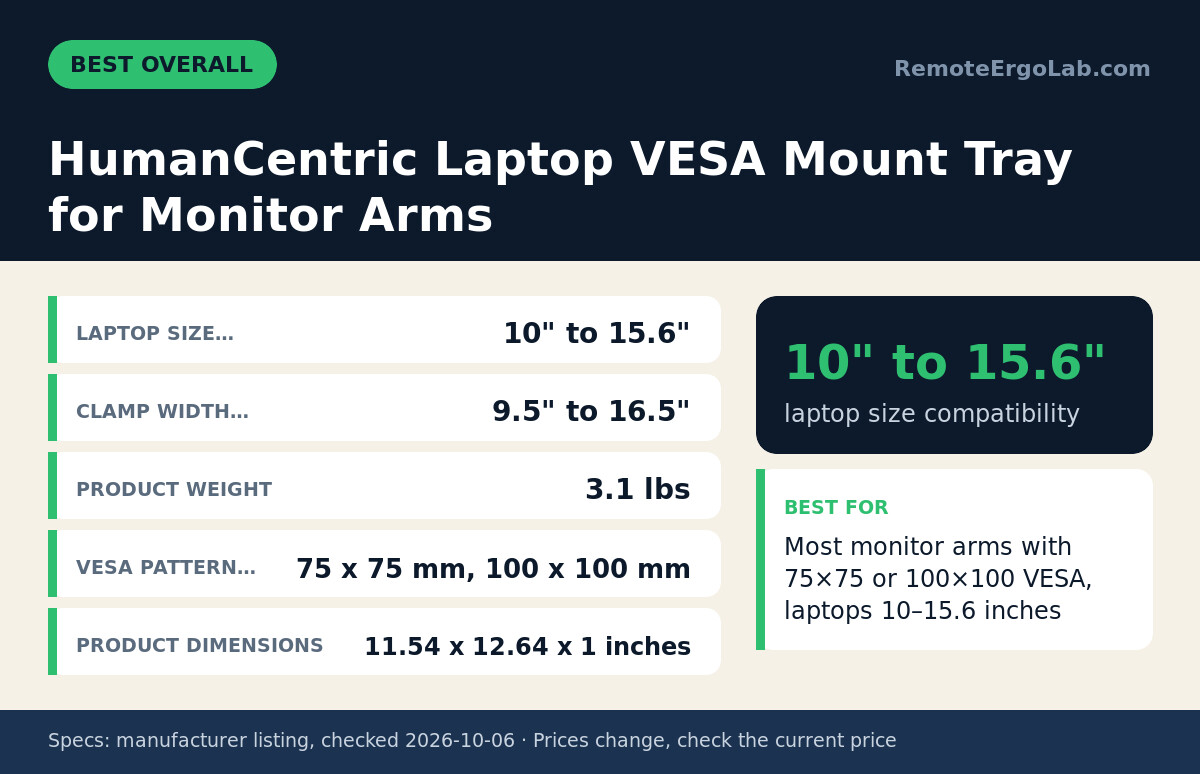
The HumanCentric tray fits laptops from 10 to 15.6 inches using side clamps that adjust from 9.5 to 16.5 inches. It mounts to monitor arms with 75×75 mm or 100×100 mm VESA patterns, covering most single-arm setups. The steel plate measures 11.54×12.64 inches and weighs 3.1 pounds. Non-slip rubber pads line the tray surface to hold your laptop in place. The clamp design means you can position the laptop at any width within the range without tools, which matters if you swap between a 13-inch and a 15-inch device. The manufacturer does not list a weight limit, so if your laptop exceeds typical ultrabook weights (around 4–5 pounds), check the load capacity of your monitor arm before mounting. Skip it if your laptop is wider than 16.5 inches or your monitor arm uses a proprietary VESA variant.
Ergotron LX Notebook Arm Mount Tray
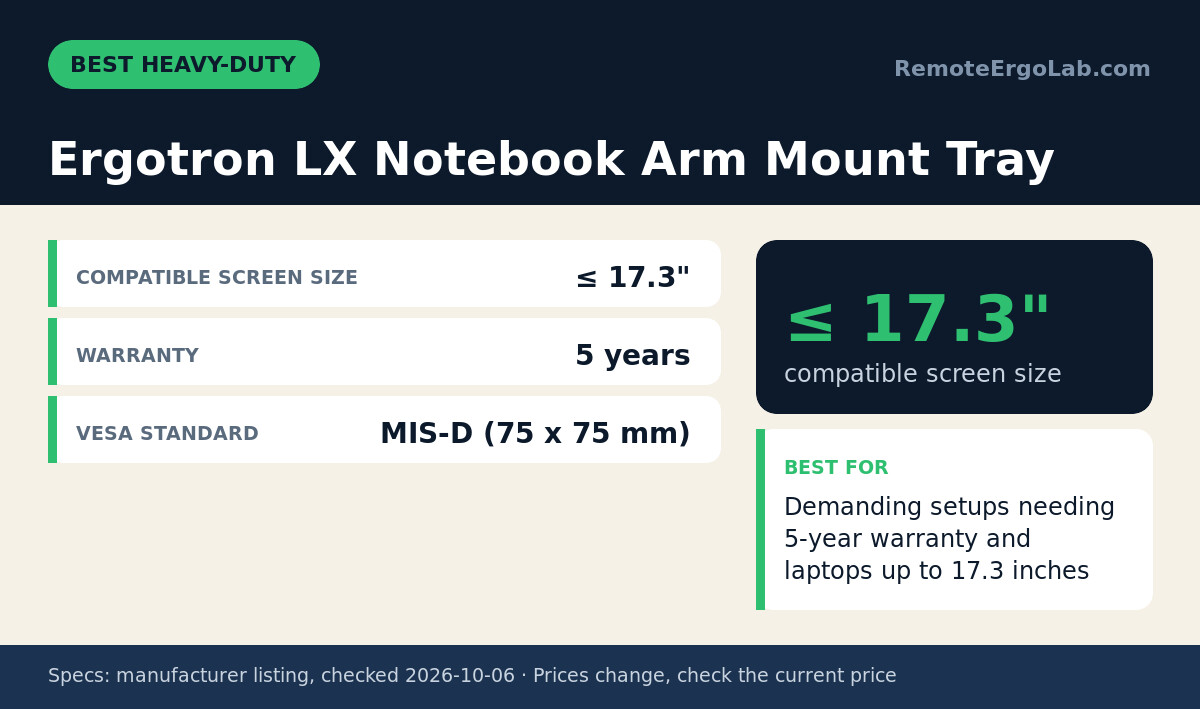
The Ergotron LX tray supports laptops up to 17.3 inches and uses a 75×75 mm VESA pattern (MIS-D standard) with adjustable safety rails to secure your device. The steel construction and 5-year warranty reflect Ergotron’s focus on commercial and medical environments where equipment runs constantly. If you already own an Ergotron LX monitor arm, this tray shares the same mounting plate and extends your existing setup without adding a second pole. The safety rails are adjustable, so you can fit different laptop depths, but the tray does not accommodate 100×100 mm VESA without an adapter plate. The listing does not state a weight capacity, so verify your monitor arm’s load limit if you plan to mount a heavier workstation laptop. Skip it if your monitor arm uses 100×100 mm VESA exclusively or if a 5-year warranty is not a priority.
VIVO Single Monitor and Laptop Desk Mount
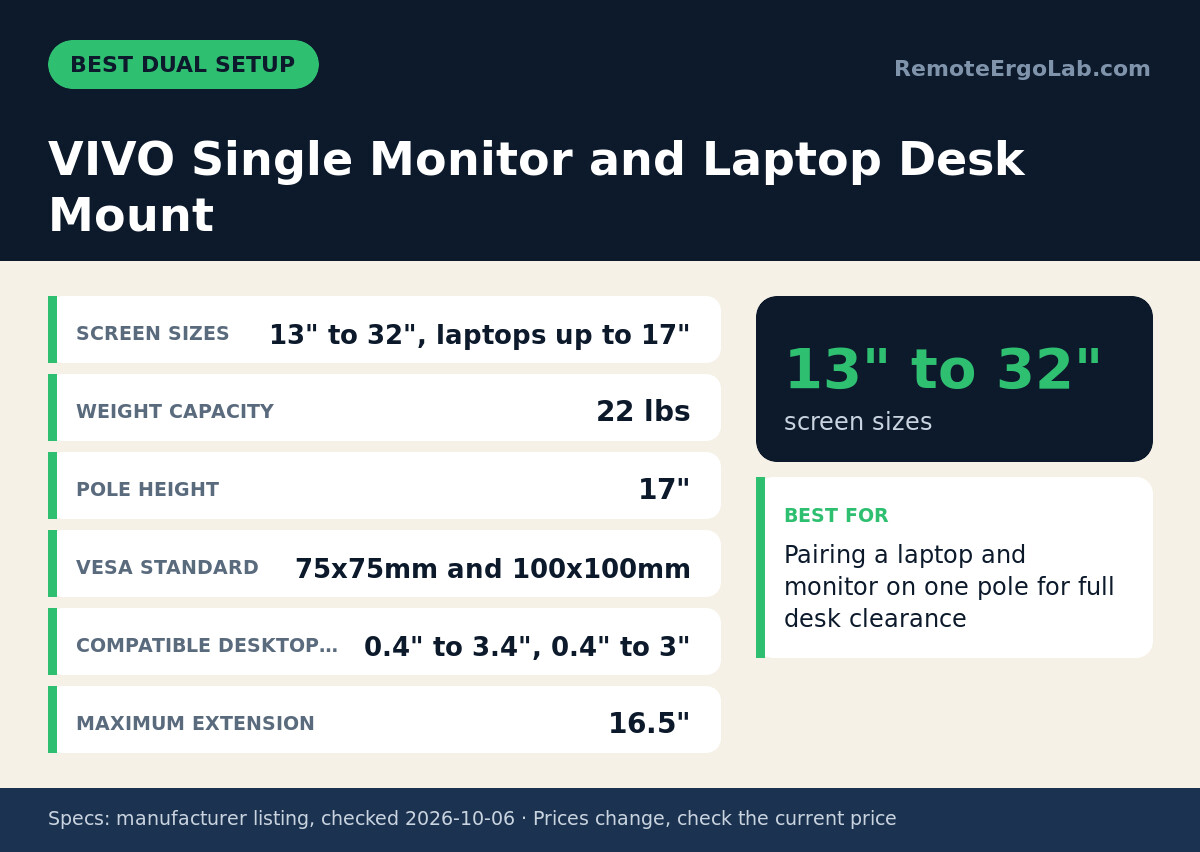
The VIVO mount combines a monitor arm (13–32 inches) and a laptop tray (up to 17 inches) on a single 17-inch pole, clearing your desk entirely. Both arms support 75×75 mm and 100×100 mm VESA and share a 22-pound total weight capacity. The laptop tray measures 14×11.5 inches with a vented surface for airflow. Maximum extension is 16.5 inches, and the pole clamps to desks between 0.4 and 3.4 inches thick with the included C-clamp or 0.4 to 3 inches with the grommet mount. If you run a laptop as your primary screen and a monitor as a secondary display, this dual setup places both at adjustable heights without needing two separate poles. The tray does not list individual weight limits per arm, so distribute the load evenly. Skip it if your desk is thinner than 0.4 inches or thicker than 3.4 inches for C-clamp installation, or if you need independent poles for monitor and laptop.
WALI Laptop and Monitor Desk Mount Stand
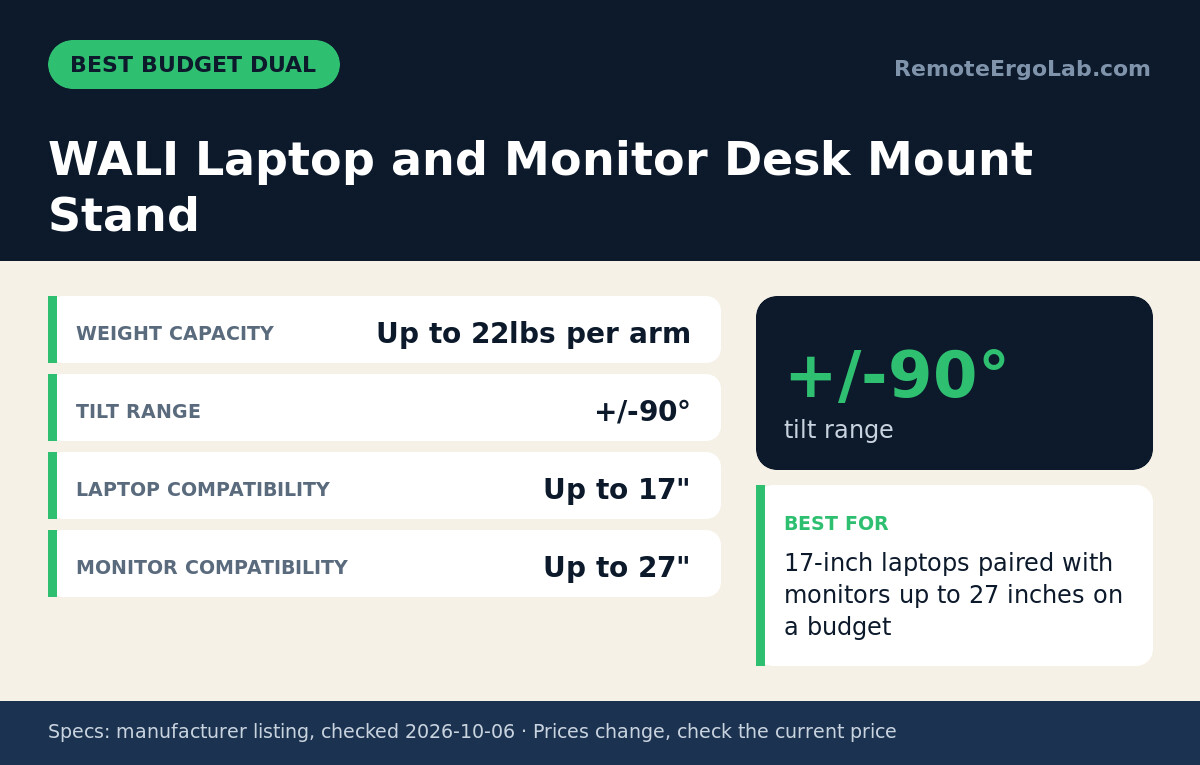
The WALI mount pairs a monitor arm (up to 27 inches) with a vented laptop tray (up to 17 inches), each arm rated for 22 pounds. The tray tilts ±90 degrees for different viewing angles and includes ventilation holes to reduce heat buildup during long work sessions. The listing does not specify VESA pattern compatibility for the laptop tray itself, so confirm your monitor arm’s VESA standard before ordering. The dual-arm design works well if you reference documents on the laptop while editing on a larger monitor, or if you want to position the laptop vertically as a code editor alongside a horizontal monitor. The manufacturer does not list desk thickness limits or pole height. Skip it if your monitor exceeds 27 inches or if you need confirmed VESA specs for the laptop tray before purchase.
Who Should Skip VESA Laptop Trays
If your monitor arm uses a proprietary mounting system instead of standard VESA patterns, these trays will not attach without an adapter plate. If your laptop is wider than 17.3 inches, none of these trays accommodate it—check the manufacturer’s clamp or rail dimensions first. If your desk is too thin (under 0.4 inches) or too thick (over 3.4 inches with a C-clamp), dual-arm mounts like the VIVO may not secure properly; consider a clamp-free monitor arm that uses a grommet or weighted base instead. If you need to keep your laptop closed and use it as a desktop tower, a VESA tray wastes vertical space—use a standard laptop stand on the desk surface with an external monitor on the arm. If your laptop weighs more than typical ultrabook or consumer models (around 4–6 pounds), verify your monitor arm’s weight capacity before adding a tray, since most listings do not state individual tray load limits.
How to Choose a VESA Laptop Tray
Measure your laptop’s width at its widest point (usually the base). The HumanCentric tray adjusts from 9.5 to 16.5 inches, while the Ergotron and VIVO trays list maximum laptop sizes (15.6, 17.3, and 17 inches) without detailed width specs. Check your monitor arm’s VESA pattern—most single-monitor arms use 75×75 mm or 100×100 mm, but some high-end or ultrawide arms use proprietary mounts. If pairing a laptop tray with a ultrawide monitor arm, confirm the arm’s pole or adapter plate supports a second VESA mount.
Add your laptop’s weight to your monitor’s weight, then compare the total to your arm’s rated capacity. A typical 15-inch laptop weighs 3–5 pounds; a 27-inch monitor weighs 10–15 pounds. If the combined weight approaches or exceeds your arm’s limit, choose a dual-arm mount like the VIVO or WALI where each arm has its own capacity rating. Measure your desk thickness before selecting a dual mount—C-clamps typically fit desks from 0.4 to 3.4 inches thick, while grommet mounts require a drilled hole and work with thinner surfaces.
Consider airflow if you run intensive tasks on your laptop. Vented trays like the WALI’s reduce heat buildup, but a solid steel tray (HumanCentric, Ergotron) may block bottom vents. If your laptop vents from the sides or back, any tray works. If it vents from the bottom, check the tray’s surface design or plan to elevate the laptop slightly with rubber feet. For dual monitor setups on small desks, a VESA laptop tray can replace one monitor entirely, freeing a port and reducing clutter while maintaining adjustable height.
FAQ
Can you attach a VESA laptop tray to any monitor arm?
Only if the arm uses standard 75×75 mm or 100×100 mm VESA patterns. Most single-monitor arms support these, but some ultrawide or specialty arms use proprietary mounts. Check your arm’s manual or mounting plate for the hole pattern dimensions. If your arm lacks VESA, you cannot attach a VESA tray without an adapter, which may not exist for all proprietary systems.
Do VESA laptop trays work with MacBook Pros?
Yes, if the MacBook fits within the tray’s size and clamp range. A 13-inch MacBook Pro measures about 11.97 inches wide, fitting all trays here. A 16-inch MacBook Pro measures about 14.01 inches wide, fitting the HumanCentric (up to 16.5 inches) and the larger trays (Ergotron, VIVO, WALI). Measure your specific model before ordering.
How high can a VESA laptop tray raise your screen?
That depends on your monitor arm’s height range, not the tray. A typical single-monitor arm adjusts from about 2 to 20 inches above the desk surface. Adding a VESA tray to the arm places your laptop at the same adjustable height as a monitor would occupy. If you need to position the laptop above a 32-inch monitor, use a dual-arm mount where each device has independent height control.
Will a VESA tray block my laptop’s ports?
Side clamps (HumanCentric) and adjustable rails (Ergotron) typically leave side and rear ports accessible, but front or bottom ports may be obstructed depending on tray depth. Check the tray dimensions against your laptop’s port layout. If you need frequent access to a bottom-mounted SD card slot or SIM tray, a VESA tray is inconvenient—consider a monitor riser instead that keeps the laptop on the desk surface.
Can you use a VESA laptop tray with a standing desk converter?
Yes, if the converter’s platform has enough depth for a monitor arm’s clamp or grommet base. Most standing desk converters for dual monitors have platforms 20–30 inches deep, which accommodates a clamped monitor arm. Attach the arm to the converter’s rear edge, then mount the VESA tray. The combined weight of the arm, tray, and laptop must stay within the converter’s rated capacity.
Do VESA laptop trays improve ergonomics more than laptop stands?
A VESA tray raises the screen to eye level just like a laptop stand, but it also clears the desk surface entirely, which is useful if desk space is tight. Both require an external keyboard and mouse, since typing on a raised laptop strains your shoulders. If you already own a monitor arm, adding a VESA tray is simpler than buying a separate stand. If you do not have an arm, a stand is cheaper and does not require mounting hardware.
Shop These Picks on Amazon
Ready to compare prices? These links open the Amazon listings for the specific products covered in this guide, so you can check current models and prices yourself. If you buy through them, we may earn a small commission at no extra cost to you — it helps keep RemoteErgoLab free.
- HumanCentric Laptop VESA Mount Tray for Monitor Arms on Amazon
- Ergotron LX Notebook Arm Mount Tray on Amazon
- VIVO Single Monitor and Laptop Desk Mount on Amazon
- WALI Laptop and Monitor Desk Mount Stand on Amazon
Related Guides
Sources and Spec Checks
- HumanCentric Laptop VESA Mount Tray for Monitor Arms — source: amazon.com, checked on 2026-10-06.
- Ergotron LX Notebook Arm Mount Tray — source: amazon.com, checked on 2026-10-06.
- VIVO Single Monitor and Laptop Desk Mount — source: vivo-us.com, checked on 2026-10-06.
- WALI Laptop and Monitor Desk Mount Stand — source: walielectric.com, checked on 2026-10-06.
Disclosure
As an Amazon Associate we earn from qualifying purchases. RemoteErgoLab picks products from published specifications and fit criteria; we have not physically tested the products in this guide. Prices and availability change, so check the current listing before you buy.