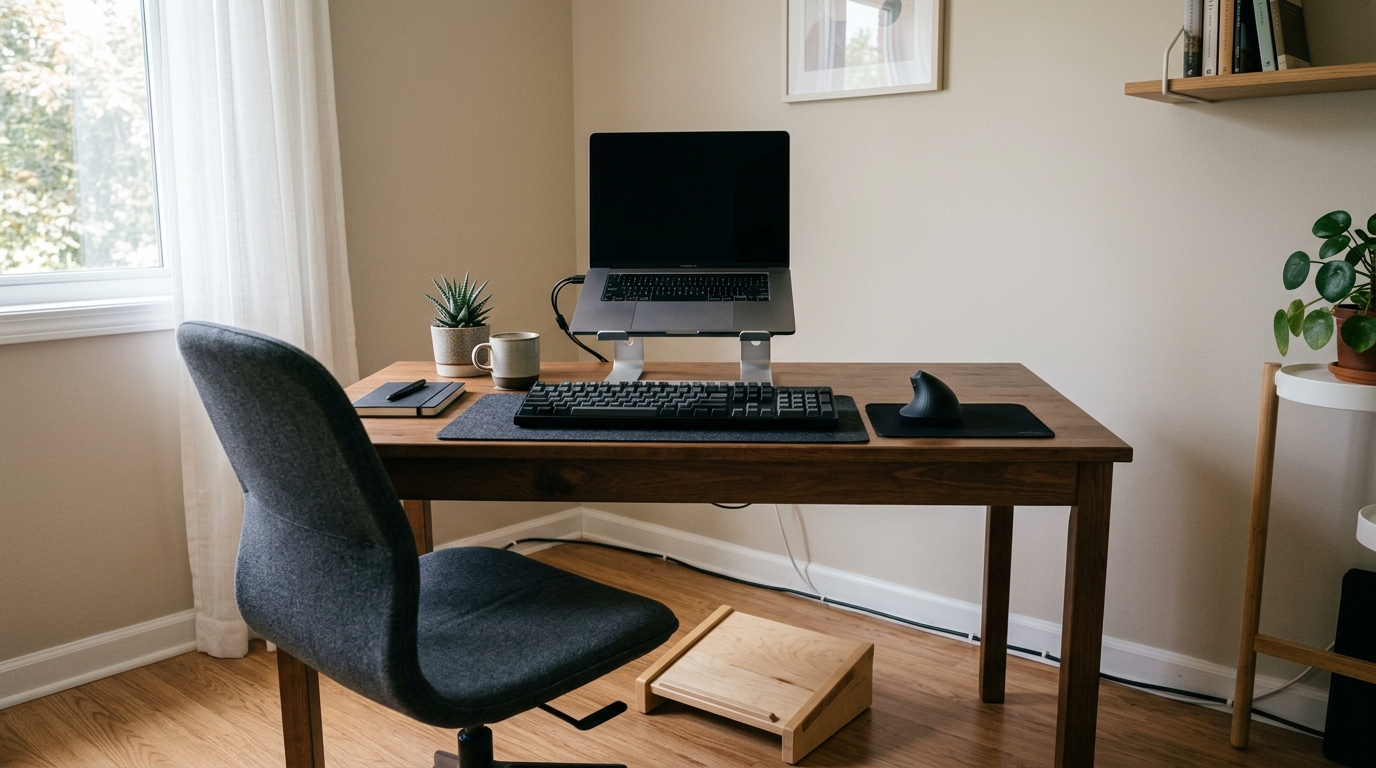
A full ergonomic upgrade does not have to mean a four-figure chair and a sit-stand frame that costs more than everything in this guide combined. Most of the strain that shows up after a long workday comes from a handful of contact points: where your wrists sit, where your neck points, and where your feet land. Those are the cheap parts of the setup, and they are the parts most people leave at default.
This guide covers five small changes that together land under two hundred dollars if you buy them new, and well under that if you already own one or two of them. Every pick here is a specific model with published specs, chosen so the whole bundle fits a normal-sized desk in a normal-sized room. Nothing here needs a drill, a new desk, or a landlord’s permission.
As an Amazon Associate we earn from qualifying purchases.
Quick Verdict
The keyboard and the mouse do the most work for the money, because your hands are in contact with them for the entire day. The monitor arm and the laptop stand fix the height problem that causes most neck pain. The footrest is the cheapest fix here and the one people notice fastest, since it decides whether your chair can be set to the height your arms actually need.
Quick Picks
- Perixx Periboard-106 Wired Keyboard – check price (full-size board with taller rear rows, so the wrists sit closer to neutral)
- Perixx Perimice-719LR Vertical Mouse – check price (vertical grip at 800/1200/1600 DPI, sized and shaped for smaller left hands)
- VIVO PT-SD-AM01A Single Monitor Arm – check price (13 to 27 in screens, tilts 15 degrees each way, clamps or grommets to the desk)
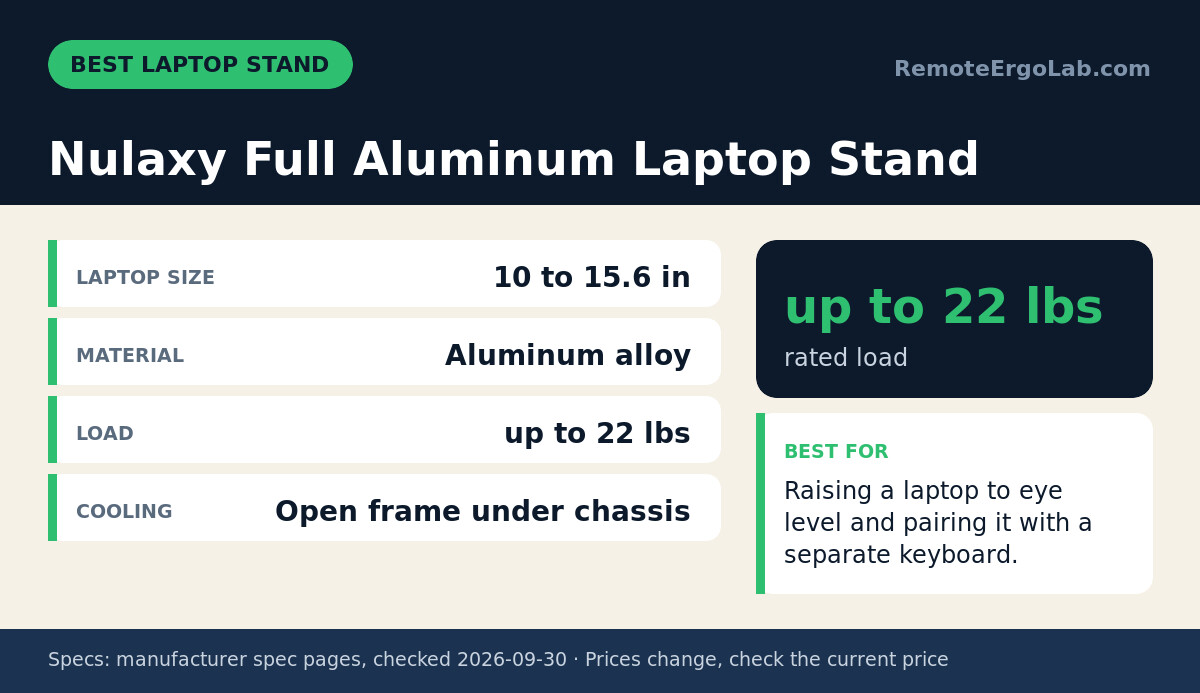
- Nulaxy Full Aluminum Laptop Stand – check price (folds flat, holds up to 22 lbs, opens airflow under a 10 to 15.6 in laptop)
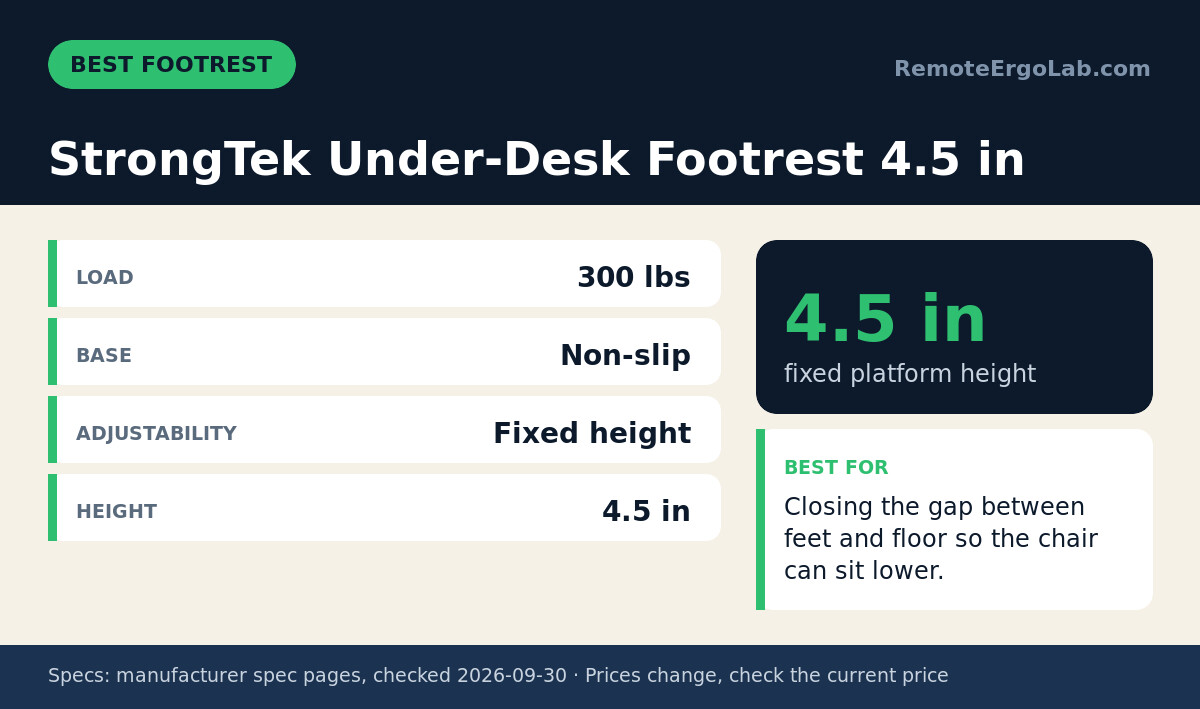
- StrongTek Under-Desk Footrest 4.5 in – check price (fixed 4.5 in platform, 300 lb rating, non-slip base)
How We Chose
The list is built from published manufacturer specifications and the product details on each listing, not from hands-on sessions. Four filters did most of the work:
- Published numbers only. Every measurement, load rating and size range below comes from the manufacturer’s own spec page or the listing itself. Where a number is missing, the guide says so instead of guessing.
- Adjustability per dollar. A roughly $25 accessory that changes one contact point beats a roughly $150 accessory that changes one contact point more elegantly. Height, tilt or angle adjustment earned extra weight.
- Desk-agnostic mounting. Nothing on the list needs a specific desk, a specific thickness, or permanent modification.
- Total under two hundred dollars. The bundle has to still make sense as a bundle. That ruled out the obvious chair-tier items in the roughly $150 range.

Comparison Table
| Pick | What it fixes | Key spec | Typical price |
|---|---|---|---|
| Perixx Periboard-106 Wired Keyboard | Wrist angle | 456 x 169 x 34 mm, 790 g | around $40 |
| Perixx Perimice-719LR Vertical Mouse | Forearm twist | 118 x 68 x 66 mm, 800/1200/1600 DPI | around $25 |
| VIVO PT-SD-AM01A Single Monitor Arm | Screen height and depth | 13 to 27 in screens, VESA 75/100 | around $30 |
| Nulaxy Full Aluminum Laptop Stand | Laptop screen height | up to 22 lbs, 10 to 15.6 in laptops | around $25 |
| StrongTek Under-Desk Footrest 4.5 in | Seat height freedom, foot support | 4.5 in platform, 300 lb | around $30 |
Prices move constantly on all five, so treat the numbers in the last column as a rough budget line rather than a list price. Check current price before you commit to the total.
The Picks in Detail
Best Overall Keyboard: Perixx Periboard-106 Wired Keyboard
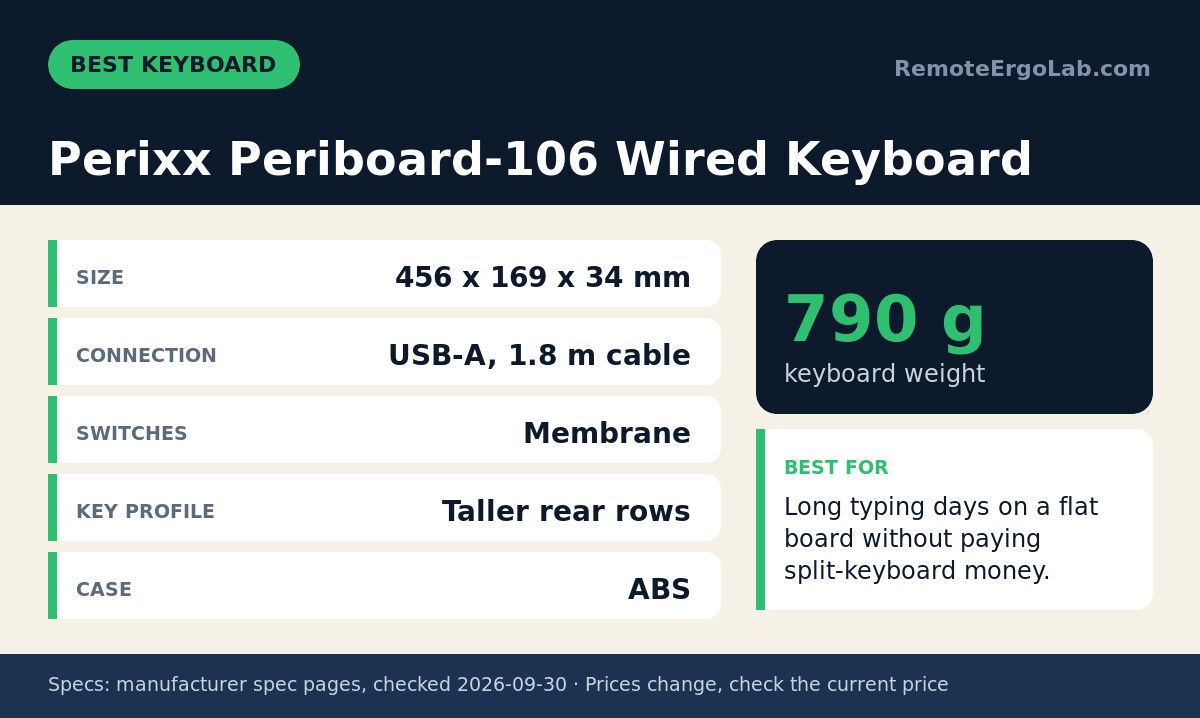
The Periboard-106 is a full-size wired board, 456 x 169 x 34 mm and 790 g, with a 1.8 m USB-A cable. What earns it the keyboard slot is the profile rather than the layout: the key rows sit at different heights, taller at the back, which is the same trick a much more expensive ergonomic board uses to stop your wrists from bending upward while you type.
The switches are membrane, so the feel is soft and quiet rather than clicky, and the case is ABS. If you type for six hours a day and your current board is a flat low-profile model, the change in wrist angle is the reason to buy this one. A split or tented board will do more for a diagnosed wrist problem, and we link to those guides at the end, but a split board costs three to five times as much.
Best Vertical Mouse: Perixx Perimice-719LR Vertical Mouse
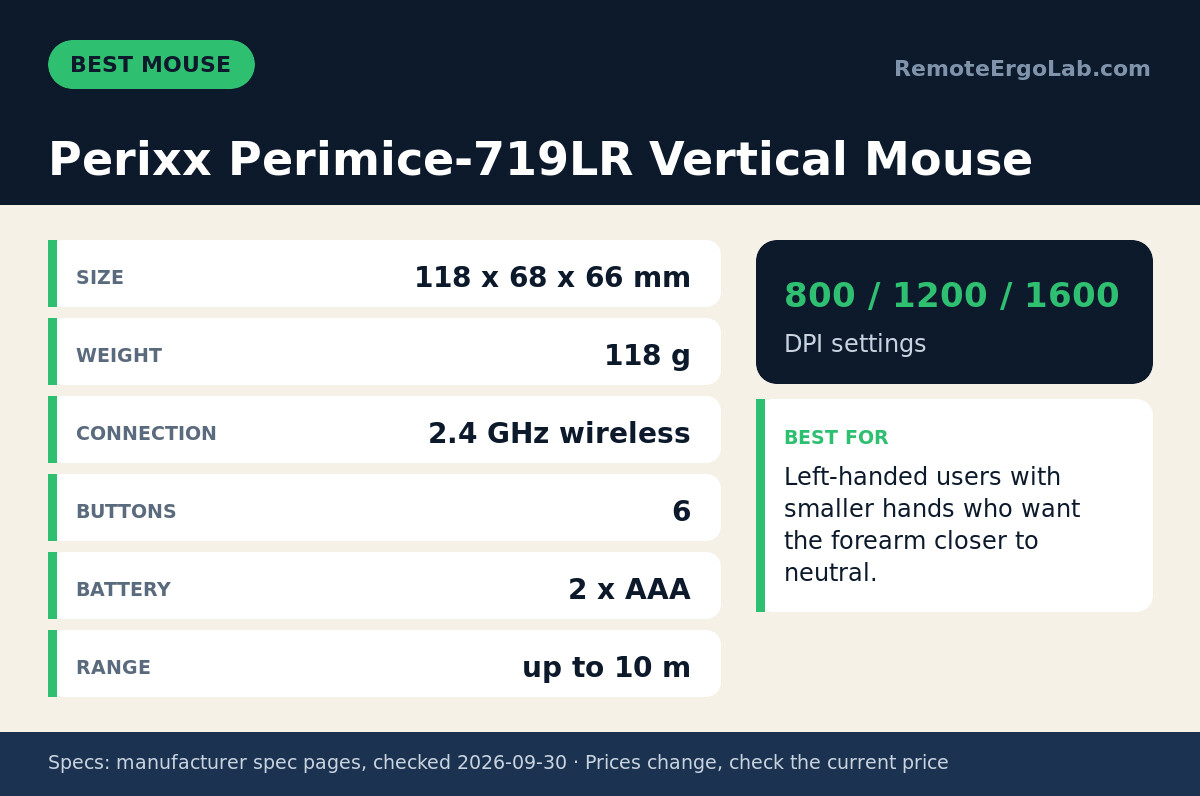
A standard mouse keeps your forearm rotated palm-down all day. A vertical mouse stands the grip up so the hand stays closer to a handshake position, and that is the whole point of this 118 x 68 x 66 mm, 118 g model. It runs on 2.4 GHz wireless with a USB receiver, takes two AAA batteries, and offers three DPI steps: 800, 1200 and 1600. There are six buttons and a rated wireless range of up to 10 m.
One thing to check before ordering: this version is left-handed and shaped for smaller hands. If you are right-handed or have larger hands, look for the mirrored version of the same mouse instead of forcing this one. The 719LR does also accept wired charging, which is useful if you would rather not keep swapping AAA cells.
Best Monitor Arm: VIVO PT-SD-AM01A Single Monitor Arm
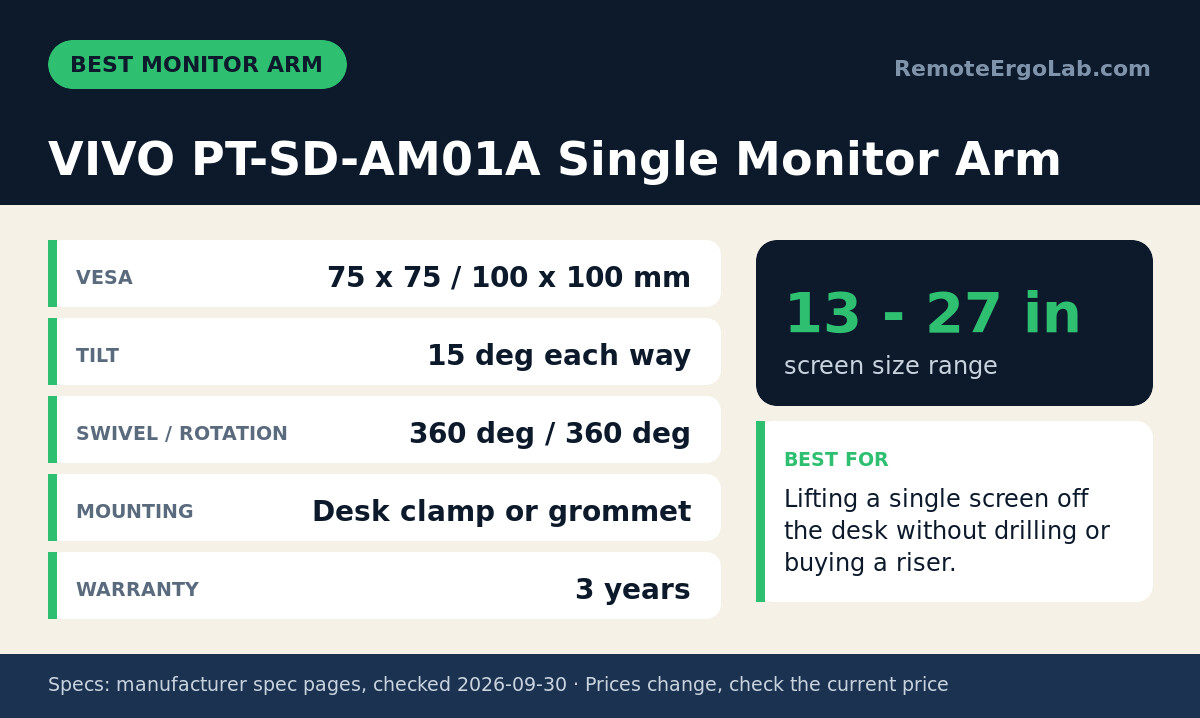
If your screen sits directly on the desk, it is almost certainly too low and too close. This arm covers 13 to 27 in screens on 75 x 75 mm or 100 x 100 mm VESA patterns, tilts 15 degrees in each direction, swivels and rotates a full 360 degrees, and mounts either by desk clamp or grommet. VIVO lists a three-year warranty on it.
The practical gain is vertical: you can lift the bottom edge of the screen clear of the desk and push the whole panel back, which frees the space underneath for a keyboard or a notebook. A fixed riser does something similar for less money but locks the height in place, and it cannot be nudged out of the way when you want the desk clear. Check the weight of your panel against the listing before ordering, since the manufacturer does not publish a single load figure for this model.
Best Laptop Stand: Nulaxy Full Aluminum Laptop Stand
Anyone working from a laptop alone is running a neck problem on a timer, because the screen and the keyboard are welded to the same surface. Raising the laptop to eye level fixes the neck and forces a separate keyboard, which is why this stand and the keyboard above belong in the same bundle. The Nulaxy stand is aluminum, rated to hold up to 22 lbs, and covers laptops from 10 to 15.6 in.
The open frame leaves air moving under the chassis, which matters on fanless machines that throttle when they get warm. It collapses into a single flat piece, so it travels in a bag and takes up no drawer space at home. A 22 lb rating is far more than any laptop needs, and that headroom is what keeps the stand from flexing when you type on a separate keyboard.
Best Footrest: StrongTek Under-Desk Footrest 4.5 in
A footrest is the cheapest item here and the one with the least obvious justification, so here it is: your feet decide your chair height. If your feet dangle or your knees ride above your hips, you sit lower than you should, and then your elbows drop below the desk and your wrists bend back to reach the keys. A 4.5 in platform, rated to 300 lbs with a non-slip base, closes that gap without touching the chair.
This model is a fixed height, so measure before you buy: sit with your feet flat on the floor and your thighs level, then measure the gap you want to fill. If that number lands near 4.5 in, this is the one. If it lands somewhere else, look for an adjustable footrest instead. There is nothing to assemble and nothing to plug in.
Buying Guide: Getting the Most Out of Two Hundred Dollars
Order of operations matters more than brand. Work down this list and stop when the budget or the patience runs out:
- Fix the hands first. Keyboard and mouse are the two items you touch all day. A mouse around $25 and a keyboard around $40 change more hours of your day than anything else on this list.
- Then the screen. Height beats size. Get the top third of the panel near eye level before you consider a bigger display.
- Then the feet. The footrest is the only item here that lets your chair sit at the correct height, which is what your arms and wrists actually need.
- Skip the cheap imitations. A roughly $12 vertical mouse tends to have a fixed low DPI and a shell that flexes. The step up to a name-brand model is typically under $15.
- Reuse before you rebuy. A stack of books under a laptop is a free laptop stand for a week, but it will not survive a move or a cleaning day.
FAQ: Budget Setup Questions
Can a roughly $200 budget really fix an ergonomic setup?
It can fix the contact points that cause most daily discomfort, which are the hands, the screen height and the feet. It cannot replace a chair with a properly adjustable seat and back, and that is the item worth saving for next.
Which single item should I buy first?
If your screen sits on the desk, buy the monitor arm or a riser first. If your screen is already at the right height, buy the keyboard first, because wrist angle is the hardest thing to work around with posture alone.
Do I need a vertical mouse to use a vertical keyboard?
No. The two are independent. A vertical mouse addresses forearm rotation; a curved or split keyboard addresses wrist extension. Either one on its own is a real improvement.
How do I know what height my footrest should be?
Sit with your feet flat and your thighs roughly level, then measure the distance from the floor to the underside of your feet. That gap is the height you want. It changes if you change shoes, so an adjustable footrest is the more forgiving purchase.
Shop These Picks on Amazon
Ready to compare prices? These links open Amazon listings for the specific products covered in this guide, so you can check current models and prices yourself. If you buy through them, we may earn a small commission at no extra cost to you – it helps keep RemoteErgoLab free.
- Perixx Periboard-106 Wired Keyboard on Amazon
- Perixx Perimice-719LR Vertical Mouse on Amazon
- VIVO PT-SD-AM01A Single Monitor Arm on Amazon
- Nulaxy Full Aluminum Laptop Stand on Amazon
- StrongTek Under-Desk Footrest 4.5 in on Amazon
Related Guides
- Best ergonomic keyboards for wrist pain, around $100 and under
- Best under-desk footrests, around $50 and under
- The complete ergonomic home office setup guide for remote workers
- Trackball vs Vertical Mouse: Which Ergonomics Fit You?
- Best Noise-Cancelling Headphones for Remote Work 2026
Disclosure
As an Amazon Associate we earn from qualifying purchases. Specifications in this guide come from the manufacturer’s published product pages and the product listings, checked in September 2026. Prices and stock change without notice, so confirm the current details on the listing before you buy.