Latest Monitor & Laptop Guides
-

Monitor Arm Wobble on Thin Desks: Steel Plate Fixes
-
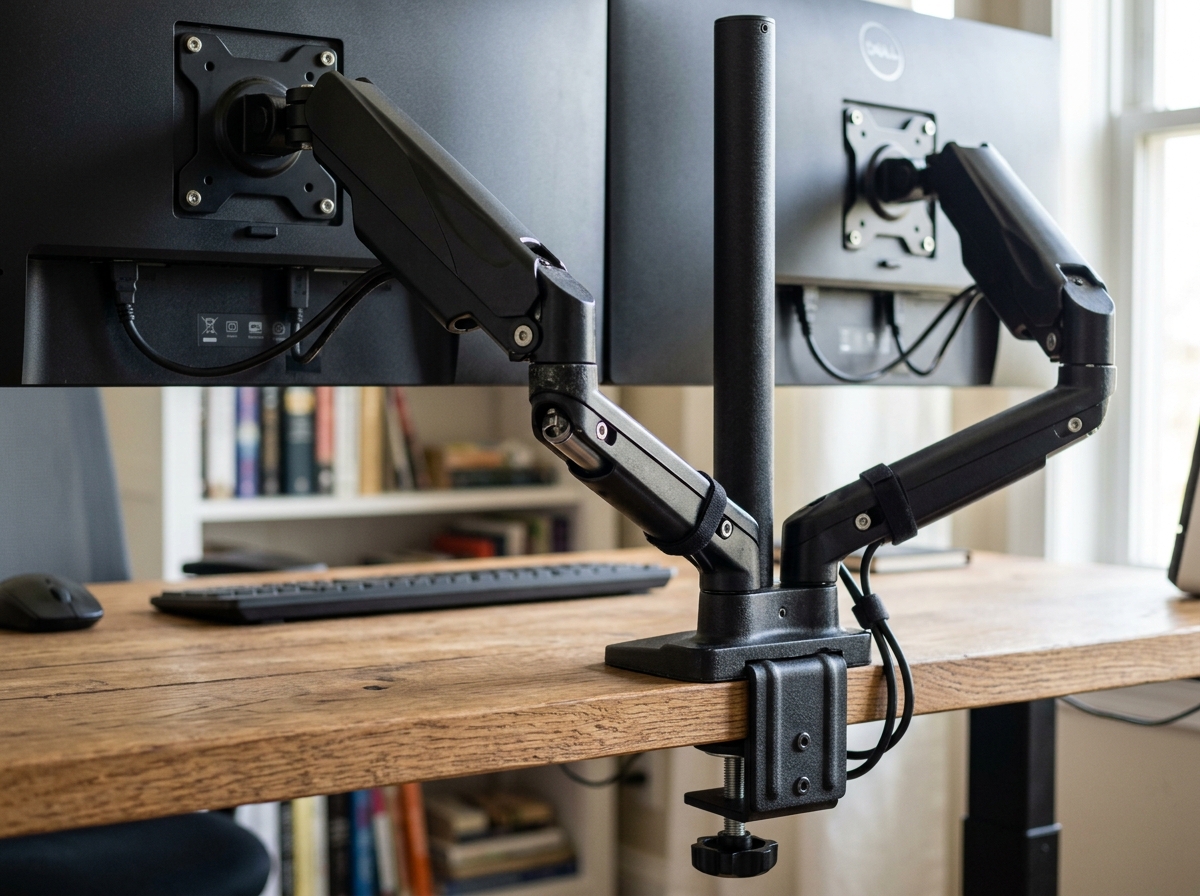
Clamp vs Grommet Monitor Mount: Which Fits Your Desk?
-
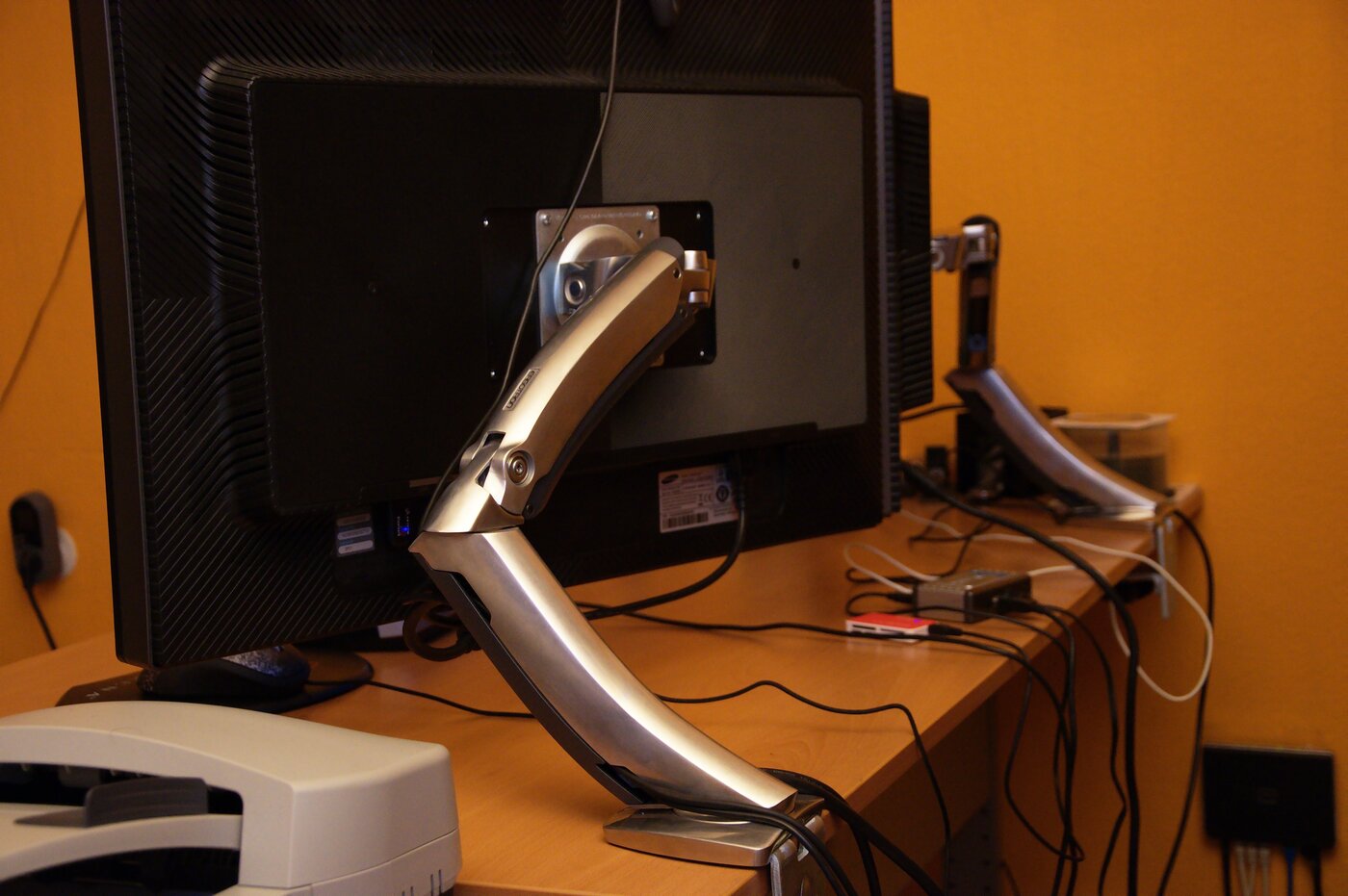
Best VESA Laptop Trays for Monitor Arms (2026): 4 Picks
-
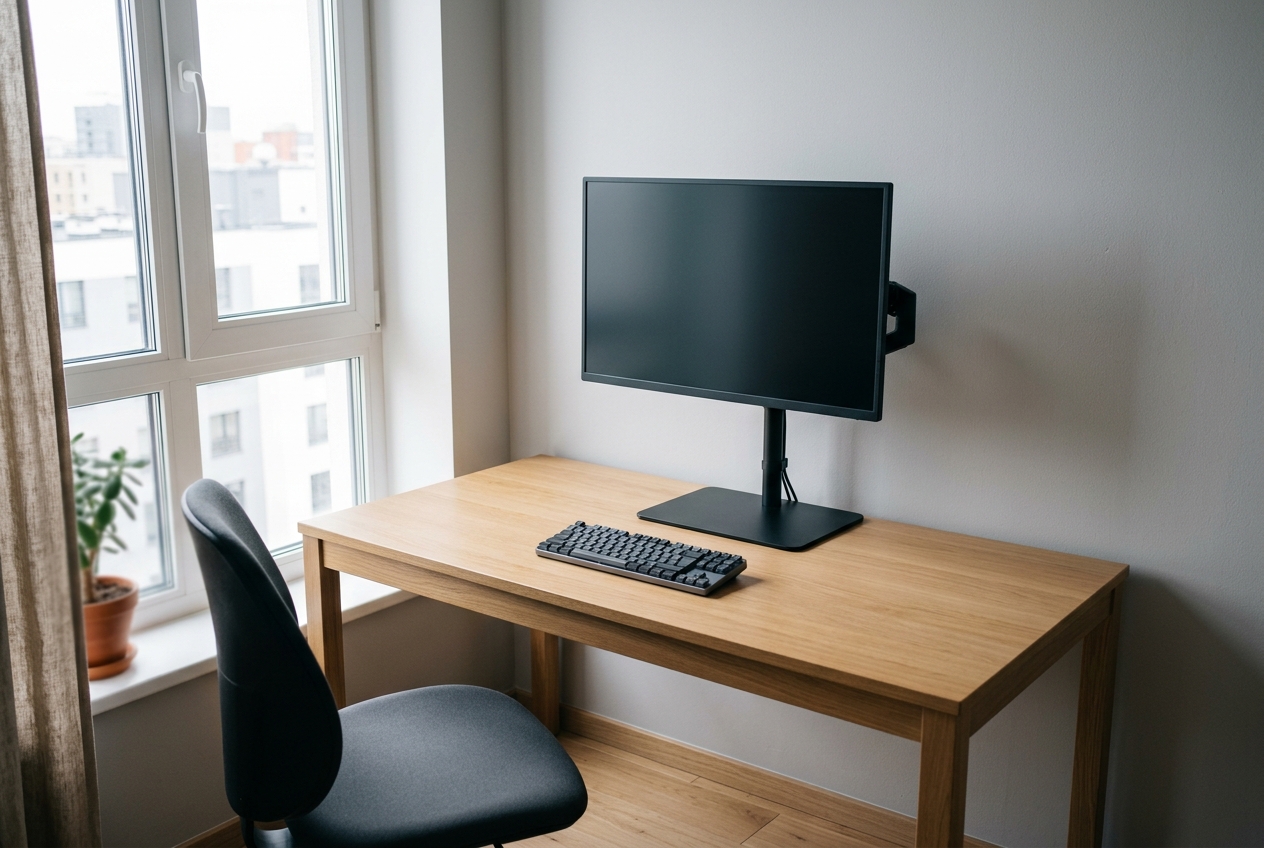
Best Clamp-Free Monitor Arms 2026: 5 Picks for Desks
-
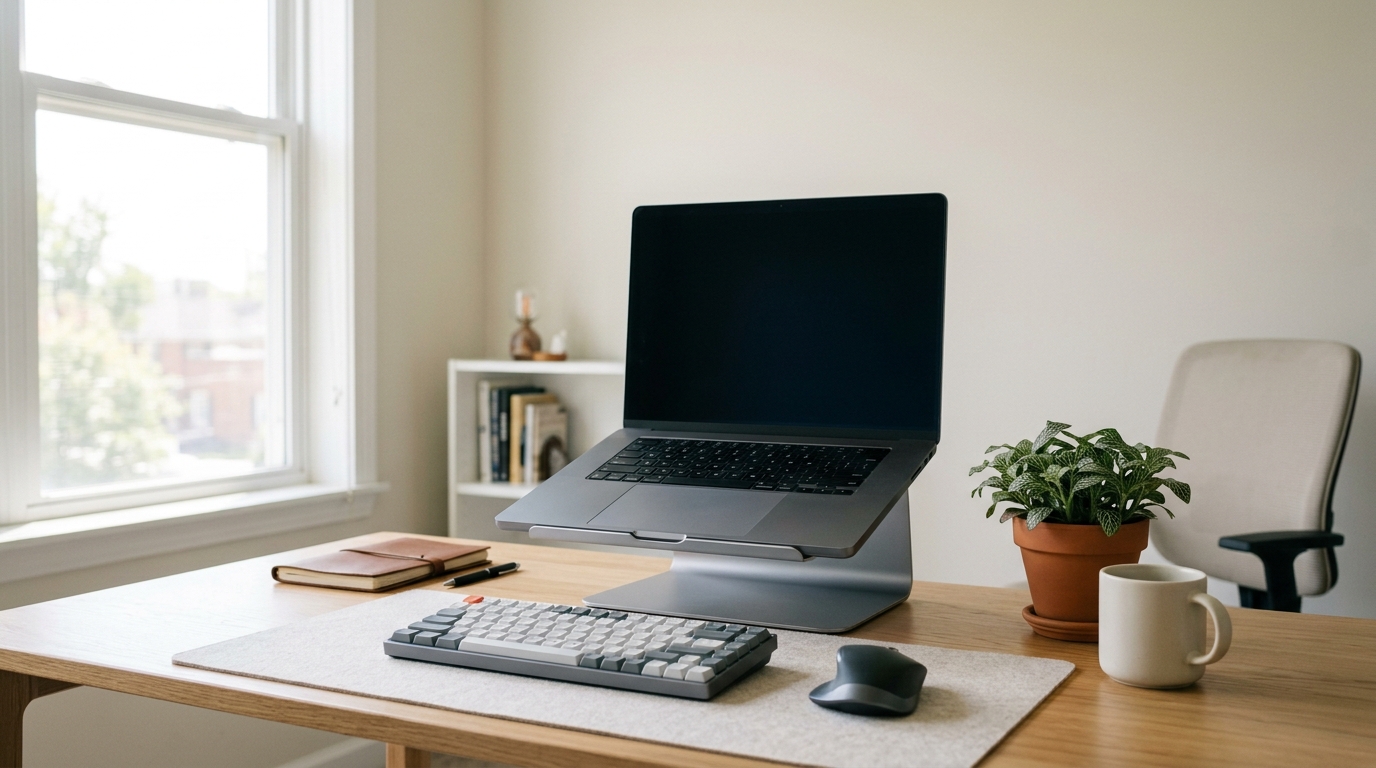
Best Laptop Stands for 17-Inch Laptops 2026: 5 Picks
-
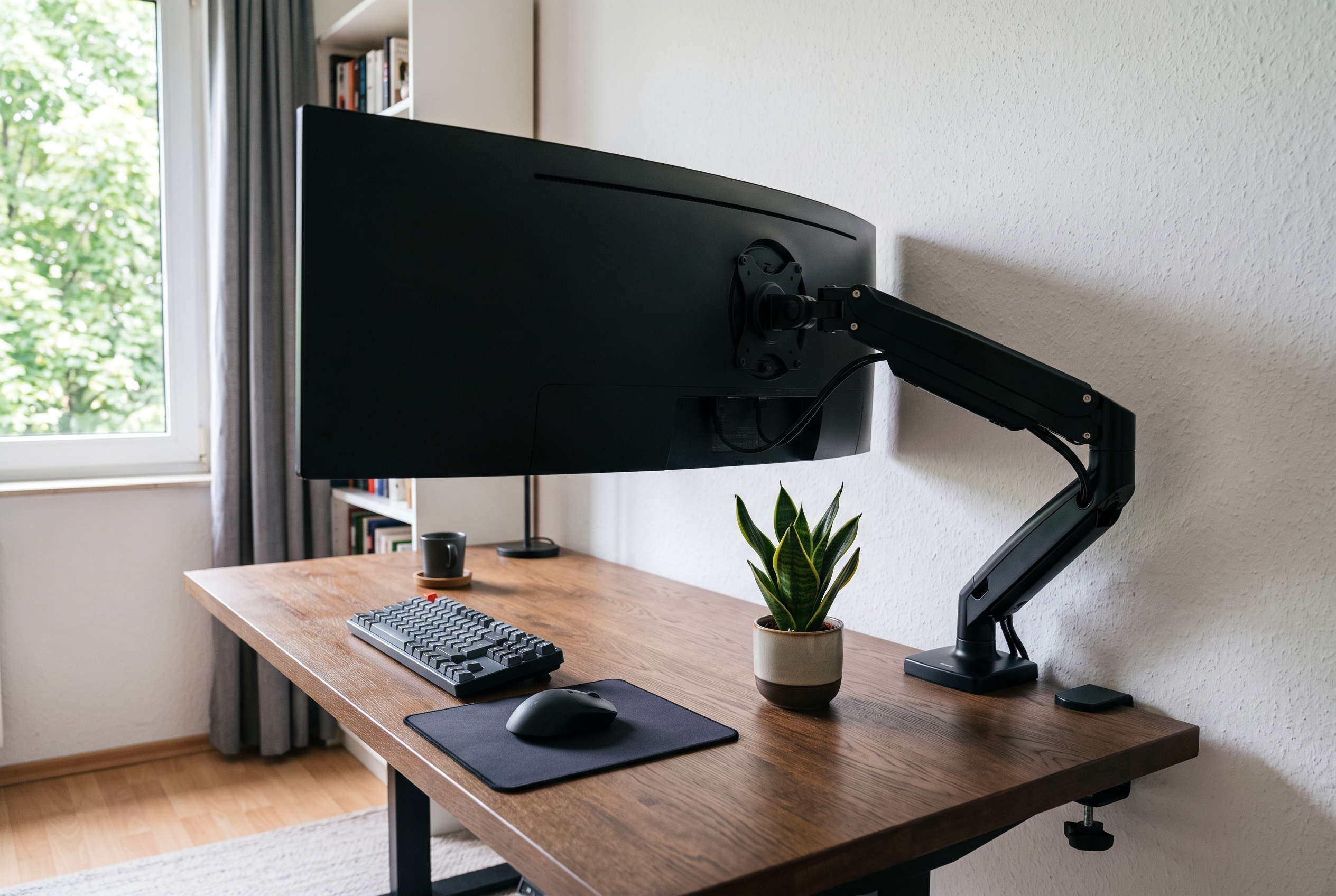
Best Monitor Arms for Ultrawide Monitors 2026: 5 Picks
Monitor & Screen Setup
Your monitor position controls your neck, shoulders, and eye strain more than almost anything else in your setup. These guides and tips will help you get the screen height, distance, and angle right — whether you use a laptop, a single monitor, or a dual-screen setup.
Essential Guides
- Monitor Arms — free up desk space and dial in the perfect height
- Laptop Stands — raise your laptop screen to eye level
- The Complete Ergonomic Home Office Setup Guide — the full step-by-step system
Latest Monitor & Screen Guides
- Single vs Dual Monitor Arm — which setup fits your workflow
- Best Monitor Arm for Glass Desk (2026) — 5 safe picks
- Best Monitor Arm for 27 Inch Monitor (2026) — 7 picks that hold your screen
- Best Monitor Arms for Small Desks (2026) — 7 picks that actually fit
- Best Laptop Stands for Neck Pain (2026) — 7 picks that raise your screen
- Monitor Arm vs Laptop Stand — which do you need?
- How to Set Up a Laptop Ergonomically — without buying a new desk
Quick Monitor Setup Tips
- The top third of the screen should sit at or slightly below eye level
- Keep the screen about an arm’s length away
- Place the primary monitor directly in front of you, not off to the side
- Position the screen perpendicular to windows to avoid glare
- Use a monitor arm or laptop stand so you never bend your neck down
New monitor guides are published regularly — check the Monitor Arms and Laptop Stands categories for the latest.