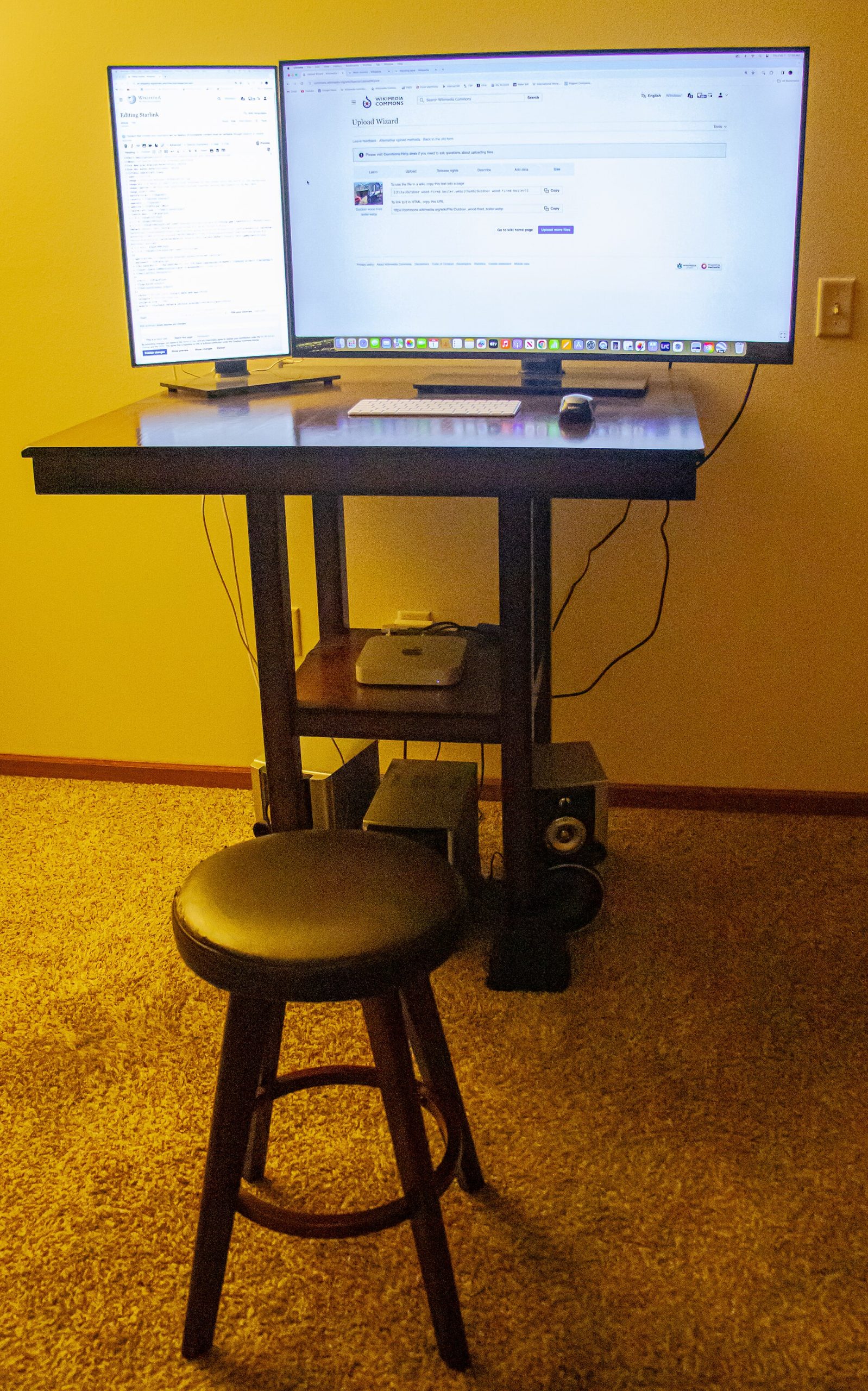
After one too many afternoons of lower-back ache, you stand up from your office chair at 3 p.m., stretch, and realize your back has been quietly complaining for an hour. You want a standing desk. Then you look at your desk — a solid 140 cm oak top you’ve had for years — and at your budget. A full electric frame typically costs $400 or more and means emptying every drawer to swap the whole thing out. A converter sits on top of what you already have and costs about a third of that. The typical upgrade path starts with a converter, then moves to a full standing desk about a year later. Both can be the right call at different times: the “best” option depends on your desk, your room, and how you work.
Quick Answer
A full standing desk replaces your entire desk with motorized legs that adjust from around 72 cm to 120 cm and costs $400 or more, offering better stability and height presets for extended daily use. A converter sits on your existing desk, lifts 20 to 45 cm via gas springs or crank, and costs $80–$300, but can wobble under dual monitors at standing height. Choose the full desk for precision work and all-day sessions; choose the converter to keep your current desktop and save money.
What Each Option Actually Is
A full standing desk is a complete desk. You get motorized legs, a desktop, and a control panel. Press a button and the whole surface glides from a sitting height of around 72 cm up to 120 cm or higher. Good models store two or three height presets, so one tap takes you from typing position to standing position.
A standing desk converter is a platform that lives on top of your existing desk. Gas springs or a crank lift your monitor and keyboard together, usually adding 20 to 45 cm of height. Your original desk frame never moves. The cheapest converters start around $80; the most stable dual-monitor models run $250 to $300.
Neither is inherently better. The real question is what your space and your current desk can handle.
The Comparison Table
| Feature | Full Standing Desk | Standing Desk Converter |
|---|---|---|
| Typical price | $350–$900 | $80–$300 |
| Height range | 60–125 cm (whole desk) | Adds 20–45 cm on top of your desk |
| Stability at max height | Very solid; slight wobble only on carpet | Can wobble with two 27″ monitors |
| Setup time | 30–60 minutes | 5–15 minutes |
| Floor space needed | Full desk footprint | None extra — sits on your desk |
| Desktop depth lost | None | About 20 cm of your work surface |
| Weight capacity | 80–150 kg | Usually 10–15 kg |
| Moving / resale | Heavy, awkward to transport | Light enough to carry in one hand |
When a Full Standing Desk Wins
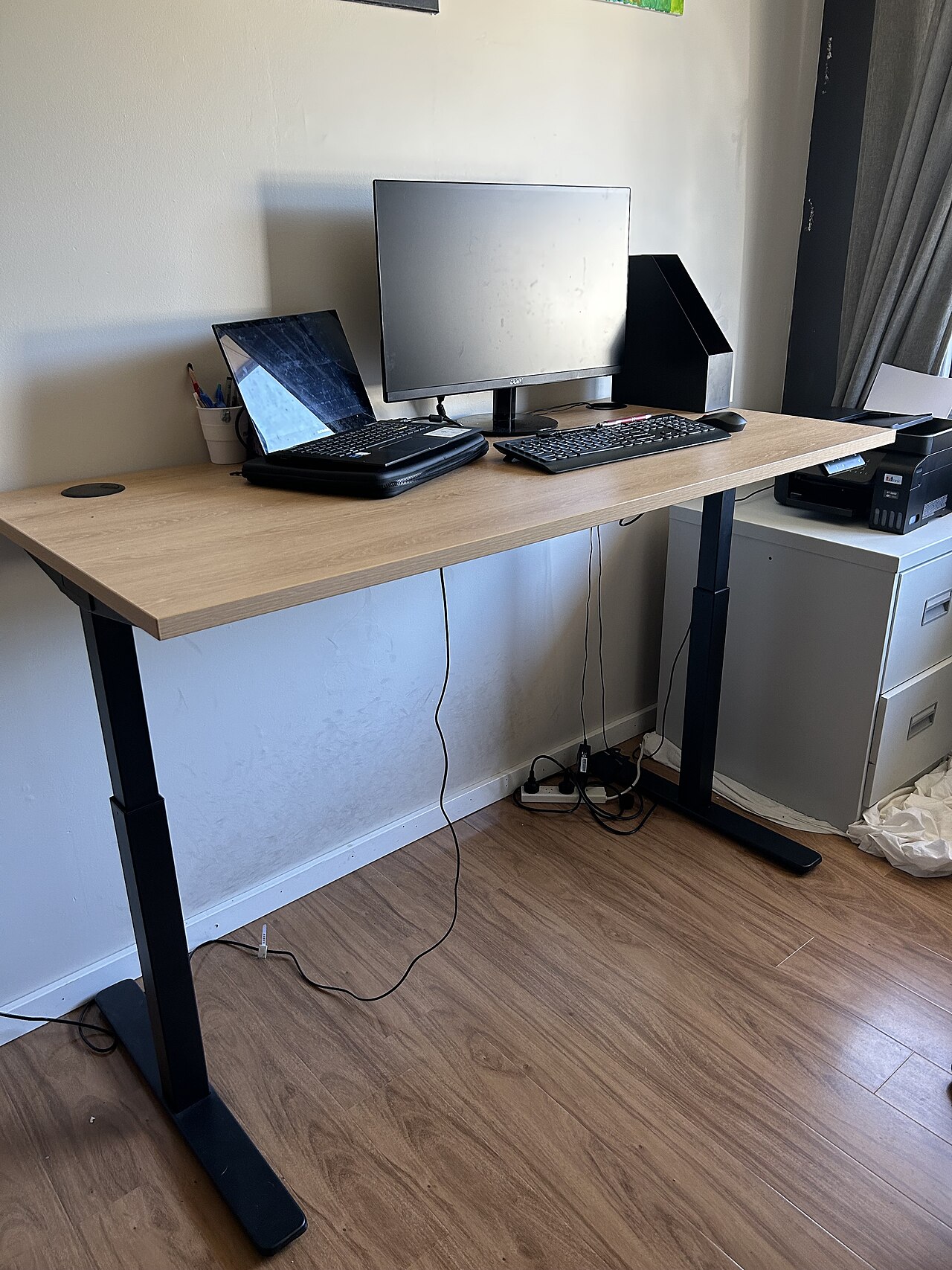
Photo: U3145851 via Wikimedia Commons, CC BY-SA 4.0
Choose the full desk if you live at your desk. People who log eight-plus hours a day, run dual monitors, or keep a desktop PC on the floor next to them will hit the converter’s limits fast.
The stability difference is real. A mid-range converter carrying two 27-inch monitors and a mechanical keyboard can develop noticeable screen shake at standing height, because its small single base has to hold the same load that a full desk spreads across a wider, heavier frame — while the same monitors on a solid dual-motor frame barely move at all. If you do precision work — writing code, editing video, design — that wobble will annoy you daily.
Height presets matter more than you’d think. Electric desks with presets remember settings like 74 cm for sitting and 108 cm for standing, and owners switch three or four times a day without thinking about it. Converters force you to crank or lift every time, which sounds minor until you’re doing it on a deadline.
Also worth saying: if your current desk is cheap and wobbly, putting a converter on top makes things worse, not better. You’re adding 12 kg of gear to a frame that already flexes. A full desk replaces the problem instead of stacking on it.
When a Converter Is the Smarter Buy
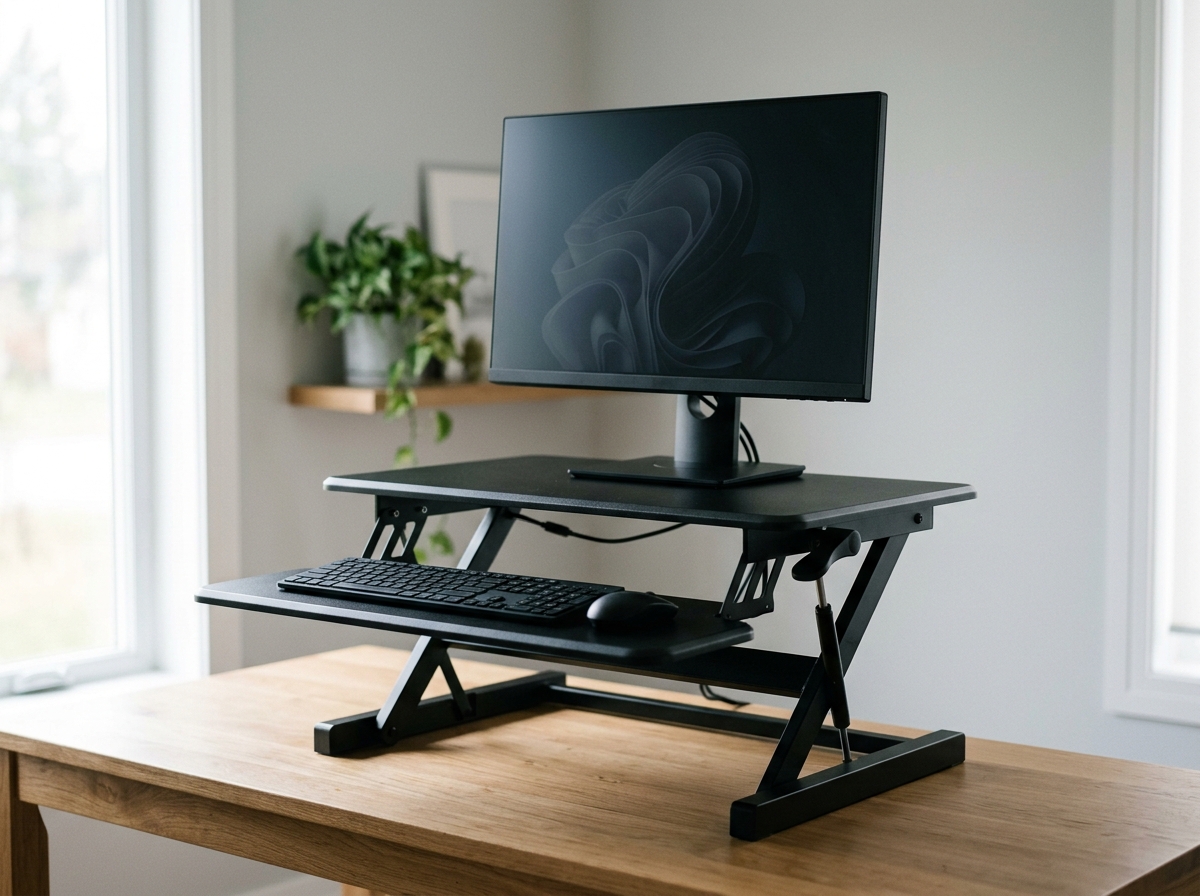
A converter wins when your existing desk is good. If you own a solid desk you like — or you’re working with rented furniture you can’t replace — a converter gives you 90% of the ergonomic benefit for a fraction of the cost.
Space is the other big one. In a corner of a 10 m² apartment bedroom, a full desk frame forces you to rearrange the whole room, while a converter simply sits on your existing 120 cm desk — and when you move apartments, it goes into a box with your keyboard. A full standing desk weighs 30 kg plus and is a two-person moving job.
Budget math is simple. A decent converter typically runs $120-$200, while a decent full desk typically runs $400-$700. The difference pays for a good footrest, a monitor arm, and proper cable management — the accessories that actually improve your setup.
The Hidden Costs Nobody Mentions
Cable management is the one nobody budgets for. A converter moves your monitor and keyboard up and down, so your cables need slack. A full desk moves the whole top, which means you should really buy a cable tray and longer cables. Either way, plan for $20-$40 extra.
Check your monitor arm compatibility before buying a converter. Many converters have fixed platforms that don’t accept clamp-on monitor arms. If you already own an arm you love, that’s a strong argument for a full desk with a grommet hole.
Converters also shrink your usable depth. Most models eat 20 cm of your desk’s front-to-back space. On a shallow 60 cm desk, that leaves you cramped for a notebook and a coffee mug.
How to Decide
Run through these two scenarios and see which sounds like you.
Scenario A: you work in a small apartment bedroom, use one 24-inch monitor or a laptop, and your desk is sturdy. Buy a converter. Spend the money you save on a footrest and a decent chair.
Scenario B: you have a dedicated office, run two monitors, and sit or stand for most of the day. Buy a full standing desk. The stability and one-button presets are worth every dollar.
One more tip: whatever you choose, set your standing height so your elbows sit at 90 degrees and the top of your monitor is at eye level. Get the heights right and even a budget setup works; get them wrong and an expensive one hurts just the same.
FAQ
Is a converter as good as a full standing desk?
For your posture, mostly yes — both get your elbows and monitor to the right height. The differences are stability, weight capacity, and convenience, not ergonomics.
Can a converter hold two monitors?
Yes, but check the rated capacity first. Most hold 10–15 kg total. Two 27-inch monitors on arms can weigh 12 kg or more before you add a laptop and keyboard. Stay at least 2 kg under the limit.
Why does my converter wobble when I type?
Usually because the gas springs are at their top travel or the desk underneath is flexing. Push the monitor platform slightly lower, or brace the desk against a wall. If it still wobbles with a light load, the unit may be undersized for your gear.
What standing height should I use?
Stand with your feet flat, elbows at 90 degrees, and raise the surface until your forearms rest level on the keyboard. The monitor should sit so your eyes land on the top third of the screen.
How long does a converter take to set up?
Ten minutes, usually. Most need one screwdriver and a few minutes of fiddling with cable routing. A full desk takes closer to an hour and a second person for the top.
Three Specific Picks to Start Your Search
These are the models we keep coming back to in research — each one chosen because its listed specs match a specific need from this guide. Prices change often, so check the current listing.
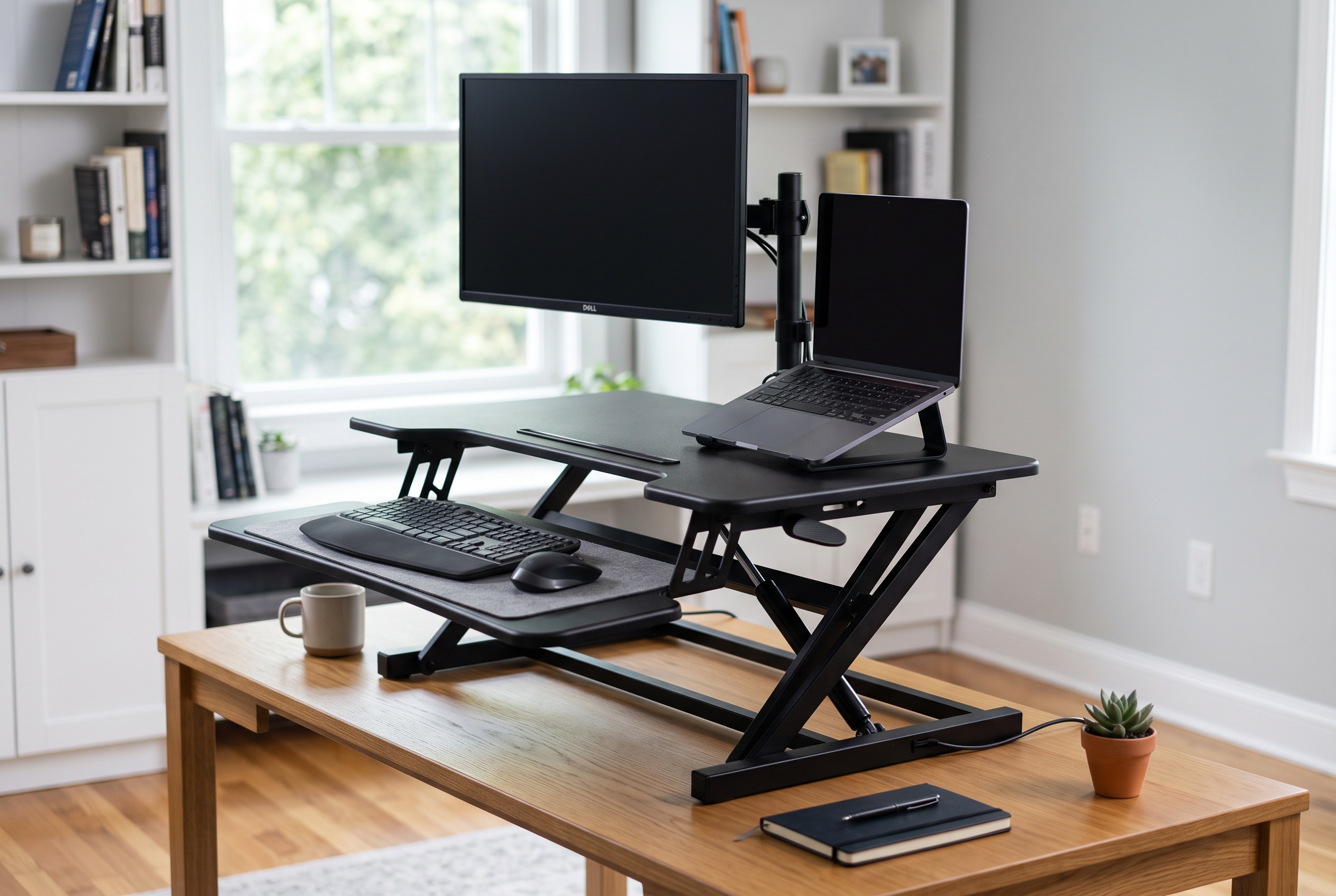
Image: AI-generated for RemoteErgoLab.
1. VariDesk Pro Plus 30 — the stable premium converter
Spring-assisted lift with 11 height settings and a weighted base that keeps it planted on your desk. It arrives fully assembled — no build time at all. If wobble is your biggest fear with a converter, this is the design to look at first.
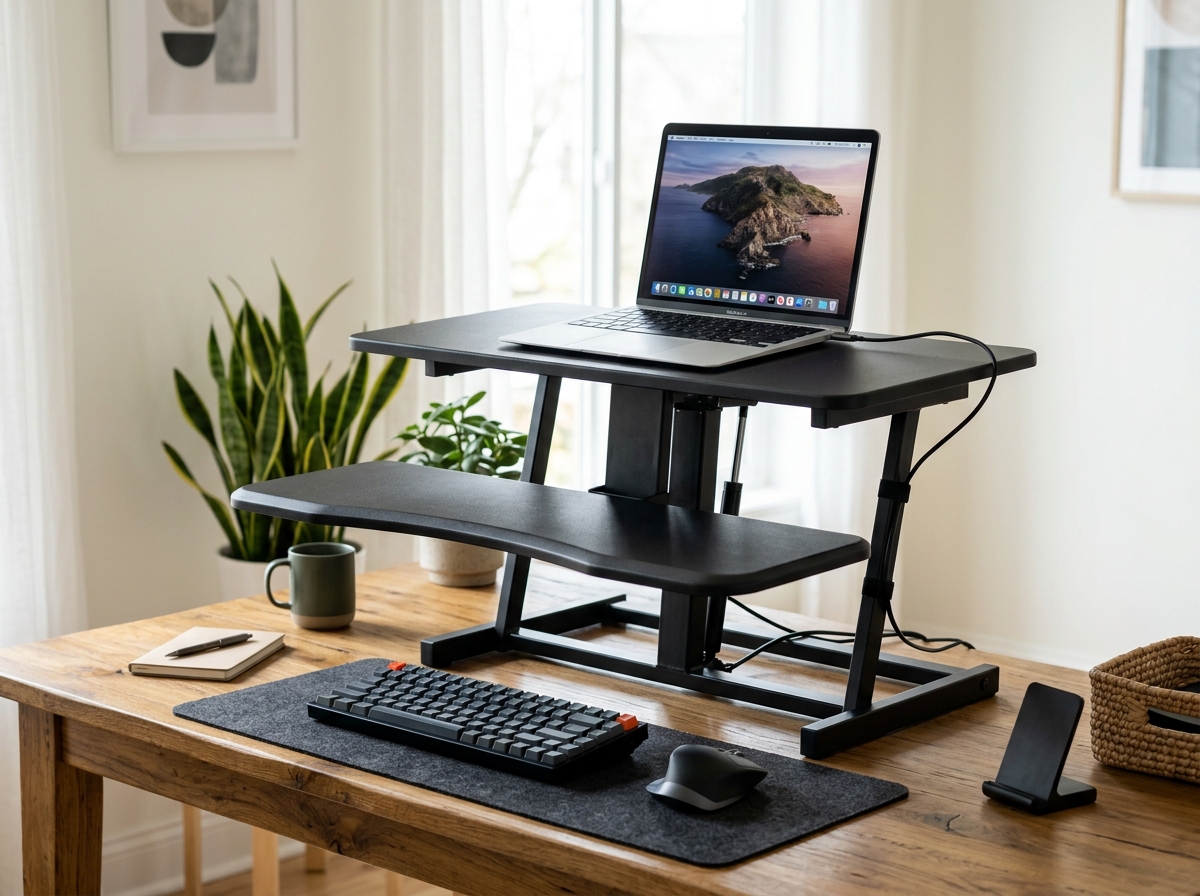
Image: AI-generated for RemoteErgoLab.
2. VIVO Adjustable Converter — the budget pick
A simple gas-spring tabletop converter that lifts your monitor and laptop together, with a two-tier platform and tool-free height adjustment. At its price point it makes trying a converter low-risk — a good first step before committing to a full desk.
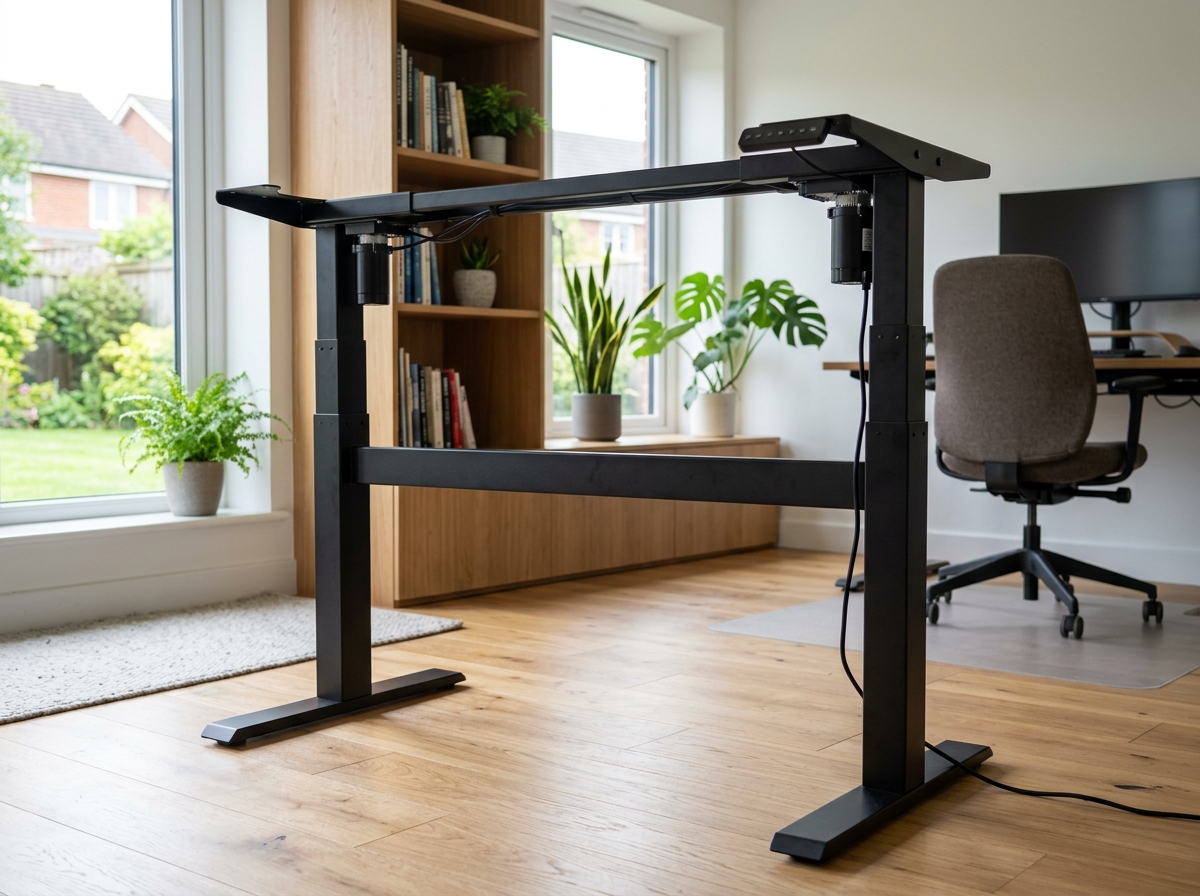
Image: AI-generated for RemoteErgoLab.
3. ErGear Electric Standing Desk Legs — build your own full desk
A dual-motor frame rated for 176 lbs with four memory presets and a 28.3–46.5 inch height range. You pair it with your own desktop (39–63 inches wide) — the most affordable route to a real electric standing desk, and you keep the tabletop you already like.
Shop These Picks on Amazon
Ready to compare prices? These links open Amazon listings for the specific products covered in this guide, so you can check current models and prices yourself. If you buy through them, we may earn a small commission at no extra cost to you — it helps keep RemoteErgoLab free.
Related Guides
- Best Standing Desk Converter for Small Desks
- Standing Desks for Small Spaces: The Practical Guide
- Best Types of Standing Desks for Small Spaces
- Standing Desk Converter vs Adjustable Desk: Which Should You Buy?
- Trackball vs Vertical Mouse: Which Ergonomics Fit You?
- Best Budget Ergonomic Setup Under $200: 5 Picks (2026)
Disclosure
As an Amazon Associate we earn from qualifying purchases.
This post contains affiliate links — if you buy through them, we may earn a small commission at no extra cost to you. We only recommend gear we have researched thoroughly: real specs, user reviews, and verified complaints.