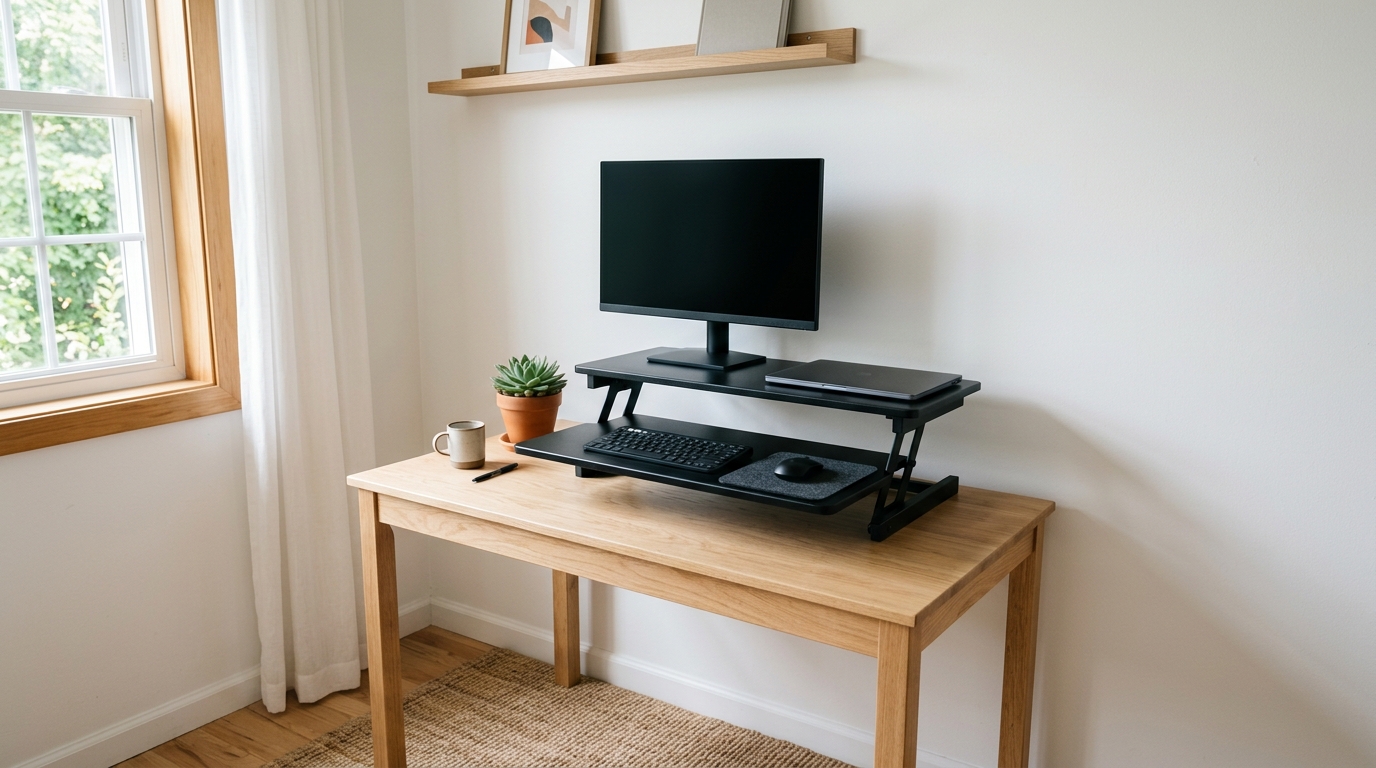
Quick Answer
On a desk of 48 inches or narrower, the VIVO DESK-V000VS 32" is the best all-round standing desk converter: a 32 x 22-inch top for two displays, dual pneumatic springs, and a 33 lb rating. For the tightest corners the Aconcept Extra-Slim (24 x 14 inches, typically $50-$80) is the smallest pick here, and the Ergotron WorkFit-Z Mini is the premium laptop-first choice at typically $400-$480.
Quick Picks
Sit-stand converters add a height-adjustable workstation on top of an ordinary desk without the footprint of a full standing frame. These five fit desks of 48 inches or narrower, with room for a mouse on each side.
- VIVO DESK-V000VS 32 Inch Standing Desk Converter – best dual-monitor pick for desks of 40 inches and up; dual pneumatic springs and a 32 x 22-inch top that fits two monitors; check current price.
- Rocelco 32 Standing Desk Converter with Slide-Out Keyboard Tray – dual-piston lift plus a retractable tray that tucks the keyboard away, around $190.
- Ergotron WorkFit-Z Mini Standing Desk Converter – premium laptop converter with one-motion hand-brake adjustment, typically $400-$480.
- Mount-It! Dual Monitor Electric Standing Desk Converter – push-button electric lift with VESA arms that float two screens over a narrow base, typically $210-$260.
- Aconcept Extra-Slim Compact Standing Desk Converter for Monitor or Laptop – the smallest option at 24 x 14 inches, and the easiest on a budget, typically $50-$80.
How We Chose
Small desks punish oversized gear: a 36-inch converter can swallow a 47-inch desk whole. Placement decides how much desk you can afford in the first place — see where to put a desk in a small apartment. Footprint was the first filter, so every pick below spans 32 inches or less except the arm-based model.
Capacity came second: a 24-inch monitor weighs 8-12 lb, so each pick carries at least 25 lb. Lift mechanics and review consensus followed, with attention to wobble complaints and tray depth. Prices shift weekly, so treat the ranges below as guides.
Comparison Table
| Model | Footprint | Lift | Capacity | Best For | Typical Price |
|---|---|---|---|---|---|
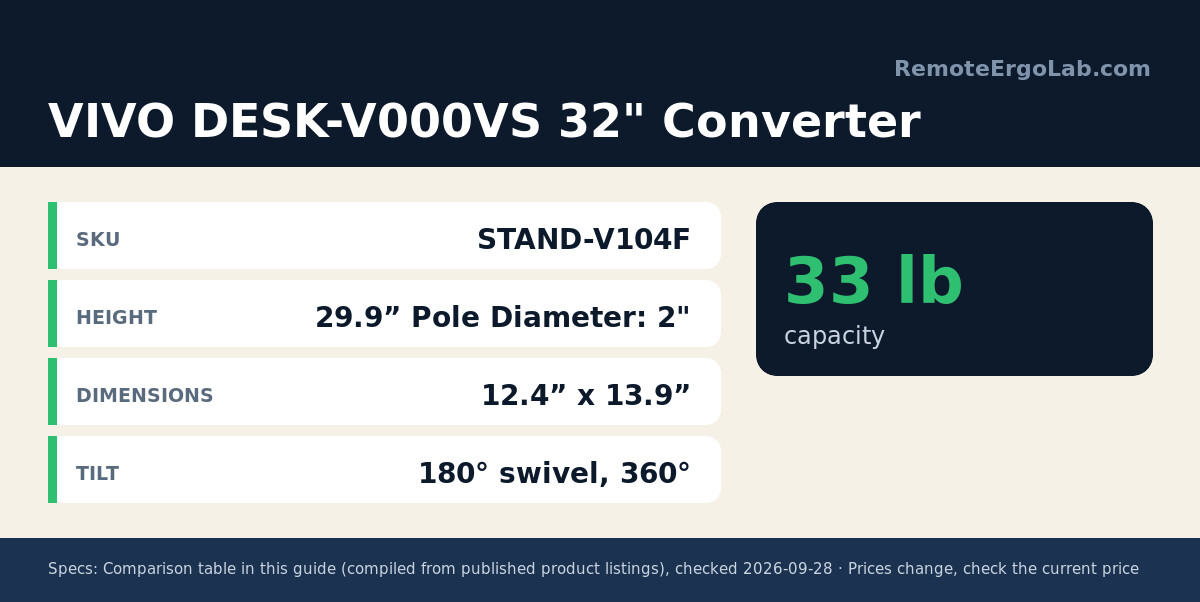
| VIVO DESK-V000VS 32″ Converter | 32″ x 22″ | Dual pneumatic spring | 33 lb | Dual monitors on a 40-48″ desk | check current price |
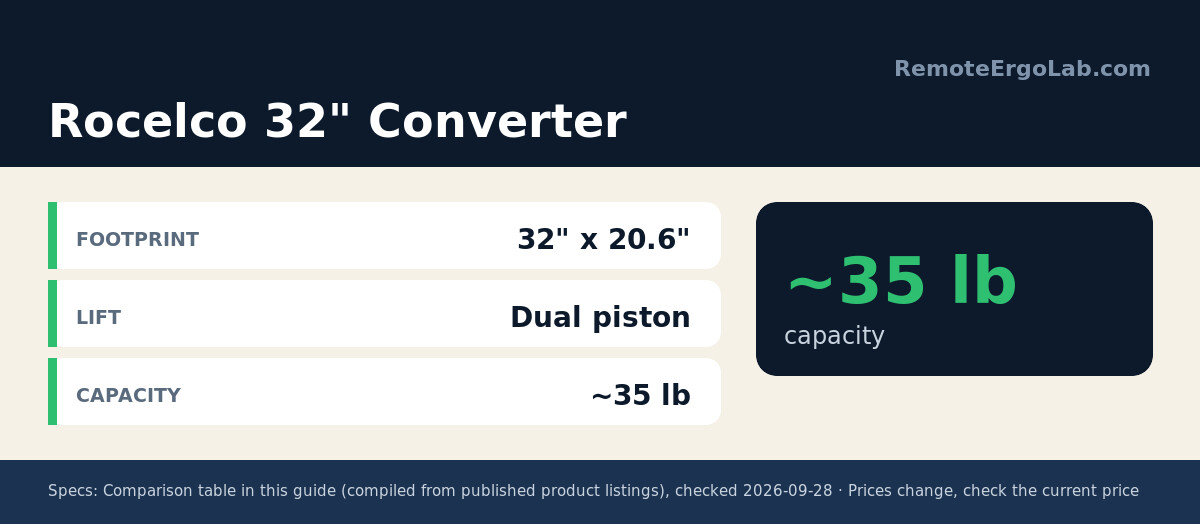
| Rocelco 32″ Converter | 32″ x 20.6″ | Dual piston | ~35 lb | Dual 27″ monitors plus slide-out tray | $180-$210 |
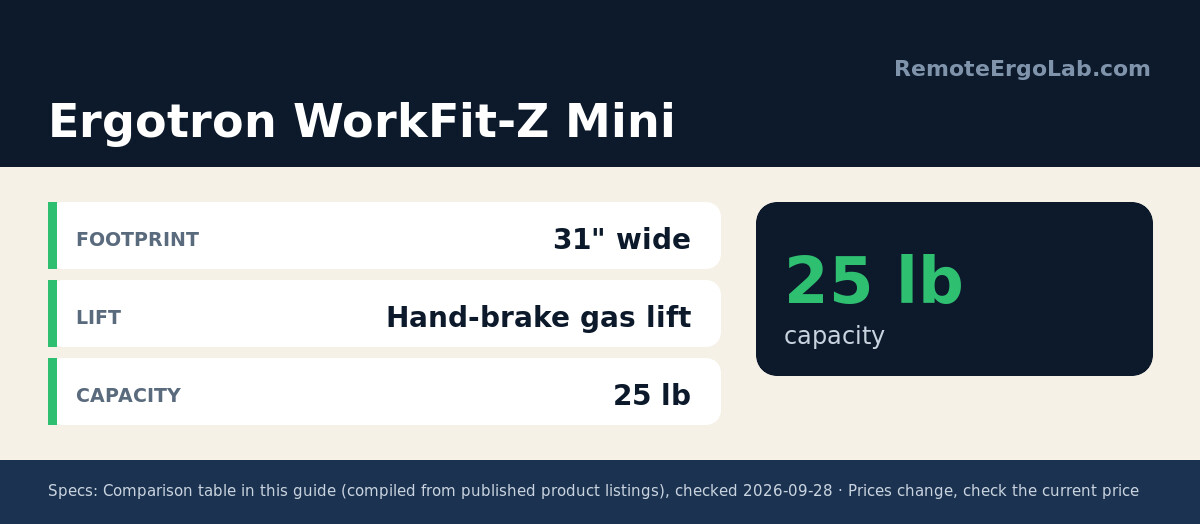
| Ergotron WorkFit-Z Mini | 31″ wide | Hand-brake gas lift | 25 lb | Laptop-first setups that want premium feel | $400-$480 |
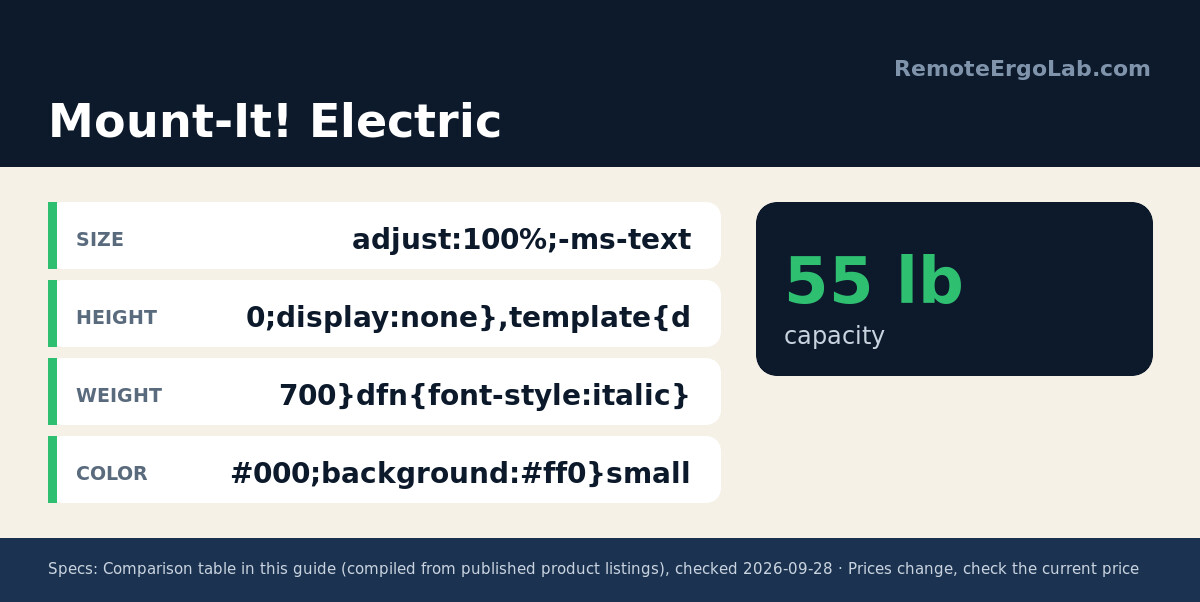
| Mount-It! Electric | Narrow base + VESA arms | Electric | 55 lb | Two screens up to 32″ on a small desk | $210-$260 |
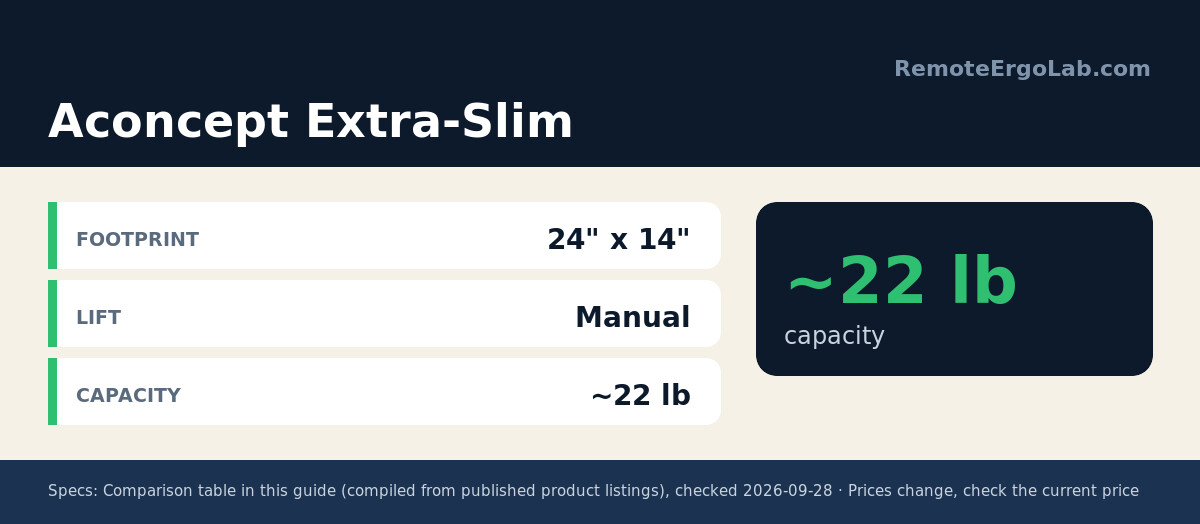
| Aconcept Extra-Slim | 24″ x 14″ | Manual | ~22 lb | Tight corners, single monitor or laptop | $50-$80 |
The 5 Best Standing Desk Converters for Small Desks
VIVO DESK-V000VS 32 Inch Standing Desk Converter
The VIVO DESK-V000VS 32″ is the volume pick for a reason: the 32 x 22-inch top holds two monitors side by side, and the second-tier keyboard tray (24.4 x 10.5 inches) keeps your elbows low instead of lifting the keyboard with the screen. Dual pneumatic springs move the surface through a 6.5 to 17-inch range, the desktop is rated to 33 lb, and the tray takes 4 lb. Assembly is minimal: attach the tray and feet and it is ready. Check current price.
Rocelco 32 Standing Desk Converter with Slide-Out Keyboard Tray
Rocelco’s 32″ converter answers a question most converters ignore: where the keyboard goes when you stand. A slide-out tray retracts under the main deck, so the 32 x 20.6-inch surface holds two 27-inch monitors while your arms rest naturally on the tray. Dual pistons handle the lifting and stay stable through full travel. Expect a longer setup than the VIVO; reviewers consistently praise the tray glide. Around $180-$210; check current price.
Ergotron WorkFit-Z Mini Standing Desk Converter
Ergotron built its name on monitor arms, and the WorkFit-Z Mini brings that gas-spring thinking to laptop workers. At 31 inches wide and 32 lb it is the heaviest manual converter here, which is why it feels solid at standing height. A hand-brake lever releases the lift so you can stop anywhere, capacity is rated at 25 lb, and the grey woodgrain top looks like furniture rather than office gear. It costs roughly three times the budget picks, so it suits buyers who want one converter that outlives two laptops. Typically $400-$480; check current price.
Mount-It! Dual Monitor Electric Standing Desk Converter
Most electric converters skip small desks because the motor and columns demand a 36-inch-wide base. Mount-It! sidesteps that: the base stays narrow while two VESA arms carry monitors up to 32 inches each. One button glides the assembly from sitting to standing height, and the steel base holds 55 lb total. Caveats: heavy to reposition, and the arms need 75 x 75 or 100 x 100 mm VESA holes. Typically $210-$260; check current price.
Aconcept Extra-Slim Compact Standing Desk Converter for Monitor or Laptop
At 24 x 14 inches and about 9.5 lb, the Aconcept Extra-Slim targets desks where every inch counts, like a 30-inch writing table. The manual lift covers a practical range for one monitor or laptop, and the unit lifts away in seconds when you need the desk back. Capacity sits near 22 lb, so skip it for a heavy monitor plus docking station. Build quality is basic, and reviewers say the handle needs two hands on the way down. At typically $50-$80 it is the cheapest honest way to test whether standing helps your neck. Check current price.
Buying Guide: How to Match a Converter to a Small Desk
Measure the desk first. A converter needs roughly 4-6 inches of clear desk per side so your mouse arm is not pinned against the wall. A 32-inch converter suits a desk of at least 40-44 inches; below that, drop to a 24-26-inch model or a VESA-arm design.
Choose a lift type by how you work. Gas-spring and dual-piston converters adjust in one smooth motion with no power. Electric lifts are effortless but heavier and pricier. Manual friction models are lightest and cheapest, though fiddly enough that you will adjust them less.
Add up the load. A 24-inch monitor alone runs 8-12 lb; add a laptop and accessories and you hit 15-25 lb quickly. Buy a converter rated at least 10 lb above your daily load.
Think about the keyboard tray. A fixed shelf locks your wrists into one angle; a slide-out tray like the Rocelco’s tucks the keyboard away when standing. If a converter has no tray, confirm your desk still fits a separate keyboard.
Skip no-name listings. Converters with identical photos but unbranded names often share the same weak gas struts. Stick with a real brand, a published weight capacity, and enough ratings to scan.
Standing Desk Converter FAQ
Will a converter fit my 40-inch desk? Yes, with a careful choice. A 31.5-32-inch converter leaves about 4 inches per side on a 40-inch desk; for a 36-inch desk, pick an ultra-compact model like the Aconcept at 24 inches wide.
How much height do converters add? Most raise the surface 14-16 inches above the lowest setting; the VIVO DESK-V000VS travels from 6.5 to 17 inches. If the lowest setting sits above 5 inches, shorter users struggle to reach a relaxed elbow angle.
Electric or gas-spring for a small desk? Gas springs win on footprint and price; electric wins on convenience. The only compact electric designs use VESA arms to keep the base narrow, like the Mount-It!.
Do I need a converter if I already have a laptop stand? A laptop stand fixes your neck angle while seated but does nothing for your hips after hour four; a converter adds the standing half of the equation.
How do I pick a standing desk converter small enough for a 36-inch desk? Go compact: a 24-26 inch manual model like the Aconcept Extra-Slim, or an electric design that keeps a narrow base and floats the screens on VESA arms. A 32-inch converter needs at least 40-44 inches of desk, so drop a size before you run out of mouse room.
Shop These Picks on Amazon
Ready to compare prices? These links open Amazon listings for the specific products covered in this guide, so you can check current models and prices yourself. If you buy through them, we may earn a small commission at no extra cost to you – it helps keep RemoteErgoLab free.
- VIVO DESK-V000VS 32 Inch Standing Desk Converter on Amazon
- Rocelco 32 Standing Desk Converter with Slide-Out Keyboard Tray on Amazon
- Ergotron WorkFit-Z Mini Standing Desk Converter on Amazon
- Mount-It! Dual Monitor Electric Standing Desk Converter on Amazon
- Aconcept Extra-Slim Compact Standing Desk Converter for Monitor or Laptop on Amazon
Related Guides
- Standing Desk vs Standing Desk Converter
- Standing Desks for Small Spaces: The Practical Guide
- Best Types of Standing Desks for Small Spaces
- Standing Desk Converter vs Adjustable Desk: Which Should You Buy?
Disclosure
RemoteErgoLab is reader-supported. As an Amazon Associate we earn from qualifying purchases. This guide is based on product specs, manufacturer documentation, and patterns across user reviews; we have not personally tested these items.