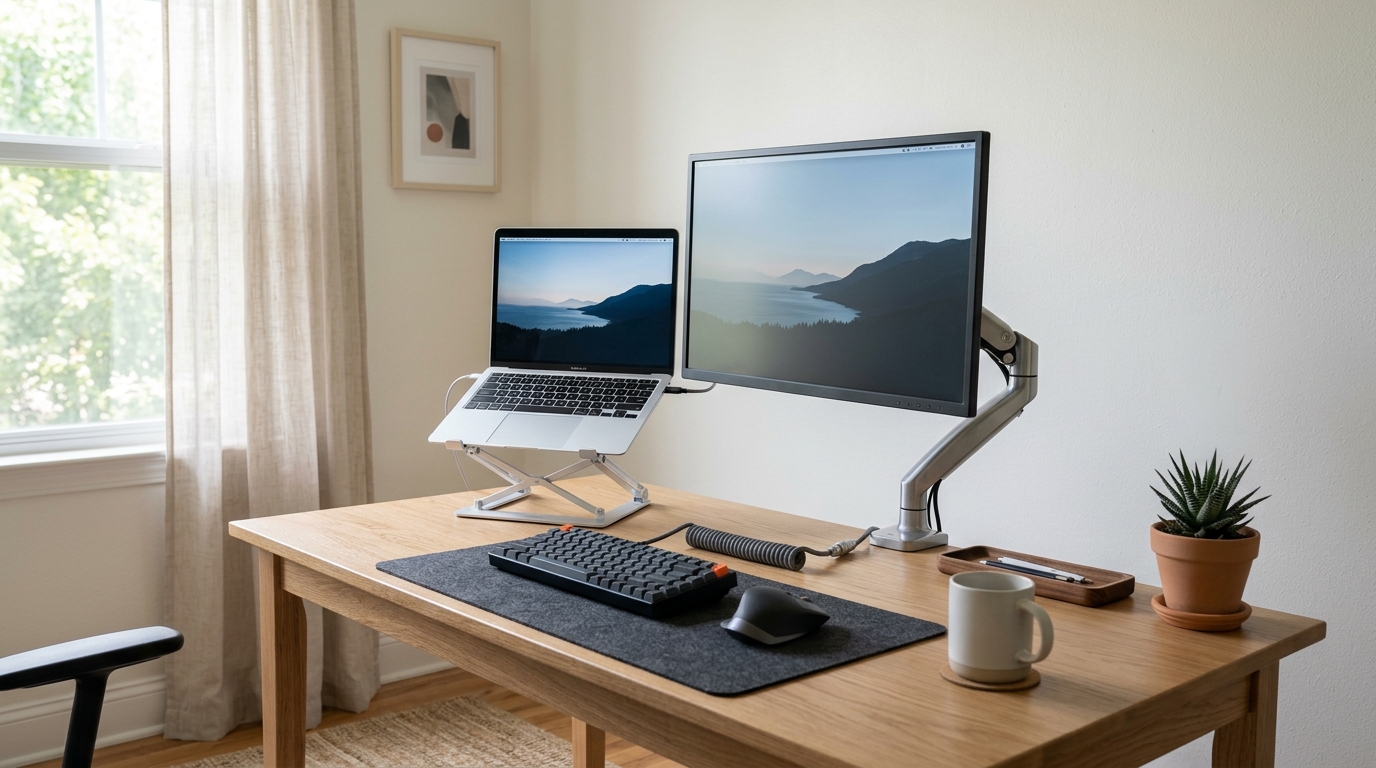
Laptop Stand vs External Monitor: Which One Should You Choose?
Your neck hurts, your eyes feel dry, and your laptop screen sits eight inches below your eyeline. The standard advice points two ways: raise the laptop with a stand, or add an external monitor. Both cost less than a new desk, and both genuinely help. The right pick depends on what you do all day. A dock is usually the piece that makes that setup permanent — our laptop docks for remote workers cover the shortlist.
Quick Answer
A laptop stand raises the screen 4 to 8 inches and costs $20–$60, fixing neck strain quickly if paired with an external keyboard. An external monitor solves the same height problem but adds screen size (15.6 to 27 inches), adjustable stands, and more workspace for $80–$250. Choose a stand for portability and tight budgets; choose a monitor for extended desk work and side-by-side windows.
What Each Option Actually Fixes
A laptop stand solves one problem directly: screen height. Most laptop screens sit 4 to 6 inches lower than the recommended position, which puts your gaze about 15 to 20 degrees below horizontal. That angle forces your neck flexors to work continuously, and over an eight-hour day, that low-grade strain adds up.
An external monitor solves the same height problem and adds screen size, resolution, and workspace. A 15.6-inch portable panel roughly matches your laptop display, while a 24- or 27-inch desktop monitor gives you far more room for side-by-side windows. You can also place the panel at true eye level, because most monitors ship with stands that adjust for height and tilt.
Comparison at a Glance
Neither tool fixes a chair that is too low or a desk that is too high; both assume your desk surface is roughly elbow height to begin with.
| Factor | Laptop Stand | External Monitor |
|---|---|---|
| Typical price | $20-$60 (check current price) | $80-$250 (check current price) |
| Screen height fix | Yes, raises laptop 4-8 in | Yes, adjustable stand |
| Screen size gain | None | 15.6-27 in options |
| Setup time | Under a minute | 5-15 minutes |
| Portability | Folds flat, easy to carry | Portable panels exist; desktop panels do not travel |
| Desk space used | Small footprint | More, plus cable management |
| Needs extra hardware | External keyboard recommended | External keyboard recommended |
Laptop Stands: The Cheap, Fast Fix
If your budget is tight, or you split time between a home desk and a coffee shop, a stand is the sensible first move. The good ones are aluminum, hold 10- to 16-inch laptops without wobble, and lift the screen 4 to 8 inches. Pair one with a separate keyboard, and your posture improves immediately: your hands stay at elbow height while the screen rises toward eye level.
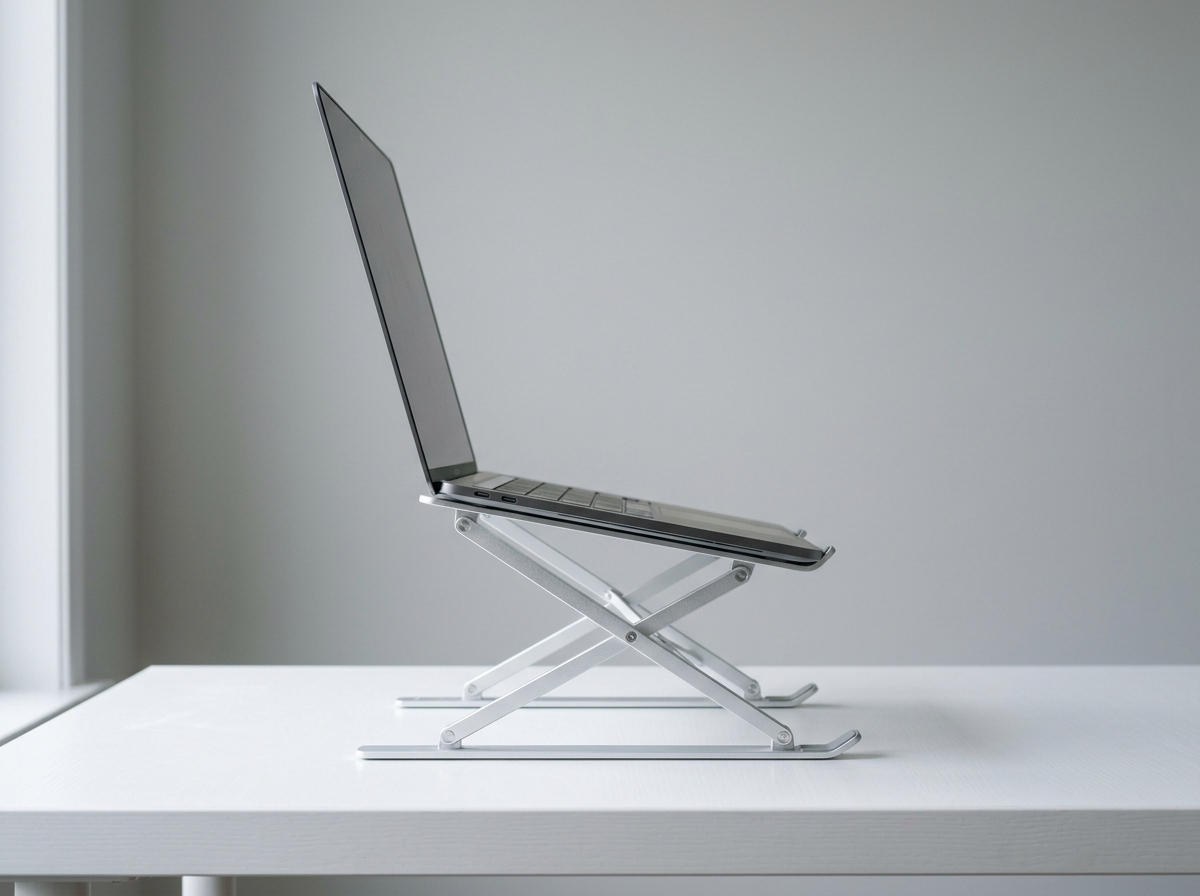
Two models appear constantly in user reviews and roundups for this category:
Nulaxy Full Aluminum Laptop Stand
This is the adjustable riser style: a hinged aluminum frame that folds flat for travel and opens to a stable A-shape. The spec sheet lists support for laptops up to 22 pounds, which covers even bulky 17-inch workhorses. The open, vented design leaves the underside exposed, so thermals stay reasonable during long video calls. Owners commonly report that the rubber pads keep the laptop from sliding, and that the stand fits in a backpack without drama. Prices typically land between $25 and $40 (check current price).
SOUNDANCE Laptop Stand
SOUNDANCE builds a similar adjustable aluminum riser aimed at 10- to 15.6-inch laptops, with about 6 inches of elevation at its highest setting. The silver finish matches most laptops, and the fold-flat design makes it a popular pick for people who carry their setup between home and office. Reviews emphasize the sturdy feel for the price and the open cooling channel underneath. Expect roughly $20 to $35 (check current price).
The catch with any stand: your laptop keyboard becomes unusable at the raised angle, so budget for a separate keyboard, or you will hover your arms at a bad height.
External Monitors: More Screen, More Options
If you work in spreadsheets, code, video, or anything with multiple windows, the extra panel pays for itself fast. The second screen removes constant alt-tabbing, and because monitors mount at eye level, your neck sits in a neutral position for hours.
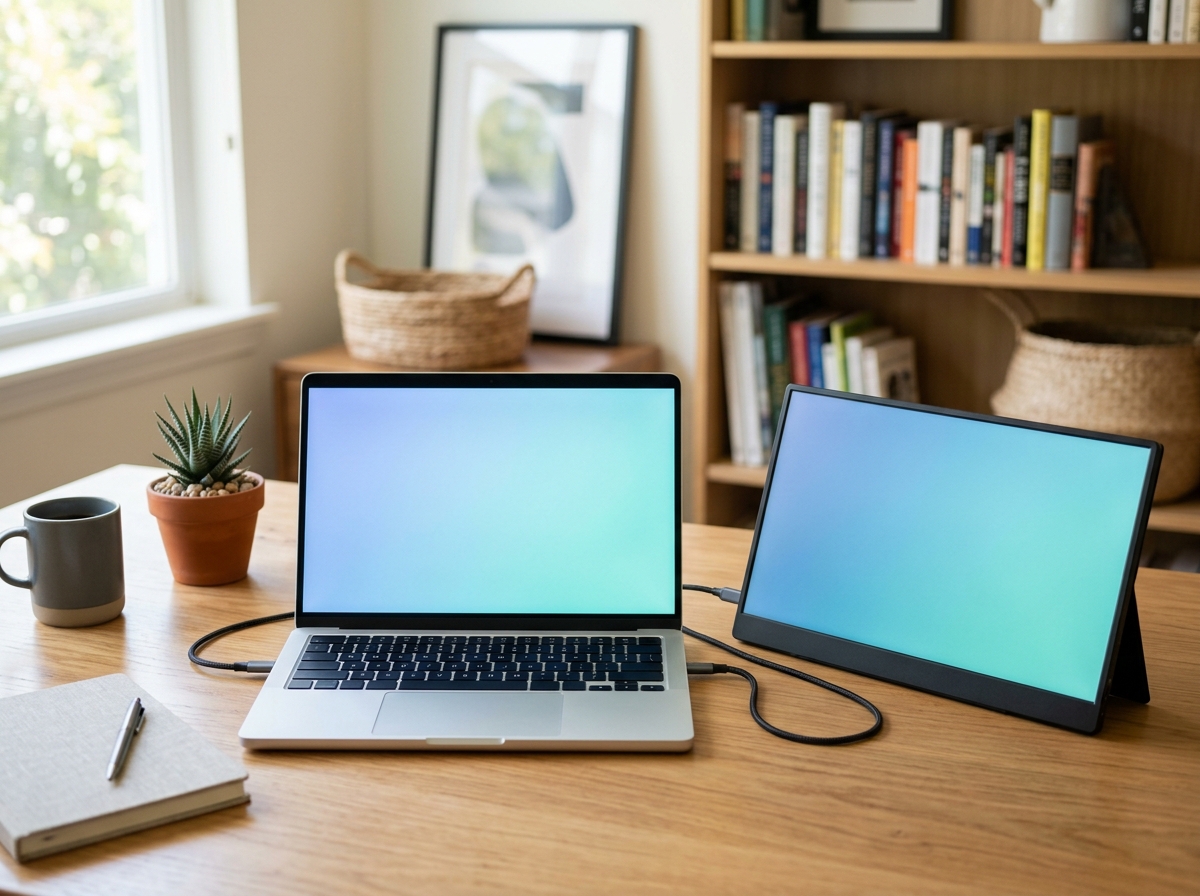
MNN 15.6 FHD 60Hz Portable Monitor
Portable panels split the difference between a stand and a desktop monitor. The MNN 15.6 FHD 60Hz model is a 1080p IPS panel with HDR support, a USB-C port that carries video and power over a single cable, plus HDMI for older laptops. It ships with a smart cover that doubles as a stand, and it runs from your laptop’s USB-C port, so there is no wall adapter to pack. That single-cable setup is why portable monitors appear so often in travel-focused reviews. Typical pricing is $80 to $120 (check current price).
ASUS ZenScreen MB16AHV 15.6 Inch 1080p Portable Monitor
ASUS is the established name in portable panels, and the MB16AHV is a 15.6-inch 1080p IPS screen with a built-in kickstand, anti-glare coating, and a blue light filter. It connects over mini HDMI or USB-C, and the tripod mount thread on the back lets you hang it beside your laptop instead of in front of it. That flexibility is rare in this category. The trade-off is price: ZenScreens typically run $150 to $220 (check current price), well above generic panels.
For a permanent home setup, a 24- or 27-inch desktop monitor with a height-adjustable stand usually beats any portable panel on image quality and ergonomics, at roughly $120-$300 (check current price). Portable only makes sense if you actually move.
How to Decide
- Choose a laptop stand if: your budget is under $60, you travel with your laptop, your laptop screen is big enough, or you just want a 10-minute fix today.
- Choose an external monitor if: you work in multiple windows all day, your laptop screen feels cramped, or you want adjustable height and tilt without relying on riser angles.
- Choose both if: you dock a closed laptop. The stand keeps the laptop cool and at eye level beside the monitor, giving you a true dual-display setup for less than a new laptop.
- Skip both if: your desk or chair height is the real problem. Fix those first, then reassess.
One honest note from the research: a stand plus external keyboard fixes posture for most single-screen workers at the lowest cost. People who buy the monitor first often end up buying the stand later, because the closed-laptop dock position is more comfortable.
Laptop Stand vs External Monitor FAQ
Will a laptop stand damage my laptop?
No. Quality stands use aluminum frames with rubber or silicone contact points, and the open design improves airflow compared with resting the laptop flat on a desk.
Can I use an external monitor with my laptop closed?
Yes. On Windows, set the lid-close action to “do nothing” in power settings. On macOS, plug in power and an external display, then close the lid; the Mac stays awake. A stand keeps the closed laptop ventilated while it works as a dock.
Is a portable monitor as good as a desktop monitor?
For text work, yes. Portable panels are usually 1080p IPS with decent color, fine for email, documents, and code. For color-critical photo or video work, a desktop monitor with wider color coverage is the better investment.
What height should the top of my screen be?
Most ergonomics guidance says the top of the screen should sit at or slightly below eye level, about 18 to 30 inches from your eyes, so you read the top line without tilting your head down.
Shop These Picks on Amazon
Ready to compare prices? These links open Amazon listings for the specific products covered in this guide, so you can check current models and prices yourself. If you buy through them, we may earn a small commission at no extra cost to you – it helps keep RemoteErgoLab free.
- Nulaxy Full Aluminum Laptop Stand on Amazon
- SOUNDANCE Laptop Stand on Amazon
- MNN 15.6 FHD 60Hz Portable Monitor on Amazon
- ASUS ZenScreen MB16AHV 15.6 Inch 1080p Portable Monitor on Amazon
Related Guides
- Monitor Arm vs Laptop Stand: Which Do You Need?
- Best Laptop Stands for Neck Pain
- Single vs Dual Monitor Arm
- Trackball vs Vertical Mouse: Which Ergonomics Fit You?
- Best Budget Ergonomic Setup Under $200: 5 Picks (2026)
Disclosure: RemoteErgoLab researches products using public specs, manufacturer documentation, and user reviews. We do not have firsthand testing facilities. As an Amazon Associate we earn from qualifying purchases.