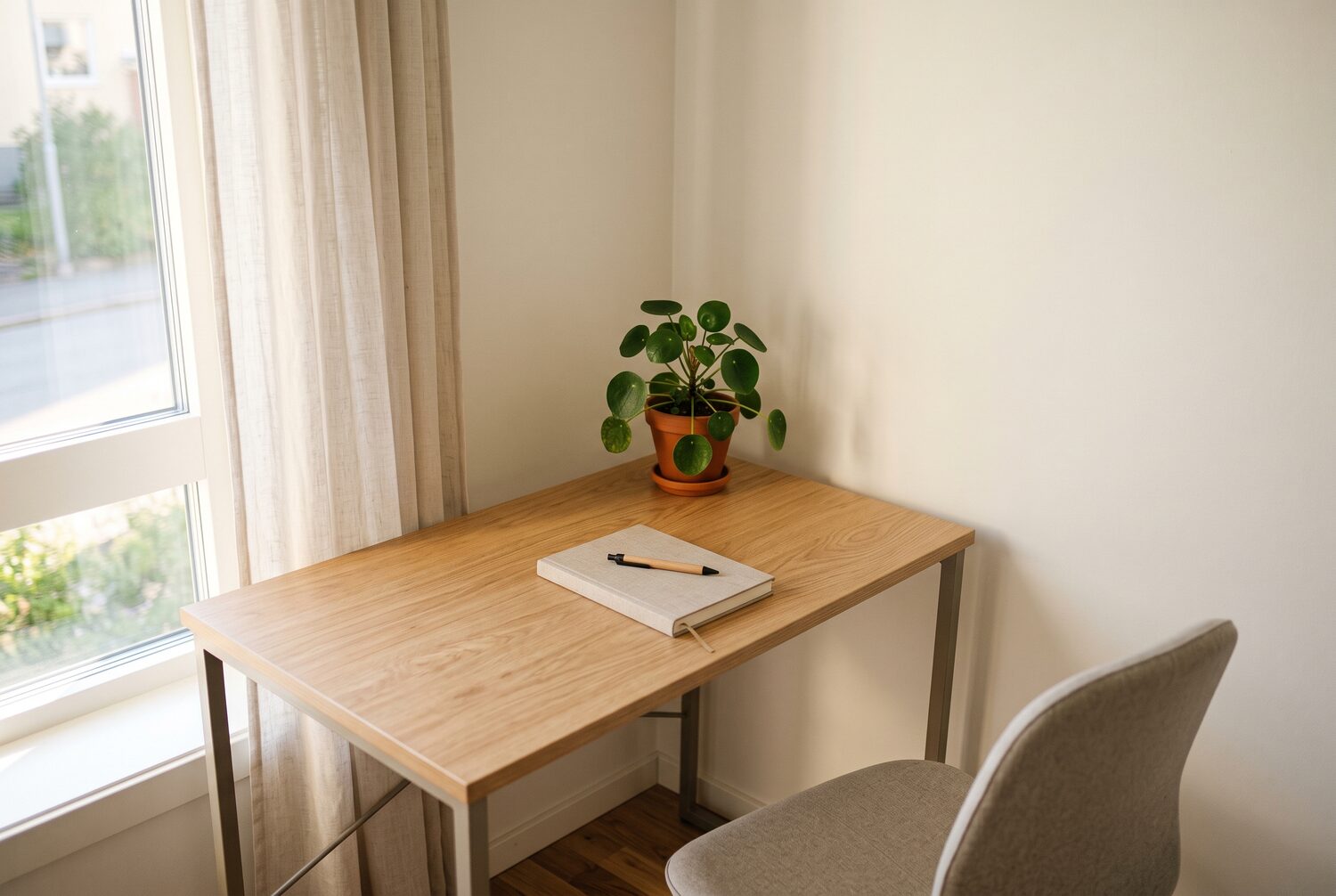
A dual monitor mount is a single-clamp stand that holds two screens and frees the desk surface. Two screens beat one for most remote work — a reference document on the left, your task on the right — but a compact desk fills up fast when each monitor base claims its own territory. A mount hangs both screens from one clamp, grommet, or pole, leaving room for a keyboard, notepad, and coffee mug. The trick is matching the mount to your desk edge, your screens’ weight, and the space behind the desk.
Quick Answer
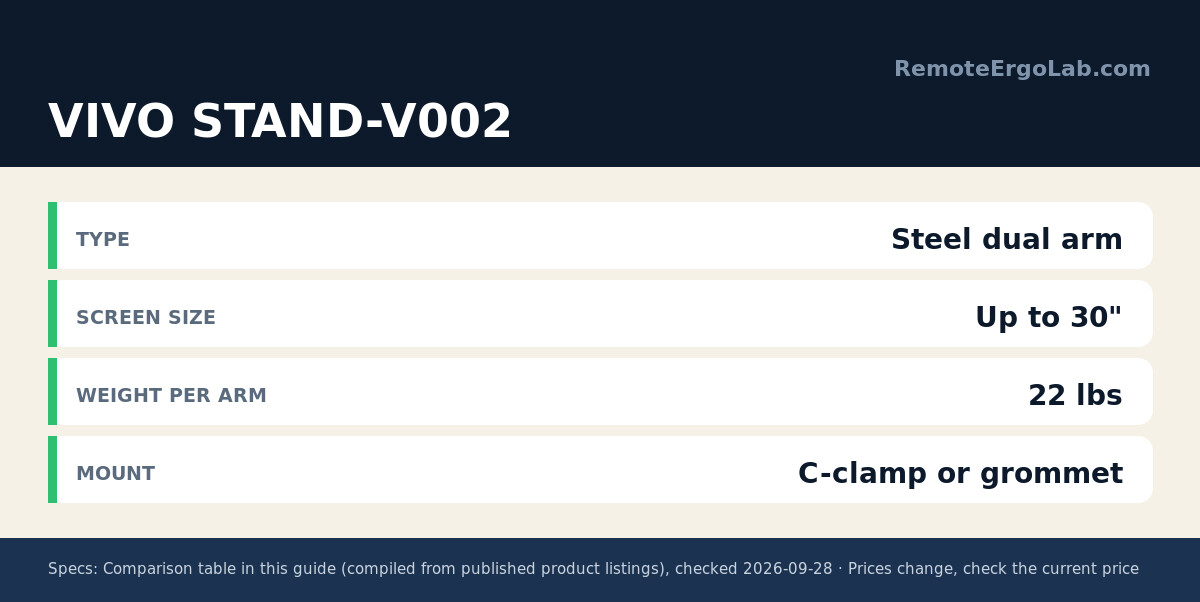
A dual monitor mount uses a single clamp or pole to hold two screens, freeing desk surface for keyboard and notepad. The VIVO STAND-V002 supports screens up to 30 inches at 22 lbs each with C-clamp or grommet mounting, typically $35-$50. The HUANUO HNDS7 handles 13–40 inch monitors at 26.4 lbs per arm and adds two USB ports, while the Suptek ML6802 free-standing pole avoids clamping for desks up to 32 inches.
Below are five dual monitor setups that earn their place on small desks, judged on real listing specs. Across the five picks, screen support runs from 13 to 40 inches, per-arm capacity from 19.8 to 26.4 lbs, and clamps fit desk edges from about 0.4 to 3.2 inches. Before mounting anything, settle where the desk goes — our desk placement guide for small apartments covers walkways and outlets. Prices are typical ranges — models change and deals shift, so check current listings before you buy.
Quick Picks
- Best overall: VIVO STAND-V002 — dual steel arm, C-clamp or grommet, up to 30 inch screens at 22 lbs each, typically $35-$50.
- Best with a USB hub: HUANUO HNDS7 — 13–40 inch monitors at 26.4 lbs per arm plus two USB ports, typically $60-$90.
- Best for ultrawides: VIVO STAND-V200O — pneumatic arms rated for 35 inch ultrawides at 26.4 lbs each, typically $110-$150.
- Best gas-spring feel: ELG dual monitor stand — independent arms with 360° rotation, typically $60-$90.
- Best when you can’t clamp: Suptek ML6802 — free-standing 31.5 inch pole stacking two screens up to 32 inches, typically $40-$60.
How We Chose
No first-hand lab sits behind this list. The picks are ranked on documented specs and small-desk fit: mounts that clamp to the back edge waste zero surface space, while freestanding bases trade a little footprint for compatibility with desks that can’t be clamped or drilled.
Weight capacity had to clear the typical 27 inch monitor (10–15 lbs without its stand). Mounting had to offer at least one option for desks up to 2 inches thick. Height travel had to reach roughly 15–20 inches so the screen top sits near seated eye level. Cables needed a routing channel or clips. And price had to stay sensible — a mount should cost a fraction of the monitors it holds.
Comparison Table
| Product | Type | Screen Size | Weight per Arm | Mount | Typical Price |
|---|---|---|---|---|---|
| VIVO STAND-V002 | Steel dual arm | Up to 30″ | 22 lbs | C-clamp or grommet | $35-$50 |
| HUANUO HNDS7 | Dual arm with USB | 13″–40″ | 26.4 lbs | C-clamp or grommet | $60-$90 |
| VIVO STAND-V200O | Pneumatic dual arm | Up to 35″ ultrawide | 26.4 lbs | C-clamp or grommet | $110-$150 |
| ELG Dual Monitor Stand | Gas-spring dual arm | 17″–35″ | 19.8 lbs | C-clamp or grommet | $60-$90 |
| Suptek ML6802 | Freestanding pole | Up to 32″ | Per-screen rating | Weighted base | $40-$60 |
Confirm the current figure on the live listing before ordering — prices move.
Reviews
VIVO STAND-V002: Best Overall for Small Desks
The STAND-V002 is the default answer when a small desk needs two screens on a small budget. Its steel arms hold monitors up to 30 inches and 22 lbs each. The base bolts down with a C-clamp on the back edge — the space-saving option — or a grommet mount through a cable hole. The clamp version clears the back edge, so a 110 cm desk keeps a usable keyboard zone. Trade-offs: manual height adjustment and a purely functional finish. At the typical $35-$50, there is little to fault.
HUANUO HNDS7: Best with a USB Hub
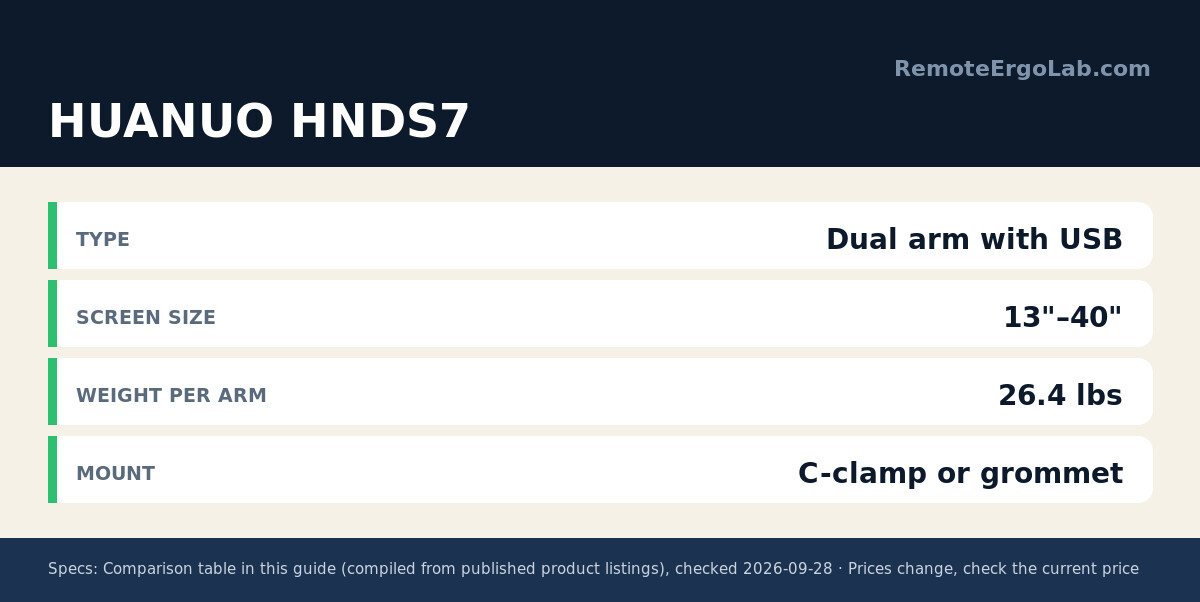
The HNDS7 stretches further than most dual mounts, accepting anything from 13 inch laptops on VESA adapters up to 40 inch screens, with 26.4 lbs of capacity per arm. Two USB ports on the base keep webcam and headset cables tidy. Clamp and grommet options fit edges up to roughly 3.2 inches thick, and each arm adjusts independently — handy for pairing one ultrawide with one regular monitor. Expect to pay $60-$90.
VIVO STAND-V200O: Best for Ultrawide Screens
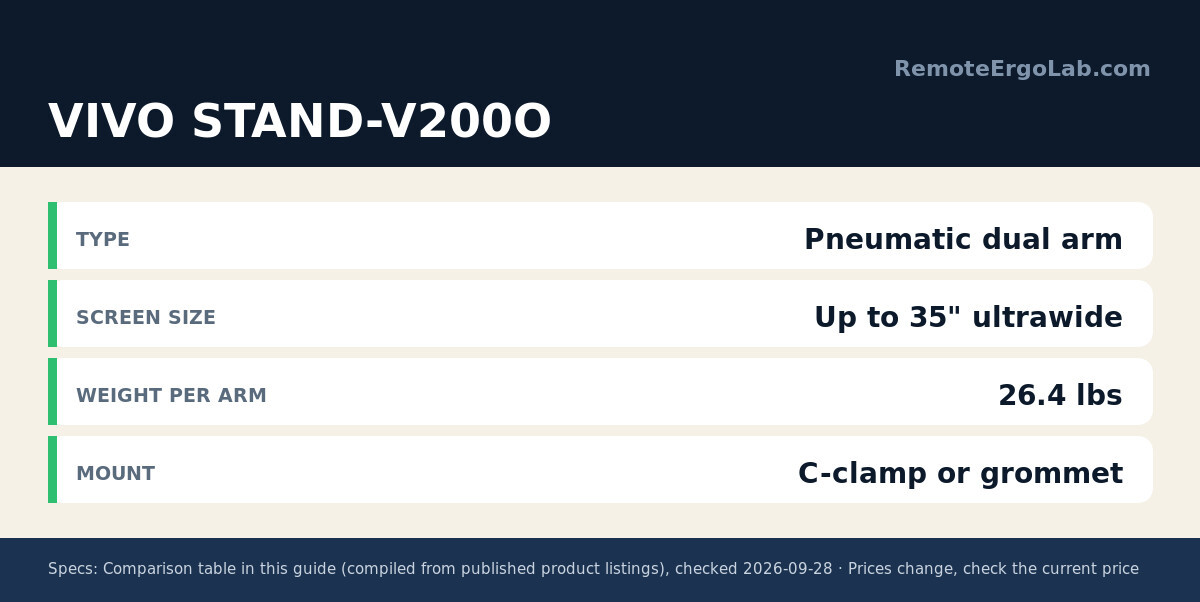
Two 34 inch ultrawides weigh a lot, and the V200O is built for that load: 26.4 lbs per arm on pneumatic gas lifts that hold position without constant re-tightening. That matters on a small desk because you reposition screens often — pulling one forward for a task, pushing both back for a call. The arms suit screens up to 35 inches with VESA 75×75 or 100×100 patterns, in clamp or grommet form. It costs more, typically $110-$150, and pays off when your second screen is a big curved panel rather than a spare 24 inch.
ELG Dual Monitor Stand: Best Gas-Spring Feel on a Budget
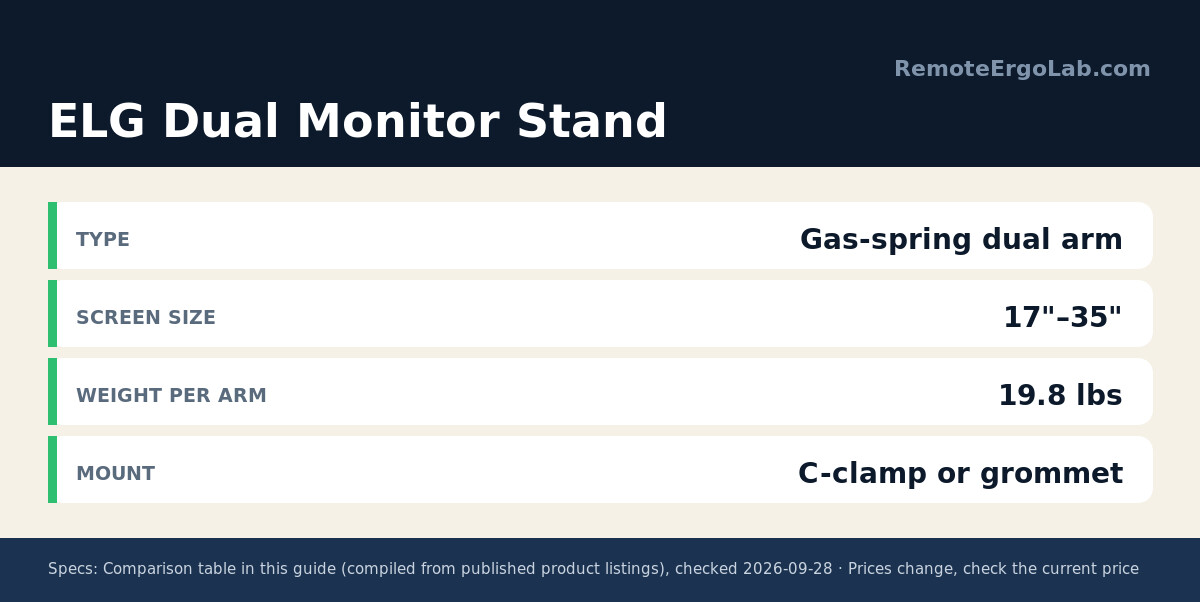
ELG’s dual mount brings independent gas-spring arms to a mid-range price. Each arm carries up to 19.8 lbs and rotates a full 360° for portrait swings or showing a screen to a visitor. Arms adjust up to 16.1 inches of height — enough to put a 27 inch screen’s top edge at eye level for most seated users. Height changes are tool-free thanks to the gas spring. Typical price: $60-$90.
Suptek ML6802: Best When You Can’t Clamp
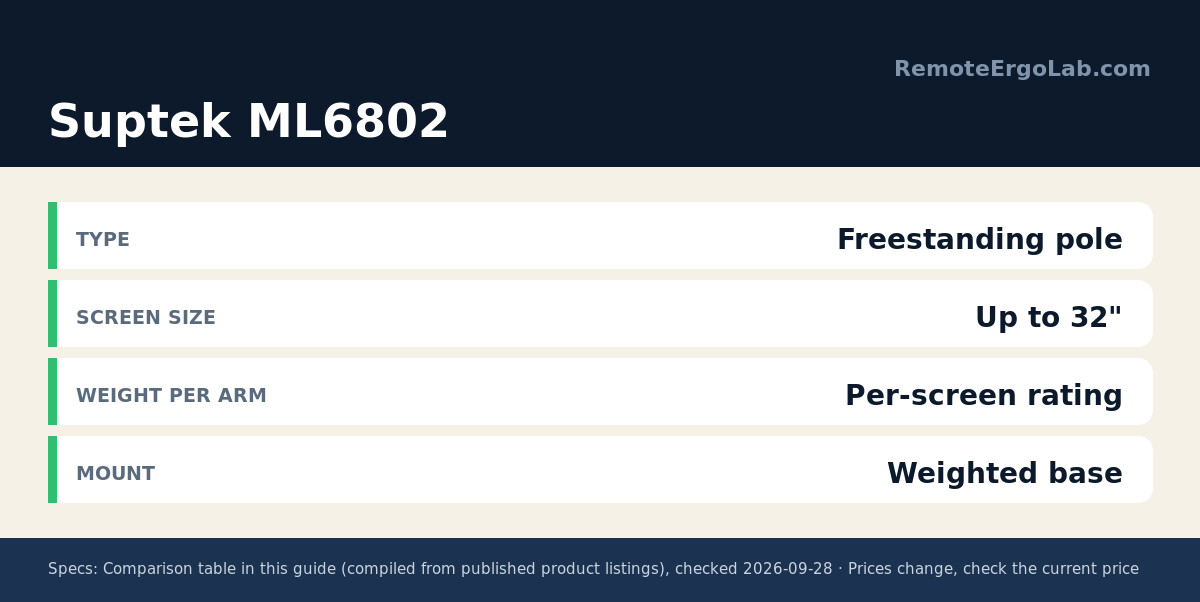
Rented desks, glass tabletops, and flimsy shelf-desks share one problem: nothing to clamp to. The ML6802 answers with a weighted free-standing base and a 31.5 inch pole that stacks two screens up to 32 inches vertically. A vertical stack suits narrow desks well — two 24 inch monitors occupy only one monitor’s width of surface. Each screen rides its own adjustable arm on the pole, so height, tilt, and swivel stay tunable. The weighted base needs a dedicated patch of desk, so leave room in front of it. It typically runs $40-$60.
Buying Guide: What to Check Before You Mount
- Desk edge thickness and material. C-clamps generally fit edges from about 0.4 to 2 inches thick. Solid wood is ideal; hollow-core or particleboard edges can crush under pressure, and glass needs a reinforcement plate or a freestanding mount.
- Monitor weight without the stand. Check the VESA weight spec, not the box weight — a 27 inch screen typically runs 10–15 lbs, plus a few for a curved panel.
- VESA pattern. 75×75 mm fits most screens up to 24 inches; 100×100 mm is standard on larger panels. Confirm the stand is removable before ordering.
- Clearance behind the desk. Articulating arms reach backward, so leave at least 10–15 cm behind the back edge or the screens won’t push flat against the wall.
Route cables while the mount is still off the desk. Most of these arms include clips or a channel down the center; running power and video cables through it first saves a frustrating half hour afterward.
FAQ
Will a dual monitor arm fit on a 100 cm (39 inch) desk?
Yes, when the two screens together fit your viewing arc. Two 24 inch monitors on a 100 cm desk work well with a clamp mount; two 27 inch screens get tight, and a vertical stack like the Suptek ML6802 fits very narrow surfaces better.
Can I mount two 27 inch monitors on one arm?
Most dual mounts here handle two 27 inch screens easily — they’re rated for 19.8 to 26.4 lbs per arm, while a typical 27 inch panel weighs 10–15 lbs without its stand. Match the rating to your exact monitor model first.
My desk is glass. What are my options?
On a glass desk, a freestanding mount is the safest choice — clamping tempered glass risks cracking the tabletop under a point load, and no clamp spreads pressure as widely as a plate. The Suptek ML6802’s weighted base avoids the desk edge entirely. If you must clamp, add a steel reinforcement plate between the clamp and the glass, and only on a top rated for the total weight of the arm plus screens (the picks here run 19.8 to 26.4 lbs per arm). Most glass tops aren’t rated for an arm’s load at all, so check the rating first; if there is none, go free-standing or wall-mounted.
Do I need VESA 100×100 or 75×75?
75×75 mm and 100×100 mm are the two standard VESA patterns — check the four screw holes on the back of your monitor. Most screens under 24 inches use 75×75 mm, and larger ones typically use 100×100 mm. Every mount above accepts both, so weight capacity (19.8 to 26.4 lbs per arm on these picks) matters more than hole spacing. If your monitor has neither pattern, an adapter plate ($15–25) bolts on and adds 0.2–0.5 kg to the load.
Related Guides
- Best Monitor Arms for Small Desks — single-screen arms that share the same space-saving logic
- Single vs Dual Monitor Arm — how to decide whether a second screen is worth the mount
- Best Monitor Risers for Small Desks — a no-clamp alternative that adds storage
- Best Clamp-Free Monitor Arms 2026: 5 Picks for Desks
- Best Monitor Arms for Ultrawide Monitors 2026: 5 Picks
Shop These Picks on Amazon
Ready to compare prices? These links open Amazon listings for the specific products covered in this guide, so you can check current models and prices yourself. If you buy through them, we may earn a small commission at no extra cost to you – it helps keep RemoteErgoLab free. As an Amazon Associate we earn from qualifying purchases.
- VIVO Dual Monitor Desk Mount on Amazon
- HUANUO Dual Monitor Stand with USB on Amazon
- VIVO Dual Pneumatic Arm Ultra-Wide Monitor Mount on Amazon
- ELG Dual Monitor Stand with Gas Spring on Amazon
- Suptek Dual Monitor Free-Standing Pole Mount on Amazon
RemoteErgoLab is reader-supported. When you buy through links on our site, we may earn an affiliate commission. Product prices and availability are accurate as of the date of publication but are subject to change; always check the current listing.