
A 32-inch monitor solves the screen space problem and creates a new one: the stand in the box. Panels in this class usually weigh 11 to 17 pounds without their base, and the stock feet set the screen 8 to 10 inches forward of the wall. A desk-mounted arm pulls the panel back, lifts the top edge toward eye level and frees the footprint underneath. The catch is capacity: an arm rated for a 27-inch, 15-pound screen can sag under the same load in a wider housing.
The five arms below were picked from current Amazon listings against published specs: weight range, VESA support, mounting options and hardware. Prices move constantly, so treat every figure as a typical street range and check current price before ordering.
As an Amazon Associate we earn from qualifying purchases.
Quick Verdict
For a bare 32-inch panel, the HUANUO FlowLift clears the weight band for the least money. Panels at 17 lbs and up belong on the MSI MAG MT101G or the Ergotron LX. Anyone wary of gas springs losing tension should start with the VIVO STAND-V001O.
Quick Picks
- HUANUO FlowLift Single Monitor Mount 13 to 32 Inch – check price (best value: 4.4-19.8 lb range)
- EVEO Premium Single Monitor Arm 14 to 34 Inch Gas Spring – check price (gas spring, covers ultrawide panels)
- VIVO Single Monitor Stand – check price (no gas cylinder to lose tension)
- Ergotron LX Monitor Arm Single Desk Mount – check price (7-25 lb range, the widest here)
- MSI MAG MT101G Gas Spring Monitor Arm 17 to 32 – check price (22 lb rating, quick release plate)
How We Chose
Screen size in a product title is marketing; the weight rating decides whether an arm works. Every pick here is rated at 19.8 lbs or more, which leaves headroom above a typical 15 lb panel. Each arm was checked for 75×75 mm and 100×100 mm VESA support, both clamp and grommet mounting, and enough tilt and swivel to reach eye level on a 24 to 29 inch deep desk.
Review patterns across this class repeat three complaints: sag on heavy panels, clamps that mar thin tabletops, and reach that forces the screen too close.
Comparison Table
| Monitor Arm | Screen Range | Weight Capacity | Mechanism | Typical Price |
|---|---|---|---|---|
| HUANUO FlowLift Single Monitor Mount | 13-32 in | 4.4-19.8 lbs | Adjustable arm | typically $30-$50 |
| EVEO Premium Single Monitor Arm | 14-34 in | Tension adjustable | Gas spring | typically $50-$80 |
| VIVO Single Monitor Stand | 17-32 in | up to 19.8 lbs | Mechanical articulating | typically $35-$60 |
| Ergotron LX Monitor Arm | up to 34 in | 7-25 lbs | Constant force spring | typically $150-$220 |
| MSI MAG MT101G | 17-32 in | 22 lbs | Gas spring | typically $45-$75 |
The 5 Best Monitor Arms for 32 Inch Monitors
1. HUANUO FlowLift Single Monitor Mount – Best Overall Value
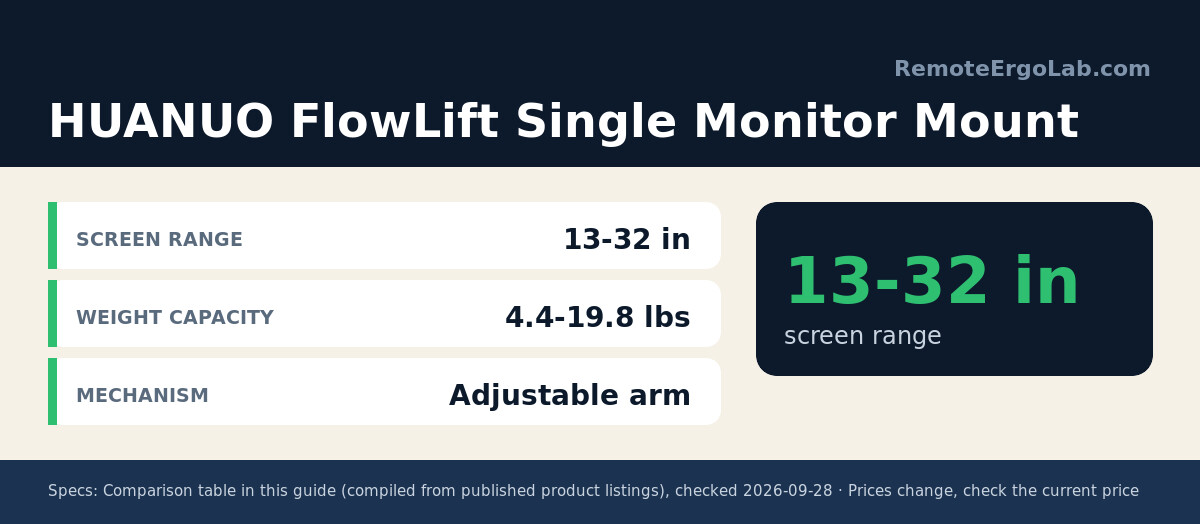
HUANUO FlowLift Single Monitor Mount 13 to 32 Inch rates 4.4 to 19.8 lbs, clearing a bare panel in the 11 to 17 lb band with room for a webcam. A C-clamp and a grommet base both ship in the box. Joint tension is set with a hex key rather than a finger dial, which is the trade-off for the price.
- Weight capacity: 4.4 to 19.8 lbs
- Mounting: C-clamp or grommet base
- Typical price: $30-$50, check current price
2. EVEO Premium Single Monitor Arm – Best Gas Spring Value
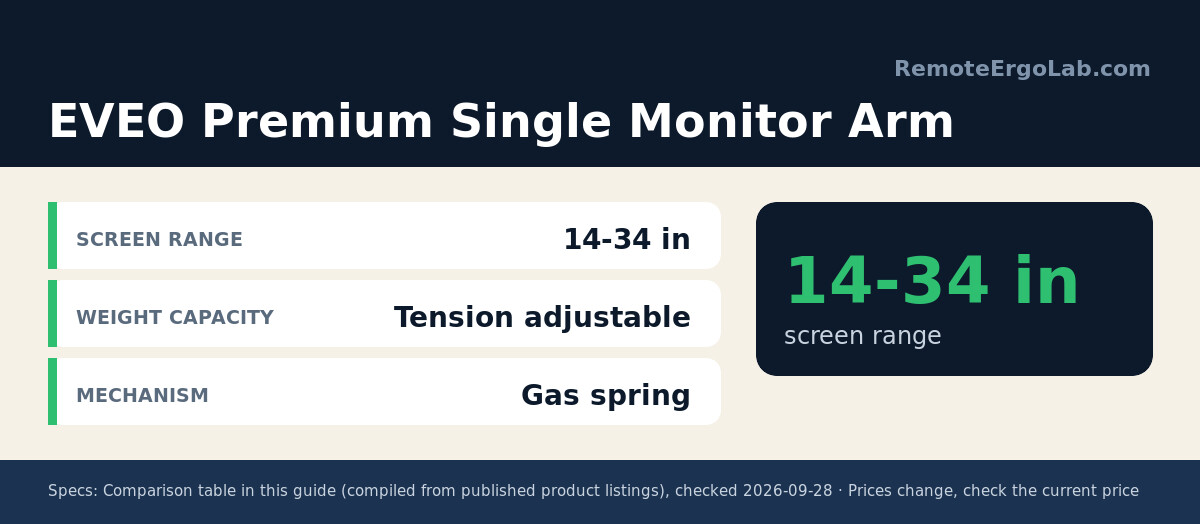
EVEO Premium Single Monitor Arm 14 to 34 Inch Gas Spring has a 14 to 34 inch range, so it survives a later upgrade to a 34-inch ultrawide. Spring tension is adjustable and both clamp and grommet bases ship in the box. One-handed height changes matter on a desk used sitting and standing.
- Screen range: 14 to 34 inches
- Mechanism: adjustable gas spring
- Typical price: $50-$80, check current price
3. VIVO Single Monitor Stand – Best Mechanical Arm
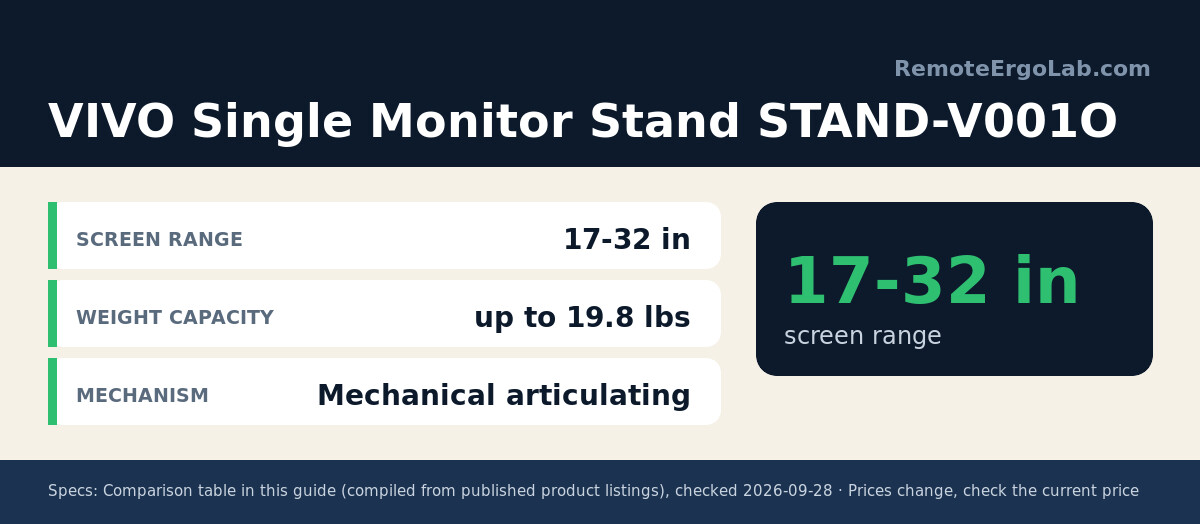
VIVO Single Monitor Stand fits 17 to 32 inch screens up to 19.8 lbs with mechanical articulating joints and no gas cylinder, so nothing inside loses pressure over time. Height changes need a hand on the joint, and the arm holds a position rather than gliding between them.
- Screen range: 17 to 32 inches
- Weight capacity: up to 19.8 lbs
- Typical price: $35-$60, check current price
4. Ergotron LX Monitor Arm – Best Premium Pick
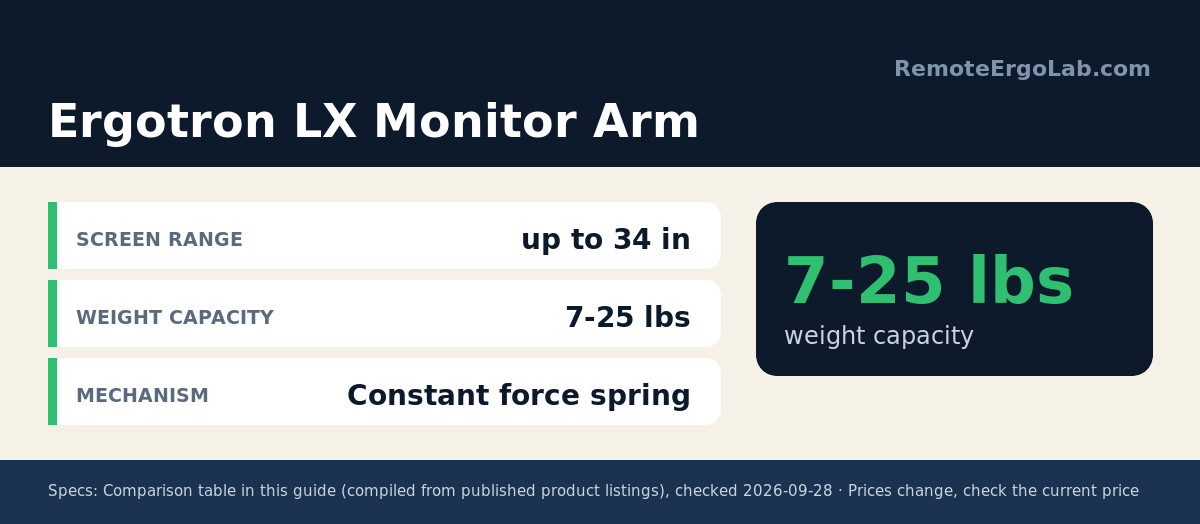
Ergotron LX Monitor Arm Single Desk Mount carries the widest weight window here at 7 to 25 lbs and fits flat, curved and ultrawide screens up to 34 inches on 75×75 mm or 100×100 mm plates. That ceiling keeps a heavier housing, or a future 34-inch curved screen, inside the rating.
- Screen range: up to 34 inches, flat or curved
- Weight capacity: 7 to 25 lbs
- Mechanism: constant force spring
- Typical price: $150-$220, check current price
5. MSI MAG MT101G – Best for Heavier 32 Inch Panels
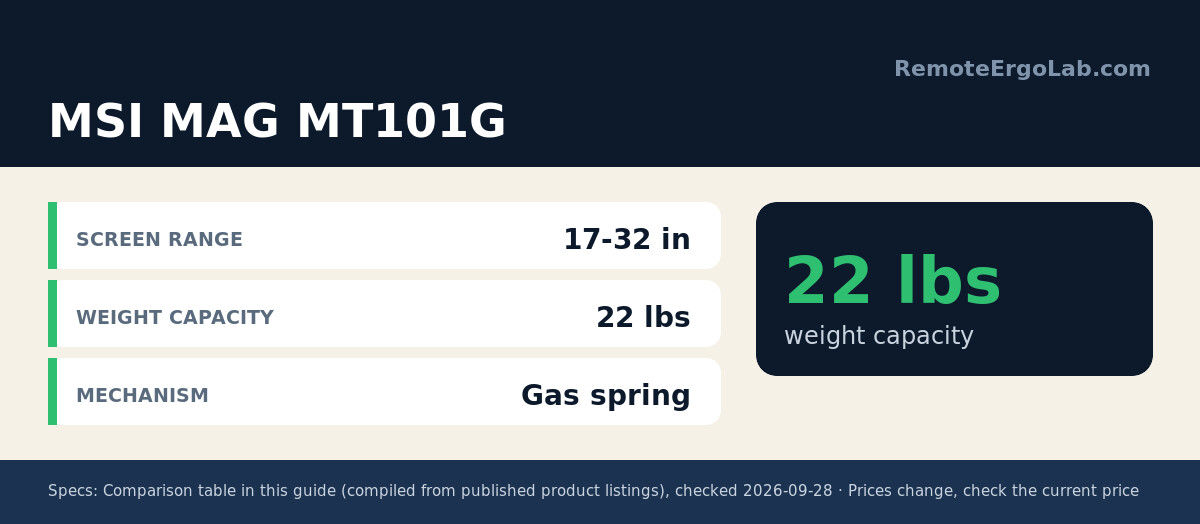
MSI MAG MT101G Gas Spring Monitor Arm 17 to 32 is rated to 22 lbs, enough for a curved 32-inch panel plus accessories, and adds a quick release plate so the monitor lifts off without unscrewing the VESA bolts. Curved panels run 2 to 4 lbs heavier than flat screens of the same diagonal.
- Screen range: 17 to 32 inches
- Weight capacity: 22 lbs
- Mechanism: gas spring, quick release plate
- Typical price: $45-$75, check current price
Buying Guide: Weight, VESA and Desk Fit
Start with the panel weight, not the diagonal
Manufacturers publish weight without the stand. Add 1 to 2 lbs for a light bar or webcam, then compare with the rating. A 14 lb panel on a 19.8 lb arm has room; the same panel at full extension on a 15 lb arm is what sags.
Check the VESA pattern and the desk edge
Nearly every 32-inch monitor uses 100×100 mm spacing, and all five arms here also support 75×75 mm. A C-clamp needs a clear 1 to 2 inch lip; a grommet mount passes a bolt through a cable hole and suits bevelled edges.
Reach, height and cable routing
An arm only helps if the panel lands 20 to 30 inches from your eyes with the top edge at or below eye level. On a 29-inch-deep desk, check the stated forward reach instead of assuming every arm lands the same way.
Frequently Asked Questions (FAQ)
Is a 32-inch monitor too heavy for a standard arm?
Size is not the limit, weight is. Arms rated 19.8 lbs or more cover a typical 14 to 15 lb panel, and curved models need about 3 lbs of extra headroom above the listed panel weight.
Why does a monitor arm sag after a few months?
A gas spring stretched near its limit loses tension faster, and a friction joint loosens as the bolt settles. Re-tension the joint with the supplied hex key; if sag returns, the arm was under-rated.
Gas spring or mechanical arm for a 32-inch screen?
A gas spring moves with one hand and suits a sit-stand desk. A mechanical arm fixes a position with nothing inside to wear out, which suits a panel that stays put.
Shop These Picks on Amazon
Ready to compare prices? These links open Amazon listings for the specific products covered in this guide, so you can check current models and prices yourself. If you buy through them, we may earn a small commission at no extra cost to you – it helps keep RemoteErgoLab free.
- HUANUO FlowLift Single Monitor Mount 13 to 32 Inch on Amazon
- EVEO Premium Single Monitor Arm 14 to 34 Inch Gas Spring on Amazon
- VIVO Single Monitor Stand on Amazon
- Ergotron LX Monitor Arm Single Desk Mount on Amazon
- MSI MAG MT101G Gas Spring Monitor Arm 17 to 32 on Amazon
Related Guides
- Best monitor arms for small desks, for shallow 24-inch tops.
- Monitor arms that are safe on a glass desk, with plate and grommet options.
- Monitor height guide: how high should your monitor be?, for the measurements to hit once the arm is installed.
- Best Clamp-Free Monitor Arms 2026: 5 Picks for Desks
- Best Monitor Arms for Ultrawide Monitors 2026: 5 Picks
Disclosure
As an Amazon Associate we earn from qualifying purchases. Specs and price ranges here come from manufacturer and retailer listings at the time of writing, and prices change often, so check current price on each listing. No brand reviewed here supplied the products or influenced the picks.