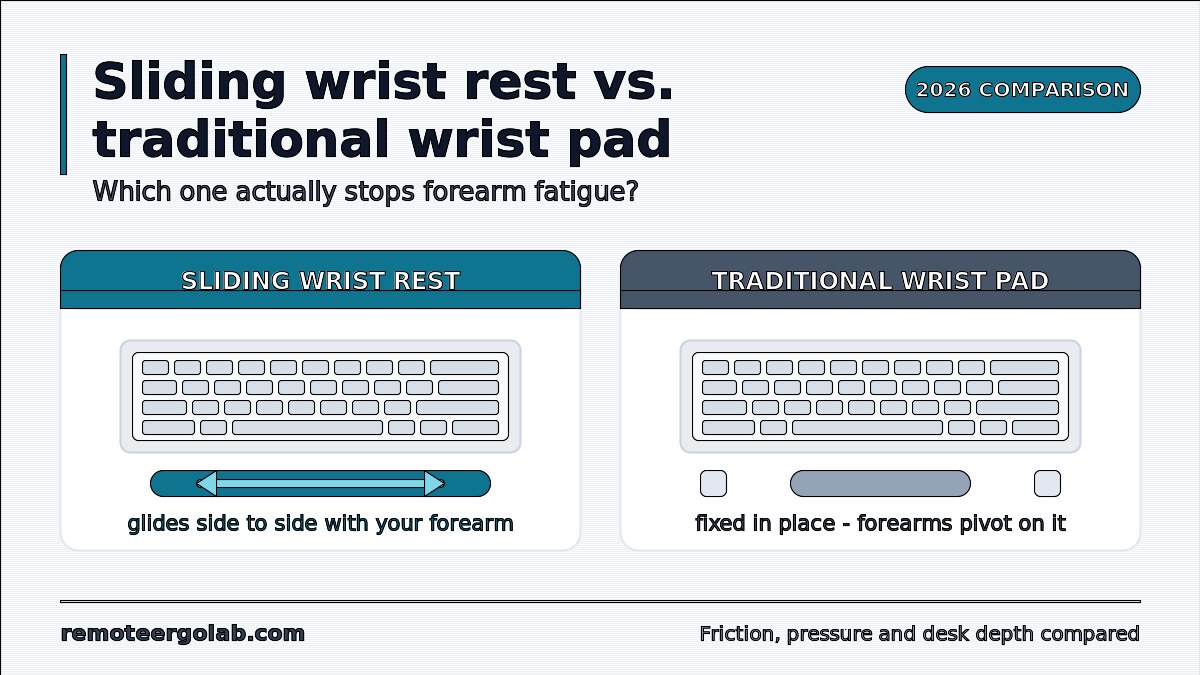
For forearm fatigue from mouse work, a sliding palm rest such as the DeltaHub Carpio 2.0 is the better match than a fixed pad, because it travels with your hand instead of pinning your wrist in one spot. For pauses between typing bursts, a stationary pad like the Kensington ErgoSoft remains the simpler choice.
As an Amazon Associate we earn from qualifying purchases. Product links on this page go to Amazon; picks are chosen from published manufacturer specifications, not paid placement.
Quick Picks
- Best for Mouse Movement: DeltaHub Carpio 2.0 Ergonomic Wrist Rest — Mouse users whose forearm tires from wide side-to-side sweeps
- Best for Typing Pauses: Kensington ErgoSoft Wrist Rest for Standard Keyboards — Typists with a 10–20 mm keyboard front edge who rest between bursts
- Best Gel-Infused Foam Pad: HyperX Wrist Rest – Full Size Keyboard — Full-size keyboard users who want a cool gel-infused foam pad with a rubber base
- Best Stationary Mouse Rest: Belkin WaveRest Gel Mouse Pad — Mouse users who keep the wrist anchored and move mostly with the fingers
- Best for Long Warranty: Fellowes Crystals Gel Wrist Rest — Anchored-wrist mouse users who want a gel rest with a 5-year limited warranty
- Best for Keychron Keyboards: Keychron Wooden Palm Rest — Keychron K2, K6, K8 or C1 owners who want a firm, non-yielding rest
How We Chose These Rests
We chose these rests from published specifications on manufacturer and retailer listings, all checked on 23 October 2026. Nobody on our team has handled them. Every number below comes from those listings, and where a listing leaves a spec out, we say so. We picked examples of each design so you can see how the mechanism itself changes support: a sliding palm rest, two full-length foam keyboard pads, two stationary gel mouse rests and a solid wood palm block. Our criteria were measurable:
- Mechanism: does the rest move with your hand or stay fixed?
- Height in cm or mm, matched against your keyboard’s front edge.
- Footprint, especially depth, since it eats desk space in front of the keyboard.
- Weight, which matters for anything that has to slide.
- Warranty term, where the listing states one.
This guide is about choosing a mechanism. For a product list of keyboard pads, see our roundup of wrist rests for typing on long workdays.
Sliding vs Stationary Rest Specs Side by Side
The spec table shows the main split. The DeltaHub Carpio is the only design that moves, and it is the smallest and lightest of the rests with stated figures. The other five stay where you put them. The HyperX, Belkin, Fellowes and Keychron listings leave out key dimensions, so measure carefully before ordering any of them.
| Product | Mechanism | Dimensions | Height / keyboard fit | Weight | Warranty |
|---|---|---|---|---|---|
| DeltaHub Carpio 2.0 Ergonomic Wrist Rest | Sliding palm rest on PTFE gliders | Small: 8.5 x 3.8 x 1.5 cm; Large: 9.5 x 4.5 x 1.7 cm | Keyboard front edge under 1.5 cm | Small: 17 g; Large: 22 g | Not listed |
| Kensington ErgoSoft Wrist Rest for Standard Keyboards | Stationary memory foam pad with gel cushioning | 445 x 101 x 15 mm | Keyboard front height 10–20 mm | Not listed | 2-year limited |
| HyperX Wrist Rest – Full Size Keyboard | Stationary gel-infused memory foam pad | Full size (exact dimensions not listed) | Not listed | Not listed | 2-year |
| Belkin WaveRest Gel Mouse Pad | Stationary gel mouse wrist rest | Not listed | Not listed | Not listed | 1-year limited |
| Fellowes Crystals Gel Wrist Rest | Stationary gel-filled mouse wrist rest | Not listed | Not listed | Not listed | 5-year limited |
| Keychron Wooden Palm Rest | Stationary solid wood block | Not listed | PR1: K2, K2 Pro, K6, K6 Pro; PR2: K8, K8 Pro, C1, C1 Pro | PR1: 250 g; PR2: Not listed | Not listed |
How Each Rest Design Supports Your Hand
DeltaHub Carpio 2.0 Ergonomic Wrist Rest
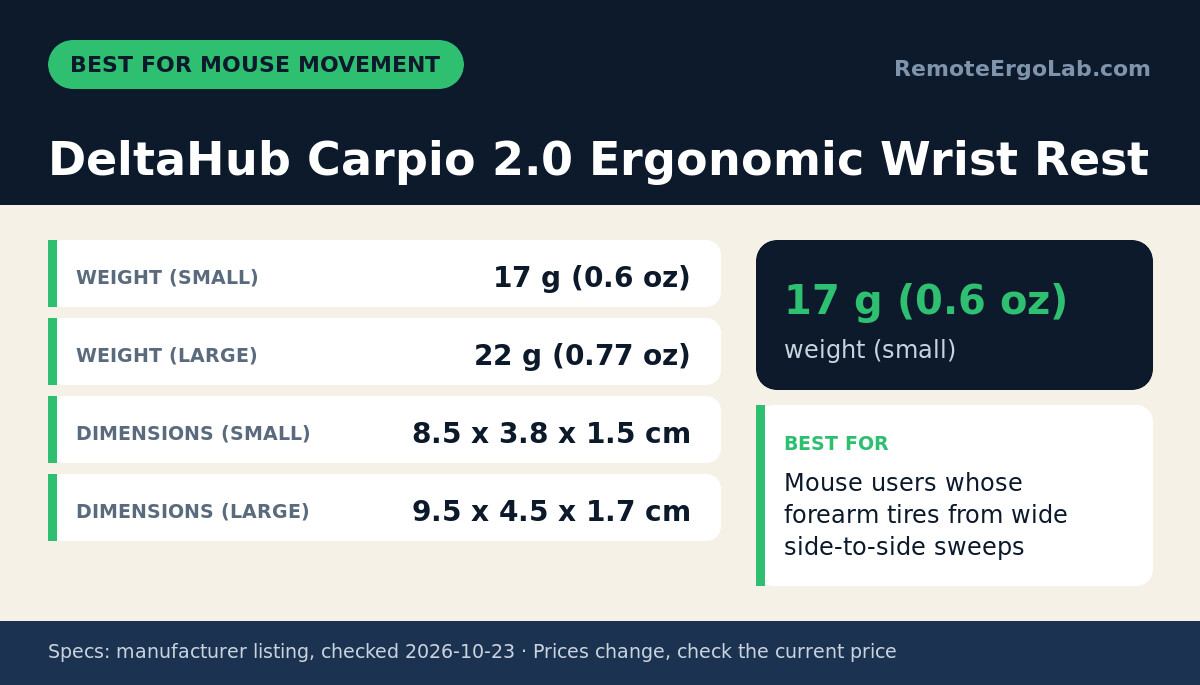
The DeltaHub Carpio 2.0 suits people whose forearm tires during mouse work, where the hand sweeps sideways across the desk many times an hour. A fixed pad holds the wrist in one place. The Carpio is a contoured silicone pad on an ABS base that rides on PTFE (Teflon) gliders, so it moves with your palm and your forearm can travel with it. The Small size measures 8.5 x 3.8 x 1.5 cm and weighs 17 g. The Large measures 9.5 x 4.5 x 1.7 cm and weighs 22 g. Either size adds very little mass to push around. DeltaHub also lists compatibility with keyboards whose front edge is under 1.5 cm tall, which covers many low-profile and laptop-style boards. The limitation is the missing information: the listing does not state which hand size suits Small versus Large, and it gives no warranty term. Check the size guide on the current listing before you order.
Skip it if your mouse hand barely moves, for example with a trackball or a high-sensitivity setup.
Kensington ErgoSoft Wrist Rest for Standard Keyboards
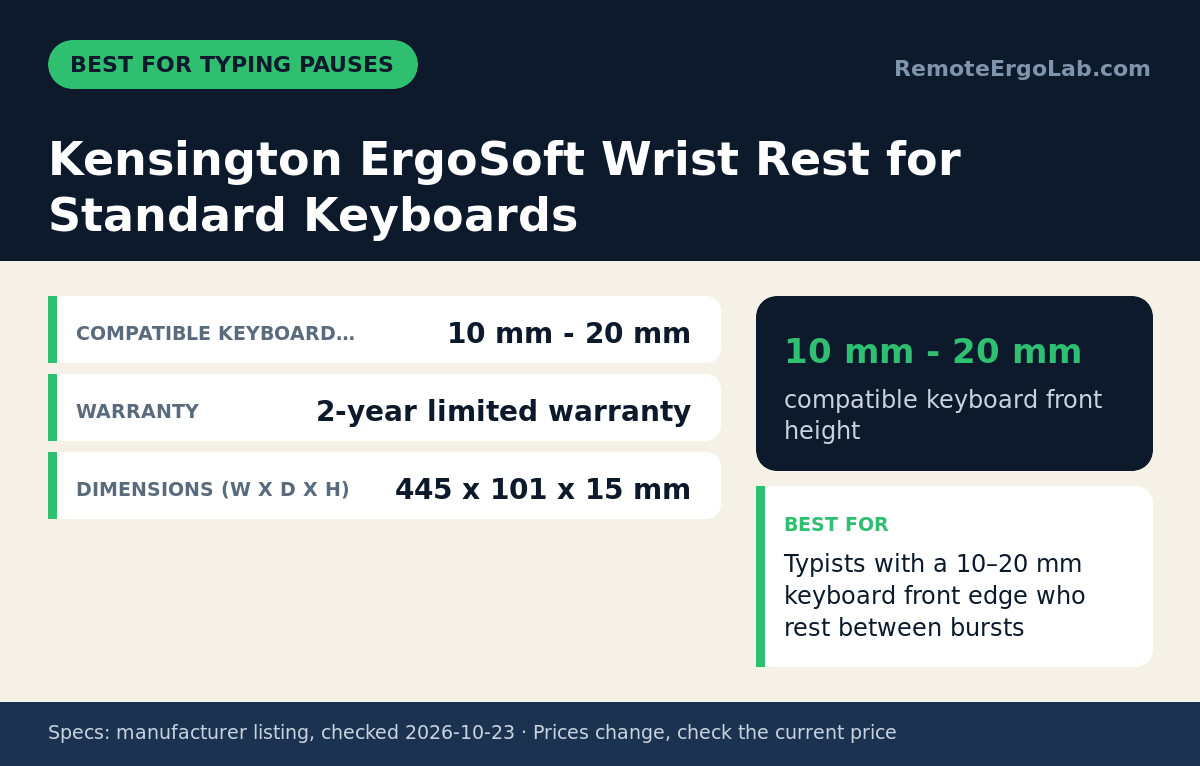
The Kensington ErgoSoft fits typists who pause between bursts and want one pad that spans the whole keyboard. It is a stationary memory foam pad with gel-cushioned padding under a soft exterior, and Kensington describes it as ergonomist-approved for keeping the wrist neutral. The pad measures 445 x 101 x 15 mm. Kensington lists it for keyboards with a front height of 10–20 mm, which covers most standard membrane and many mechanical boards. A 2-year limited warranty is included. The main limitation is space. The 101 mm depth adds about 10 cm in front of your keyboard, which pushes the keyboard back on a shallow desk and can bring the monitor uncomfortably close. The pad also does nothing for your mouse hand, so fatigue from mousing stays the same.
Skip it if your keyboard’s front edge is under 10 mm or over 20 mm tall.
HyperX Wrist Rest – Full Size Keyboard
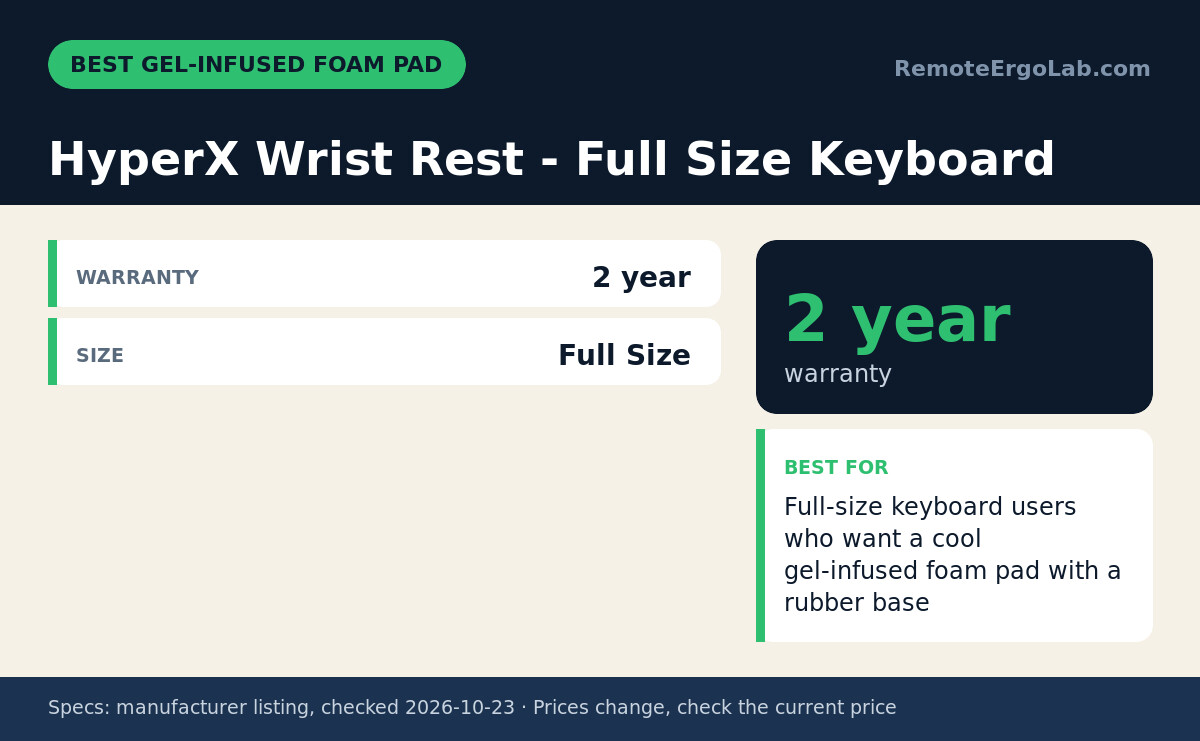
The HyperX Wrist Rest suits typists on a full-size keyboard who want a stationary pad with a cooler-feeling cushion. HyperX sizes it for full-size boards and fills it with cool gel-infused memory foam, finished with anti-fray stitching and an anti-slip natural rubber underside that keeps it from creeping across the desk. The stated warranty is 2 years, the same term as the Kensington. The trade-off against the Kensington is information. The listing does not state the pad’s length, depth or height, so you cannot check it against your keyboard’s front edge or your desk depth from the spec sheet alone. Check the current listing for dimensions, then measure your keyboard’s front edge so the pad sits roughly level with it. Like any keyboard pad, it gives your mouse hand no help with sideways sweeps.
Skip it if your keyboard is tenkeyless or compact, since a full-size pad will overhang it.
Belkin WaveRest Gel Mouse Pad
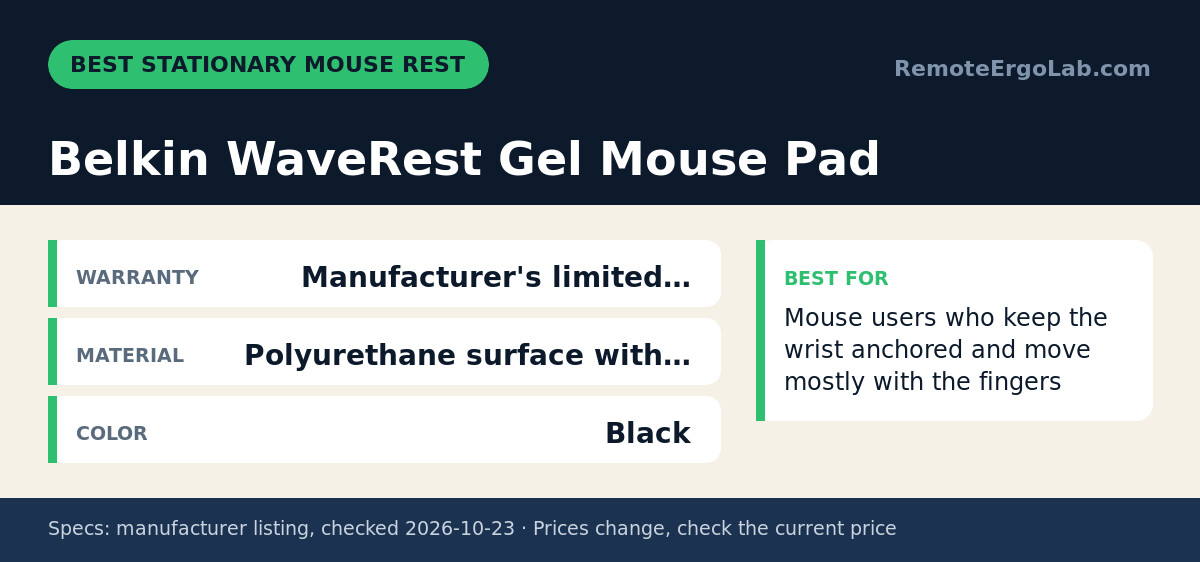
The Belkin WaveRest fits mouse users who keep the wrist anchored and steer mostly with their fingers and small wrist movements. It combines a mousing surface and a wrist cushion: a polyurethane top, a GelFlex cushion shaped to the curve of the wrist, and a non-slip rubber base. It comes in black and carries a 1-year limited warranty, the shortest stated term here. The listing does not state the overall dimensions, the cushion height or the size of the tracking area. Check the current listing, and measure your mouse’s range of travel against it. The mechanism has a cost. Because the wrist stays fixed, any wide movement has to come from bending the wrist sideways instead of moving the forearm, and that sideways bend is the posture a sliding rest is designed to avoid.
Skip it if you use low mouse sensitivity and make long arm sweeps.
Fellowes Crystals Gel Wrist Rest
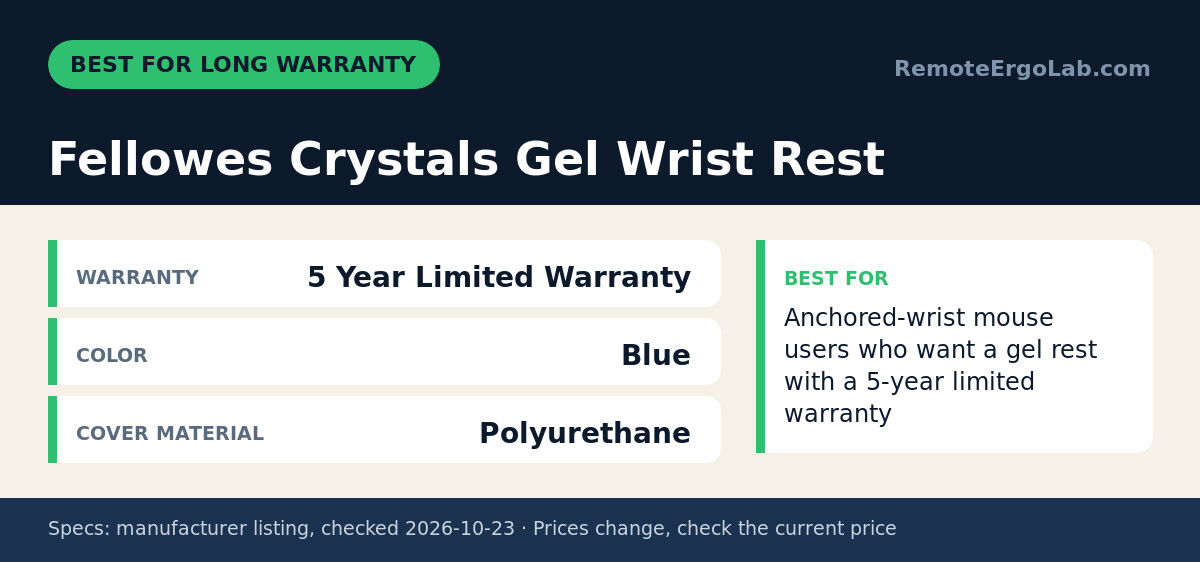
The Fellowes Crystals Gel Wrist Rest fits mouse users who anchor the wrist and want the longest stated warranty among these rests. It uses a self-adjusting gel filling that shifts to meet pressure points under the wrist, a polyurethane cover described as stain-resistant, and a non-skid rubber backing. The retailer listing shows it in blue with a 5-year limited warranty, against 1 year for the Belkin. The listing does not state its dimensions, its cushion height or whether it includes a mousing surface, so check the current listing and compare the cushion height with your mouse and mouse pad. The limitation is the same as any anchored rest. Your wrist stays pinned to one spot, so wide cursor moves come from bending the wrist sideways rather than moving the forearm.
Skip it if you make long arm sweeps with the mouse, or you need a color other than blue.
Keychron Wooden Palm Rest
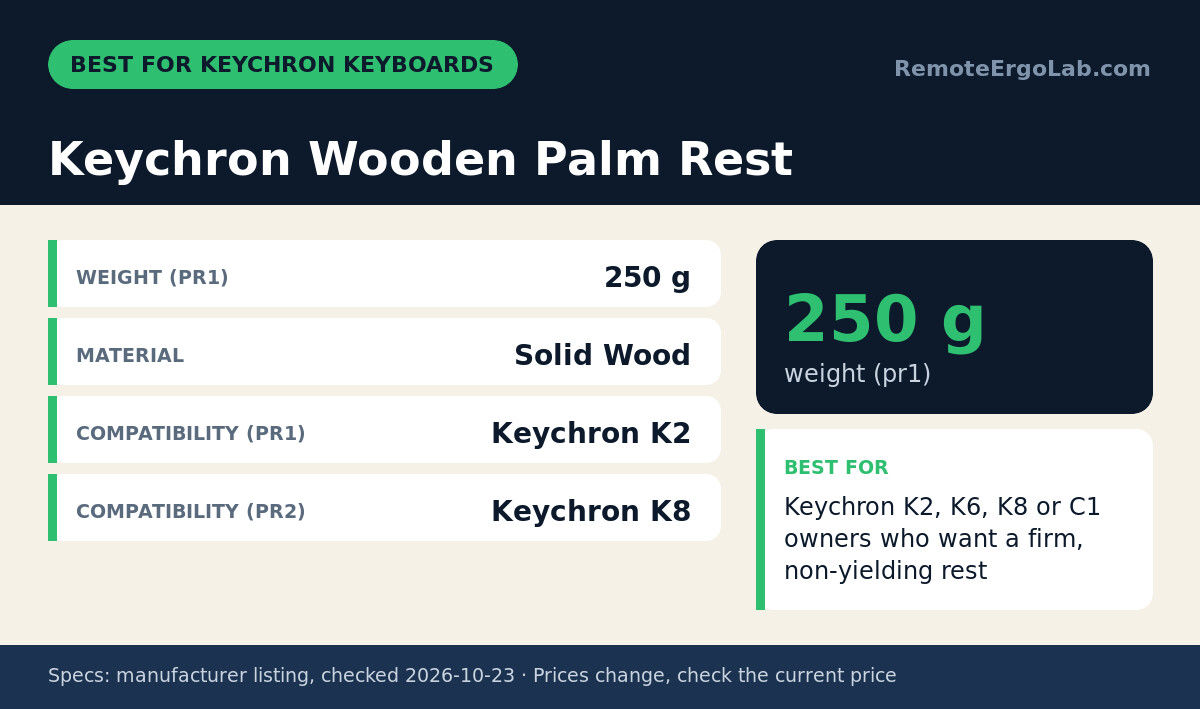
The Keychron Wooden Palm Rest suits Keychron keyboard owners who want a firm surface that will not compress. It is solid wood, built to give an elevated, non-yielding surface that keeps the wrist straight while typing. Keychron sizes it by model. The PR1 fits the K2, K2 Pro, K6 and K6 Pro and weighs 250 g. The PR2 fits the K8, K8 Pro, C1 and C1 Pro, and its weight is not listed. At 250 g, the PR1 stays in place without needing a grippy base. The limitation is firmness and missing measurements. Wood spreads load less evenly than foam or gel, so pressure gathers where the heel of your palm touches. The listing also does not state the height or dimensions, which makes fit on non-Keychron keyboards guesswork.
Skip it if you do not own one of the listed Keychron models.
Who Should Skip These Rests
None of these rests fit you if your forearms already rest on chair armrests set at desk height. Added support at the wrist then mostly raises your hands and bends the wrist back. Skip a rest, too, if your symptoms include numbness, tingling or night pain. Those point to nerve involvement, which a clinician should assess before you buy hardware.
If your keyboard’s front edge is over 2 cm tall, none of the stated heights line up well, and a lower or split board may help more than any pad. Our guide to ergonomic keyboards for wrist pain under $100 covers that route. If forearm fatigue comes from the mouse grip itself rather than wrist support, changing the device often does more than changing the rest. See our comparison of trackball vs vertical mouse ergonomics, or our picks of vertical mice for carpal tunnel. Laptop users typing on the built-in keyboard should consider an external setup first. Our laptop keyboard and mouse picks explain why.
How to Choose Between a Sliding and a Stationary Rest
The choice between a sliding and a stationary rest depends on three things you can check in a few minutes: how your mouse hand moves, how tall your keyboard is and how deep your desk is.
Watch How Your Mouse Hand Moves
Your mouse motion is the main decision point. Work normally for a minute and watch your hand. If your forearm slides across the desk with each sweep, a sliding rest like the Carpio matches that motion. If your wrist stays planted and your hand pivots, a stationary gel rest fits the habit, though frequent sideways bending is worth reducing by raising mouse sensitivity. As general guidance, keep your elbow near 90–100 degrees and your wrist roughly straight, with the forearm close to parallel to the desk.
Measure Your Keyboard’s Front Edge
Your keyboard’s front-edge height decides which rest can sit level with it. Measure from the desk to the top of the keyboard’s front edge. The Carpio is listed for edges under 1.5 cm, and the Kensington for 10–20 mm. As a general rule, the rest should sit roughly level with that edge so your wrist does not bend up or down. A rest more than a few millimetres taller or shorter than the edge defeats the purpose.
Check Your Desk Depth
Desk depth matters more for a full-length pad than for a slider. If your desk is under 60 cm deep, the Kensington’s 101 mm depth plus your keyboard can push the monitor closer than the arm’s-length distance usually recommended. The Carpio’s footprint is only 3.8–4.5 cm wide and travels inside your mousing area, so it costs almost no fixed space. Make sure that area is clear and smooth.
FAQ
Is the DeltaHub Carpio better than a gel wrist rest?
The DeltaHub Carpio is the better fit if your forearm moves when you mouse, because it slides with your hand on PTFE gliders instead of holding the wrist in place. A stationary gel rest, such as the Belkin WaveRest or Fellowes Crystals, suits people who keep the wrist anchored and steer with the fingers. Neither design is better in general. The right one depends on how your hand actually moves.
Which DeltaHub Carpio size should I get?
The DeltaHub Carpio comes in Small (8.5 x 3.8 x 1.5 cm, 17 g) and Large (9.5 x 4.5 x 1.7 cm, 22 g). The listing does not state which hand sizes each one is meant for. Check the size guide on the current DeltaHub listing, and compare the lengths with the heel-to-mid-palm area of your hand that will rest on the pad.
Can you use a sliding palm rest with a keyboard?
DeltaHub lists the Carpio 2.0 as compatible with keyboards whose front edge is under 1.5 cm tall. Measure your keyboard from the desk to the top of its front edge before buying. Taller standard keyboards in the 10–20 mm range line up better with a stationary pad like the Kensington ErgoSoft, which is listed for exactly that height range.
Should you rest your wrists on a pad while typing?
General ergonomics guidance says to use a wrist rest during pauses, not while actively typing. Pressing the wrist into a pad while your fingers reach for keys bends the wrist back and loads the underside of the forearm. Let your hands float while you type, then rest the heel of your palm, not the wrist crease, on the pad between bursts.
Is a wooden palm rest better than a foam wrist rest?
A wooden palm rest gives a firm surface that never compresses, which keeps the wrist height constant through the day. Foam and gel spread pressure over a wider area, which puts less concentrated load on the heel of the palm over long sessions. The Keychron Wooden Palm Rest is sized for specific Keychron models, so it makes sense mainly if you own one of them.
Shop These Picks on Amazon
Ready to compare prices? These links open the Amazon listings for the specific products covered in this guide, so you can check current models and prices yourself. If you buy through them, we may earn a small commission at no extra cost to you — it helps keep RemoteErgoLab free.
- DeltaHub Carpio 2.0 Ergonomic Wrist Rest on Amazon
- Kensington ErgoSoft Wrist Rest for Standard Keyboards on Amazon
- HyperX Wrist Rest – Full Size Keyboard on Amazon
- Belkin WaveRest Gel Mouse Pad on Amazon
- Fellowes Crystals Gel Wrist Rest on Amazon
- Keychron Wooden Palm Rest on Amazon
Related Guides
- Best Under-Desk Walking Pads Under $300 (2026): 5 Picks
- 5 Anti-Fatigue Mats for Standing Desks (2026)
- Best Desk Lamps for Eye Strain (2026): 5 Picks, 6-8 in Base
Sources and Spec Checks
- DeltaHub Carpio 2.0 Ergonomic Wrist Rest — source: deltahub.io, checked on 2026-10-23.
- Kensington ErgoSoft Wrist Rest for Standard Keyboards — source: bechtle.com, checked on 2026-10-23.
- HyperX Wrist Rest – Full Size Keyboard — source: pbtech.co.nz, checked on 2026-10-23.
- Belkin WaveRest Gel Mouse Pad — source: amazon.com, checked on 2026-10-23.
- Fellowes Crystals Gel Wrist Rest — source: staples.com, checked on 2026-10-23.
- Keychron Wooden Palm Rest — source: keyboardco.com, checked on 2026-10-23.
Disclosure
As an Amazon Associate we earn from qualifying purchases. RemoteErgoLab picks products from published specifications and fit criteria; we have not physically tested the products in this guide. Prices and availability change, so check the current listing before you buy.
Featured image: Photo: Startup Stock Photos (CC cc0 1.0, via Openverse).