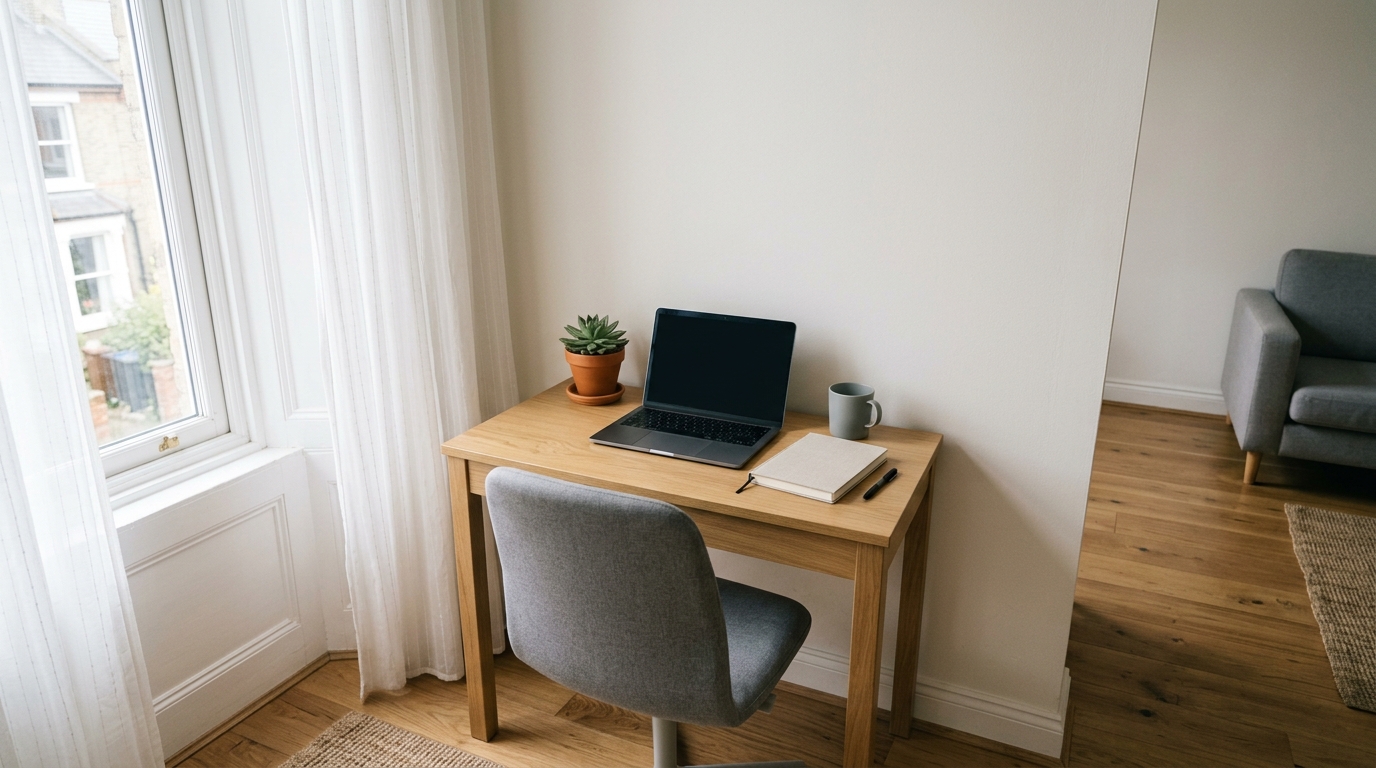
A desk in a small apartment is a placement problem before it is a furniture problem. The same 40-inch top feels cramped on one wall and generous on the next, and the difference comes down to three things: the wall, the daylight, and the outlets.
Studios and one-bedroom flats make every trade-off visible, because work, sleep and cooking share one room. Below is the placement logic that holds up in tight spaces, the clearances worth taping out, and the hardware that lets a desk sit where the room wants it instead of where the wiring forces it.
As an Amazon Associate we earn from qualifying purchases.
Quick Verdict
Choose a wall nobody walks past, with the window to your side rather than ahead of or behind the screen. Leave 30 inches of clear floor behind the chair and a 36-inch lane wherever a second person passes. When the only free wall sits far from a socket, a clamp-on power strip removes that limit; a desk that must sit flush to the wall wants a monitor arm, and a mid-room desk wants an under-desk tray.
Quick Picks
- Desk Clamp Power Strip with USB C – check price (three outlets plus USB charging clamped to the desk edge, fits tops up to about 2 inches)
- VIVO Single Monitor Stand – check price (mechanical arm for 17-32 inch screens up to 19.8 lb, clears the desktop under the panel)
- ZhiYo 17in Under Desk Cable Management Tray – check price (clamp-on steel channel that lifts the cable run off the floor)
How We Chose
Placement advice here comes from standard apartment floor plans, common desk dimensions, and published ergonomics guidance on knee space and monitor position. For screens that need to leave the desktop, see monitor arms for small desks. The three picks answer the limits that decide where a desk can physically go: distance to an outlet, depth behind the screen, and the cable run crossing open floor. Fit notes and weight figures come from manufacturer specs and patterns in owner reviews.
Comparison Table
| Item | Placement problem it solves | Key specs | Desk requirement | Typical price |
|---|---|---|---|---|
| Desk Clamp Power Strip with USB C | No outlet near the chosen wall | 3 AC outlets, USB-C and USB-A ports, 6.5 ft cord | Clamps to tops up to about 2 inches thick | around $20-$30 |
| VIVO Single Monitor Stand | A shallow desk that must sit flush to a wall | 17-32 inch screens, up to 19.8 lb, VESA 75×75 or 100×100 | Clamp or grommet mounting, clear edge lip | around $30-$45 |
| ZhiYo 17in Under Desk Cable Management Tray | Cables crossing a walkway in the middle of the room | 17 inches long, 3 inches wide, 4.7 inches tall, steel | Clamps to edges up to roughly 2.5 inches thick | around $15-$25 |
Three Upgrades That Free Up an Awkward Corner
Desk Clamp Power Strip with USB C
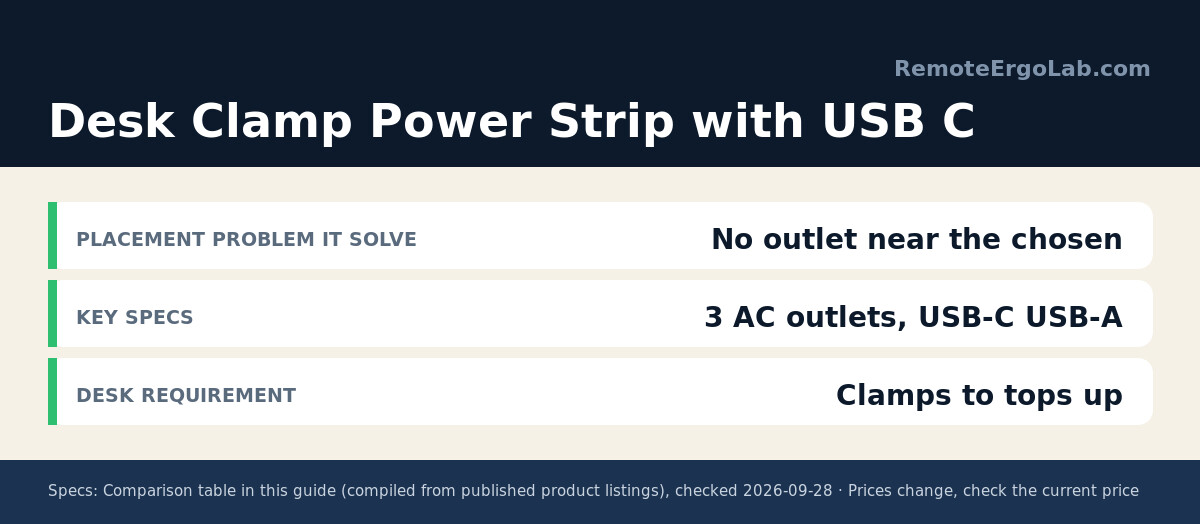
Outlet placement decides more layouts than any other factor. In a rental the sockets sit on the wall you least want to face, and a cord across the floor becomes a trip line. This clamp-on strip mounts three AC outlets plus USB-C and USB-A ports on the desktop edge, with a 6.5-foot cord to the wall. The clamp fits tops up to about two inches thick, and reviews warn that a bevelled lip can stop it seating flat, so measure the edge first. Check the current price on Amazon, since promotions move it around.
VIVO Single Monitor Stand
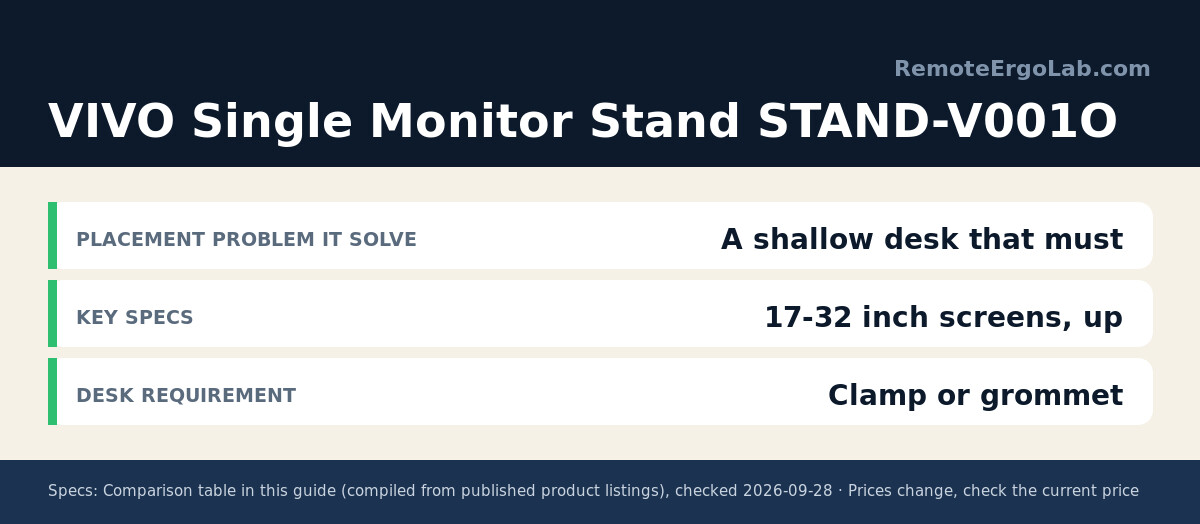
A monitor base eats six to eight inches of depth — often the six that decide whether a desk fits between the wall and the bed. The STAND-V001O carries 17 to 32 inch screens up to 19.8 lb on VESA 75×75 or 100×100 plates, on a mechanical arm that clamps to the edge or drops through a grommet hole. Height and tilt are set with a wrench rather than a gas spring: slower to dial in, stable once locked. With the panel floating, the surface beneath it takes a keyboard or charging dock and the desk sits closer to the wall. Compare the current listing if budget decides.
ZhiYo 17in Under Desk Cable Management Tray
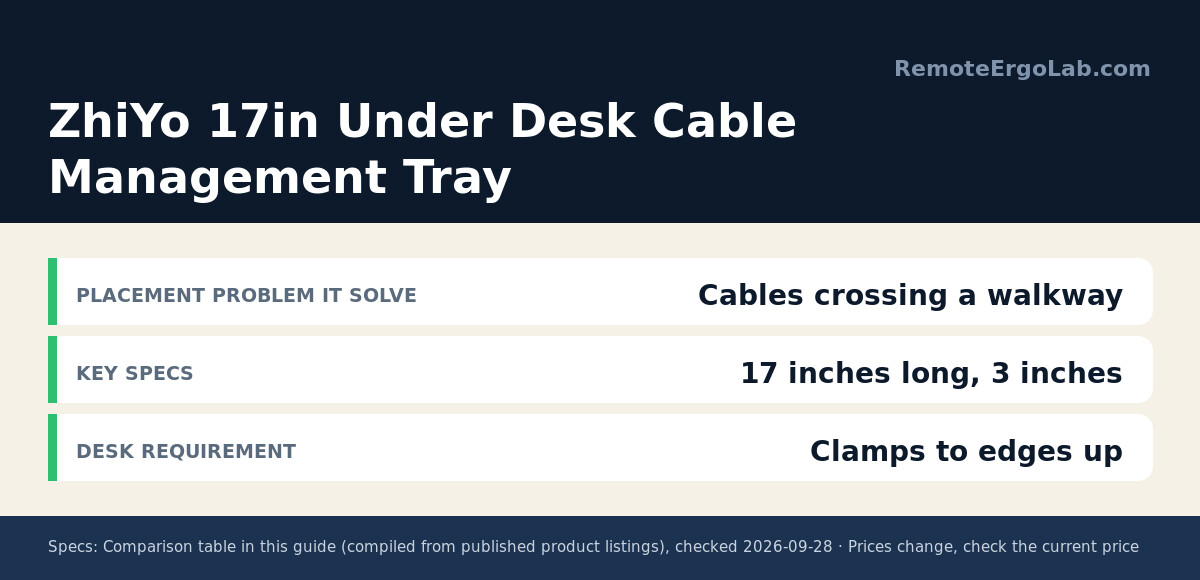
When a desk cannot sit against a wall, every cable on the floor becomes something to step over. This 17-inch steel tray clamps under the desktop — 3 inches wide, 4.7 inches tall, no drilling — and holds the heavy run: monitor lead, charger, power strip and adapters. Its clamp grips edges up to roughly 2.5 inches thick, and positioning it 6 to 10 inches back from the front edge keeps plugs reachable without crowding your knees. Check the current price on Amazon for the length you need.
Layout Guide: Choose the Wall, the Light and the Path
Measure the Walkway and the Roll-Back
Two measurements decide the spot. Behind the chair, allow about 30 inches between the seat back and whatever sits behind it, so you can push away from the keyboard without clipping a bed frame. If the chair itself will not fit that gap, start with our chairs for small apartments roundup. The traffic lane needs roughly 36 inches of clear width. Tape both footprints on the floor for a day; rooms that look generous on a plan often lose their only usable path.
Sit Side-On to the Window
Daylight is the best free light in a small flat and the most annoying when it points at your face or bounces off the screen. A desk perpendicular to the window — light on your left or right — keeps the panel lit without glare. Facing the window turns the screen into a midday mirror, and putting it behind you means squinting into shadow all afternoon.
Stay Off the Kitchen Route and Away From Heat
In a studio the desk shares air with the kitchen, and steam and oil are unkind to electronics, so keep a few feet from the hob and never park a monitor over a radiator. Doorways matter too: a desk that blocks one costs a shuffle every day.
Plan the Cable Route Before the Desk Lands
Walk the route from the desk’s back edge to the nearest outlet and ask what the cord crosses. Our cable management guide for small desks covers trays, sleeves and clamp-on strips. Along a baseboard it disappears; across a doorway it snags daily. Where the desk floats mid-room, pair a clamp-on power strip with a tray underneath, leaving one visible cord to the wall. Keep a few inches of slack rather than pulling leads taut.
FAQ
Where should a desk go in a small apartment?
A wall that is not part of any walking route, with the window to your side, an outlet within cord reach, and 30 inches of clear floor behind the chair. An alcove beside a wardrobe often beats the living-room wall, which carries the traffic.
Can I put a desk in front of a window?
Yes, with two adjustments: set the screen so its top edge lands at or slightly below eye level, and angle the desk or add blinds so direct sun misses the panel. A radiator under the window is the bigger winter problem.
How much space do I need behind a desk chair?
About 30 inches between the chair back and the nearest obstacle, and 36 inches if the chair reclines. Below 24 inches most people perch forward and lose the back support they paid for.
Do I need to drill into apartment walls?
Not for anything covered above. Every pick mounts to the desk itself, which suits rentals and avoids deposit arguments. Wall-mounted shelves work in a home you own, but they need studs and they lock the layout in place.
Shop These Picks on Amazon
Ready to compare prices? These links open Amazon listings for the three products covered here, so you can check current models and prices yourself. If you buy through them, we may earn a small commission at no extra cost to you.
- Desk Clamp Power Strip with USB C on Amazon
- VIVO Single Monitor Stand on Amazon
- ZhiYo 17in Under Desk Cable Management Tray on Amazon
Related Guides
- How to Arrange a Standing Desk in a Small Apartment
- Cable Management for Small Desks: How to Hide the Mess in Under an Hour
- Monitor Arm vs Monitor Stand: Which Do You Need?
Disclosure
RemoteErgoLab is reader-supported. As an Amazon Associate we earn from qualifying purchases. These picks come from manufacturer specifications and patterns in published owner reviews, not first-hand testing, and prices change often.