
A monitor arm and a monitor stand solve the same problem: a screen that sits flat on the desk pulls your head forward, and your neck pays for it by mid-afternoon. The difference is what each one asks of your desk. An arm clamps or bolts to the edge and holds the panel in the air on a jointed metal limb. A stand or riser sits on the desktop and lifts the screen by a fixed amount.
On a 47-inch desk that gap matters. An arm hands back a strip of surface about as wide as a laptop, while a riser keeps the footprint the monitor base already used and adds storage underneath. Your desk edge, screen weight, and preferred height decide. Once the height is solved mechanically, the remaining variables are in our monitor screen setup guide.
As an Amazon Associate we earn from qualifying purchases.
Quick Verdict
Pick a monitor arm when the screen has to float at a measured height, when the desk surface should stay clear for writing or a keyboard tray, when two panels need to hang from one base, or when the monitor base is too wide for the desk. Pick a monitor stand or riser when the edge cannot take a clamp (glass tops, thick lips, a drawer unit underneath), when the space below the screen should store a keyboard or dock, or when you would rather not mount anything.
Quick Picks
- Ergotron LX Monitor Arm, Single Monitor Desk Mount – check price (gas-spring arm for 7-25 lb screens up to 34 inches)
- VIVO Single Monitor Stand – check price (mechanical arm, 17-32 inch screens up to 19.8 lb, the budget route)
- HUANUO Monitor Riser with Vented Steel Shelf – check price (no clamp needed, about 3.9 inches of lift, storage underneath)
How We Chose
The three picks cover the three ways people raise a low screen: a gas-spring arm, a mechanical arm, and a desktop riser. Each was compared on height range, stated weight limit, mounting hardware, desk thickness limits, and the sag, clamp-mark and wobble behaviour each maker documents. Every pick is a currently listed Amazon product with published dimensions that fits a desk 47 inches wide or smaller.
Comparison Table
| Model | Type | Reach and Height | Weight Limit | Desk Requirement | Typical Price |
|---|---|---|---|---|---|
| Ergotron LX Monitor Arm, Single Monitor Desk Mount | Gas-spring arm | Up to 34 inch screens, full articulation | 7-25 lb | Clamp or grommet mounting | around $130-$200 |
| VIVO Single Monitor Stand | Mechanical arm | 17-32 inch screens, VESA 75×75 and 100×100 | Up to 19.8 lb | Clamp or grommet mounting | around $30-$40 |
| HUANUO Monitor Riser with Vented Steel Shelf | Desktop riser | About 3.9 inches of fixed lift, 23.6 inch top | Up to 55 lb | None – sits on the desktop | around $25-$35 |
Reviews: Two Ways to Lift a Screen
Ergotron LX Monitor Arm, Single Monitor Desk Mount
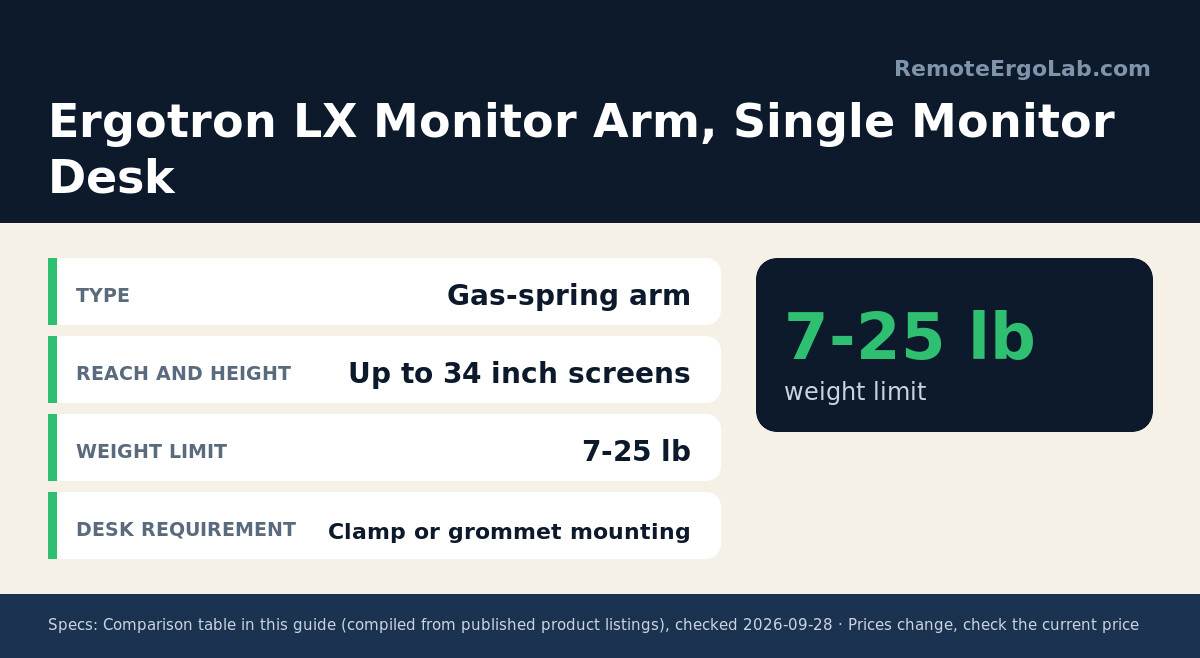
This is the arm people graduate to after a cheap mount starts drooping. The LX carries panels from 7 to 25 lb and fits screens up to 34 inches, including curved and ultrawide models, with VESA 75×75 or 100×100 plates. Height moves on a gas spring, so the screen rises with a light push instead of a hex key, and the jointed sections let you pull the panel forward for reading and push it back for calls.
On a small desk the payoff is the whole surface under the screen. Clamp and grommet hardware are both included, and the internal channel hides the display cable. Prices swing with the finish, so check the current price on Amazon before choosing a colourway.
VIVO Single Monitor Stand
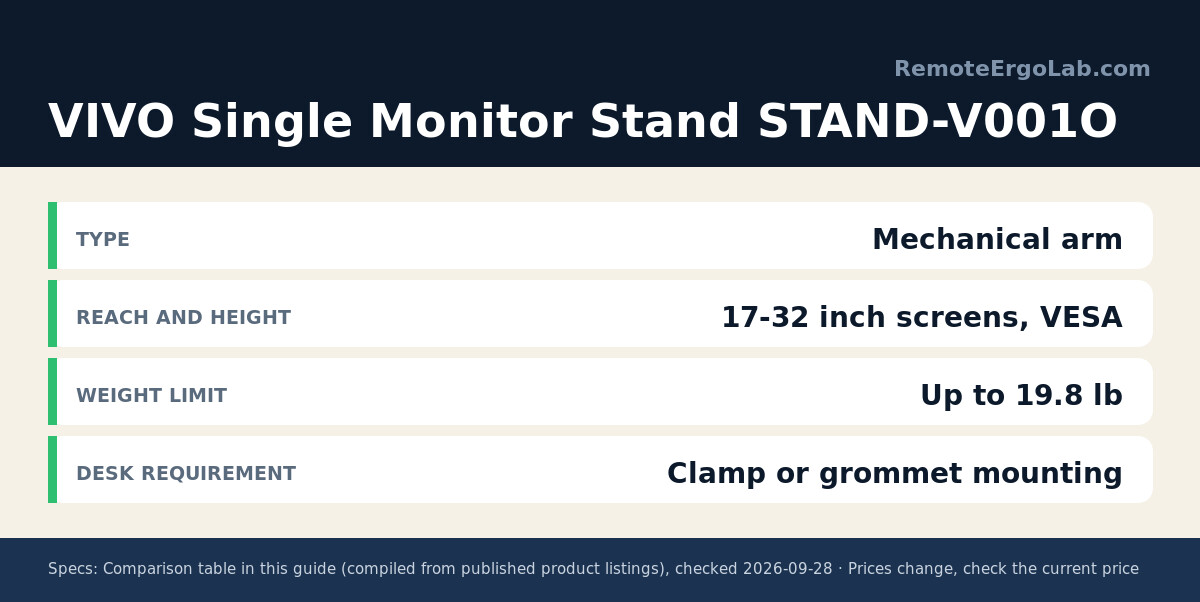
Not everyone needs a spring. The STAND-V001O takes 17 to 32 inch screens up to 19.8 lb and mounts through VESA 75×75 or 100×100 holes on a mechanical articulating arm. Height and tilt are set with a wrench rather than gas, which is slower to fine-tune and stable once locked – a fair trade for a desk adjusted twice a year. Clamp and grommet hardware ship in the box, and the pole design lets the screen slide without re-clamping.
Reviews often mention it as a first arm for rental or dorm desks where drilling is off the table. Compare the current listing if budget is the deciding factor.
HUANUO Monitor Riser with Vented Steel Shelf
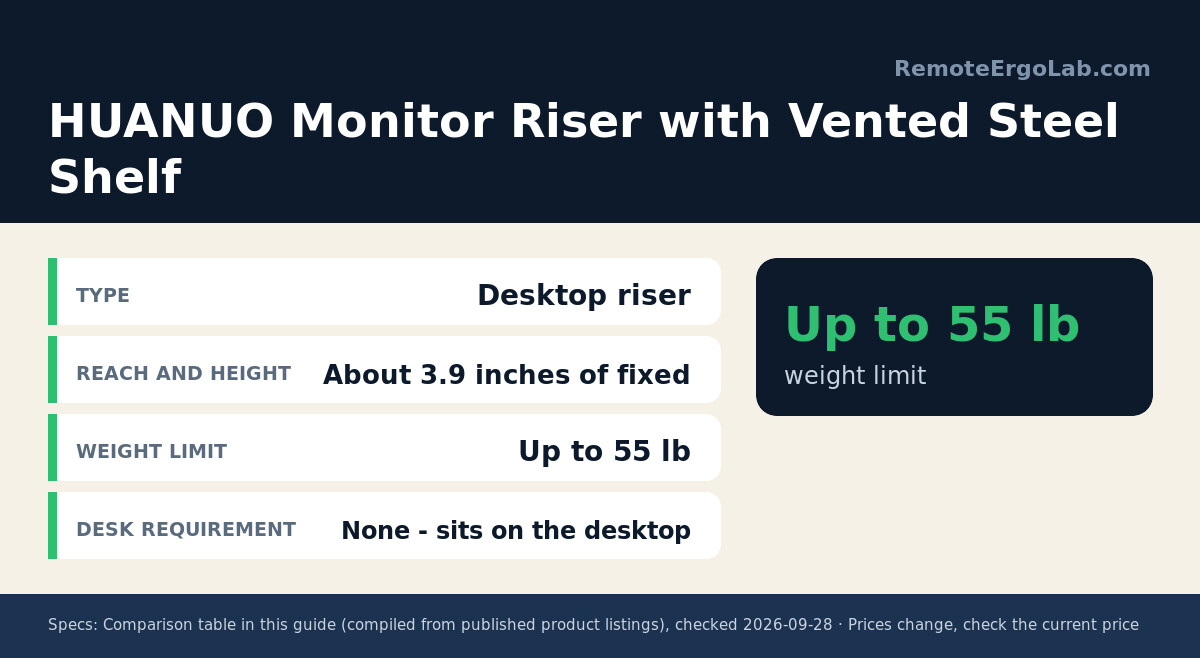
A riser is the zero-installation answer. This HUANUO shelf lifts a monitor about 3.9 inches and spreads the load over 23.6 inches of steel with a stated 55 lb capacity, far beyond what a 27-inch panel needs. The perforated top lets a laptop breathe when the riser doubles as a stand, and the open space below swallows a keyboard, notebook, or dock.
Nothing clamps, bolts, or marks the desk, which suits glass tabletops and rented furniture. The catch is the fixed height: 3.9 inches may not reach eye level for a long torso, and stacking books underneath defeats the purpose. Check the current price on Amazon, since the black and silver versions are often priced differently.
Buying Guide: Decide by Desk, Not by Spec Sheet
Measure the Edge Before Buying an Arm
Clamp arms need a clear lip to bite, usually two inches of flat edge, plus room below for the clamp body – which rules out a desk with a full-width drawer unit pressed against the underside. Glass tops are a separate problem, since point pressure can crack tempered glass. Butcher-block tops sometimes exceed the clamp opening; a grommet mount through an existing cable hole is the workaround.
Match the Lift to Eye Height
The top of the screen should land at or slightly below eye level, roughly 2-4 inches above the desk for a 24-inch panel and 5-7 inches for a 27-inch screen. That is why a fixed riser works for some people and fails for others, and why a wide height range solves the problem in one purchase. Sit down, look straight ahead, and note where your eyeline lands.
Weight, VESA and Wobble
Check the weight range and VESA pattern on the box. A 27-inch panel typically weighs 8-14 lb, inside the limits of both arms here, though larger displays can pass 20 lb and need a higher-rated mount. VESA 75×75 and 100×100 cover most monitors sold since 2015. Where arms disappoint in reviews it is usually wobble at full extension, so keep the elbow near the pole while typing.
FAQ
Can a monitor stand or riser replace a monitor arm?
Often, yes. A riser does the core job – raising the screen to a healthier height – without touching the desk. It cannot match an arm on adjustability or share one base between two screens, and it does not free the desk surface. If the goal is a higher screen on a glass or rented desk, a riser is the safer purchase.
Will a clamp arm damage my desk?
On solid wood or laminate of normal thickness, a clamp leaves at most a faint mark, and usually nothing when a protective pad sits under the jaws. Risk rises on hollow-core tops, thin veneer, and glass, where the load should go through a grommet mount instead.
Do I need VESA holes on my monitor?
Nearly every monitor sold in the past decade has a 75×75 or 100×100 pattern behind the stand, hidden under a plastic cover. A monitor without VESA threads needs an adapter bracket, so check the manual before ordering either product.
How much do these options cost?
Risers run in the $25-$45 range depending on width and materials, mechanical arms in the $30-$60 range, and gas-spring arms from roughly $100 upward. Prices move with sales, so treat every figure as a starting point.
Shop These Picks on Amazon
Ready to compare prices? These links open Amazon listings for the specific products covered in this guide, so you can check current models and prices yourself. If you buy through them, we may earn a small commission at no extra cost to you – it helps keep RemoteErgoLab free.
- Ergotron LX Monitor Arm, Single Monitor Desk Mount on Amazon
- VIVO Single Monitor Stand on Amazon
- HUANUO Monitor Riser with Vented Steel Shelf on Amazon
Related Guides
- Monitor Height Guide: How High Should Your Monitor Be?
- Best Monitor Risers for Small Desks
- Single vs Dual Monitor Arm: Which One Do You Need?
- Best Clamp-Free Monitor Arms 2026: 5 Picks for Desks
- Best Monitor Arms for Ultrawide Monitors 2026: 5 Picks
- Monitor Arms for Glass Desks That Won’t Crack Tabletops
Disclosure
RemoteErgoLab is reader-supported. As an Amazon Associate we earn from qualifying purchases. These picks come from manufacturer specifications and patterns in published owner reviews, not first-hand testing, and prices change often.