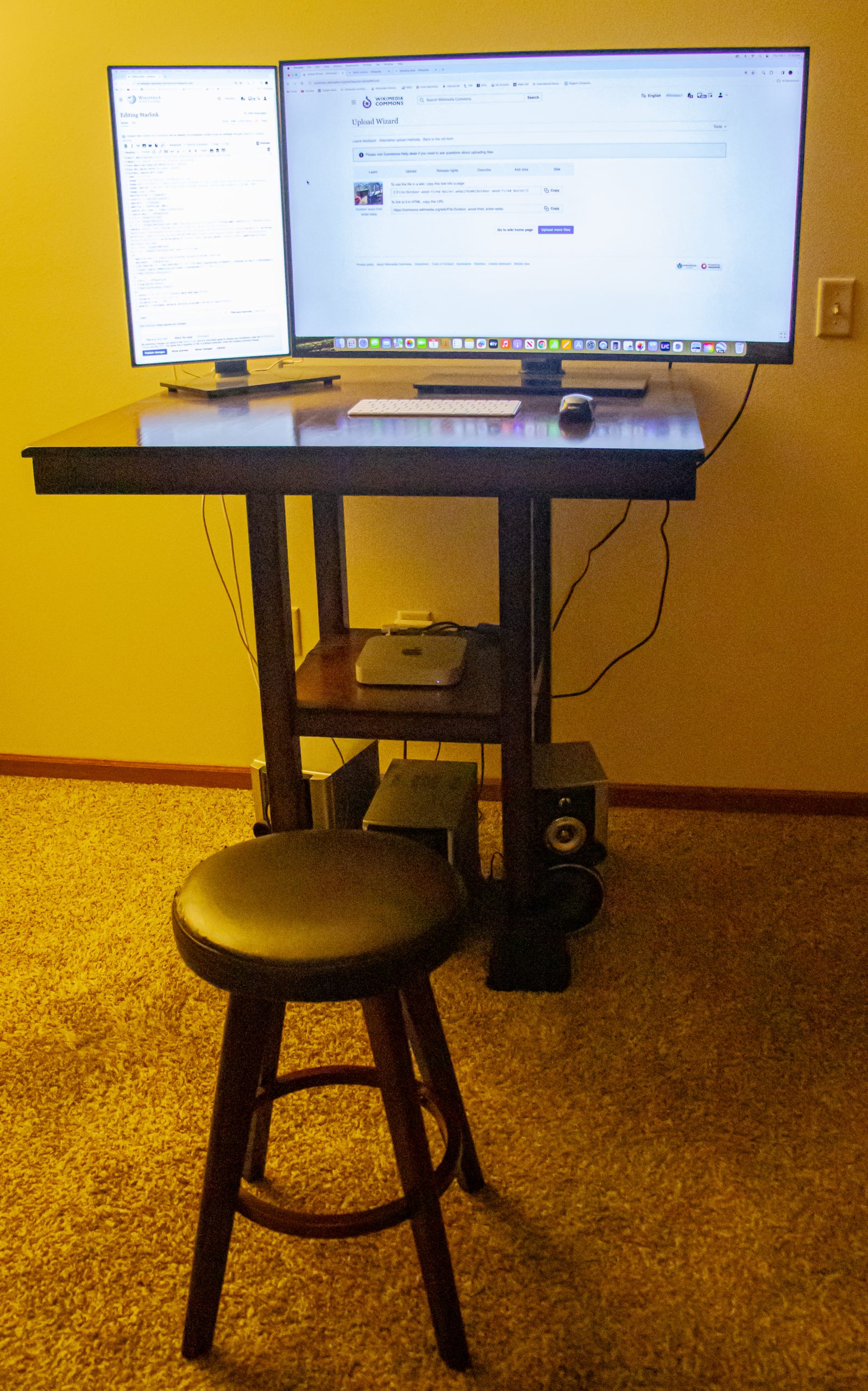
A desk is too high when your elbows sit below the keyboard or your wrists bend upward to reach it, and the fix is almost never a new desk: most fixed tables run 29-30 inches (74-76 cm) high, while the average seated elbow height for adults between 5 ft 4 in and 6 ft 0 in is about 25-28 inches (63-71 cm). That 2-5 inch gap is what pushes your shoulders up all day, and it can be closed for $0-$250 with a lower chair, a footrest, a keyboard tray or a desk converter. Here are 7 fixes, cheapest first, per standard desk and chair spec sheets.
Quick Answer
Lower the chair first, then add a footrest so your feet stay supported, and bring the keyboard down to elbow height (roughly 63-71 cm for most adults) with an under-desk tray if the desk is fixed. If that leaves the monitor too low, raise it with a $30 monitor stand or a $60-$150 monitor arm. A desk converter ($80-$250) or risers under the desk legs ($10-$25) handle the bigger cases, per current listings.
Who Should Read This Guide?
This guide is for anyone who types on a desk higher than their elbows, which usually means a fixed table at 29-30 inches (74-76 cm) paired with a user under about 5 ft 10 in. It helps renters who cannot replace the furniture, laptop users on a dining table, and anyone whose shoulders or wrists ache by mid-afternoon. If your desk is already height-adjustable and set correctly, you need only the posture reset in Fix 7. Measure your seated elbow height from the floor first: if it sits 2 inches (5 cm) or more below the desk, one of the first three fixes applies, per standard desk and chair spec sheets.
Which Fix Should You Try First?
Match the fix to the symptom rather than the price: the table below pairs the most common complaints with the cheapest fix that resolves each one. Costs are typical U.S. listings checked in October 2026 and vary with stock, so confirm the current figure before you buy.
| Symptom | Try first | Typical cost |
|---|---|---|
| Shoulders ride up, feet dangle | Lower chair + footrest | $20-$40 |
| Fixed desk, wrists bend upward | Keyboard tray | $40-$120 |
| Screen ends up too low | Monitor stand or arm | $30-$150 |
| Table too high for standing | Desk converter or risers | $10-$250 |
| Nothing left to adjust | Replace the desk | $100-$600 |
How Do You Tell If Your Desk Is Too High?
A 10-second self-check settles it: sit, relax your shoulders, and rest your hands on the keyboard. If your elbows sit below the keys, or your wrists bend upward to reach them, the desk is too high. Other signs are shoulder pain by mid-afternoon, numb fingers, and a chair cranked so high that your feet swing. As a rule, your seated elbows should sit within 0-2 inches (0-5 cm) of the key height, and your feet should stay flat with the knees level with the hips, per standard ergonomics guidance.
Fix 1: Should You Lower Your Chair and Add a Footrest?
Lowering your chair is the fastest fix, because dropping the seat 2-5 inches (5-13 cm) brings your elbows to the keyboard instead of the other way around. The catch is that your feet usually stop touching the floor, so add an angled footrest: a basic one costs $20-$40 and should let your knees sit level with your hips, per manufacturer listings. A $25 wooden footrest often does more for your back than a $300 chair upgrade, because it restores the flat-foot position your lower back needs.
Fix 2: Is a Keyboard Tray Worth It?
A keyboard tray is worth it on a fixed-height desk you cannot lower, because it drops the keys 2-5 cm below elbow height and lets your shoulders relax. Look for a tray with height and tilt adjustment rather than a fixed slab, and mount it so the keyboard sits at about elbow height when you type, per manufacturer listings. Decent trays run $40-$120, and the mechanism matters more than the brand – test that it stays level under fast typing.
Fix 3: How Do You Raise the Monitor to Match?
Raising the monitor to match is the step almost everyone skips: once you lower the chair or add a tray, the screen is suddenly too low and you hunch to meet it. Aim for the top third of the screen at eye level, roughly 20-28 inches (51-71 cm) from your eyes, per manufacturer guidance. A $30 monitor stand or a $60-$150 monitor arm fixes it in minutes, and the arm also frees the desktop on a small desk.
Fix 4: When Do You Need Furniture Risers?
Furniture risers are the fix when your desk is too high for standing rather than for typing – a common problem with kitchen counters and dining tables that sit 34-36 inches (86-91 cm) high. A set of 4 rubber or plastic risers costs $10-$25 and adds 5-10 cm, but check the weight rating first, because cheap hollow risers can crack under a loaded desk with two monitors. For standing work, target a surface at your standing elbow height, about 38-46 inches (97-117 cm) for most adults.
Fix 5: Should You Use a Desk Converter or Sit-Stand Riser?
A desk converter is the practical answer when your surface is a kitchen counter or dining table about 86-91 cm high and you cannot change the furniture. It lifts your laptop and monitor to standing height and lets you alternate postures without a new desk, and a model with gas springs that hold position runs $80-$250, per current listings. Bonus: it turns a too-high table into a usable standing desk, which beats hunching over it.
Fix 6: When Should You Replace the Desk?
Replace the desk when accessories cannot close the gap, such as a fixed 30-inch (76 cm) top paired with a 6 ft 3 in user, where no riser or tray fixes the math. For seated work, look for a desk about 28-30 inches (71-76 cm) high with a 24-30 inch depth, because depth matters more than people expect – a shallow top pushes the monitor too close to your eyes. If the budget allows, an electric sit-stand desk at $250-$600 removes the problem permanently because the height adjusts to your body.
Fix 7: What Is the 20-Second Posture Reset?
The 20-second posture reset is a quick hourly check that keeps any fix working: roll your shoulders back, drop them away from your ears, and confirm your elbows sit at 90 degrees with your feet flat. Set a repeating timer every 45-60 minutes; it is annoying for two days and then becomes background noise. It is the cheapest ergonomic tool here and the one people skip most, and unlike furniture it costs $0.
What Is the Golden Rule of Desk Height?
The golden rule of desk height never changes: elbows at 90 degrees, wrists straight, feet flat, monitor at eye level, which for most adults means a seated surface of 63-74 cm and a screen top 51-71 cm from the eyes. Fix the desk height first, then the monitor, then everything else falls into place, per standard ergonomics guidance. If a single number is off, the others usually reveal it within a day.
Frequently Asked Questions (FAQ)
How high should a desk be?
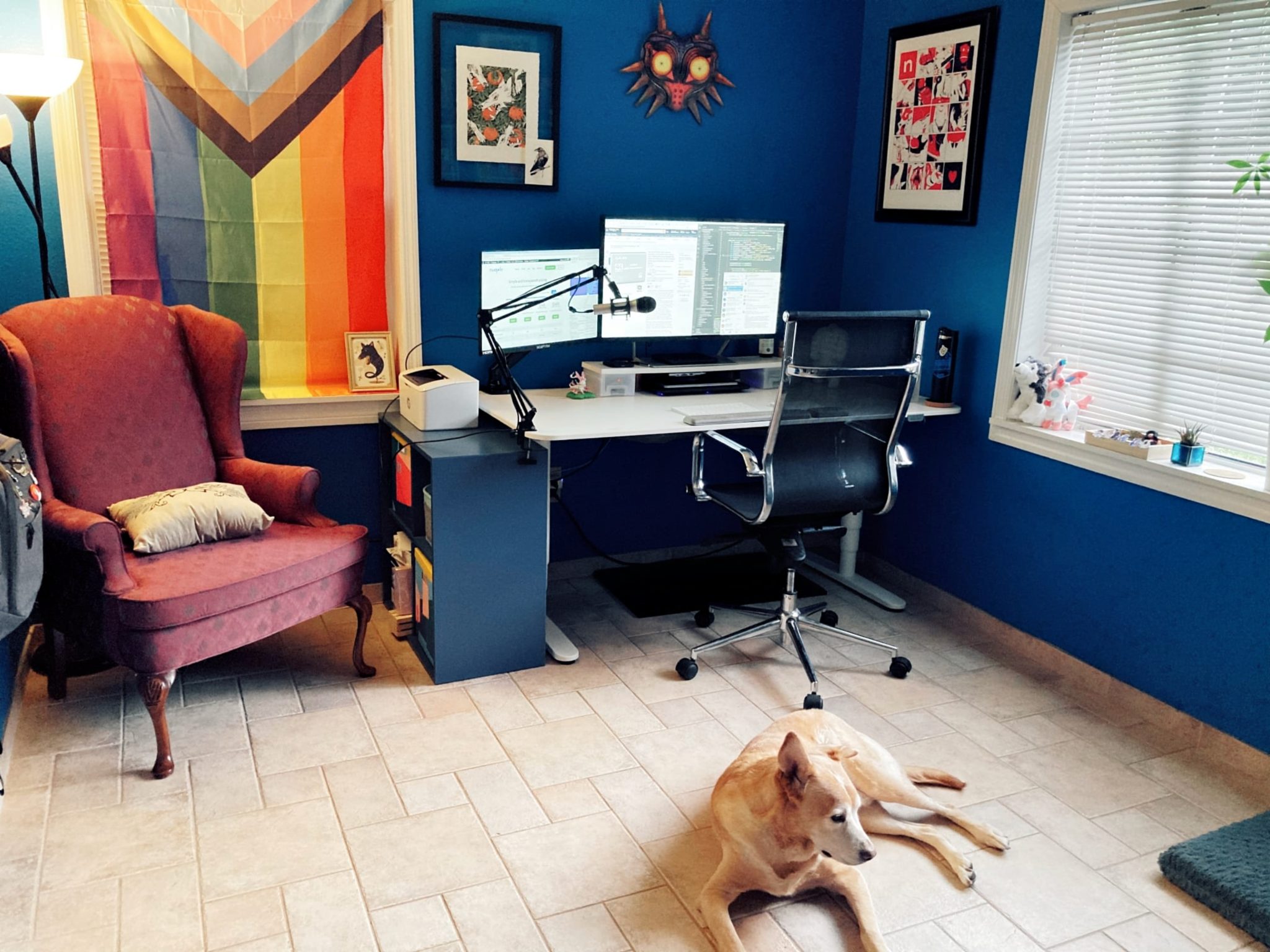
A desk should put your elbows at about 90 degrees with your forearms parallel to the floor, which is usually a seated surface of 25-29 inches (63-74 cm) for adults between 5 ft 4 in and 6 ft 0 in, per manufacturer spec sheets. If your fixed desk sits at 29-30 inches (74-76 cm), lower the chair and add a footrest, or use a keyboard tray to drop the keys to elbow height.
Can a desk be too high for standing?
Yes – counters and fixed tables often sit about 86-91 cm high, which is above the standing elbow height of roughly 38-46 inches (97-117 cm) only if you are very tall; for most users that surface is fine for standing but too high for seated typing. The fix depends on the goal: risers or a desk converter for standing work, a lower chair and footrest for seated work, per manufacturer listings.
What if your chair will not go low enough?
If your chair bottoms out before your elbows reach the keys, the desk is simply too high for seated work: add an under-desk keyboard tray ($40-$120) to drop the keys 2-5 cm, or switch to a desk converter ($80-$250) and work in a standing position. A footrest ($20-$40) keeps your feet supported either way, per current listings.
Shop These Picks on Amazon
Ready to compare prices? These links open Amazon listings for the specific products covered in this guide, so you can check current models and prices yourself. If you buy through them, we may earn a small commission at no extra cost to you — it helps keep RemoteErgoLab free.
- Mount-It! Under Desk Keyboard Tray — Check current price on Amazon
- Mind Reader Adjustable Foot Rest — Check current price on Amazon
- VIVO Single Monitor Stand — Check current price on Amazon
- VIVO 36 in Standing Desk Converter (DESK-V000V) — Check current price on Amazon
Related Guides
- Monitor Too Low? Fixes for Neck Pain
- Standing Desks for Small Spaces: The Practical Guide
- The Complete Ergonomic Home Office Setup Guide
- Ergonomic Keyboards for Small Desks: 5 Compact Picks
- Standing Desk Types for Small Spaces: 4 Compared
Disclosure
As an Amazon Associate we earn from qualifying purchases.