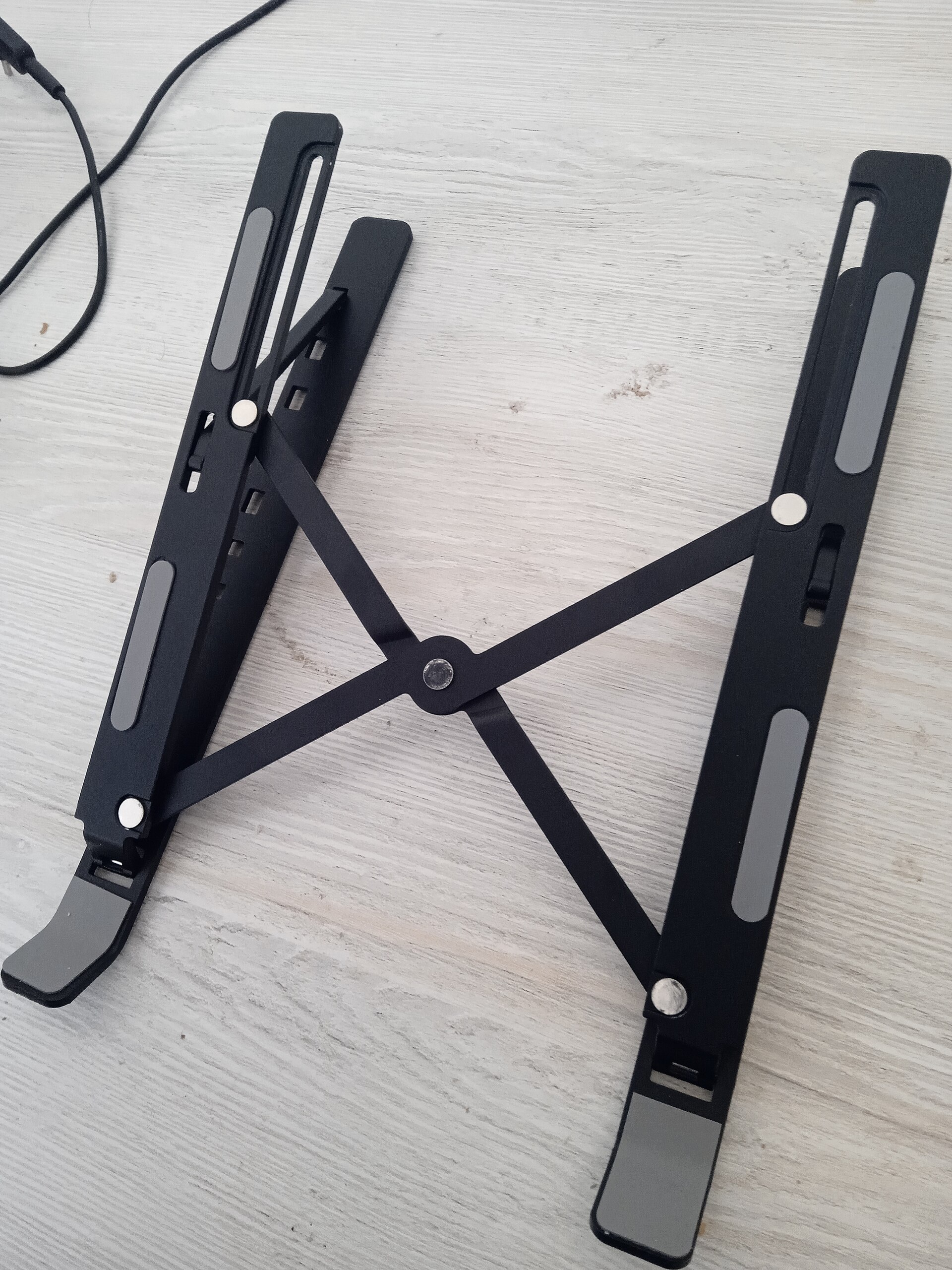
Neck pain often shows up three months into full-time remote work. The usual culprit isn’t the chair or keyboard — it’s the laptop screen sitting a good 12 inches below eye level. Every ergonomics guide says the top of your display should sit at or slightly below eye level, which means a laptop lid needs to come up roughly 15–20 cm on most desks. A laptop stand is the cheapest, fastest way to do that, and it’s one of the most-reviewed desk accessories for a reason.
You don’t need a $300 setup to fix this. Stands that genuinely solve neck pain start around $25 and top out near $150. The catch: plenty of cheap stands raise the screen and introduce a new problem. They wobble when you type, or they force your wrists into an awkward angle, so you trade neck pain for wrist pain.
Quick Answer
For laptop-related neck pain the fix is screen height: the Roost Stand V3 is the best overall pick (typical price about $60) because it folds flat and lifts the screen to 27 cm. Desk-bound setups can spend less — the Nulaxy lifts 17 cm for about $30 — and the stick-on MOFT adds 10 cm for about $20. Keep the top of the screen level with your eyes (see our home office ergonomics checklist).
Quick Picks
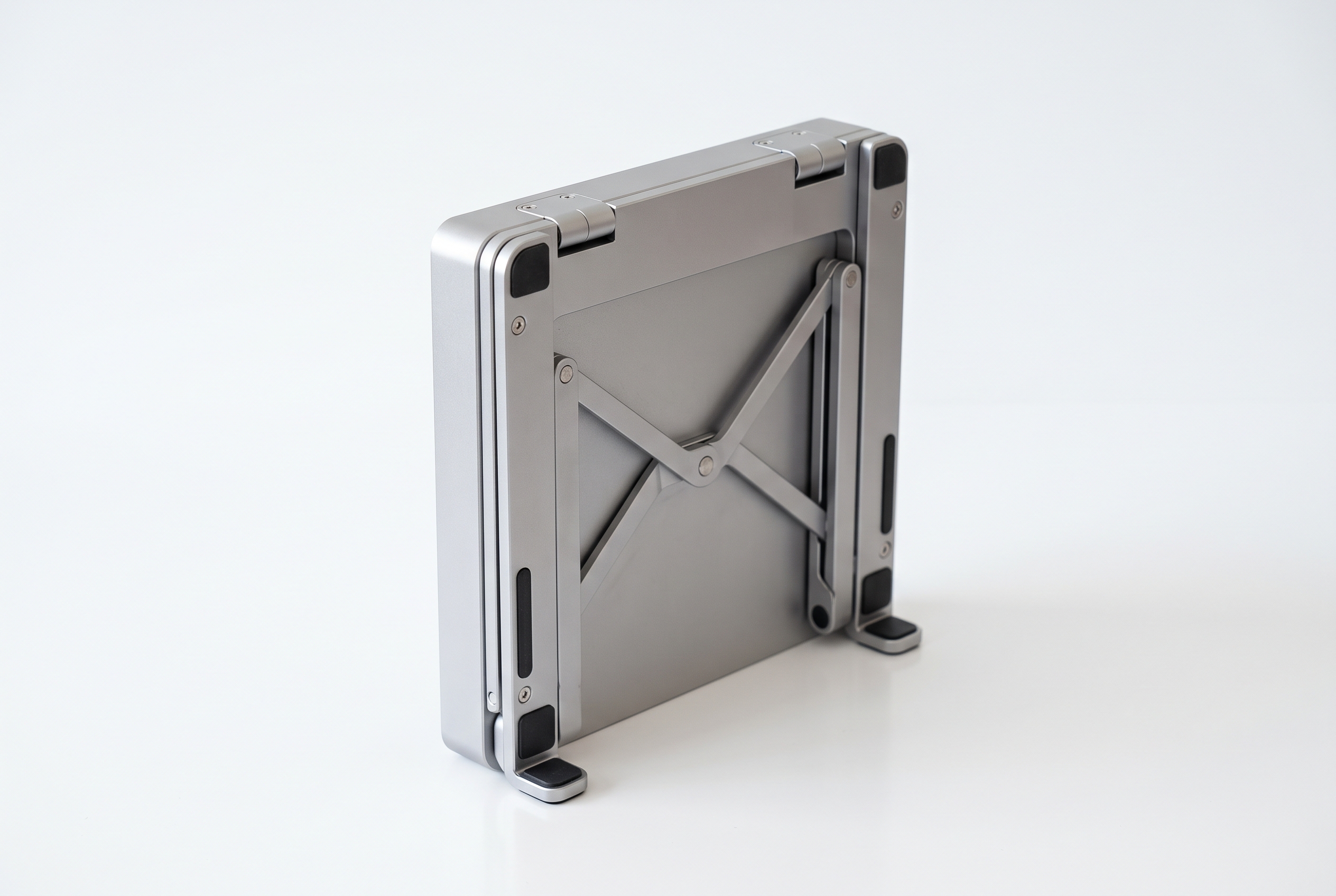
- Best overall: Roost Stand V3 — 26 grams, folds to pocket size, seven height settings. Around $60.
- Best for desk use: Nulaxy Adjustable Aluminum Stand — six height levels, ventilated, around $30.
- Best for external monitor setups: Urmust Adjustable Laptop Stand — up to 40 cm of lift, around $35.
- Best budget: MOFT Invisible Laptop Stand — adhesive stick-on foldable stand, around $20.
- Best for big laptops: Rain Design mStand — holds 17-inch machines, 17 cm fixed raise, around $50.
How We Chose
These stands were compared using published specifications, long-term owner reviews, and verified complaints, with laptops ranging from 13 to 17 inches on a typical 72 cm desk. Every stand had to pass five checks:
1. Height range: does it actually bring the screen near eye level, with the top of the display within about 5 cm of eye level?
2. Stability: does it wobble during fast typing?
3. Portability: can it survive daily trips in a backpack without taking damage or coming loose?>
4. Heat: does it block the laptop’s airflow and turn the underside into a hotplate?
5. Price: what do you actually get for the money?
Comparison Table
| Stand | Max height | Weight | Fits laptops up to | Price |
|---|---|---|---|---|
| Roost Stand V3 | 27 cm (7 settings) | 26 g | 15.6 in | ~$60 |
| Nulaxy Adjustable | 17 cm (6 levels) | 380 g | 17 in | ~$30 |
| Urmust Adjustable | 40 cm (6 levels) | 420 g | 17 in | ~$35 |
| MOFT Invisible | 10 cm (3 positions) | 170 g | 15 in | ~$20 |
| Rain Design mStand | 17 cm (fixed) | 800 g | 17 in | ~$50 |
Reviews
Roost Stand V3 — Best overall
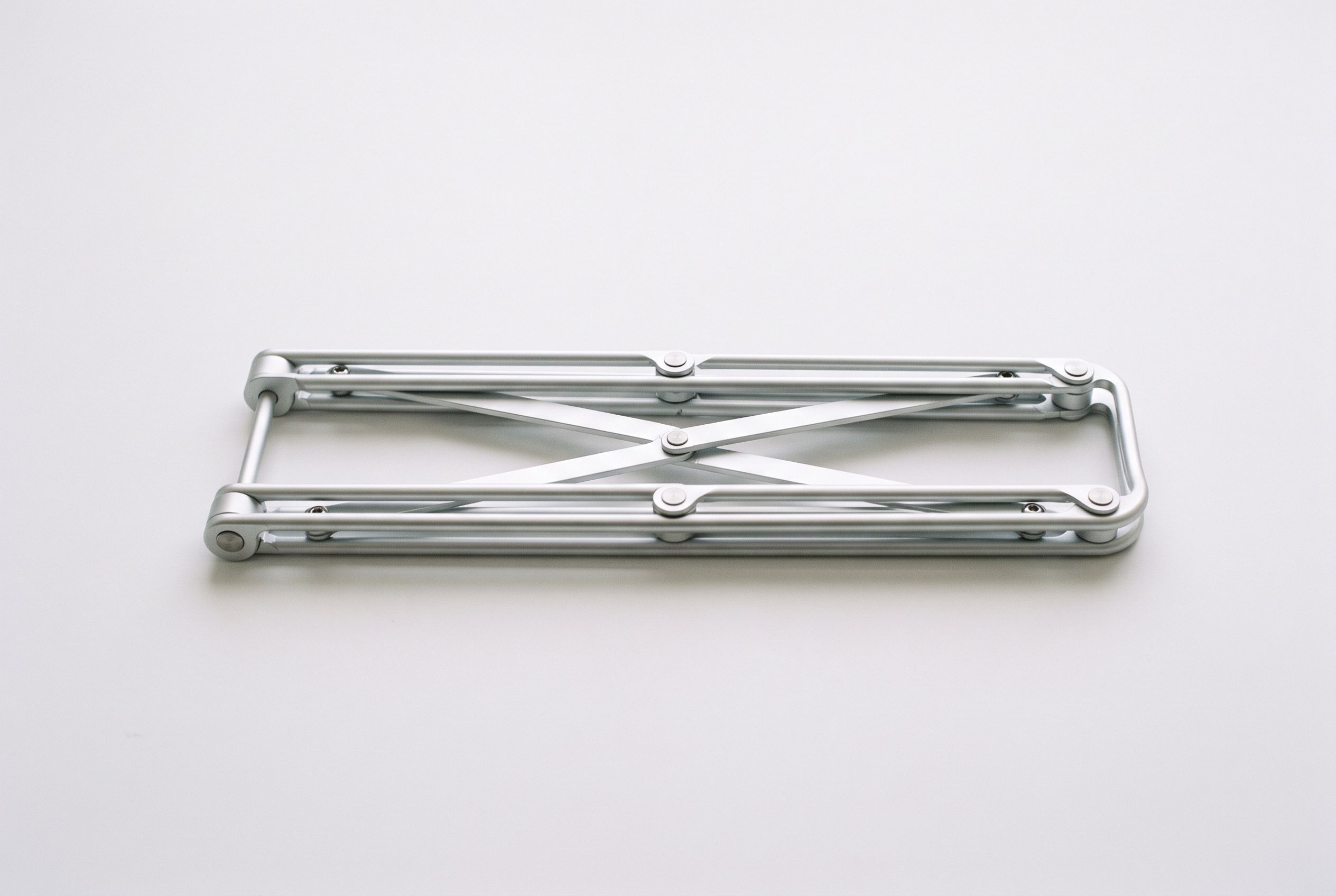
The Roost is the stand most frequent travelers choose: 26 grams, folds into a tube the size of a marker pen, and lifts the screen from 10 cm to 27 cm across seven settings. The open frame lets air flow underneath. It grips the laptop by the hinge edge, so it needs a flat surface. At about $60 it’s the priciest pick here, but it’s the one most frequent travelers carry. One catch: the laptop balances on its hinge, so skip it for lap use or wobbly cafe tables.
Typical price: about $60. Check current price on Amazon
Nulaxy Adjustable Aluminum Stand — Best for desk use
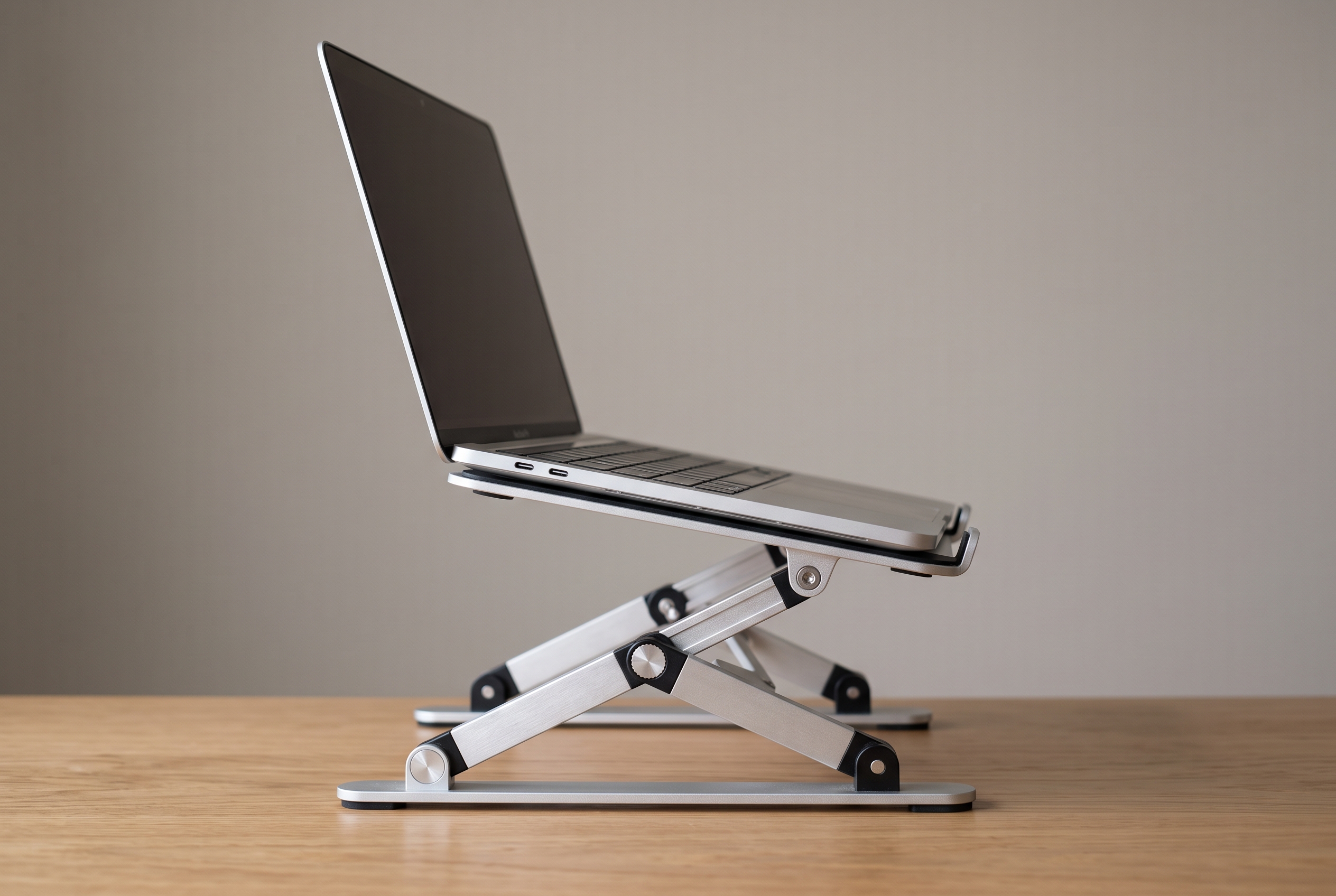
Work from one desk all day and want something solid without spending $60? The Nulaxy is the pick: machined aluminum, six height levels up to 17 cm, open vents, and rubber pads that keep a 15.6-inch laptop from sliding even during heavy typing. The hinges stay stiff, so the platform never droops. Downsides: adjusting the angle takes real force, and the base is narrow.
Typical price: about $30. Check current price on Amazon
Urmust Adjustable — Best for external monitor setups
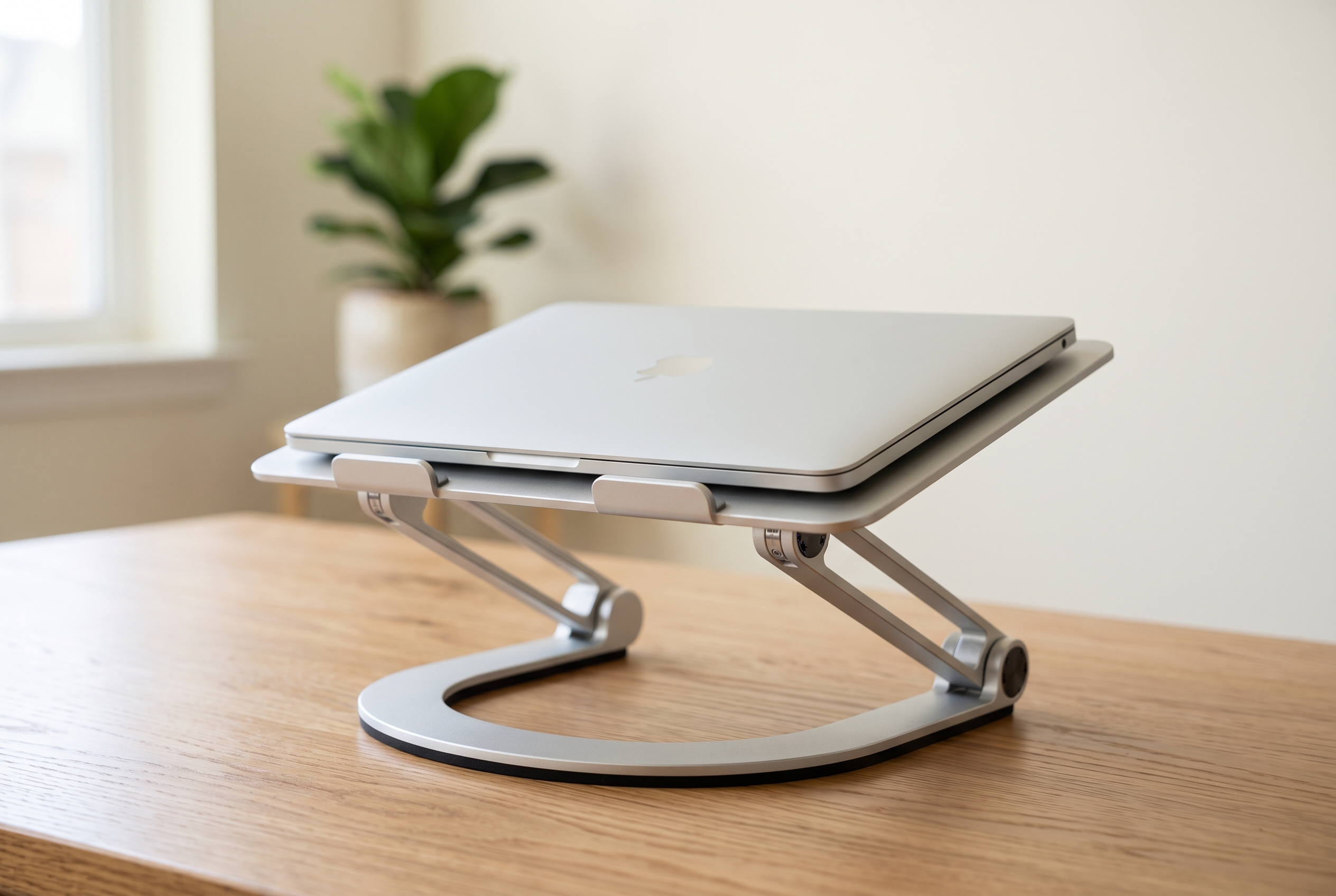
Add a separate keyboard and mouse, and the Urmust shines. Six levels reach up to 40 cm, so you can match a standing monitor or work standing at a kitchen counter. The aluminum build feels sturdier than its roughly $35 price suggests. Not the prettiest stand, and the adjustment clicks loudly, but in a dual-screen setup it earns its place.
Typical price: about $35. Check current price on Amazon
MOFT Invisible Laptop Stand — Best budget
The MOFT Invisible is an adhesive stand that sticks to the back of your laptop lid and flattens out when not in use. Three positions give up to 10 cm of lift, enough to fix a slightly-too-low screen on a hotel desk. It won’t solve severe neck issues on its own, and the laptop moves a little with every keystroke. But at about $20 it’s the cheapest way to stop hunching — and it protects your neck on work trips.
Typical price: about $20. Check current price on Amazon
Rain Design mStand — Best for big laptops
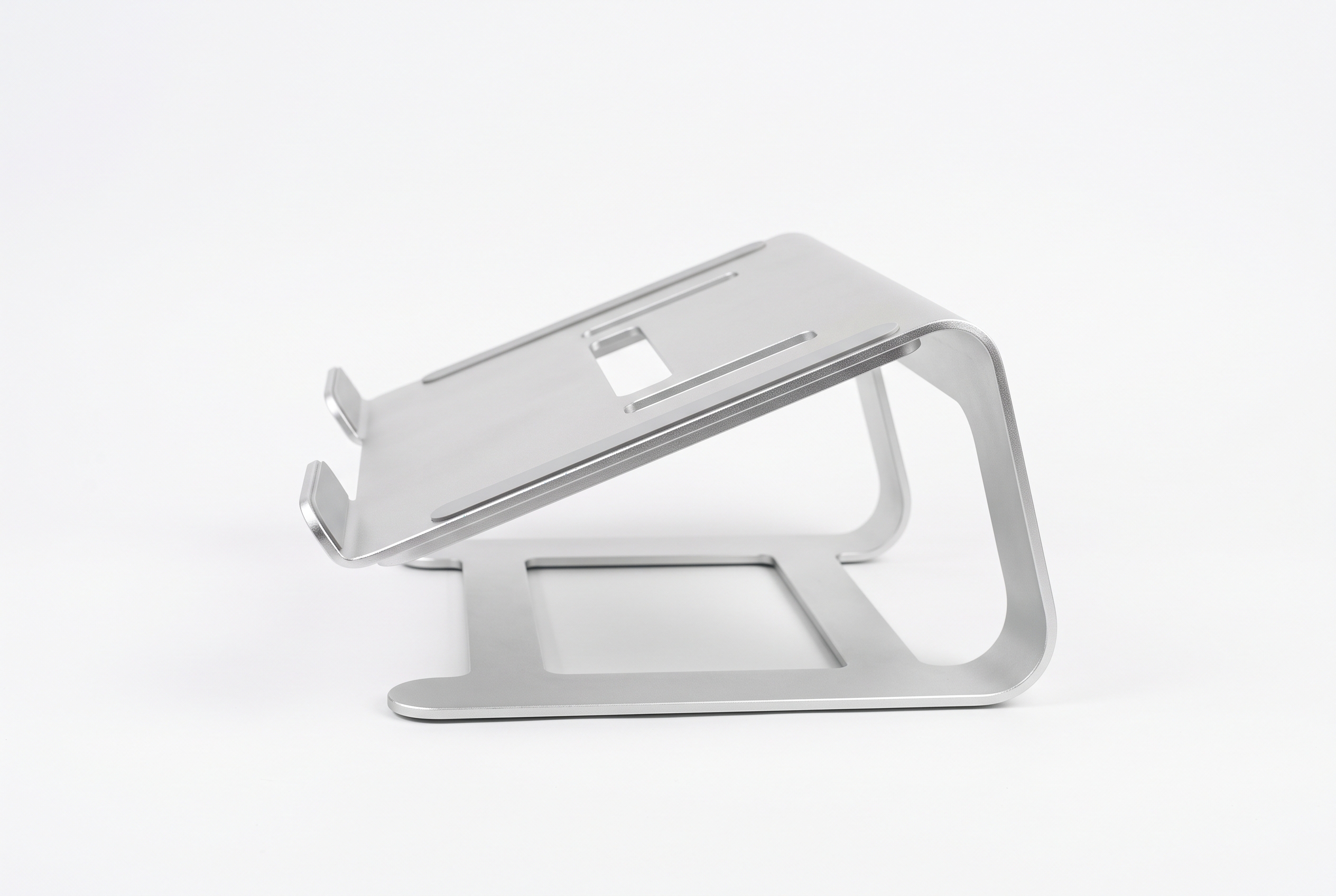
The mStand is a single 800-gram slab of aluminum that lifts a 17-inch laptop a fixed 17 cm. It’s for people who want a permanent desk piece. The screen sits lower than the adjustable stands reach, so severe neck pain calls for a taller option. A slot underneath stashes your keyboard.
Typical price: about $50. Check current price on Amazon
Buying Guide
Measure before you buy. Sit in your chair, relax your shoulders, and measure from the desk surface to your eye line. The top of your screen should land at or just below that height. For most adults on a standard 72–75 cm desk, the stand needs to add 15–25 cm of lift.
Watch the weight rating. A 13-inch ultrabook needs far less support than a 17-inch workstation. Check the stand’s maximum laptop size against your own; a top-heavy 17-inch machine wobbles on a narrow base.
Pair it with an external keyboard. This is the mistake almost everyone makes: raise the screen, keep typing on the laptop, and your wrists bend upward at a painful angle within a week. If you’re raising the screen more than a few centimeters, budget for a separate keyboard and mouse too.
Think about where you work. When your desk sits in a 10 m² apartment bedroom, a bulky steel stand eats surface area — a foldable option like the Roost or MOFT Invisible makes more sense. With a dedicated home office, a heavy aluminum stand is the better trade. For working from a bed or couch rather than a desk, see our laptop stands for bed and couch setups.
Check the airflow. Closed-back stands turn a laptop’s underside into a heat trap that throttles performance on long video calls. Open-frame designs keep temperatures down.
FAQ
Does a laptop stand actually fix neck pain?
Usually, yes — when the problem is screen height. Looking down 30–45 degrees for hours strains your neck muscles; your head weighs around 5 kg, and the load multiplies the further forward you tilt it. Raising the screen to eye level keeps your head over your shoulders and removes most of that strain.
Is a laptop stand better than an external monitor?
An external monitor at eye level is the gold standard, but a stand plus an external keyboard gets you most of the way there for a fraction of the price. Travel a lot or have a tiny desk? The stand wins.
Can I use a laptop stand on a couch or bed?
Only some. Adhesive stands like the MOFT Invisible work on soft surfaces. Most hinged stands need a flat table — a soft mattress makes them wobble.
Do I need an external keyboard with a laptop stand?
If the stand raises the screen more than a few centimeters and you keep typing on the laptop, yes. Your wrists bend upward and you trade neck pain for wrist pain. A basic external keyboard costs $20–40 and solves it.
Shop These Picks on Amazon
Ready to compare prices? These links open Amazon listings for the specific products covered in this guide, so you can check current models and prices yourself. If you buy through them, we may earn a small commission at no extra cost to you — it helps keep RemoteErgoLab free.
- Roost Stand V3
- Nulaxy Adjustable Aluminum Stand
- Urmust Adjustable Laptop Stand
- MOFT Invisible Laptop Stand
- Rain Design mStand
Related Guides
- Monitor Arm vs Laptop Stand: Which Do You Need?
- Laptop Stand vs External Monitor
- Monitor Too Low? Fixes for Neck Pain
Disclosure
As an Amazon Associate we earn from qualifying purchases.
Shop These Picks on Amazon
Ready to upgrade your setup? The links below go to the specific products covered in this guide. If you buy through them, we may earn a small commission at no extra cost to you — it helps keep RemoteErgoLab free.