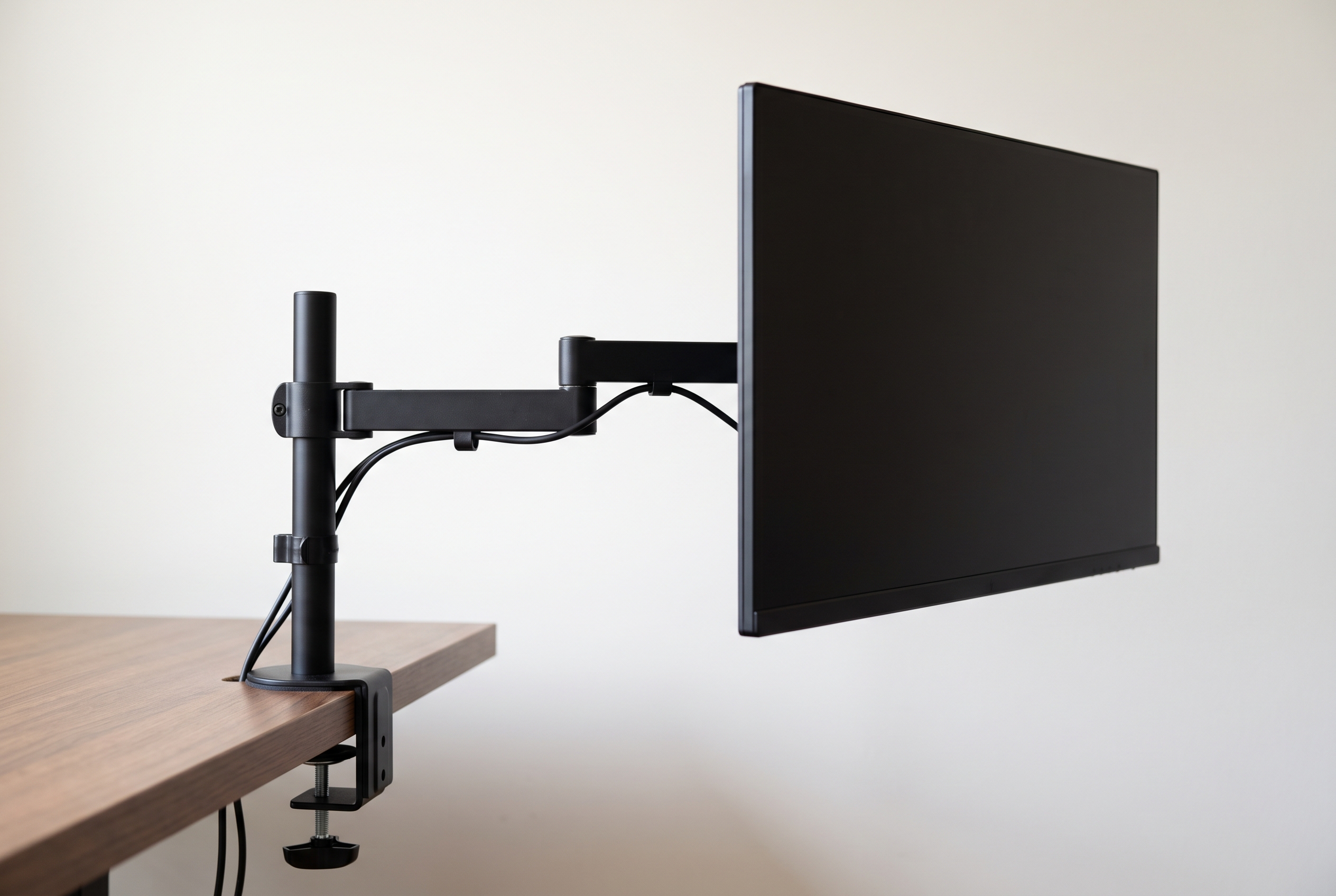
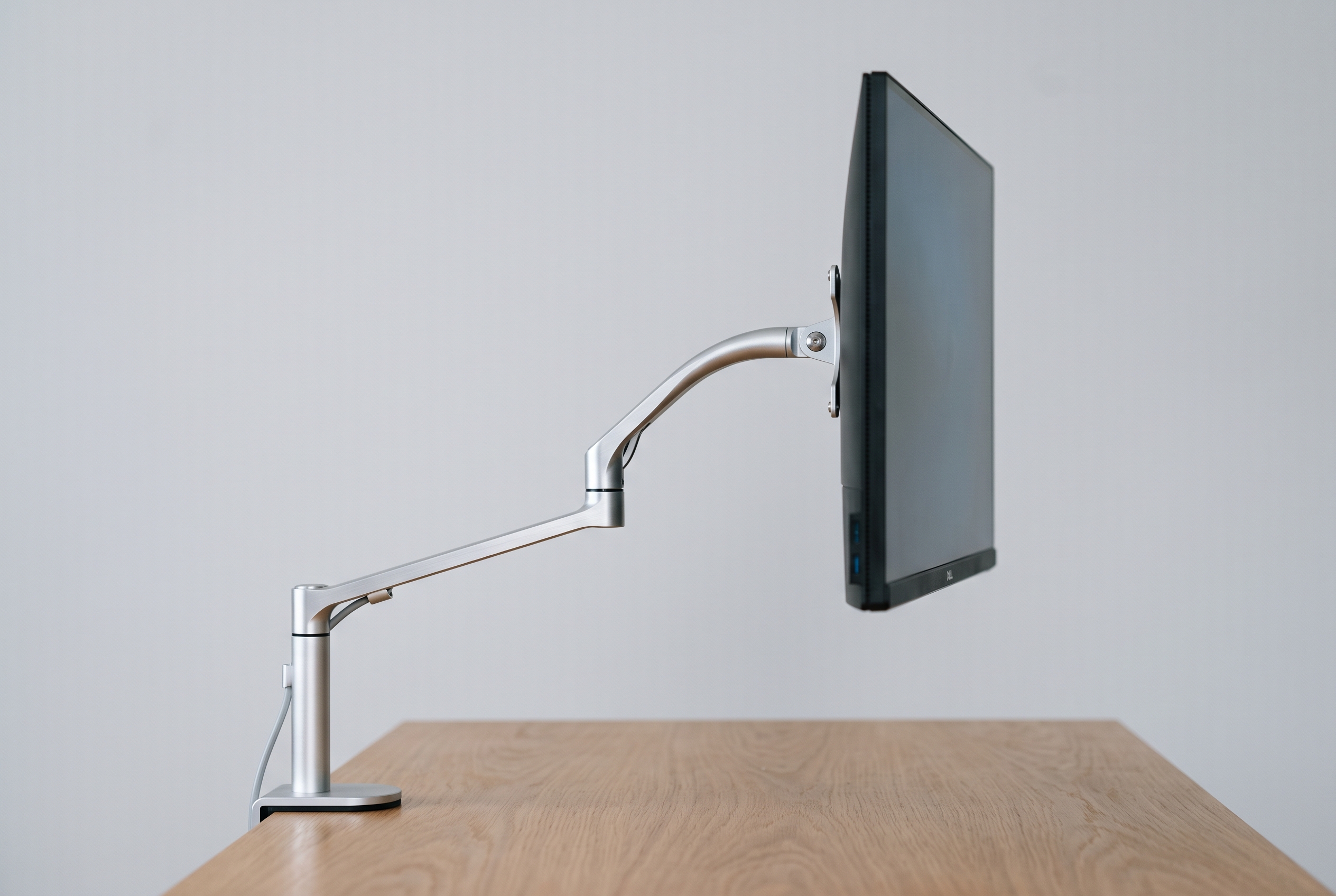
A 100 by 60 cm desk is a common squeeze in small apartments, and a stock monitor stand can eat 22 cm of that depth, pushing the keyboard off the front edge. A monitor arm turns dead air behind the screen into usable space.
The arms below were compared using published specifications, long-term owner reviews, and verified complaints, with attention to clamp fit, reach, and stability across different desk sizes. Here’s what stands out, what to skip, and what to measure first.
Quick Answer
On a 100 x 60 cm desk the Ergotron LX is the safest pick — about $160, 11.3 kg capacity, 13-33 mm clamp, 10-year warranty. For roughly $35 the NB North Bayou F80 carries 3-8 kg and fits 10-50 mm edges, and if your monitor is heavy the Mount-It! MI-751 ($60, 11.3 kg, 10-85 mm clamp) adds stability without the premium price.
Ergotron LX — best overall. About $160, up to 11.3 kg, smoothest gas spring in this price range, 10-year warranty.
NB North Bayou F80 — best budget. Roughly $35, 3–8 kg, rigid enough for a 24-inch screen.
Mount-It! MI-751 — best for heavy monitors. $60, rated to 11.3 kg, minimal wobble at full extension.
HUANUO Single Monitor Arm — best under $50. About $40, holds 2–8 kg, tool-free height adjustment.
Ergotron MXV — best premium compact. Around $200, tool-free clamp for thinner desk edges.
VIVO Dual Monitor Arm — best for two screens. About $65, takes two 13–27 inch monitors on one clamp.
How We Chose
Each arm was compared on five things, using published specifications and long-term owner feedback:
Clamp footprint — how much back edge it swallows
Reach — can it push the monitor flush against the wall?
Wobble — typing hard at full extension, then poking the screen corner
Cable routing — can you actually hide the mess?
Price — what you actually get for it
Each arm was assessed against the same criteria: whether the clamp fits common desk edges, whether the monitor stays put at full extension, how well cables can be hidden, and what the price actually buys.
Reviews
Ergotron LX — the long-term favorite
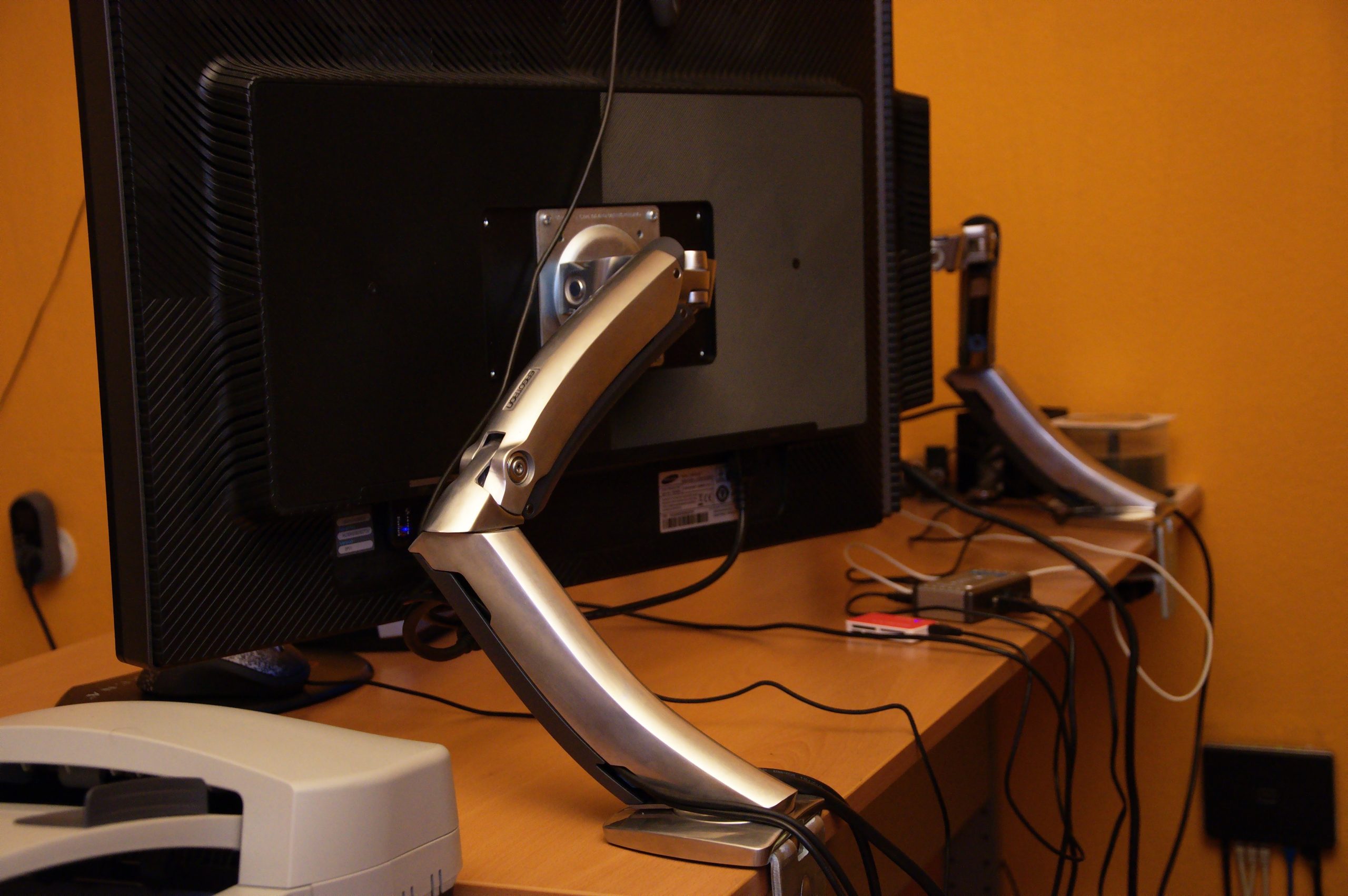
The LX costs more than every other arm here combined, and long-term owners consistently say it’s worth it. The gas spring holds a 27-inch monitor at any height without drifting, and the motion is smooth — nudge the screen and it glides. It’s rated to 11.3 kg, the clamp fits edges 13–33 mm thick, and the arm weighs 3.4 kg — a tank. The 10-year warranty removes most of the risk. The most common complaint: the cable channel is fiddly with thick HDMI cables — a right-angle adapter helps.
North Bayou Desk Mount Full Motion Monitor Arm — the budget pick
At about $35, the F80 outperforms its price. It holds 3–8 kg, fits VESA 75×75 and 100×100, and owners describe the aluminum arm as solid in hand. On a 24-inch monitor it’s rock solid; owner reviews note some bounce at 27 inches full extension during fast typing. Acceptable at this price, but know the limit. The clamp fits desks 10–50 mm thick. Money tight? Start here.
Mount-It! Single Monitor Arm Desk Mount
— for heavy monitors
Rated to 11.3 kg, with a chunky clamp that fits edges from 10 to 85 mm. On a wobbly side table it can actually stiffen the whole setup. Slightly more wobble than the LX at full extension, but less than half the price. Cable management is basic: a few clips, no channel, no cover.
About $40, 2–8 kg, and long-term owners say the gas spring performs like far pricier arms. Height adjusts with a tool-free lever and the tilt holds all day. The plastic cable cover is the weak point — it can creak with three cables routed through it. Two is fine.
The MXV is Ergotron’s answer for thin desk edges. It mounts tool-free — no screws, just a clamp you tighten by hand — and fits edges up to 33 mm. Same 11.3 kg capacity and smooth motion as the LX, with a smaller footprint for crowded desks. $200 is a lot. For a sit-stand desk with a top you don’t want scratched, that tool-free clamp is the selling point.
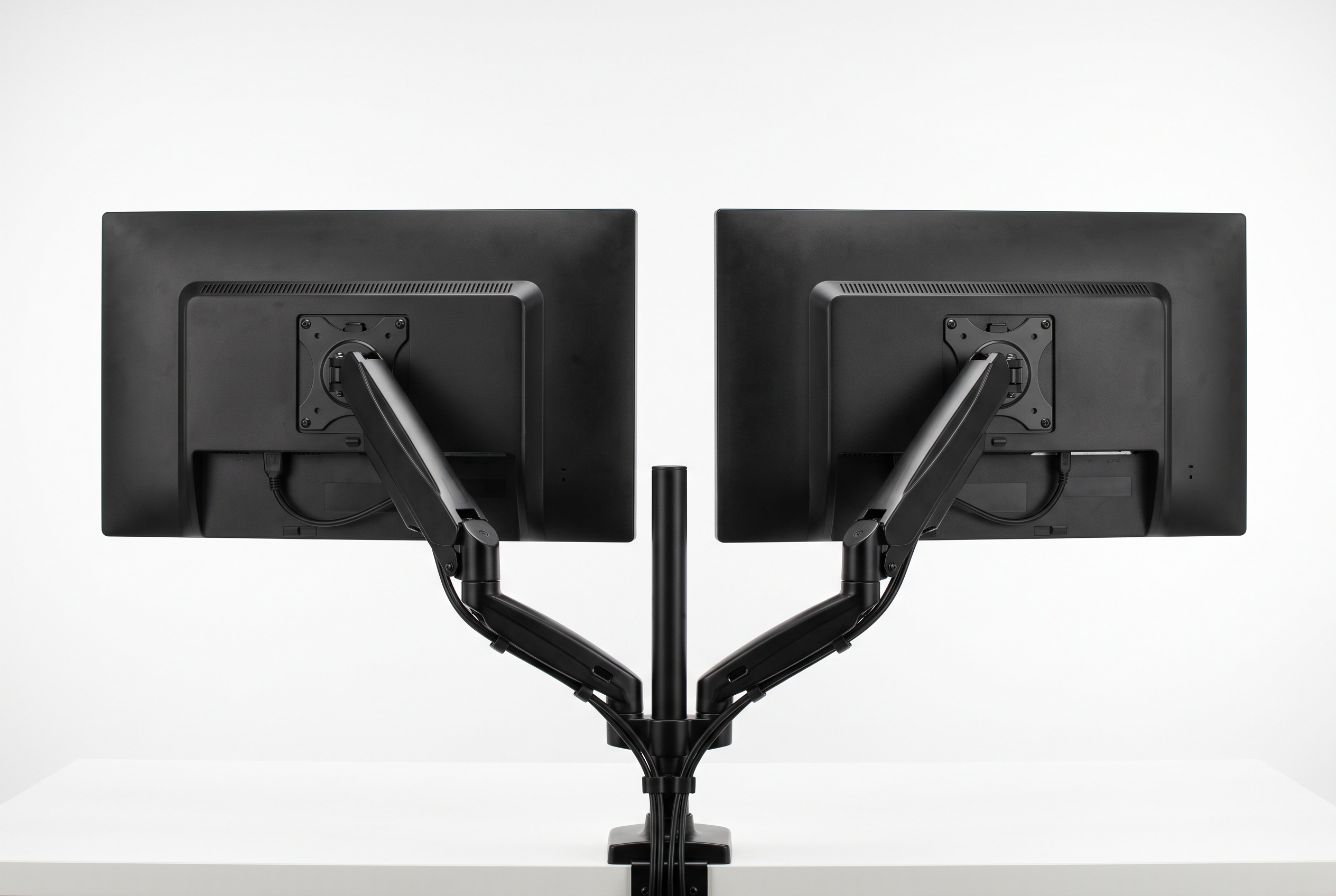
About $65 gets you two arms on one clamp, for 13–27 inch monitors. On a 100 cm desk, two 24-inch screens (about 54 cm each) just fit side by side. Expect to tighten the tilt screws — they can droop for the first day until torqued down. After that it holds, though nothing else fits.
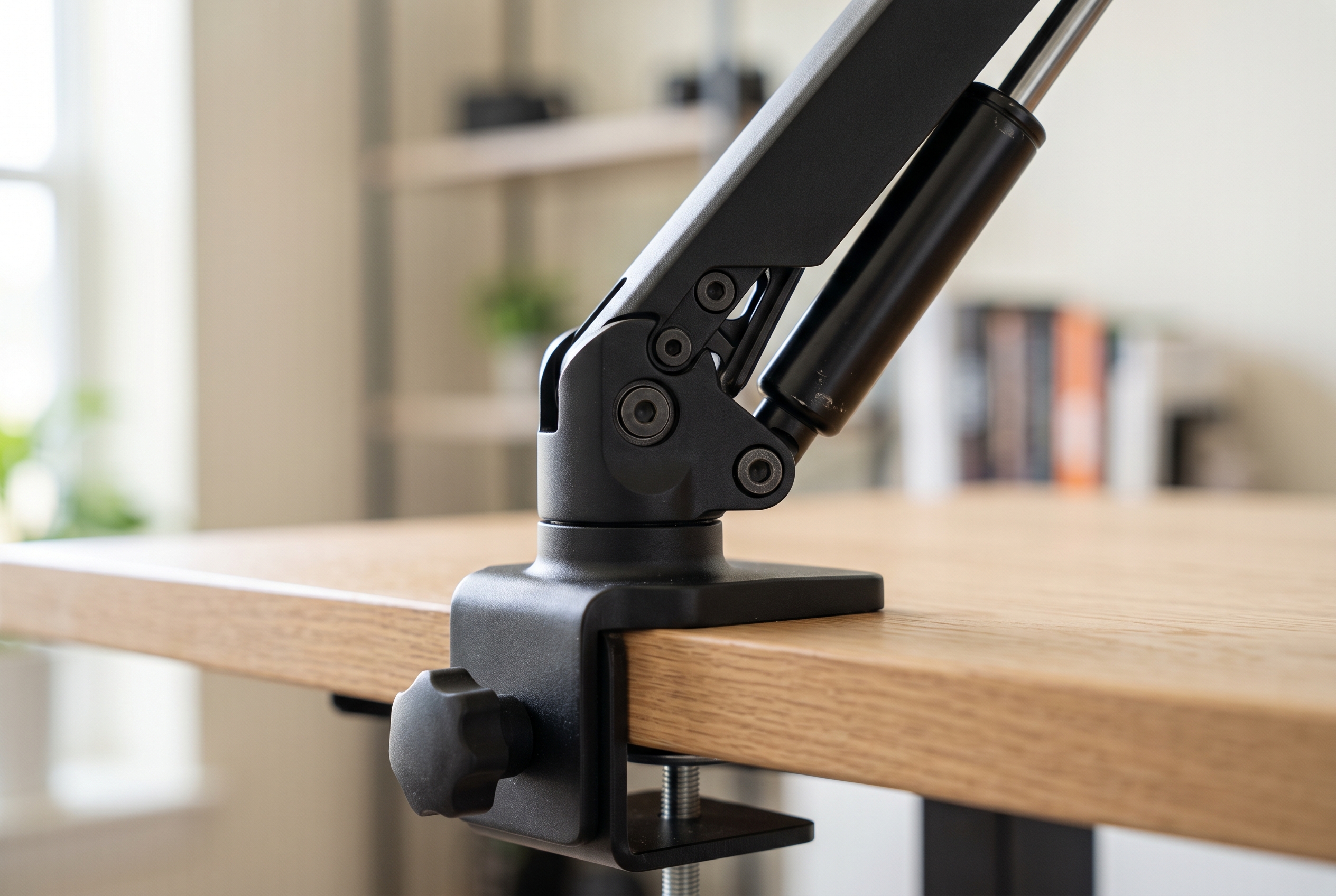
Desk thickness at the back edge. Clamp arms generally fit edges from 10 to 85 mm. Grommet mounts need an existing hole, usually 8–10 mm.
Monitor weight without the stand. Take the stand off and weigh the panel. Adapter plates add 0.2–0.5 kg, so build in headroom.
VESA pattern. 75×75 or 100×100 covers almost everything. Some Samsung and LG models use odd patterns that need a $15–25 adapter plate.
Clamps are easier to install and move; grommet mounts are safer for desks with a lip, a hollow core, or a soft top. Particle-board tabletops like the IKEA LINNMON crush under an over-tightened clamp — use the metal plate that ships with most arms and stop at snug.
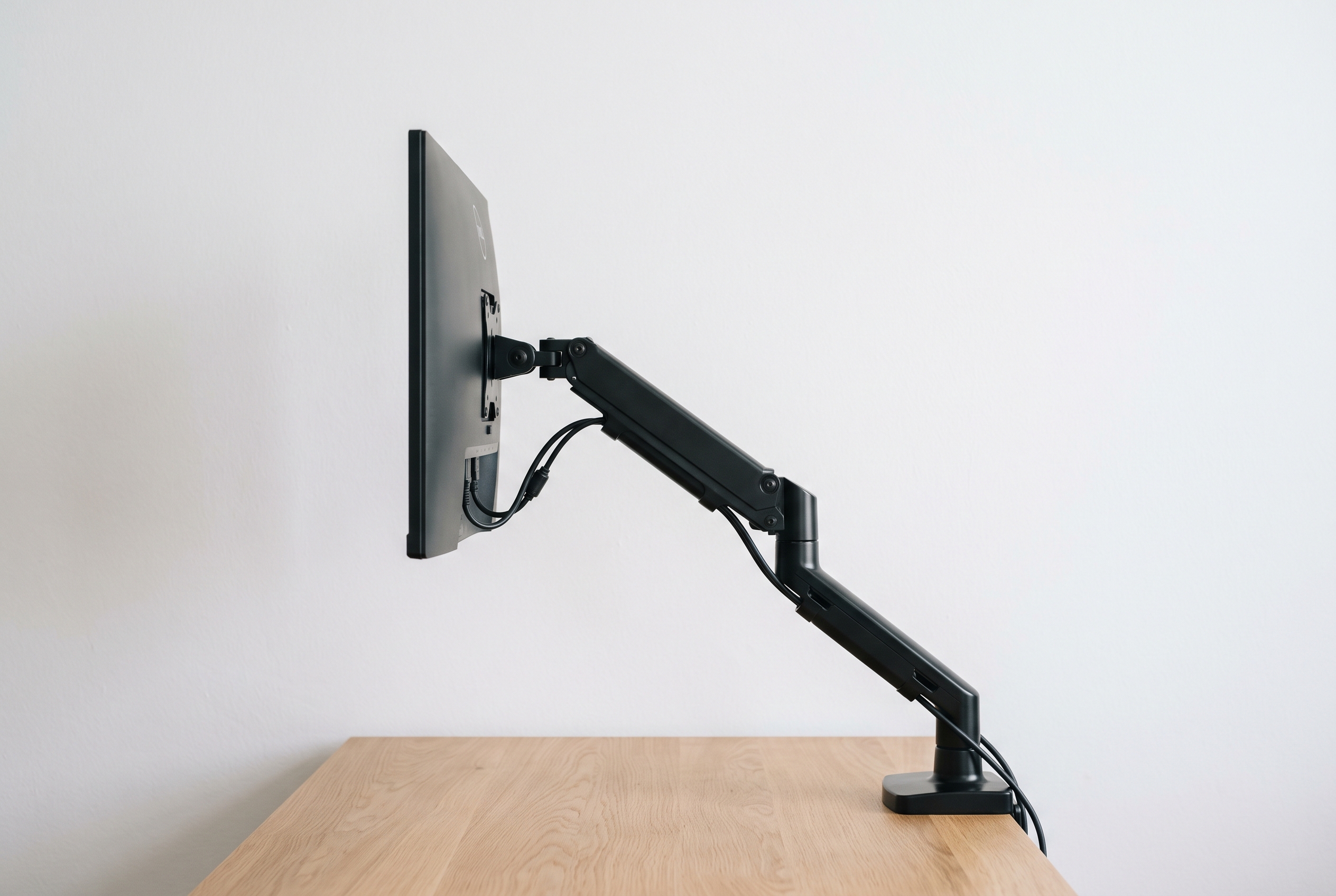
Reach beats height on a small desk. An arm with 60 cm of reach pushes the monitor flush against the wall and reclaims 15–20 cm of depth. That’s the whole game.
Skip fixed-height arms, skip arms rated for 3 kg when your monitor weighs 4.5, and skip anything whose minimum clamp thickness exceeds your desk — you can’t shim your way out of that one.
FAQ
Will a monitor arm damage my desk?
Only if you overtighten it on soft wood. A metal plate or a grommet mount stops the clamp from crushing particle board. Check it after the first week — if the desk shows a dent, back it off.
Do I need an adapter for a non-VESA monitor?
If your monitor lacks 75×75 or 100×100 holes, yes. Adapter plates run $15–25 and bolt onto the back of the panel. Add their weight to your capacity math.
Can I use a monitor arm on a glass desk?
Clamp arms are risky — tempered glass can crack under point pressure. A grommet mount with a wide spreader plate is safer, though many glass desks aren’t rated for the load at all. When in doubt, go wall-mounted or freestanding.
How much space will I actually save?
On a 60 cm deep desk, a typical stand sits about 20 cm deep and the base eats another chunk. An arm frees 15–20 cm — the difference between a cramped setup and one where your forearms rest on the desk.
Is a dual arm worth it on a small desk?
Only if both screens are 24 inches or smaller. Two 27-inch panels on a 100 cm desk leave room for nothing else — a single arm plus a laptop stand usually serves better.
What is the best monitor arm for tall people?
A taller frame needs upward tilt and a pole tall enough to lift the top of the screen to eye level while the clamp stays under the desk. On a small desk the Ergotron LX and the Mount-It! MI-751 both carry up to 11.3 kg and adjust through a wide height range, which makes them the safer monitor arm for tall people; the budget NB F80 is best kept to a lighter 24-inch screen.
Do I need a monitor arm or a stand?
Choose an arm when you want the screen to float and the desk edge back. A stand is cheaper and needs no clamp, but its base eats 20 cm of depth, which is the exact space a small desk cannot spare. The trade-offs are laid out in our monitor arm buying guide.
Shop These Picks on Amazon
Ready to compare prices? These links open Amazon listings for the specific products covered in this guide, so you can check current models and prices yourself. If you buy through them, we may earn a small commission at no extra cost to you — it helps keep RemoteErgoLab free.