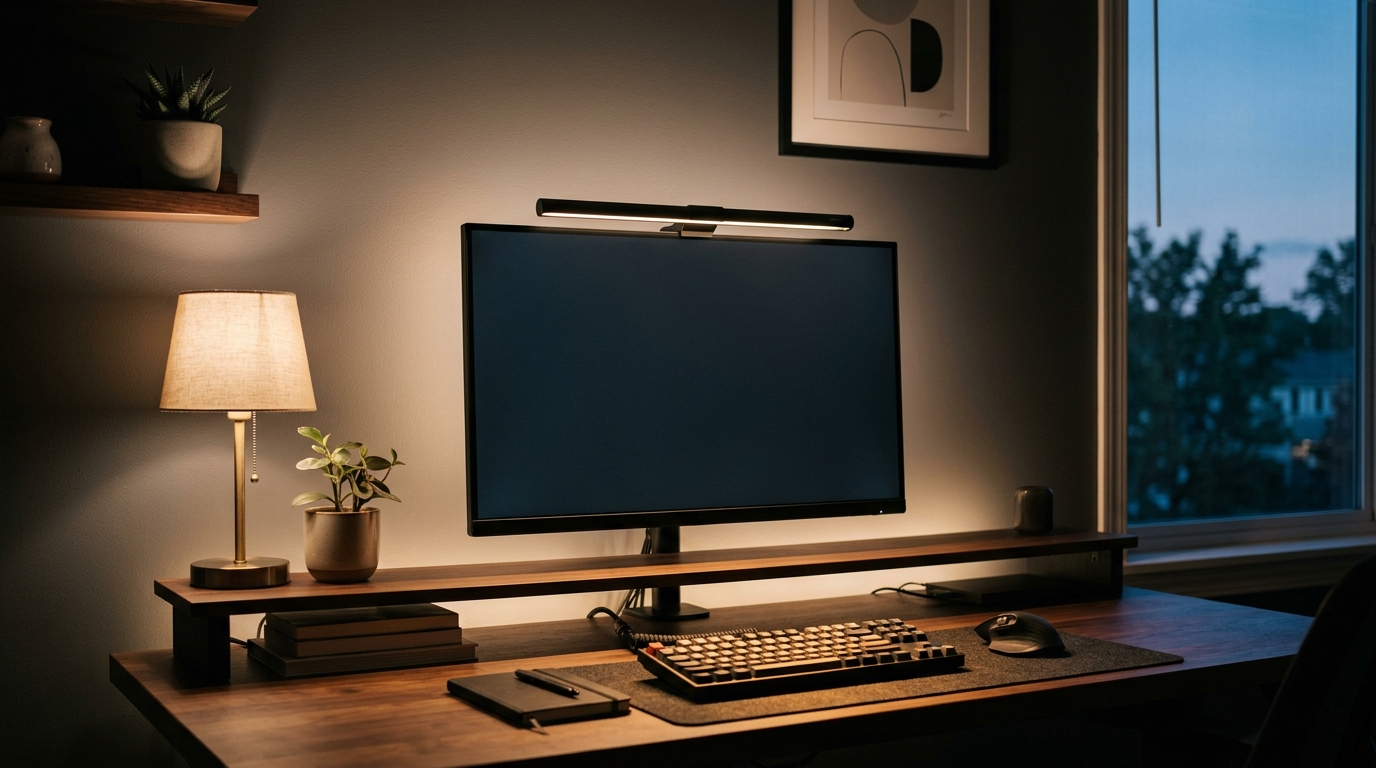
A monitor running at 250 nits in a dim room can be ten times brighter than the wall behind it. That contrast gap, not the panel itself, is what leaves eyes aching by mid-afternoon. Fix the room lighting and the same screen becomes comfortable for a full working day.
As an Amazon Associate we earn from qualifying purchases.
Quick Verdict
Lighting is the cheapest ergonomic upgrade in a home office. A monitor light bar lights the desk without throwing glare onto the panel, a clamp lamp with adjustable color temperature covers the evening, and one rule about window placement removes most reflections. The picks below come from spec comparisons and owner reports, not a lab bench. We rank the current options in our monitor light bars for eye strain.
- BenQ ScreenBar Pro LED Monitor Light Bar (the no-glare benchmark for wide and curved monitors)
- Quntis Monitor Light Bar Pro (auto-dimming at roughly a third of the flagship price)
- LitONES Remote LED Desk Lamp with Clamp (2,000 lumens and 30 modes on a metal swing arm)
How Many Lux Does a Home Office Actually Need?
Aim for 300 to 500 lux measured at desk height for screen work. Paper tasks want 750 lux or more. A single ceiling fixture usually delivers 80 to 150 lux, and that shortfall is the whole problem.
Distance kills task light faster than most people expect. A 9.5W LED lamp 12 inches from the keyboard produces roughly 400 lux in a two-foot circle. Slide the same lamp to 36 inches and the reading falls to about 150 lux.
| What you are lighting | Target illuminance | Common home-office reality |
|---|---|---|
| Room ambient | 150-300 lux | 80-150 lux from one ceiling fixture |
| Screen work at desk height | 300-500 lux | 100-200 lux without a task lamp |
| Reading printed documents | 500-750 lux | 150-250 lux |
| Bias light behind the monitor | 10-20% of screen luminance | usually none at all |
Keep the brightest object in view within about three times the brightness of the surface behind it. Bright panels against a 100-lux wall create the 5:1 to 10:1 ratio that drives squinting and dry eyes.
Color Temperature: 2700K, 4000K and 6500K
Color temperature nudges alertness as well as mood. Light around 4000K to 5000K in the morning supports concentration. After dark the same cool light is the wrong tool, because bodies read blue-heavy light as daylight and push sleep later.
- 2700K to 3000K (warm): evening ambient light and bias lighting behind the monitor.
- 3500K to 4500K (neutral): the sweet spot for full-day screen work.
- 5000K to 6500K (cool): detailed daytime tasks, best limited to a few hours.
Two lamps of different temperatures in one room produce two competing casts, harder on the eyes than a single moderate lamp. Match the desk to 4000K and dim the ceiling fixture after sunset.
Glare Is the Real Culprit
Brightness alone rarely hurts. Glare does, and three patterns cover nearly every complaint:
- Veiling glare: a window or lamp reflecting off the screen. Matte panels scatter it, glossy panels mirror it. Sitting at right angles to the window removes the worst of it.
- Direct glare: an unshaded bulb inside the field of view. Shade it, or move it behind the monitor line.
- Contrast glare: a dark room with one bright panel. Bias lighting lifts the wall to 10 to 20 percent of screen brightness so the panel stops feeling like a flashlight.
Overhead downlights aimed at a desk land on the panel as well as the keyboard. Aim task light across the work surface instead.
Build the Room in Three Layers
Layer one is ambient light at 150-300 lux from the ceiling, dimmed in the evening. Layer two is task light on the desk at 400-500 lux, where a monitor light bar earns its place because it throws light forward and down without hitting the panel. Layer three is bias light behind the monitor at 10-20 percent of screen luminance, usually a 2700K strip pointed at the wall.
Recommended Gear That Makes This Practical
BenQ ScreenBar Pro LED Monitor Light Bar
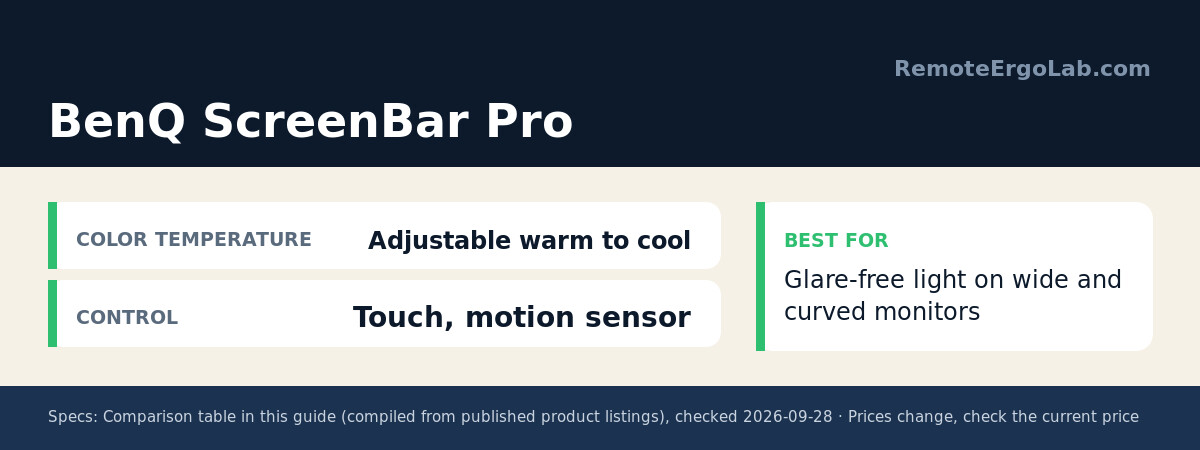
The BenQ ScreenBar Pro is the reference point for a reason: an asymmetric reflector pushes light down onto the desk while keeping it off the screen, so a 27-inch or ultrawide panel does not turn into a mirror. It clamps over the top bezel, runs from USB-C, and pairs adjustable brightness and color temperature with a motion sensor. On curved monitors the mount still sits flush. Pricing moves around, typically in the $130-$180 band, so check current price before buying.
Quntis Monitor Light Bar Pro
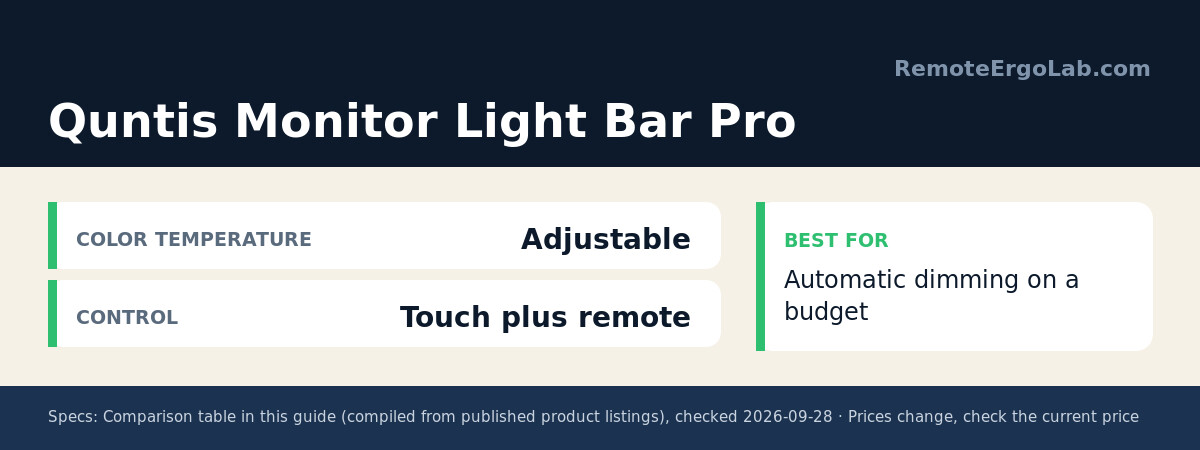
Quntis takes the same clamping format and adds auto-dimming that reads ambient light as the room darkens, plus dual control through a touch strip and a small remote. Build is lighter and the reflector is less aggressive than the BenQ, so expect a little more spill on a matte screen. For a 24 to 27-inch panel the tradeoff is easy to live with at typically $35-$50, so check current price.
LitONES Remote LED Desk Lamp with Clamp
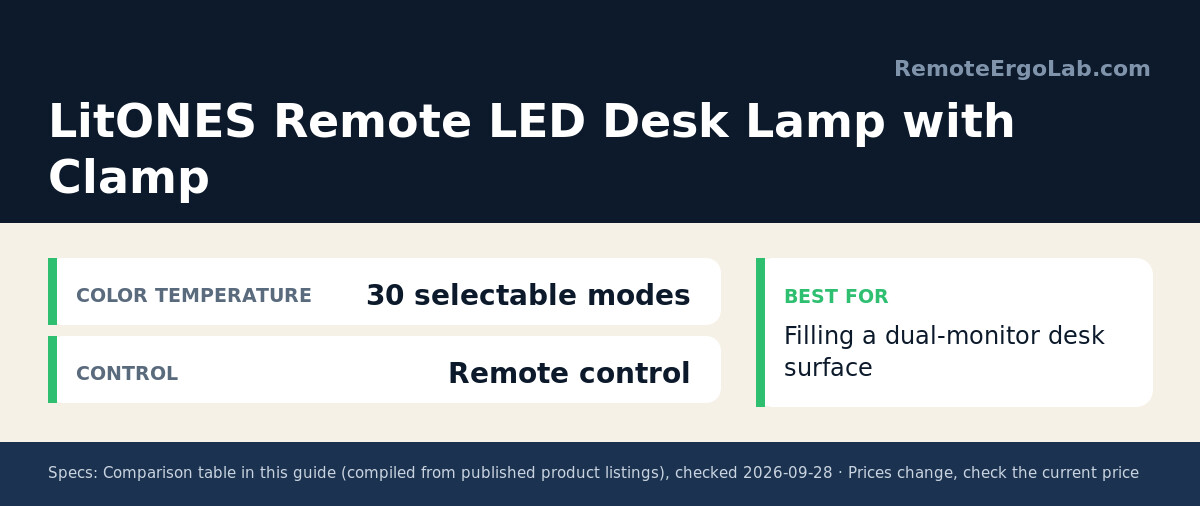
When the desk is wide enough for two monitors, a bar alone leaves the keyboard zone dim. The LitONES Remote LED Desk Lamp with Clamp fills it: 2,000 lumens spread across 30 selectable modes, a metal swing arm that holds the position it is set to, and a remote so brightness changes do not require reaching over the keyboard. The clamp mounts on a desk edge rather than needing free surface. Typically $60-$90, so check current price for the current variant.
Comparison Table
| Product | Best for | Color temperature | Control | Typical price range |
|---|---|---|---|---|
| BenQ ScreenBar Pro | Glare-free light on wide and curved monitors | Adjustable warm to cool | Touch, motion sensor | typically $130-$180 (check current price) |
| Quntis Monitor Light Bar Pro | Automatic dimming on a budget | Adjustable | Touch plus remote | typically $35-$50 (check current price) |
| LitONES Remote LED Desk Lamp with Clamp | Filling a dual-monitor desk surface | 30 selectable modes | Remote control | typically $60-$90 (check current price) |
Five Lighting Mistakes That Cause Eye Strain
- Working in a dark room with a bright screen. The contrast is the strain, not the panel.
- Facing the window. A monitor turned toward daylight becomes a mirror on dark scenes.
- Running 6500K at 11 PM. Cool light late in the evening delays sleep.
- Relying on one ceiling fixture. It leaves the keyboard at 100 lux while throwing glare onto the panel.
- Ignoring the ratio. A 500-lux task lamp beside a 90-lux wall recreates the contrast problem in a new form.
Shop These Picks on Amazon
Ready to compare prices? These links open Amazon listings for the specific products covered here, so you can check current models and prices yourself. If you buy through them, we may earn a small commission at no extra cost to you, and it helps keep RemoteErgoLab free.
- BenQ ScreenBar Pro LED Monitor Light Bar on Amazon
- Quntis Monitor Light Bar Pro on Amazon
- LitONES Remote LED Desk Lamp with Clamp on Amazon
FAQ
How many lux should a home office have?
300 to 500 lux at desk height for screen work, 500 to 750 lux for reading paper. Measure at keyboard height.
Is a monitor light bar better than a desk lamp?
For the area directly in front of the screen, yes. A bar throws light forward from above the monitor without touching the panel. A desk lamp suits the side areas, paperwork and wide dual-monitor desks.
What color temperature is best for eye strain?
Neutral, roughly 3500K to 4500K, for daytime screen work. Switch to 2700K to 3000K in the evening so the light stops signaling daytime to your body clock.
Do I need bias lighting behind my monitor?
It helps whenever the room is darker than the screen. A strip or small lamp at 10 to 20 percent of screen brightness removes the flashlight effect.
Will a brighter monitor fix a dark room?
It usually makes things worse. Raising panel brightness adds contrast against the room and glare. Bring the room up to meet the screen instead.
Related Guides
- Best Desk Lamps for Eye Strain: 5 Picks That Fight Screen Fatigue
- Monitor Height Guide: How High Should Your Monitor Be?
- The Complete Ergonomic Home Office Setup Guide for Remote Workers
- Ergonomic Keyboards for Small Desks: 5 Compact Picks
- Standing Desk Types for Small Spaces: 4 Compared
Disclosure
RemoteErgoLab is reader-supported. As an Amazon Associate we earn from qualifying purchases. Specifications and price ranges were compiled from published listings and owner reports at the time of writing, and both can change, so confirm current details on the retailer page before buying. No product in this article was supplied or sponsored by a manufacturer.
For taller users the geometry changes: the light source has to sit above eye level without the head hitting the monitor. Our picks for desk lamps for tall people measure that reach directly.