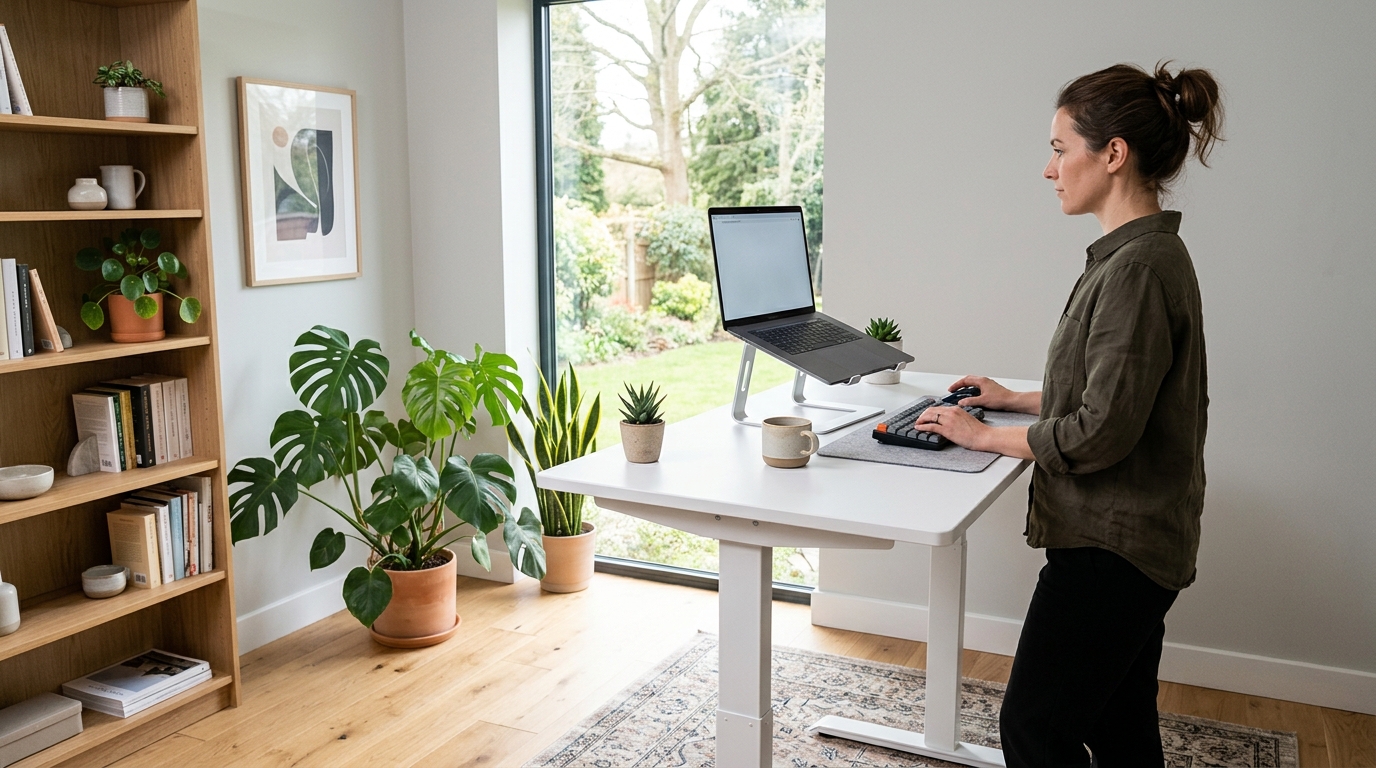
Standing for part of the workday is one of the cheapest fixes for a stiff lower back, but an electric sit-stand desk runs $400-$800 and swallows floor space a small apartment does not have. You can get most of the benefit without replacing furniture. Four routes work in practice: a full-width desk converter that sits on the desk you already own, a slim laptop converter for narrow desks, a plain monitor riser that lifts your screen when you work at a tall counter, and a fixed-height pneumatic desk.
As an Amazon Associate we earn from qualifying purchases.
Quick Verdict
A converter is the fastest win: no assembly beyond a screwdriver, no wall drilling, and your existing drawers and cable runs stay put. Two monitors need a full-depth model; a laptop alone is fine on a slim riser that adds under 4 inches of depth. The riser route costs the least and still fixes the worst part of standing work, which is a screen that sits too low.
Quick Picks
- Mount-It! Dual Monitor Electric Standing Desk Converter – push-button lift, VESA arms for two screens up to 32 inches
- Ergotron WorkFit-Z Mini Small Standing Desk Converter – 31-inch platform for laptops on shallow desks
- HUANUO Monitor Riser for Desk with Vented Steel Shelf – cheapest way to raise a screen to standing eye level
- WALKINGDESK 4-Leg Pneumatic Adjustable Standing Desk – fixed-frame desk with a lever lift, no motor, no power cable
- ComfiLife Anti Fatigue Floor Mat 3/4 Inch Thick – the accessory that makes two hours upright tolerable
How We Chose
We compared published spec sheets against the complaints that repeat in owner reviews, because a converter lives or dies on three numbers: height gain, weight capacity, and stolen desk depth. Most desks sit at 29-30 inches (74-76 cm), while a comfortable standing surface lands between 38 and 43 inches (97-109 cm), so a converter must add 9 to 14 inches to be genuinely useful.
Capacity was the second filter. Gas-spring models typically carry 25-35 lb (11-16 kg), enough for a monitor, keyboard and laptop, while electric units rated at 40-50 lb (18-23 kg) handle a second screen. Footprint came third: a 48-inch desk loses a third of its area to a deep two-tier frame.
Comparison Table
| Product | Best for | Height added | Footprint | Typical price |
|---|---|---|---|---|
| Mount-It! Dual Monitor Electric Standing Desk Converter | Two monitors, daily switching | About 4-20 in | 28 in wide work surface | Typically $110-$150 |
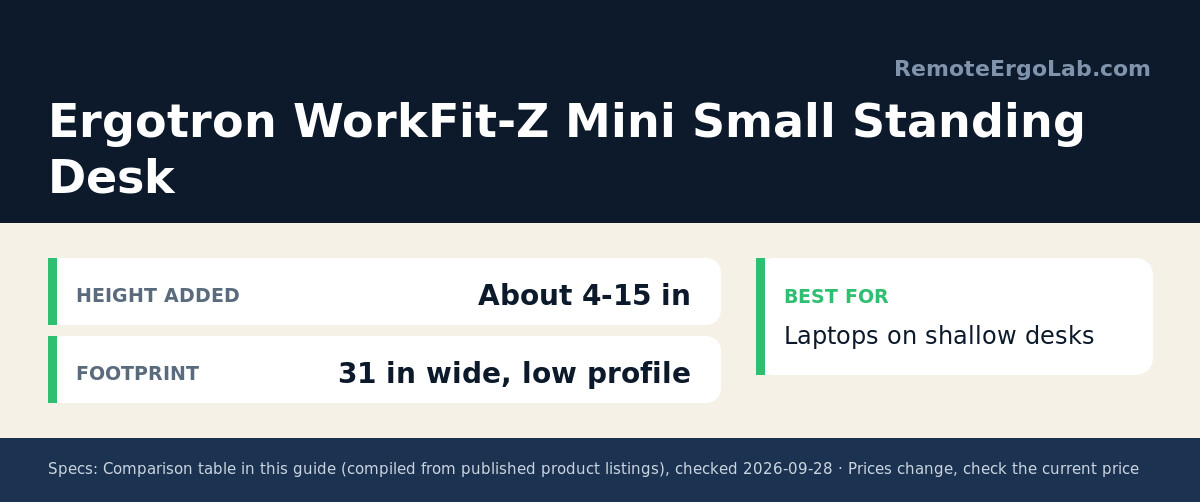
| Ergotron WorkFit-Z Mini Small Standing Desk Converter | Laptops on shallow desks | About 4-15 in | 31 in wide, low profile | Typically $250-$330 |
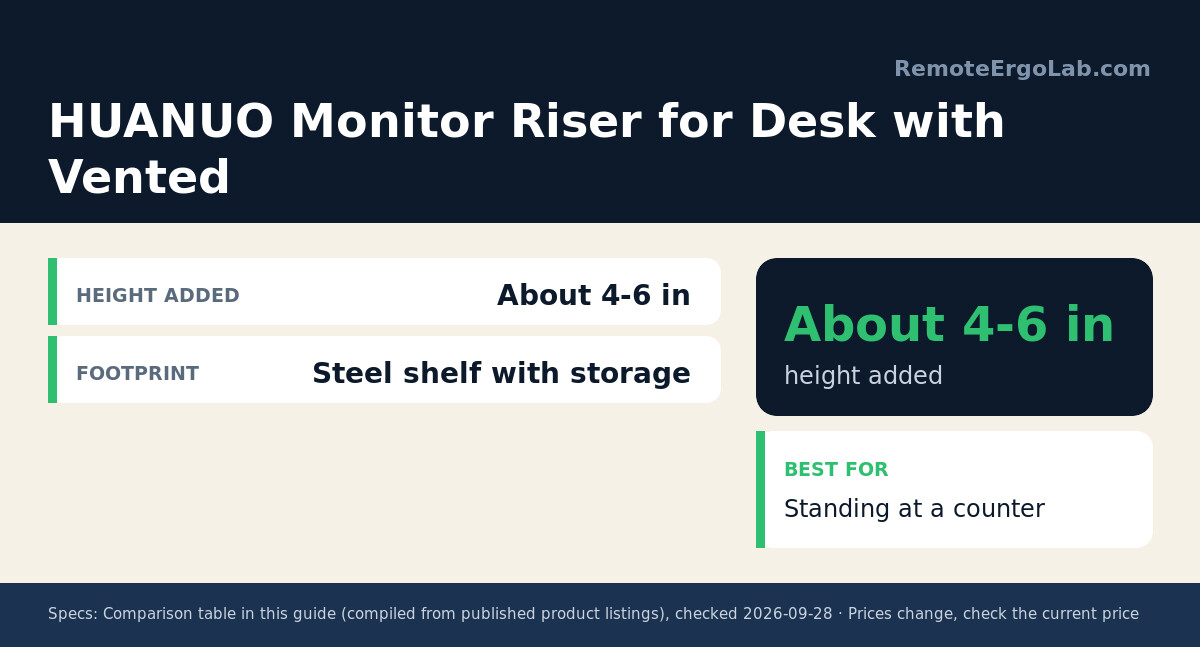
| HUANUO Monitor Riser for Desk with Vented Steel Shelf | Standing at a counter | About 4-6 in | Steel shelf with storage | Typically $25-$40 |
| WALKINGDESK 4-Leg Pneumatic Adjustable Standing Desk | Standing most of the day | Fixed 40 in frame | 40 in wide, no motor | Typically $200-$300 |
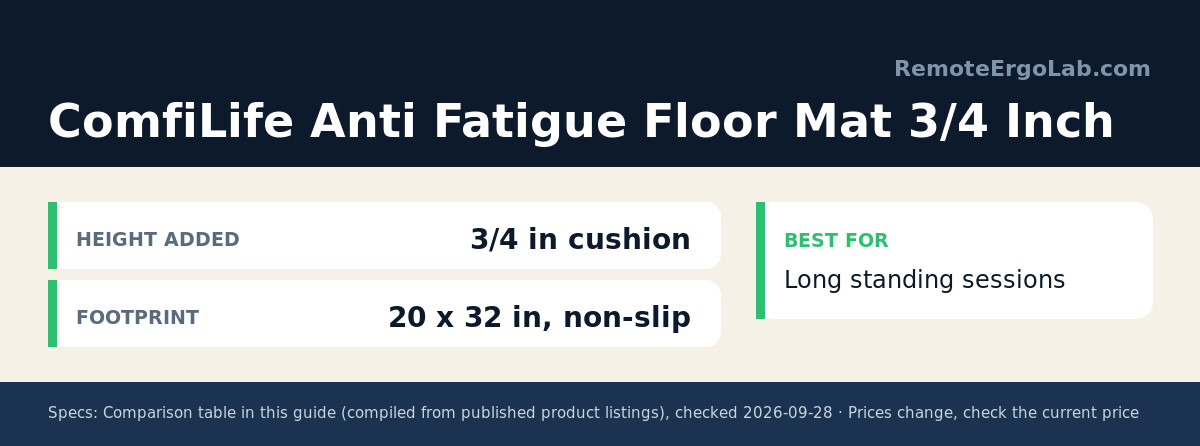
| ComfiLife Anti Fatigue Floor Mat 3/4 Inch Thick | Long standing sessions | 3/4 in cushion | 20 x 32 in, non-slip | Typically $40-$60 |
Reviews
1. Mount-It! Dual Monitor Electric Standing Desk Converter
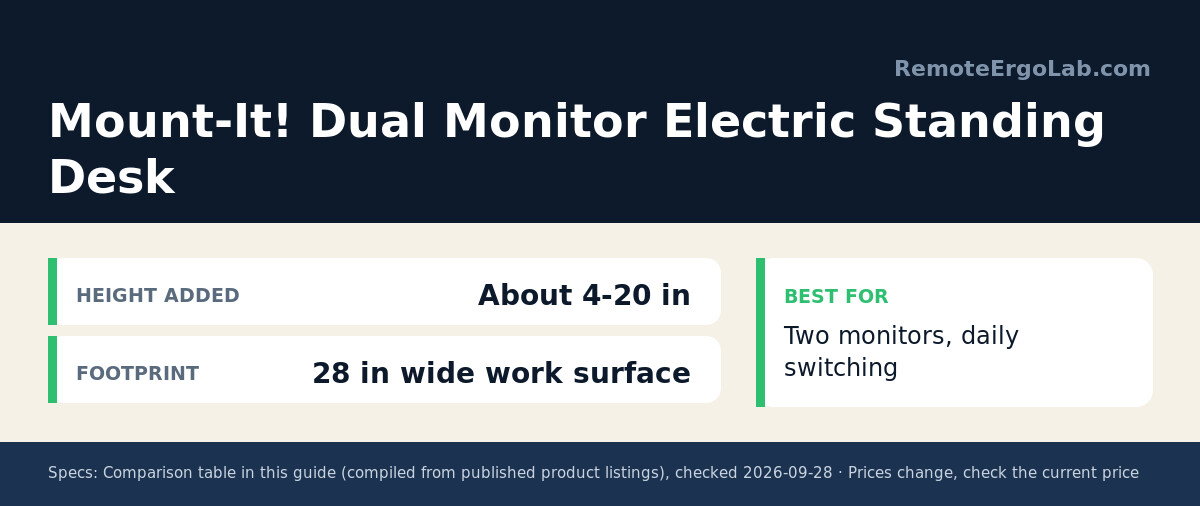
The closest thing to a real sit-stand desk without buying one. Mount-It! Dual Monitor Electric Standing Desk Converter carries two screens up to 32 inches on VESA arms, and the 28-inch surface keeps keyboard and mouse on the moving platform rather than leaving them behind at sitting height. The platform settles quickly at each stop. The practical caveat is depth: budget 24-26 inches so the base does not crowd your knees.
2. Ergotron WorkFit-Z Mini Small Standing Desk Converter
Smallest footprint of the group, and the one to pick on a desk 40 inches wide or narrower. Ergotron WorkFit-Z Mini Small Standing Desk Converter spans 31 inches and parks low, so a laptop user keeps writing space in front of it. Gas-assisted lift means no power brick, which helps when your desk sits far from an outlet. It suits a laptop or one monitor up to roughly 27 inches.
3. HUANUO Monitor Riser for Desk with Vented Steel Shelf
Not a converter at all, but the cheapest honest route to standing work. The vented steel shelf keeps a laptop cool and holds storage underneath, and the 4 to 6 inches of lift is what a screen needs when you stand at a 36-inch kitchen counter. Your keyboard stays low, so add a separate keyboard for long stretches. HUANUO Monitor Riser for Desk with Vented Steel Shelf costs less than a desk lamp, which makes it the sensible first experiment.
4. WALKINGDESK 4-Leg Pneumatic Adjustable Standing Desk
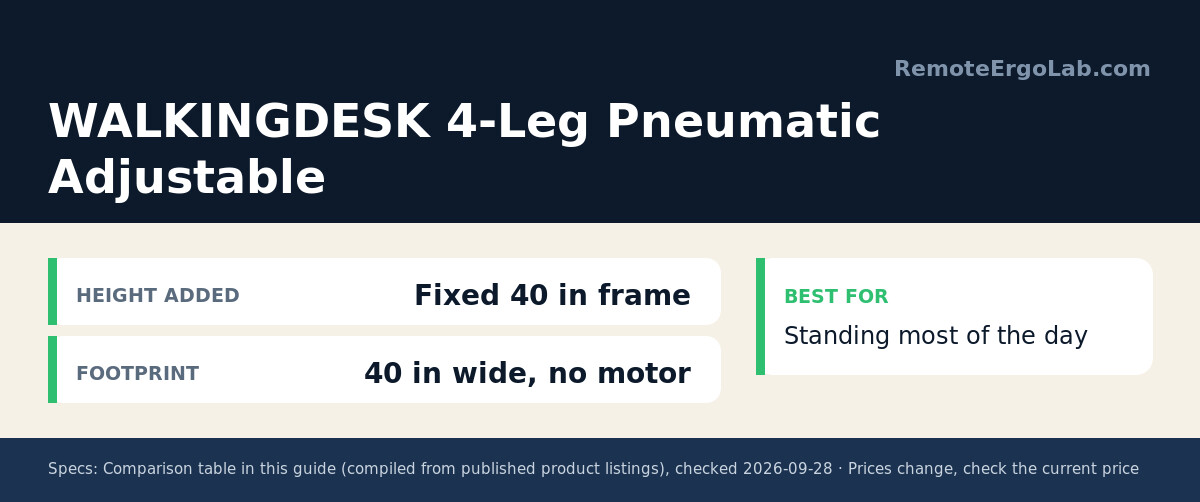
For anyone who wants to stand most of the day, a fixed-height pneumatic desk beats a converter on stability. Four legs and a fixed outer frame hold a 40-inch top steady, and the lift is a pneumatic lever rather than a motor, so there is no control box or power cable to fail. A fabric drawer swallows pens and cables. No presets means resetting height by hand, which is the honest argument against WALKINGDESK 4-Leg Pneumatic Adjustable Standing Desk.
5. ComfiLife Anti Fatigue Floor Mat 3/4 Inch Thick
Every standing setup needs one. ComfiLife Anti Fatigue Floor Mat 3/4 Inch Thick puts 3/4 inch of foam over a non-slip base across 20 by 32 inches, wide enough to shift your stance without stepping off the edge. Owners standing two hours a day report the difference shows up in heels and lower back within a week. Keep the beveled edge at the front of your stance so you can rock forward onto the balls of your feet.
Buying Guide
Work out your standing surface height first
Elbow height, measured with arms relaxed and bent to about 90 degrees, is the number that matters. An average-height adult lands near 40 inches (102 cm); anyone over 6 ft needs 43 inches or more. Add up your real load too: a 27-inch screen plus a laptop comes to roughly 15 lb (7 kg), while two 32-inch screens with VESA arms pass 25 lb (11 kg).
Match the converter to your desk depth
Two-tier converters with a keyboard tray need 24-30 inches of depth, while slim laptop risers need 16-20 inches. On a 24-inch-deep desk, a deep converter pushes your keyboard past the front edge, so measure before ordering.
Buy the mat at the same time
Standing on tile or hardwood for two hours produces the sore heels that make people abandon standing work in the first month. A 3/4-inch mat costs less than a monitor arm and is the difference between a habit and a gadget you stop using. Pair it with the 30-minute rule: change posture roughly every half hour.
FAQ
Do standing desk converters wobble?
At full extension, single-column gas-spring models flex a little when you type hard. Electric dual-column frames and fixed-frame pneumatic desks stay steadier because the load spreads across two lifting points.
Can a converter hold two monitors?
Yes, with a stated capacity of 40 lb or more and a surface at least 28 inches wide, or built-in VESA arms that mount screens off the platform entirely. Slim laptop risers are not the place to push your luck.
What if my desk is too small for a converter?
Use the riser route: lift your screen with a monitor riser and stand at a counter or tall cabinet for part of the day, keeping the main desk for seated work. It needs no floor space and costs a fraction of a converter.
How long should I stand each day?
Two to four hours total, broken into blocks, is where most workplace guidance settles. Standing all day brings its own foot and lower-back fatigue, which is why the mat and the posture habit matter as much as the hardware.
Related Guides
- Best standing desk converters for small desks
- Monitor risers that raise your screen and add storage
- Manual standing desks that need no power
- How High Should Your Standing Desk Be? (2026)
- Best Standing Desks for Tall Users: 4 Picks Over 48″
Shop These Picks on Amazon
Ready to compare prices? These links open Amazon listings for the specific products covered in this guide, so you can check current models and prices yourself. If you buy through them, we may earn a small commission at no extra cost to you – it keeps RemoteErgoLab free.
- Mount-It! Dual Monitor Electric Standing Desk Converter
- Ergotron WorkFit-Z Mini Small Standing Desk Converter
- HUANUO Monitor Riser for Desk with Vented Steel Shelf
- WALKINGDESK 4-Leg Pneumatic Adjustable Standing Desk
- ComfiLife Anti Fatigue Floor Mat 3/4 Inch Thick
Disclosure
RemoteErgoLab is reader-supported. As an Amazon Associate we earn from qualifying purchases. Product names, ASINs and specifications come from current Amazon listings; prices change often, so check the current price on the product page. No brand reviewed here had any input into the selection.