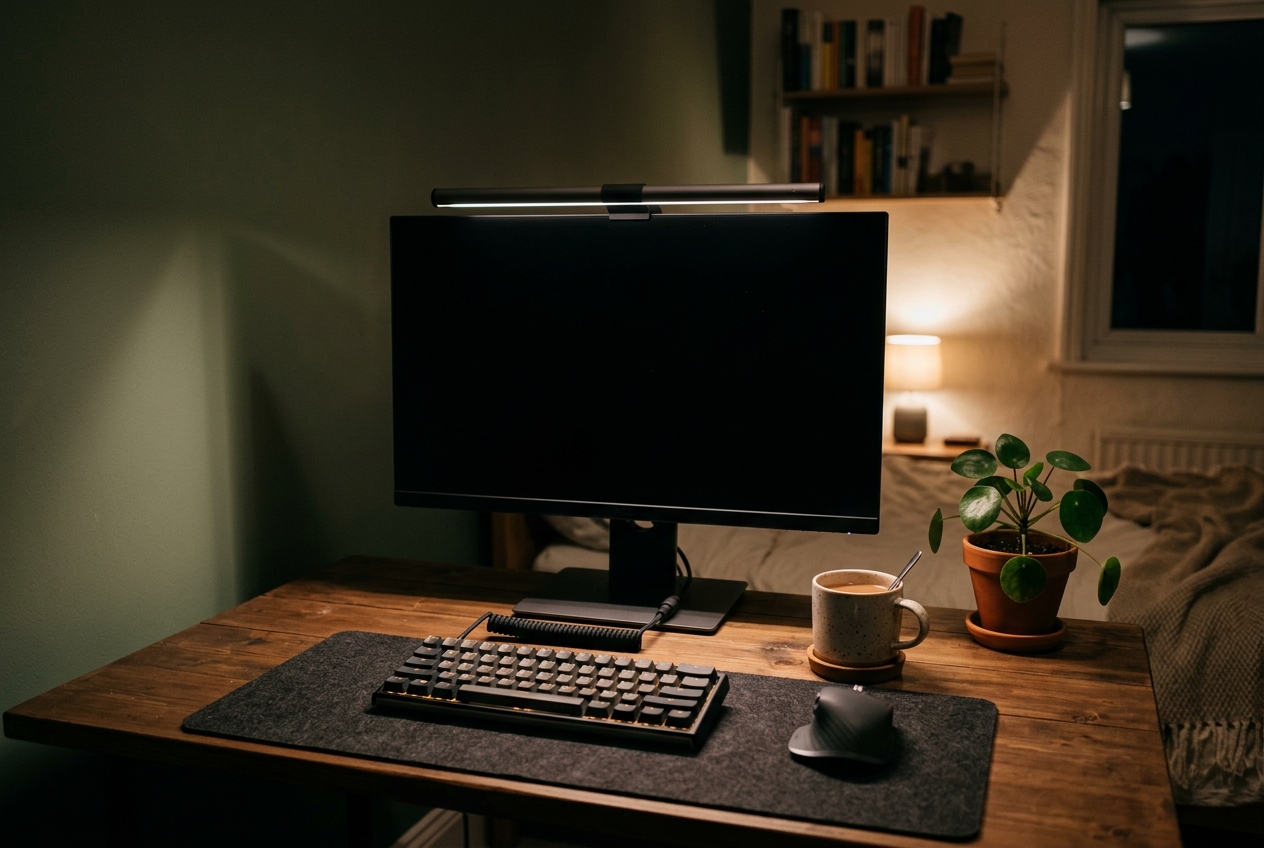
Eye strain at 9 pm almost always traces back to the same setup: one bright rectangle glowing in an otherwise dark room, with a keyboard you can barely see. A monitor light bar fixes that imbalance. It clips to the top edge of the screen and throws light down onto the desk through asymmetric optics, so the working surface gets bright while the panel itself stays glare-free.
Quick Answer
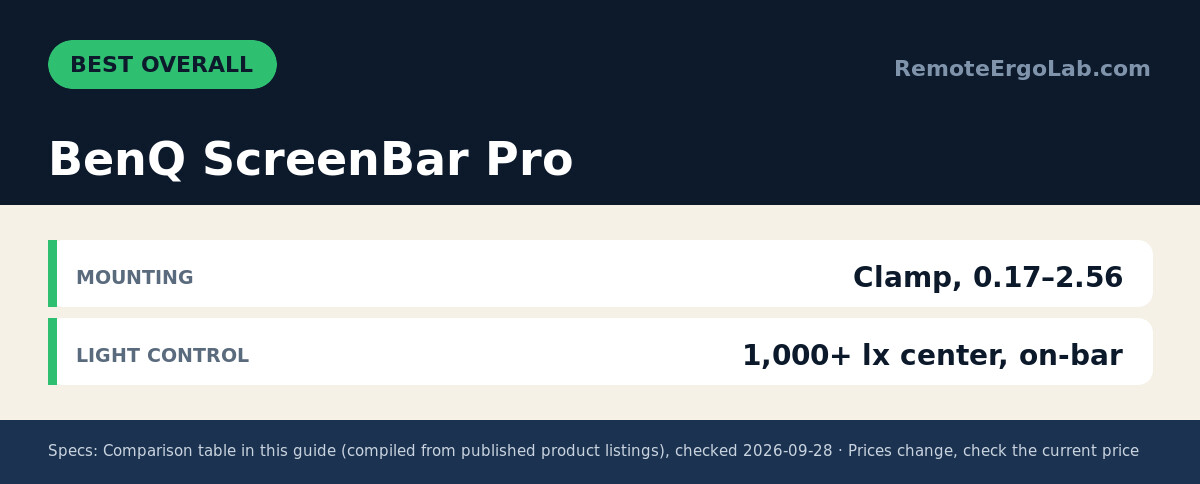
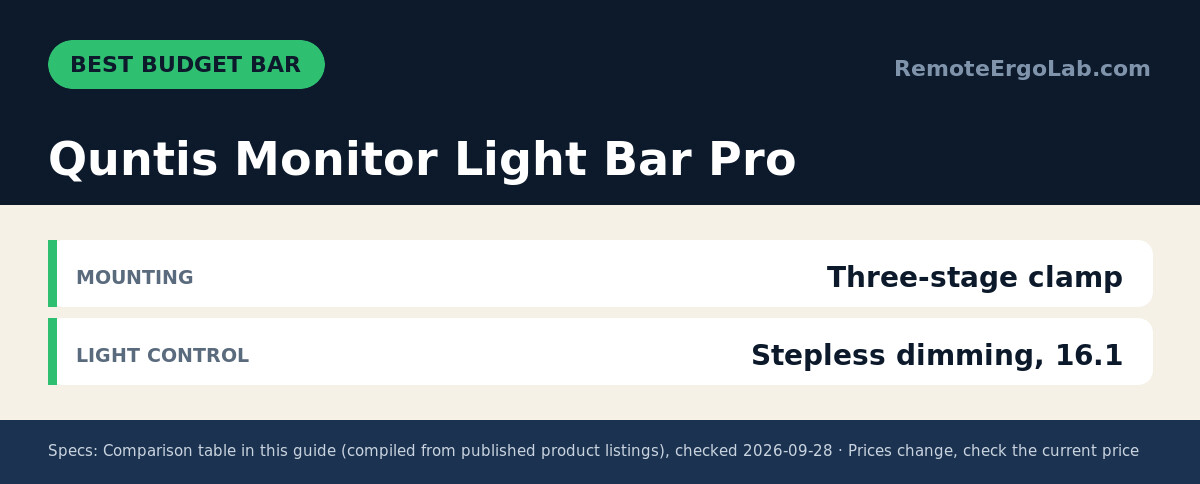
The BenQ ScreenBar Pro offers the brightest coverage with 1,000+ lx center brightness, motion sensor, and fits bezels from 0.17 to 2.56 inches. The original BenQ ScreenBar provides CRI 95+ and auto-dimming at 500 lx over a 23.6 by 11.8 inch area. The Quntis Monitor Light Bar Pro is the budget option with desk remote and auto-dim.
As an Amazon Associate we earn from qualifying purchases.
The five picks below cover the whole spread of what is actually on sale right now, from a roughly $20 USB strip that lives on a laptop lid to a roughly $140 flagship with a motion sensor. Typical street prices for all five are listed below, and listings move, so check the current price before you commit.
Quick Picks
- BenQ ScreenBar Pro LED Monitor Light Bar (brightest coverage, motion sensor, fits thick bezels)
- BenQ ScreenBar LED Monitor Light Bar (the proven classic, CRI 95+, auto-dimming)
- Quntis Monitor Light Bar Pro (budget bar with a desk remote and auto-dim)
- LED Desk Lamp with Clamp for Dual (clamp-arm light for twin screens or odd bezels)
- Laptop Monitor Light Bar (cheapest pick, clips onto a laptop screen)
How We Chose
This guide is built from published specifications, listing photos and aggregated owner reviews rather than bench measurements. Four things separated a light bar worth buying from one that ends up in a drawer:
- Asymmetric optics. The whole point is a beam that angles forward onto the desk instead of back into your face. Bars advertised with “ASYM” or 45-degree optics were prioritized.
- Real brightness numbers. Central brightness in lux and the desk area it lights (say 500 lx across 23.6 x 11.8 in) say far more than “super bright”.
- Mounting tolerance. Clamp thickness range and supported curvature decide whether a bar survives a thick gaming bezel or a 1000R curved panel.
- Owner-reported reliability. Flicker complaints, sagging clamps and dead remotes show up in reviews long before they show up anywhere else, so the picks with hundreds of consistent ratings ranked highest.
Comparison Table
| Product | Best for | Mounting | Light control | Typical price |
|---|---|---|---|---|
| BenQ ScreenBar Pro | Best overall | Clamp, 0.17–2.56 in bezels, 1000–1800R | 1,000+ lx center, on-bar buttons, motion sensor | typically $130–$150, check current price |
| BenQ ScreenBar (original) | Best track record | Clamp, 0.4–1.2 in bezels, 1500R and up | 500 lx over 23.6 x 11.8 in, auto-dim, touch | typically $99–$115, check current price |
| Quntis Monitor Light Bar Pro | Best budget bar | Three-stage clamp, non-flat bezels | Stepless dimming, 16.1 in bar, remote plus touch | typically $40–$50, check current price |
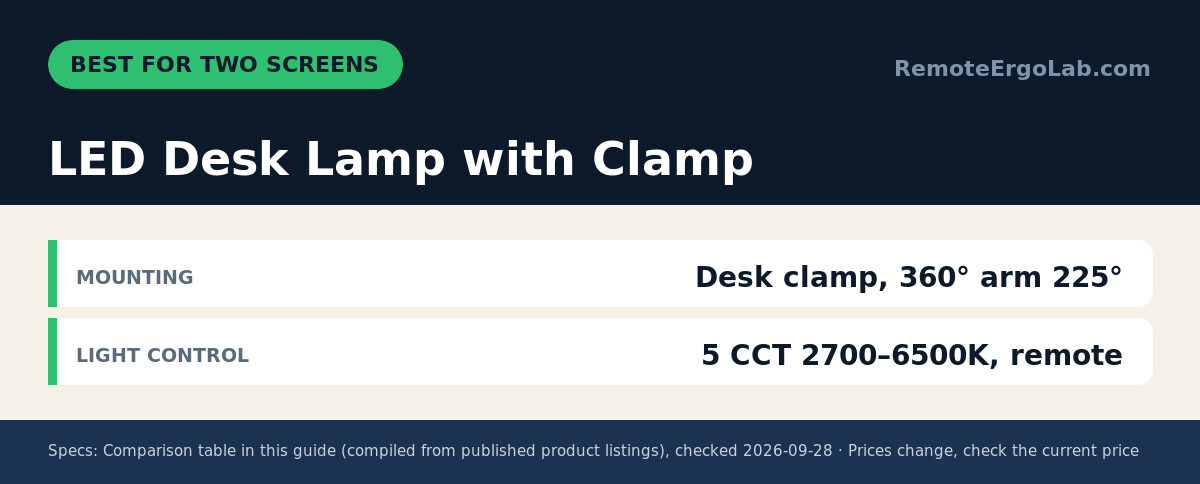
| LED Desk Lamp with Clamp | Dual-monitor desks | Desk clamp, 360° arm plus 225° side light | 5 CCT 2700–6500K, remote, motion sensor | typically $55–$65, check current price |
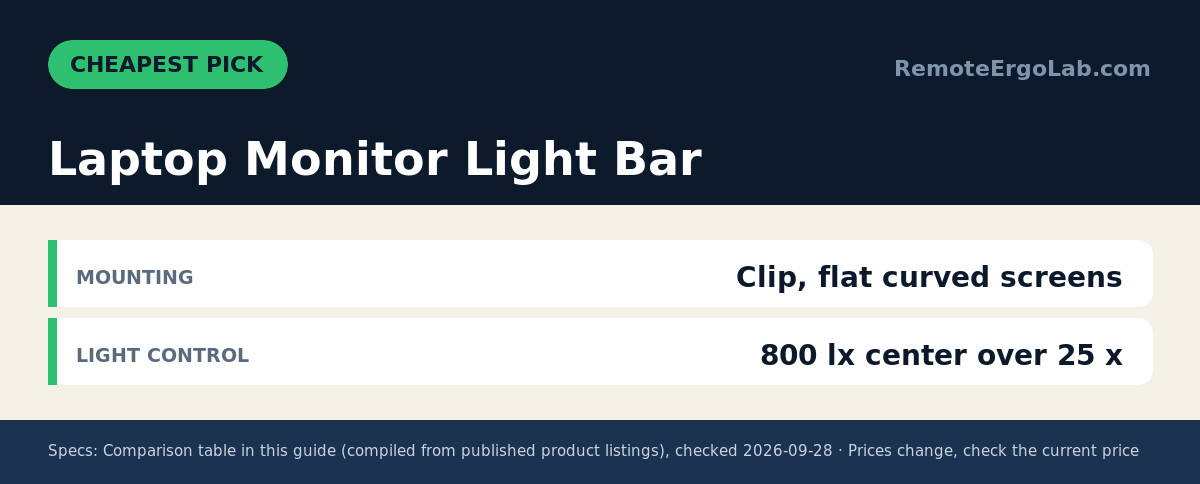
| Laptop Monitor Light Bar | Cheapest option | Clip, flat and curved screens | 800 lx center over 25 x 15 in, 2700–6500K, USB | typically $18–$25, check current price |
Reviews
1. BenQ ScreenBar Pro LED Monitor Light Bar — best overall
The Pro version is the pick when desk space is tight and the monitor has an awkward top edge. Its clamp handles panels from 0.17 to 2.56 in thick and curvature from 1000R to 1800R, which covers most ultrawide and curved screens sold in the last few years. Output is the headline number: over 1,000 lx at the center, with roughly 500 lx spread across a 33 x 20 in work area, enough for paperwork as well as keys.
An ultrasonic sensor notices movement within about a 24 in diameter and shuts the light off after five minutes of quiet, a small feature that matters when you forget to switch things off. Controls sit on the bar itself, so no remote gets lost under a keyboard. Power comes over USB-C, and the box includes an adapter. Check the current price on Amazon if you want the widest coverage of the group.
2. BenQ ScreenBar LED Monitor Light Bar — the proven classic
Years of steady reviews made this the default recommendation for a reason. Color rendering hits CRI 95, the LED source is flicker-free and rated against blue-light hazard, and the beam lights about 500 lx across a 23.6 x 11.8 in area. That is a step below the Pro on raw output and it covers a narrower strip of desk, yet it still beats a typical desk lamp for keyboard visibility.
A light sensor adjusts brightness as the room darkens, and touch controls cover manual tweaks between warm and cool settings. The patented counterweight clamp grips screens 0.4 to 1.2 in thick and works with curved panels rated 1500R or flatter. Buyers who want the safest bet on long-term reliability rather than maximum output tend to land here. Check the current price on Amazon.
3. Quntis Monitor Light Bar Pro — best budget bar
Shopping around $45 usually means giving up either the remote or the auto-dimming. This model keeps both. The 16.1 in white bar dims steplessly, senses ambient light and shuts itself off after two hours, and the small desktop dial means you never have to reach up to the monitor to change settings.
The three-stage clamp is designed for monitors with a non-flat top bezel and holds without adhesive, so nothing is left stuck to the screen housing. Color temperature spans warm to cool, and the asymmetrical optical design keeps the beam off the panel. Two minor trade-offs: the bar is shorter than the BenQ options, so it suits single screens rather than a wide ultrawide, and the white finish shows dust faster than black. Check the current price on Amazon.
4. LED Desk Lamp with Clamp for Dual — best for two screens
Screen-mounted bars struggle on a twin-monitor setup: one bar cannot straddle the gap cleanly, and two bars mean two sets of controls. This clamp light solves that differently. A 360-degree main arm plus a 225-degree auxiliary head lets you aim light at each half of a wide desk from a single base clamped to the rear edge.
Five color temperatures from 2700K to 6500K, smooth dimming, a remote with memory and timer, and a motion sensor that switches on when someone sits down and off two minutes after they leave. The honest caveat is that this is a clamp-arm lamp, not a screen-mounted bar — it takes up a few inches behind the desk edge and does not benefit from sitting right above the panel the way asymmetric bars do. For a dual-screen desk where a bar will not fit, it is the cleaner answer. Check the current price on Amazon.
5. Laptop Monitor Light Bar — cheapest pick
Twenty dollars buys a surprisingly competent bar. A 45-degree asymmetric structure casts light only onto the desk surface, the center brightness reaches 800 lx across roughly a 25 x 15 in area, and brightness plus color temperature (2700K to 6500K) are adjustable from a touch strip on the bar or a small controller.
The clip mount is the practical part: it grips nearly any screen, flat or curved, including laptop lids with irregular rear bezels. USB power means it runs from a spare port or a wall brick, and the 1.6 m cable reaches most setups. Expect plastic housing rather than the aluminum feel of the BenQ picks, and dial in expectations on the brightest setting, which flattens contrast a little on a small laptop screen. Check the current price on Amazon.
Buying Guide
Brightness: look for lux, not adjectives
Aim for 500 lx or more across the area you actually use. Bars that quote a center figure near 1,000 lx will light a keyboard, a notebook and a mug without washing out. If the listing only says “ultra bright”, move on.
Color temperature and eye comfort
A 2700K to 6500K range lets you run warm light in the evening and cooler light for detailed work in the morning. Flicker-free drivers and high CRI (95 and above) reduce the subtle eyestrain that cheap LED strips cause on long sessions.
Asymmetric optics and glare
The reflector design matters more than total output. An angled beam puts light on the desk; a symmetric one bounces it off the screen and back into your eyes. Both BenQ picks and the budget laptop bar advertise angled optics, which is why they appear here.
Mounting compatibility
Measure the top bezel thickness before ordering. Bars with a narrow clamp range (0.4 to 1.2 in, for example) will not grip a thick curved gaming monitor, while models rated from 0.17 in handle most modern panels. Curved screens also need a curvature rating that matches yours — 1000R panels demand 1000R support.
Power and controls
USB power keeps the desk free of another wall brick, though a 5W charger is enough for most bars. A physical remote or desk dial sounds trivial until the third time you stand up to change brightness mid-task.
FAQ
Do monitor light bars actually reduce eye strain?
They reduce the contrast between a bright screen and a dark room, which is a common trigger for tired eyes in the evening. Combined with correct monitor height and distance, most people notice less fatigue — the bar handles ambient light, posture handles the rest.
Will a light bar damage or scratch the screen?
Quality clamps rest on the top bezel with counterweights or silicone pads and do not touch the display surface. The risk is a cheap clamp with a tight plastic lip, which is why the thickness range on the listing is worth reading.
Can a light bar replace a desk lamp?
For typing and reading on a keyboard, yes. For paper documents spread across a wide desk, a bar alone may leave the outer edges dim; the clamp-arm lamp in this guide covers more area, and a bar plus a small task lamp is the usual pairing in a shared room.
Does it work on a curved ultrawide?
Only if the clamp and reflector support that curvature. The ScreenBar Pro and the Halo-class bars list 1000R to 1800R compatibility; older 1500R-plus bars are fine on gentler curves.
Related Guides
- Home Office Lighting Guide: Lux, Color Temperature and Glare Explained
- Best Desk Lamps for Eye Strain
- Monitor Height Guide: How High Should Your Monitor Be?
- Ergonomic Keyboards for Small Desks: 5 Compact Picks
- Standing Desk Types for Small Spaces: 4 Compared
Shop These Picks on Amazon
Ready to compare prices? These links open Amazon listings for the specific products covered in this guide, so you can check current models and prices yourself. If you buy through them, we may earn a small commission at no extra cost to you – it helps keep RemoteErgoLab free.
- BenQ ScreenBar Pro LED Monitor Light Bar on Amazon
- BenQ ScreenBar LED Monitor Light Bar on Amazon
- Quntis Monitor Light Bar Pro on Amazon
- LED Desk Lamp with Clamp for Dual on Amazon
- Laptop Monitor Light Bar on Amazon
Disclosure
RemoteErgoLab is reader-supported. As an Amazon Associate we earn from qualifying purchases. This guide was compiled from manufacturer specifications, listing details and aggregated customer reviews; no product in this roundup was personally purchased or lab-tested by the author, and prices shown are typical ranges that change often — always check the current price on the listing before buying.