
Split keyboards pull the two halves of the key layout apart so your hands rest closer to shoulder width instead of jammed together in front of your sternum. On a 40-inch desk that single change buys you two things at once: a straighter wrist angle and a real patch of horizontal space, because the gap in the middle is where the mouse can finally live.
This guide covers five split and split-layout keyboards that suit desks from roughly 36 to 48 inches wide. Each footprint was checked against real desk dimensions, layouts were compared for tenting and thumb-key support, and owner reports were read for the two problems that ruin a small-desk keyboard: a number pad nobody asked for, and a cable too short to route around a monitor arm.
As an Amazon Associate we earn from qualifying purchases.
Quick Verdict
For most people on a tight desk, the Logitech Ergo K860 is the safe wireless choice, while the Perixx PERIBOARD-512B is the cheapest way to find out whether a split layout suits your hands. Mechanical switch fans should look at the Perixx PERIBOARD-535BR, and anyone who wants genuinely separate halves needs the Kinesis Freestyle Edge RGB.
- Logitech Ergo K860 – check price (best all-round wireless, curved split with a pillowed wrist rest)
- Perixx PERIBOARD-512B – check price (cheapest entry into split typing, wired and simple)
- Incase Sculpt Ergonomic Keyboard – check price (domed layout plus a detached number pad you can stash)
- Perixx PERIBOARD-535BR – check price (low-profile mechanical switches for tactile typists)
- Kinesis Freestyle Edge RGB – check price (true two-piece split with tenting and a detachable keypad)
How We Chose
The shortlist came from filtering several dozen ergonomic keyboards down to models that combine a split key layout with a footprint that leaves room for a mouse. Four filters did most of the work:
- Width under 19 inches. A 40-inch desk shared with a monitor stand leaves around 30 usable inches. Anything wider than 19 inches starts crowding a standard mouse area.
- Detachable or absent number pad. Fixed full-size boards add about 4 inches of width that most remote workers never use.
- Real tenting or adjustable angle. Flat splits still keep the wrists flat; a raised inner edge (or separate halves) is what actually reduces pronation.
- Consistent owner feedback. Reviews were read for build quality, Bluetooth drops, wrist-rest wear, and driver problems on Windows and macOS.
Comparison Table
| Keyboard | Layout | Connection | Typical footprint | Best for | Price range |
|---|---|---|---|---|---|
| Logitech Ergo K860 | Curved split, fixed | Bluetooth / USB receiver | About 18.1 x 9.2 in | All-day office typing | Typically $120-$150 |
| Perixx PERIBOARD-512B | Fixed split with wrist rest | Wired USB | About 18.3 x 9.4 in | First split keyboard | Typically $60-$85 |
| Incase Sculpt Ergonomic | Domed split, detached keypad | Wireless USB receiver | Main deck about 15.4 in | Compact desks | Typically $100-$130 |
| Perixx PERIBOARD-535BR | Full-size mechanical, split curve | Wired USB | About 19 x 8 in | Mechanical typists | Typically $120-$150 |
| Kinesis Freestyle Edge RGB | True two-piece split | Wired USB | Two halves, about 9 in each | Shoulder-width typing | Typically $200-$240 |
Reviews
1. Logitech Ergo K860 – Best Overall Wireless
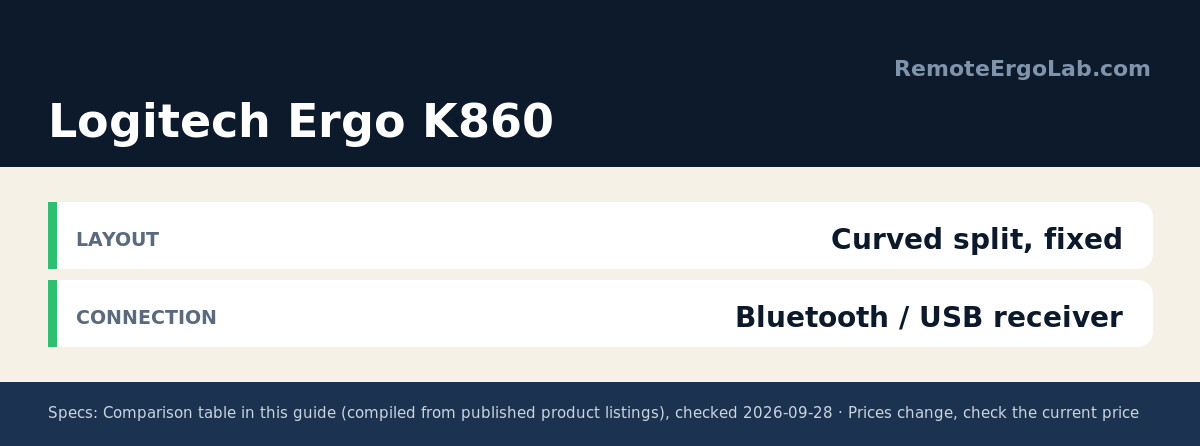
The K860 splits the keyboard into two gently curved halves that meet at a raised middle, and the pillowed wrist rest rises to meet your palms rather than dropping flat. The curve is fixed, so it will not suit anyone who wants to set their own split width. Specs worth knowing: it pairs with up to three devices over Bluetooth or Logitech’s Unifying receiver, runs on two AAA batteries rated for about two years, and measures roughly 18.1 inches wide, which still leaves a mouse lane on a 40-inch desk. The wrist rest is not removable, so it needs a little more front-to-back room than the footprint suggests. Check the current price on Amazon.
2. Perixx PERIBOARD-512B – Best Budget Split
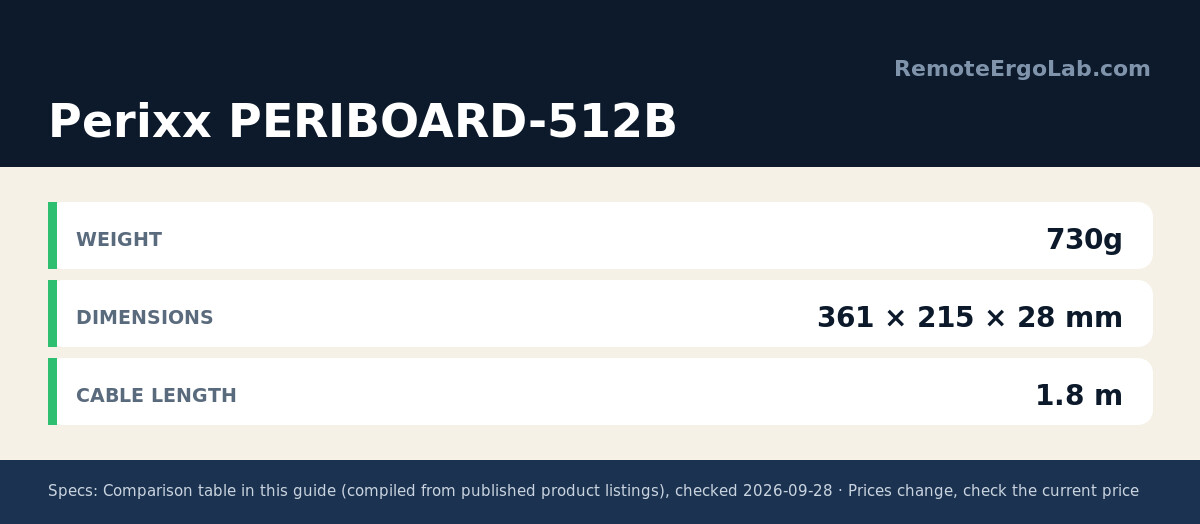
This is the lowest-risk way to test whether a split layout works for your hands. The keys are divided into two angled zones with a built-in wrist rest, and the whole thing connects over plain USB – no pairing, no batteries, no software to install. Owners describe the key feel as soft and quiet, closer to a laptop than a mechanical board, which suits open-plan apartments and shared rooms. Two caveats come up in reviews: the fixed position means no tenting adjustment, and the wrist rest is plastic rather than cushioned, so long sessions may want a separate pad. Check the current price on Amazon.
3. Incase Sculpt Ergonomic Keyboard – Best for Tiny Desks
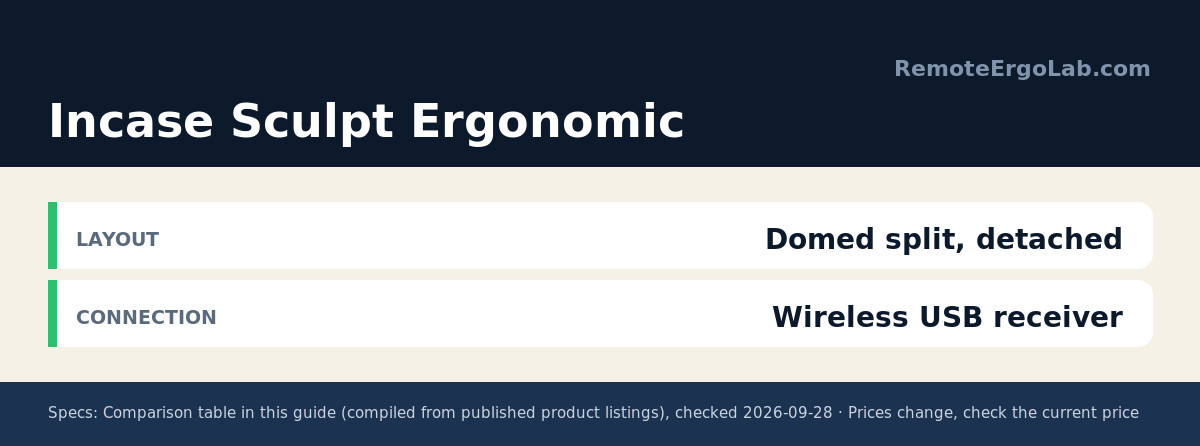
The Sculpt layout domes upward in the middle so each hand sits at a slight downhill angle, and the cushioned palm rest is genuinely soft. The trick for small desks is the separate number pad: it is its own wireless unit, so you can park it in a drawer and reclaim about 4 inches of desk width when the mouse needs space. The main deck is only about 15.4 inches across. Reviews flag two things to plan around – the palm rest wears faster than the keys, and the receiver needs a free USB-A port, which is awkward on slim laptops that only ship with USB-C. Check the current price on Amazon.
4. Perixx PERIBOARD-535BR – Best Mechanical Split
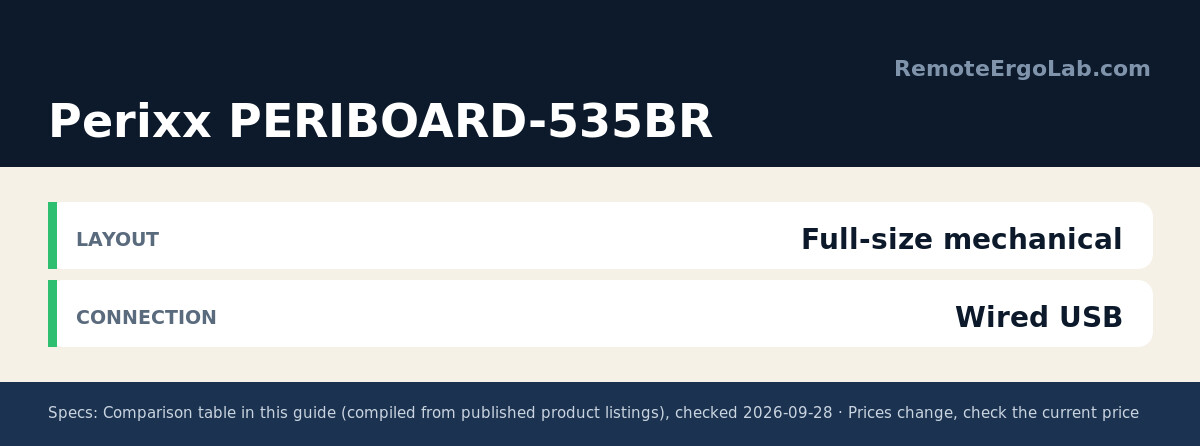
A mechanical board with an ergonomic curve is a rare combination. The 535BR uses low-profile brown tactile switches, so there is a soft bump at the actuation point without the loud click that ruins calls. NKRO anti-ghosting means fast typists will not drop characters, and it works with both Windows and macOS layouts. Low-profile mechanical switches also sit closer to laptop height, which keeps your wrists level if you already type on a laptop keyboard most of the day. It is still a full-size board at roughly 19 inches, so treat it as the upper limit for a 40-inch desk. Check the current price on Amazon.
5. Kinesis Freestyle Edge RGB – Best True Two-Piece Split
The Freestyle Edge is the only pick here where the two halves are physically separate, joined by a cable. That lets you place each half at whatever shoulder width your body actually wants, and with the optional tenting kit you can tilt each side independently. The keypad detaches for extra mouse room, USB cables are braided and replaceable, and the per-key RGB backlighting makes dim-room typing easier. Mechanical Cherry MX switches give it a heavy, precise feel. Heads-up: the tenting accessories are sold separately, and the price sits at the top of this list. Check the current price on Amazon.
Buying Guide: What Actually Fits a Small Desk
Measure your mouse lane first
Push your monitor to the back of the desk and measure the free strip across the front. You want at least 8 inches of clear width beyond the keyboard for mouse travel. A 19-inch keyboard on a 30-inch usable stretch leaves 11 inches, which works – but only if the monitor stand is not sitting in the middle of it.
Split is a spectrum, not a switch
A curved split like the K860 keeps the keys in one housing. A true two-piece split like the Freestyle Edge lets each half move. The first is easier to adapt to in a week; the second takes longer but allows real shoulder-width positioning. Neither is objectively better – pick based on whether you want an adjustable setup or a plug-in-and-forget one.
Checklist before you buy
- Keyboard width under 19 inches, or a detachable number pad
- Tenting or negative tilt if you type with bent wrists
- Wired if you want zero pairing hassle, wireless if you switch devices
- Cushioned, replaceable wrist support – fixed plastic rests wear
- USB-A receiver port if your laptop is USB-C only, buy an adapter in the same order
FAQ
Is a split keyboard actually better for wrist pain?
The layout reduces ulnar deviation, meaning your wrists stop bending outward to reach the keys. That is the mechanism behind most of the relief people report. It does not replace correct desk height and monitor placement, and it will not fix pain caused by a desk that is too high.
How long does it take to adjust to a split keyboard?
Most accounts describe one to two weeks of slower typing, dropping to normal speed by the end of the first month. Boards with a gentle curve are easier to adapt to than fully separated halves with thumb clusters.
Can a split keyboard fit on a 36-inch desk?
Yes, with a compact model. Pick something under 16 inches wide with a detached keypad, and mount the monitor on an arm so the stand stops eating desk depth. On 36-inch desks a true two-piece split is often the best answer, because you can angle the halves toward each other instead of laying them flat.
Do split keyboards work with Mac and Windows?
All five picks support both. The K860 pairs with up to three devices, the Sculpt uses a wireless receiver, and the three wired models are plug-and-play. Mechanical boards like the 535BR and Freestyle Edge include macOS keycap layouts or onboard profiles.
Related Guides
- Ergonomic keyboards for small desks compared
- Wrist rests for long typing days
- Keyboard trays that free up desk space
- Standing Desk Types for Small Spaces: 4 Compared
- Best Ergonomic Keyboards for Wrist Pain Under $100
Shop These Picks on Amazon
Ready to compare prices? These links open Amazon listings for the specific products covered in this guide, so you can check current models and prices yourself. If you buy through them, we may earn a small commission at no extra cost to you – it helps keep RemoteErgoLab free.
- Logitech Ergo K860 on Amazon
- Perixx PERIBOARD-512B on Amazon
- Incase Sculpt Ergonomic Keyboard on Amazon
- Perixx PERIBOARD-535BR on Amazon
- Kinesis Freestyle Edge RGB on Amazon
Disclosure
RemoteErgoLab is reader-supported. As an Amazon Associate we earn from qualifying purchases. Product specifications and typical price ranges in this guide were gathered from manufacturer listings and customer reviews; prices change frequently, so check the current price on Amazon before you buy.