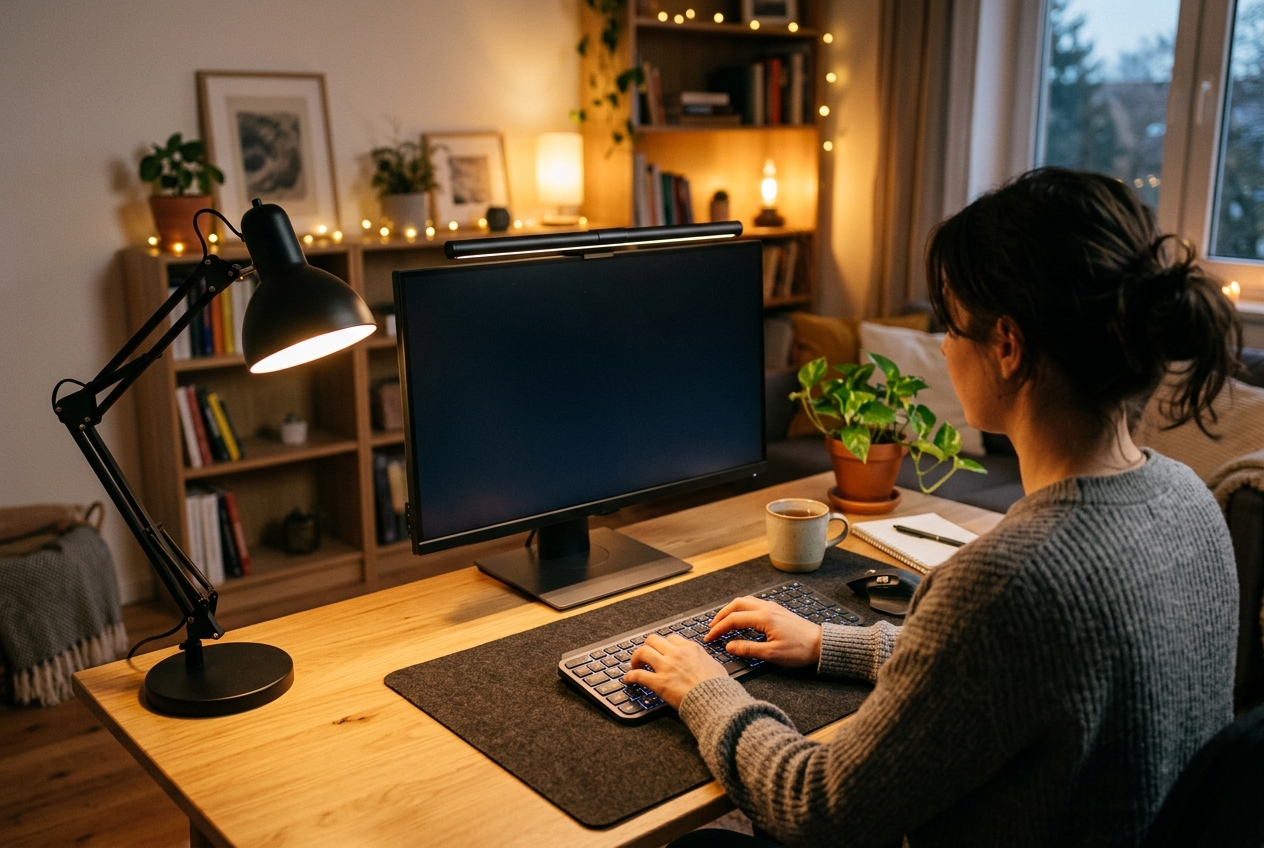
Sore eyes by mid-afternoon are rarely the monitor’s fault alone. Room lighting pulls its weight: a bright screen in a dim room keeps pupils hunting for a steady reference, while an unshaded ceiling bulb throws glare straight across the display. Lamps built for eye comfort fix that mismatch with diffused, flicker-free light you can aim, dim, and shift from cool to warm as the day winds down. This guide covers five of them, from a foldable that often sells for around $20 to a premium monitor light bar, shortlisted from current Amazon listings and checked against published specs and owner-review patterns. Room lighting is only half of it — the lux targets and colour temperatures behind it are in our home office lighting guide.
Quick Answer
Eye strain comes from screen-and-room brightness mismatch, not the monitor alone. Desk lamps with diffused, flicker-free light that dims and shifts from cool to warm fix the imbalance. The BenQ ScreenBar Pro hangs on the monitor and auto-dims to room light without glare, while the Quntis Monitor Light Bar Pro offers stepless dimming and automatic brightness. The Lepro LED pushes 800 lumens across five color temperatures for around $20-$30.
Quick Picks
Short on time? Here is the shortlist, with full reviews below.
- BenQ ScreenBar Pro — best overall for screen work; hangs on the monitor, auto-dims to room light, and throws no glare onto the panel.
- Quntis Monitor Light Bar Pro — the value monitor bar; stepless dimming plus an automatic brightness mode.
- LitONES Remote LED Desk Lamp with Clamp — the space-saver; clamp base, metal arm, and a listed CRI of 97.8.
- Lepro LED Desk Lamp 9.5W — the budget all-rounder; 800 lumens across five color temperatures.
- karidi Foldable LED Desk Lamp — the cheapest pick; folds flat and adds a USB charging port.
How We Chose
This is a research-driven buying guide, not a testing diary. Shortlisting started with Amazon searches sorted by review rank for desk-lamp eye-strain terms, then narrowed to models that tick four boxes: a diffuser or anti-glare design, adjustable color temperature, real dimming control, and a desk footprint that suits a home workspace. Every finalist was cross-checked against its official listing for lumens, color range, and control type, with review volume and recurring owner complaints logged along the way. Prices below are typical street ranges rather than fixed facts — check the current listing before you buy.
Comparison Table
| Product | Type | Key Specs | Best For | Typical Price |
|---|---|---|---|---|
| BenQ ScreenBar Pro | Monitor light bar | Auto-dimming, motion sensor, USB-C powered | Glare-free light straight over the screen | $140-$230 |
| Quntis Monitor Light Bar Pro | Monitor light bar | Stepless + auto dimming, dual control | A capable bar without the premium price | $35-$55 |
| LitONES Remote Clamp Lamp | Clamp task lamp | 30 modes, CRI 97.8, remote and touch | Small desks with no spare base space | $45-$65 |
| Lepro 9.5W 800lm | Base task lamp | 5 color temps, 5 brightness levels | Solid budget task lighting | $20-$30 |
| karidi Foldable | Foldable desk lamp | 5 modes, USB charging port, 13.3 in | Tight corners and portable setups | $15-$25 |
Reviews
BenQ ScreenBar Pro: Best Monitor Light Bar for Glare-Free Work
The ScreenBar Pro sits on top of the monitor instead of the desk, so it claims zero workspace and never competes with a keyboard tray or laptop stand. Its asymmetric beam lights the desk in front of you while leaving the screen itself dark, which is precisely what prevents the reflected glare that makes eyes work overtime. A motion sensor switches the light on when you sit down, and the auto-dimming mode matches brightness to ambient room light instead of forcing a fixed level. Power comes over USB-C, and the bar fits flat and curved monitors alike. Expect to pay roughly $140-$230 — check the current price, because the premium positioning is the main reason to hesitate.
Quntis Monitor Light Bar Pro: The Value Monitor Bar
Quntis built the same no-glare concept into a far friendlier price band. The Pro version adds stepless dimming plus an auto-dimming mode that reads the room, and dual controls let you adjust from the bar or a separate controller. Owners mention even light spread across wide desks and a clamp that clears most webcams, and the review volume behind it is substantial for a monitor bar at this price. Figure on $35-$55 and verify the listing price.
LitONES Remote LED Desk Lamp with Clamp: Best Space-Saver
A clamp base moves the lamp off the desktop entirely, which matters when the desk already holds a monitor, riser, and keyboard tray. This LitONES model pairs that clamp with a metal swing arm, 30 lighting modes, and a listed CRI of 97.8 — color rendering that high keeps documents and video calls looking natural rather than washed out. The head rotates 360 degrees, and a bundled remote plus touch controls cover the memory and timer functions. If your setup runs on desk real estate, this is the pick to shortlist. Typical street price runs $45-$65; check the current listing.
Lepro LED Desk Lamp 9.5W: The Budget All-Rounder
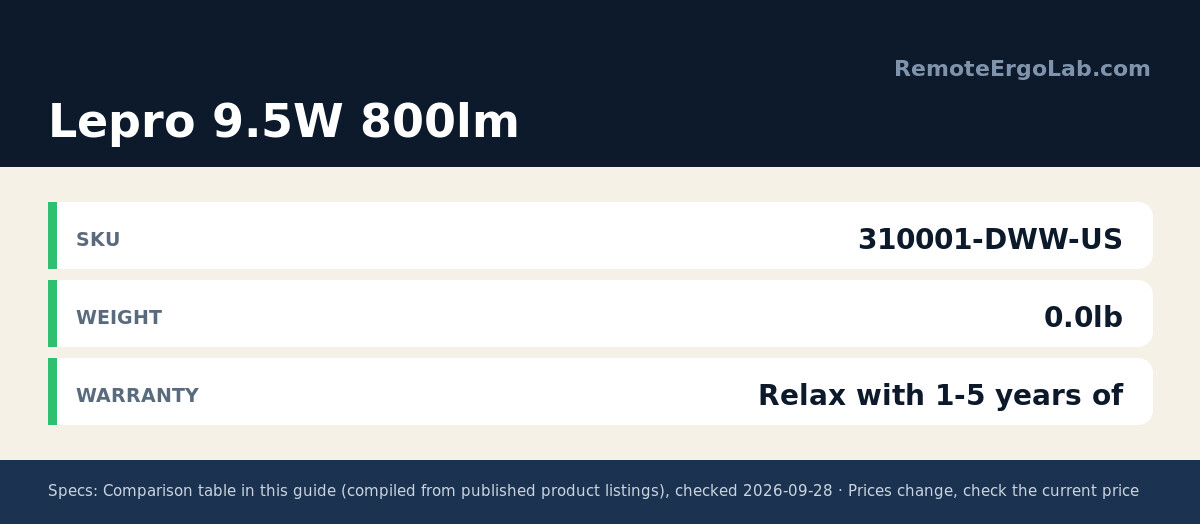
Lepro’s 9.5-watt lamp delivers 800 lumens from a metal body that looks far more expensive than its price tag. Five color temperatures and five brightness levels give enough range to work cool and bright at noon, then shift warm for evening reading. It is one of the higher-volume listings in this space, and the review pattern is steady rather than spectacular, which is about what you want at this price. The footprint is compact but real, so measure your desktop first. Typical price: $20-$30, current listing pending.
karidi Foldable LED Desk Lamp: Cheapest Pick That Still Earns Its Spot
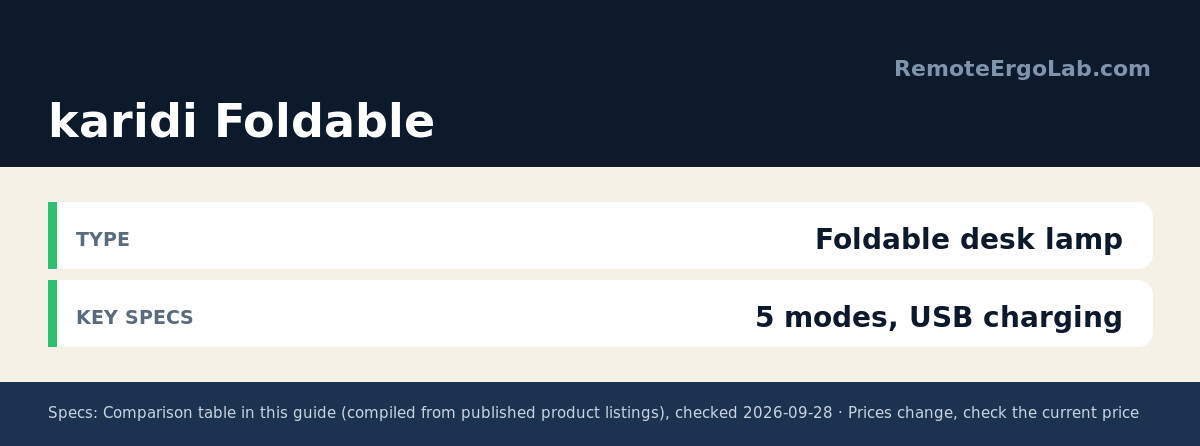
The karidi folds flat enough to slide into a bag, which makes it a fit for shared desks, kitchen-table offices, and travel. Its 13.3-inch body offers five lighting modes and a touch-sensitive control panel, and the base carries a USB charging port that keeps a phone or earbuds topped up without another adapter on the desk. Nobody should expect premium build at this level, but owners consistently describe it as surprisingly solid for the money. At roughly $15-$25 it is the least risky impulse buy on this list — confirm the current price first.
Buying Guide: What an Eye-Strain Lamp Actually Needs
Brightness alone is not the fix — glare and flicker are what tire eyes. Work through these points before picking a model.
- Color temperature range. Look for a lamp that spans roughly 2700K (warm) to 5000-6500K (cool daylight). Neutral 4000-5000K suits daytime computer work; warm light in the evening signals the brain to wind down. Fixed-temperature lamps are the wrong tool here.
- CRI of 90 or higher. Color Rendering Index measures how true colors look under the light. A CRI in the 90s keeps skin tones, documents, and packaging accurate; sub-80 light makes everything slightly muddy.
- Flicker-free driver. Cheap LEDs dim by pulsing rapidly, and the human eye registers that as fatigue even when the pulsing is invisible. “Flicker-free” is a spec worth filtering for, not a marketing word.
- Positioning beats power. Light should come from above or the side, never reflect off the screen into your eyes. Monitor light bars solve this by design; with a desk lamp, angle the head so the beam hits the desk, not the display.
- Footprint. On a small desk, a monitor bar or clamp lamp frees the surface entirely. A base lamp needs roughly a 6-8 inch circle of clear space, so measure before ordering.
Between 400 and 800 lumens covers almost every home-office task. Below that, documents look dim; above it, you start trading comfort for glare.
Desk Lamps for Tall People: What Actually Changes
If you sit tall — roughly 6 ft or more — a standard task lamp stops behaving the way the product photos suggest. Its head ends up lower in your field of view, so the light points into your line of sight instead of down onto the desk, and a short arm often cannot clear a monitor that has been raised to match your sitting height. The fix is not more lumens; it is getting the light source above eye level with enough reach.
Three ways to get light above eye level
- Monitor light bars. Because they clip to the top edge of the screen, they rise with the monitor. Raise the screen for a taller torso and the bar rises with it, keeping the beam on the desk rather than in your eyes. This is why the BenQ ScreenBar Pro and Quntis Monitor Light Bar Pro in our shortlist suit tall users without any extra adjustment.
- Clamp lamps with a long arm. A clamp base frees the desktop and a swing arm reaches over the work surface, but the arm length has to be checked against your monitor top height. If the arm is shorter than that distance, the head sits below eye level and you are back to glare. The LitONES Remote clamp lamp is the pick in this guide that fits that pattern.
- Base task lamps. Buy one only if the head adjusts well above the shade body. Most base lamps top out below the eye height of a 6 ft user at a standard 75 cm desk, so they work best as a secondary light rather than the main one.
Whichever type you choose, check three things on the listing: the arm reach or mounting position, how far the head adjusts vertically, and whether the diffuser spreads the beam instead of concentrating it into a hotspot.
For the rest of a tall-user setup, see our guides to standing desks for tall users and ergonomic chairs for a 6 ft frame.
FAQ
What color temperature is best for computer work?
Most eye-care guidance lands around 4000-5000K for daytime screen work — cool enough to keep you alert, warm enough to avoid the harsh blue spike of full daylight modes. Drop toward 2700-3000K in the evening if you work late.
Do monitor light bars actually reduce eye strain?
They remove one specific strain source: reflected glare on the screen. By lighting the desk instead of the panel, a bar keeps contrast comfortable without a second light source bouncing off the glass. They also reclaim desk space, which is a separate ergonomic win. The bars that do this for a living are ranked in our monitor light bar picks for eye strain.
How bright should a desk lamp be for a home office?
Roughly 400-800 lumens covers reading, paperwork, and general desk work. Match brightness to the room — a lamp that overpowers a dim room creates its own contrast problems.
Where should a desk lamp sit to avoid screen glare?
Above or beside the monitor, with the beam aimed at the work surface rather than the display. If you can see the bulb reflected in the screen from your seated position, move the lamp until that reflection disappears.
Is a high CRI rating worth paying for?
For pure screen work, marginal. For video calls, reading, or any color-sensitive task, yes — the jump from CRI 80 to 95+ is visible in how naturally tones render. Most lamps in this guide sit at 90 or above.
Related Guides
Lighting is one layer of a comfortable desk. These guides cover the setup around it:
- Monitor risers that bring your screen to eye level
- Keyboard trays that free up desk space
- The complete home office ergonomics checklist
Shop These Picks on Amazon
As an Amazon Associate we earn from qualifying purchases. Ready to compare prices? These links open Amazon listings for the specific products covered in this guide, so you can check current models and prices yourself. If you buy through them, we may earn a small commission at no extra cost to you — it helps keep RemoteErgoLab free.
- BenQ ScreenBar Pro LED Monitor Light Bar (Black) on Amazon
- Quntis Monitor Light Bar Pro (White) on Amazon
- LitONES Remote LED Desk Lamp with Clamp on Amazon
- Lepro LED Desk Lamp 9.5W 800lm (White) on Amazon
- karidi LED Desk Lamp Dimmable Foldable with USB Charging Port on Amazon
RemoteErgoLab is reader-supported. This guide is research-based: it draws on published specifications, listing data, and patterns across user reviews rather than personal product testing. Prices and availability change frequently, so treat the ranges above as starting points and verify current listings before purchasing. As an Amazon Associate we earn from qualifying purchases.
If your desk sits higher than average, a standard task lamp often ends up below eye level. Our separate roundup of the best desk lamps for tall people compares arm reach and head height instead of brightness alone.