
Most ergonomic mice are built for average or large hands, which leaves smaller-handed users over-reaching for buttons or gripping a body that is simply too big. A mouse that feels fine at an 18 cm hand length can push a 16 cm hand into a stretched claw grip by late afternoon. This guide covers five ergonomic mice that fit smaller hands properly, judged on published specs, manufacturer sizing guidance, and the pattern across thousands of user reviews.
Quick Answer
For small hands, the Logitech Lift is the safest buy (typical $60-$70): a 57-degree vertical body made for small-to-medium hands. The Evoluent Mouse 4 Small ($90-$110) is the only true Small-size shell in this list. On a budget, the TECKNET vertical mouse runs $22-$30.
Quick Picks
Short on time? The shortlist, with details below.
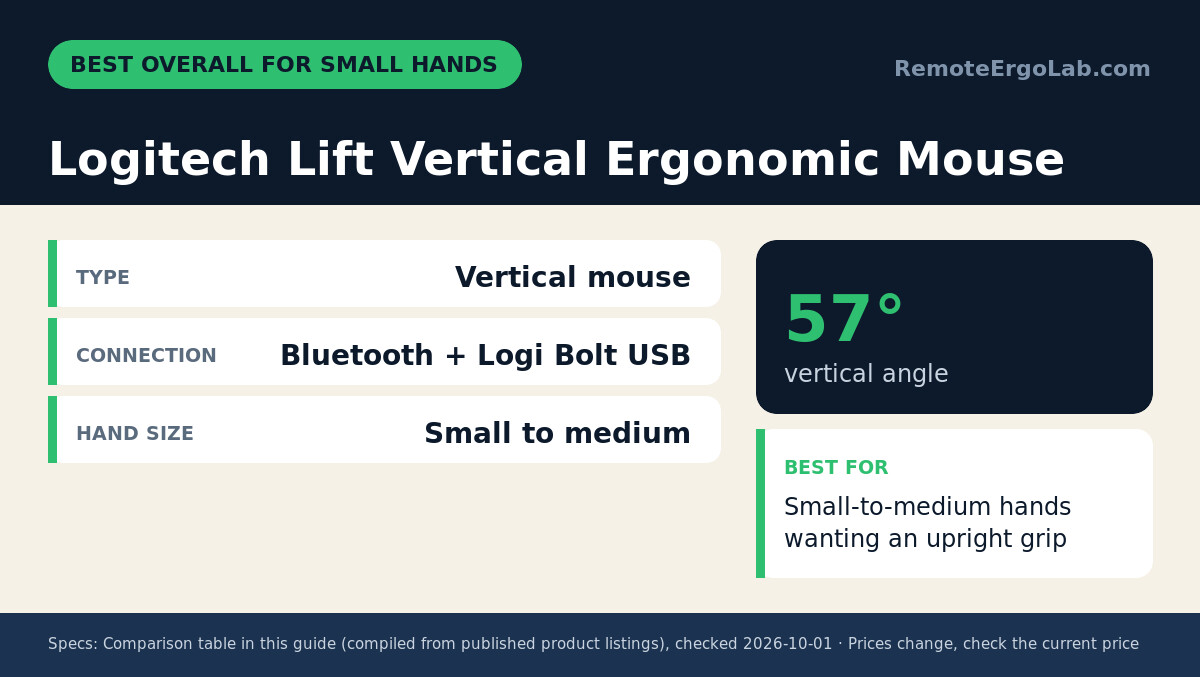
- Logitech Lift Vertical Ergonomic Wireless Mouse — best overall; a 57-degree vertical shape that Logitech sizes for small-to-medium hands.
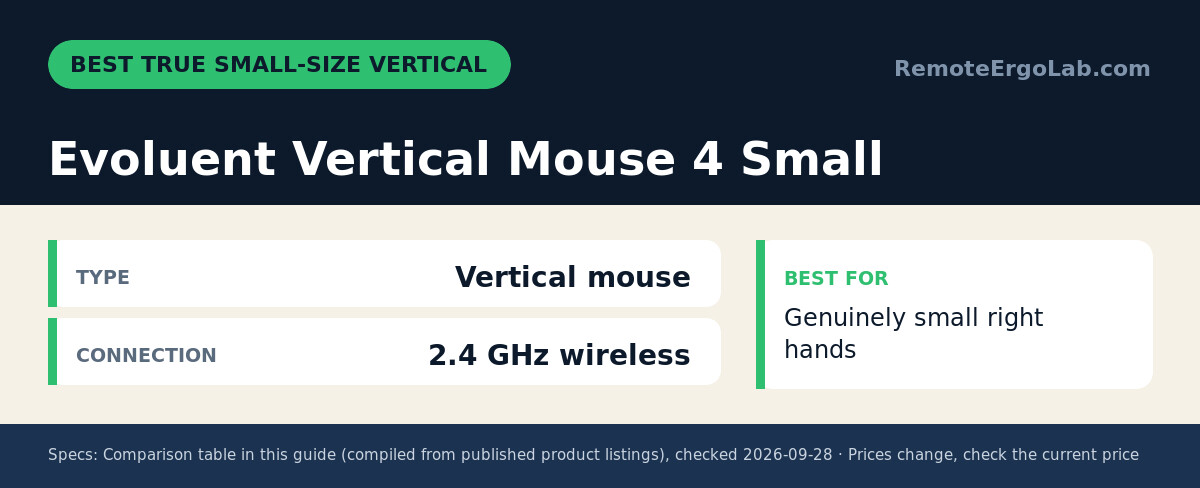
- Evoluent Vertical Mouse 4 Small — the true Small shell among vertical mice, wireless with six programmable buttons.
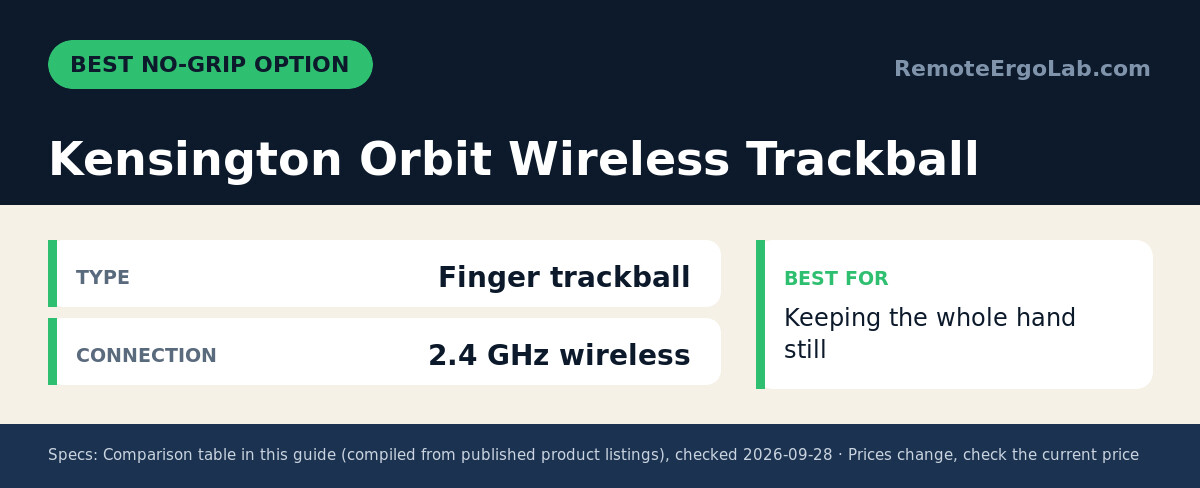
- Kensington Orbit Wireless Trackball with Scroll Ring — best no-grip option; the hand rests while the ball moves.
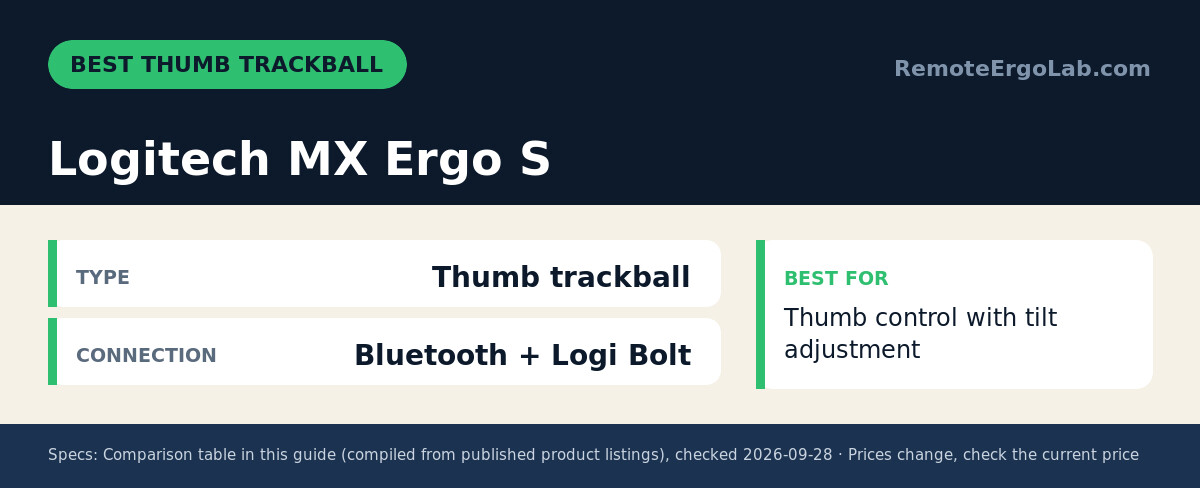
- Logitech MX Ergo S — best thumb trackball, with adjustable tilt and USB-C charging.
- TECKNET Silent Wireless Vertical Mouse — the budget pick, rechargeable with three-device switching.
How We Chose
Treat this as a research-driven buying guide, not a testing diary. Three filters did the shortlisting: the manufacturer must state a small-hand or small-to-medium sizing position, the grip must suit short finger reach, and the model needs a consistent review trail from owners with smaller hands. Candidates came from Amazon listings sorted by review rank; each finalist was then checked against its official spec sheet for dimensions, button reach, and connections. Prices below are typical street ranges, not fixed facts — verify the current listing before buying.
Comparison Table
| Product | Type | Connection | Best For | Typical Price |
|---|---|---|---|---|
| Logitech Lift | Vertical mouse | Bluetooth + Logi Bolt USB receiver | Small-to-medium hands wanting an upright grip | $60-$70 |
| Evoluent Vertical Mouse 4 Small | Vertical mouse (Small size) | 2.4 GHz wireless | Genuinely small right hands | $90-$110 |
| Kensington Orbit Wireless Trackball | Finger trackball | 2.4 GHz wireless | Keeping the whole hand still | $40-$55 |
| Logitech MX Ergo S | Thumb trackball | Bluetooth + encrypted Logi Bolt receiver | Thumb control with tilt adjustment | $100-$120 |
| TECKNET Silent Vertical | Vertical mouse | Bluetooth 5.3 + 2.4 GHz | Budget buyers, 3-device switching | $22-$30 |
Reviews
Logitech Lift Vertical Ergonomic Wireless Mouse — Best Overall for Small Hands
The Lift is the rare vertical mouse that does not assume a big palm. Logitech positions it for small-to-medium hands, and the 57-degree angle holds the wrist closer to neutral than a flat mouse does. Connection runs over Bluetooth or the Logi Bolt USB-A receiver, the clicks are quiet enough for shared rooms, and four of the six buttons are customizable in Logi Options+ on Windows and macOS. A single AA battery is rated for up to two years of typical use, and owners with smaller hands repeatedly note that their thumb finally lands on the wide rest instead of hanging off the edge. Expect roughly $60-$70 — check current price.
Typical price: $60-$70. Check current price on Amazon
Evoluent Vertical Mouse 4 Small — Best True Small-Size Vertical
Evoluent invented the vertical mouse category, and its 4 Small is a genuine Small body rather than a marketing label. The upright, patented shape holds the hand in a neutral handshake position and cuts the forearm twisting that flat mice encourage. Seven programmable buttons sit within easy thumb reach, and the 2.4 GHz wireless link plus its USB receiver work on locked-down work laptops without Bluetooth pairing headaches. Trade-offs are visible: right-hand only, utilitarian styling, and a price near the top of this list at roughly $90-$110 (check current price). Small-handed reviewers describe it as the first mouse where buttons line up with their fingertips instead of sitting a knuckle too far away.
Typical price: $90-$110. Check current price on Amazon
Kensington Orbit Wireless Trackball with Scroll Ring — Best No-Grip Option
A trackball sidesteps the small-hand problem: the device stays stationary while your fingers roll the ball, so nothing demands a palm-stretching reach. The Orbit Wireless (model K72675WW) pairs a compact base with Kensington’s patented scroll ring, letting you scroll without lifting a finger. The 2.4 GHz connection keeps the desk cable-free and the layout works for either hand. Owners mention a few days of learning curve before fine cursor control feels natural. At roughly $40-$55 it is the cheapest way to test a no-grip setup — check current price.
Typical price: $40-$55. Check current price on Amazon
Logitech MX Ergo S Advanced Wireless Trackball — Best Thumb Trackball
Thumb-ball fans get a refined 2024 update in the MX Ergo S. An adjustable hinge tilts the ball surface from flat to 20 degrees, so smaller hands can find a wrist angle that suits them instead of adapting to a fixed one. Six programmable buttons, USB-C charging, and Bluetooth plus the encrypted Logi Bolt receiver cover the basics; a full charge is rated for months of work. The downsides are price and heft — it typically runs $100-$120 and is built like a small tank. Users with short thumbs advise placing it close to the keyboard edge so the thumb never over-extends. Check current price before ordering.
Typical price: $100-$120. Check current price on Amazon
TECKNET Silent Wireless Vertical Mouse — Best Budget Pick
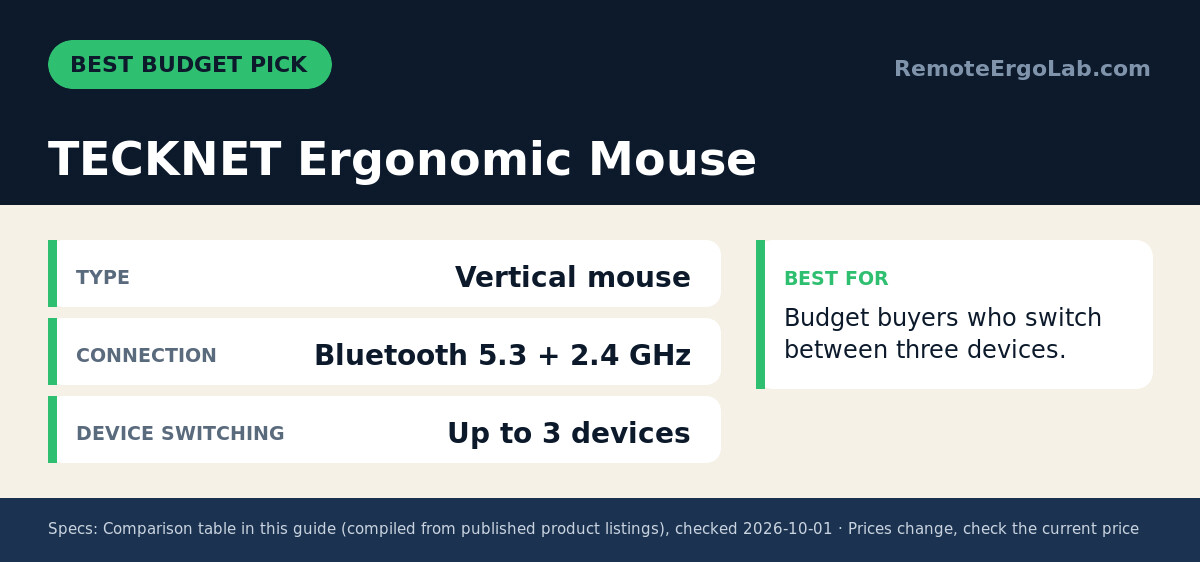
TECKNET’s vertical entry delivers the upright grip at a fraction of the premium price. Bluetooth 5.3 pairs with a 2.4 GHz USB-A receiver, a button cycles between three paired devices, and the battery recharges over USB-C instead of chewing through AAs. Six buttons and six adjustable DPI levels cover the basics, and the silent switches are genuinely office-friendly. The compact body suits smaller hands, though the button reach is not tailored as precisely as the Evoluent’s Small shell. At roughly $22-$30 it is a low-risk first experiment with vertical mice — check current price.
Typical price: $22-$30. Check current price on Amazon
Buying Guide: What Fits a Small Hand
Measure before you spend. Hand length runs from the wrist crease to the tip of the middle finger; around 17 cm (6.7 in) or less counts as small for mouse sizing. A body of roughly 10-11 cm long suits that span, and button reach matters more than overall length.
- Vertical vs flat: vertical designs rotate the forearm toward neutral and help most when wrist or forearm pain is the complaint; flat, low-profile mice suit people whose tension stays in the fingers.
- Grip style: small hands often default to a fingertip grip, so favor a short, narrow body that stops the palm from forcing a stretch.
- Trackballs: finger balls like the Orbit demand almost no hand movement; thumb balls keep the wrist still but work the thumb joint.
- Buttons and weight: side buttons should sit under the thumb without reaching; lighter mice (under 100 g) are easier to steer with a fingertip grip.
- Connection: Bluetooth-only mice can frustrate on locked-down work laptops, so a USB receiver option is a useful fallback.
If the mouse is only half the problem, pair it with a lower keyboard surface: our keyboard trays for small desks and our keyboard and mouse pairing for laptop ergonomics cover that side of the setup.
FAQ
How do I know if I have small hands for a mouse?
Measure from your wrist line to the tip of your middle finger. At about 17 cm (6.7 in) or less, standard mice sized for medium-to-large hands will likely force a stretch, so look for models marketed for small-to-medium hands or true Small shells like the Evoluent VM4S.
Are vertical mice better for small hands?
A vertical mouse helps a small hand only when its body is already short and narrow; the steep handshake angle fixes forearm rotation, not finger reach. A hand length of about 17 cm (6.7 in) or less counts as small in most sizing guides, and mouse bodies around 10-11 cm long suit that span, so the buttons and scroll wheel stay within reach without stretching. Above that body length, a small hand ends up hovering over the buttons even at a steep angle, which trades wrist rotation for finger strain. The angle is a bonus, not the fix; check the body length and width against your own measured hand first. (Sources: manufacturer size guides and product listings, checked 05/10/2026.)
Is a trackball good for small hands?
A trackball is often the most size-neutral option for small hands because the ball stays in place and your fingers roll it without moving the whole shell. Finger-operated models such as the Kensington Orbit need only a light fingertip reach, while thumb-operated designs such as the Logitech MX Ergo S put the movement under the thumb, where a shorter thumb span matters more. As a rule, a mouse body of about 10-11 cm and a weight under 100 g is easier to steer with a light grip, so it suits a hand near the 17 cm (6.7 in) small-size mark. Check the ball diameter and thumb-rest position before buying. (Source: manufacturer product listings, checked 05/10/2026.)
What is the difference between the MX Ergo S and the older MX Ergo?
The MX Ergo S is an update of the MX Ergo rather than a redesign. Logitech lists USB-C charging and the encrypted Logi Bolt receiver alongside Bluetooth on the S model, while both keep the thumb-ball layout and a body around 10-11 cm long that fits a hand at or below the 17 cm (6.7 in) small-size mark. The adjustable hinge still tilts the ball surface from flat to a 20-degree maximum, so the tilt range a small hand relied on carries over. The practical difference is charging and pairing, not ergonomics. (Source: Logitech MX Ergo S product page, checked 05/10/2026.)
What is the smallest ergonomic mouse?
The smallest ergonomic options are compact vertical and mini-shaped models: they shorten the grip width and the palm length so a small hand can reach the buttons and the scroll wheel without stretching. Check the listed length and width against your own hand measurement — a mouse that is 2-3 cm shorter than a full-size model is usually the difference between a relaxed grip and a hover grip.
What is the best ergonomic wireless mouse for small hands?
A wireless mouse that keeps the ergonomic shape but trims the shell: either a compact vertical mouse, which turns the wrist to a handshake angle, or a mini ambidextrous mouse, which keeps the buttons close to the fingertips. Wireless matters most if you move between a laptop and a desk, because it removes the cable drag that pulls a light mouse off line.
How do I check whether a mouse fits my hand?
Measure from the base of your palm to the tip of your middle finger, then compare it with the listed mouse length: the shell should be a little shorter than your palm length so your fingers rest on the buttons instead of curling over them. If the listing does not state the dimensions, treat the shape (vertical vs mini) as the guide and check the return policy before you commit.
Related Guides
An ergonomic mouse is one piece of a comfortable desk. These guides cover the gear around it:
- Best keyboard and mouse combos for laptop ergonomics
- Best ergonomic keyboards for small desks
- The complete home office ergonomics checklist
- Standing Desk Types for Small Spaces: 4 Compared
- Best Ergonomic Keyboards for Wrist Pain Under $100
Shop These Picks on Amazon
As an Amazon Associate we earn from qualifying purchases. Ready to compare prices? These links open Amazon listings for the specific products covered in this guide, so you can check current models and prices yourself. If you buy through them, we may earn a small commission at no extra cost to you — it helps keep RemoteErgoLab free.
- Logitech Lift Vertical Ergonomic Wireless Mouse (Graphite) on Amazon
- Evoluent Vertical Mouse 4 Small on Amazon
- Kensington Orbit Wireless Trackball with Scroll Ring (K72675WW) on Amazon
- Logitech MX Ergo S Advanced Wireless Trackball Mouse on Amazon
- TECKNET Ergonomic Mouse, BT5.3/2.4G Silent Wireless Vertical, Rechargeable on Amazon
RemoteErgoLab is reader-supported. This guide is research-based: it draws on published specifications, manufacturer sizing statements, and patterns across user reviews rather than personal product testing. Prices and availability change frequently, so treat the ranges above as starting points and verify current listings before purchasing. As an Amazon Associate we earn from qualifying purchases.